Perplexity AI is increasingly becoming the search and research tool loved by students and pupils around the world. With the ability to quickly synthesize information and cite sources transparently, Perplexity Pro offers a superior experience compared to the free version. The special thing is that students and pupils can receive it 12 months free Perplexity Education Pro worth 200USD. In this article, I will guide you step by step so you can start using it today.
| Join the channel Telegram belong to AnonyViet 👉 Link 👈 |
What You Get With Education Pro
Before starting, let’s review the outstanding benefits of the Education Pro package:
- Unlimited Pro Search: 300+ in-depth searches per day with detailed answers to complex questions
- Unlimited File Uploads: Upload unlimited documents and photos for analysis with the latest AI models
- Deep Research: Automated in-depth research tools, saving you hours of research
- Perplexity Labs: Create simple reports, spreadsheets, dashboards, and web apps
- Spaces: Customize Perplexity for each project and collaborate with friends
- API Credits: 5 USD API credits to integrate into your application
- 10x Citations: 10 times more source citations than the regular version
- Learn Mode: Flashcards and quizzes for effective learning
Step 1: Prepare Documents Before Starting
You access https://chatgpt.com Then enter the prompt and upload the image below to ChatGPT
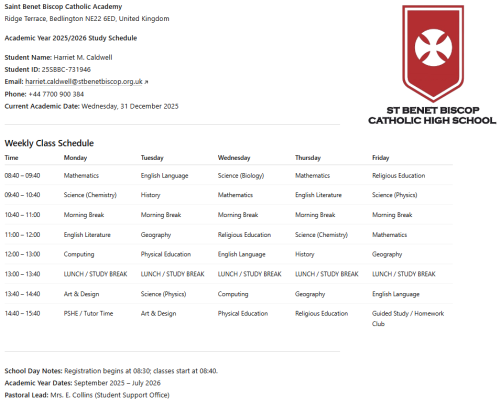
Prompt:
I want a study schedule in English for an UK student studying at Saint Benet Biscop Catholic Academy , along with fictional details such as their full name, student ID number, email, phone number (don't use number phone like '+44 7123 456 789') , and the current academic date (Remember: format the content to look like the image, don't show the logo and write text from the logo )
After ChatGPT gives the results, you can copy the full class schedule as below
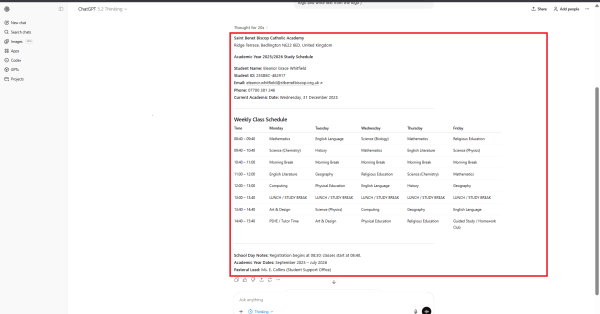
Next, you access the page https://www.iloveimg.com/photo-editor to incorporate the school logo into the class schedule ChatGPT just provided to you ( logo download link ). After completing the alignment, you need to save these 2 class schedules for verification
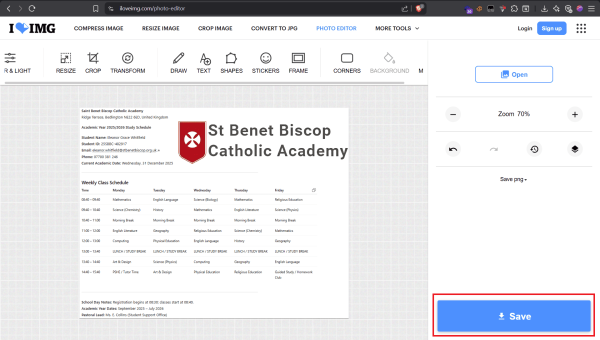
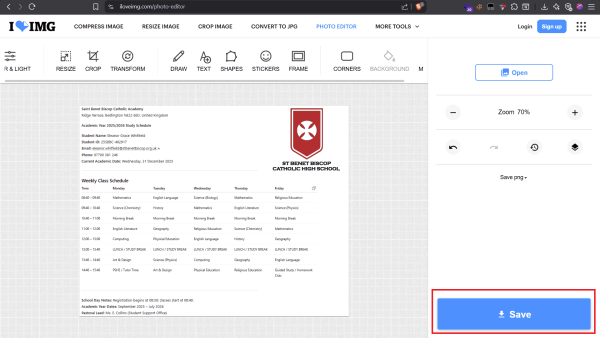
So the document preparation part is finished!
Step 2: Connect VPN to UK and create an Outlook account
You need to open the VPN app and select the server at UK. Make sure your VPN has connected successfully. You can use the utility VPN United Kingdom – Planet VPN lite Proxy to connect for free without limits
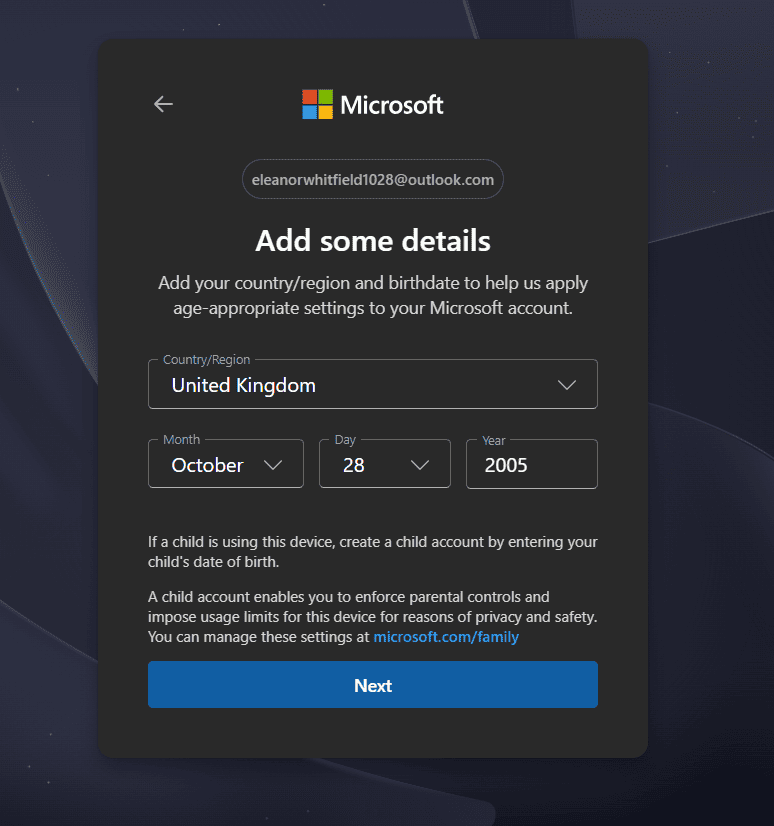
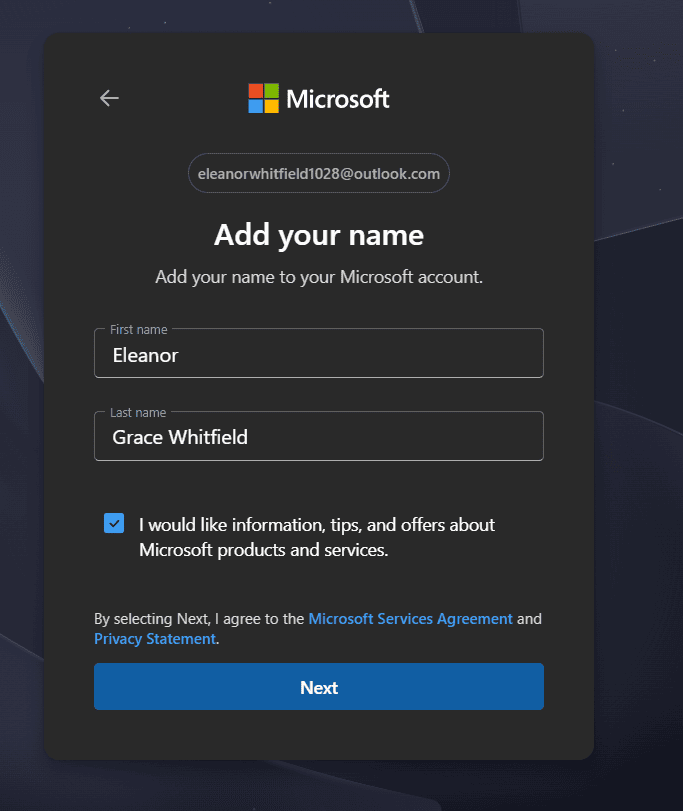
Next, you access the page https://outlook.live.com/ to create an outlook account with the information that ChatGPT has provided to you
Important note:
- Year of birth must be reasonable for students (usually from 2000-2007)
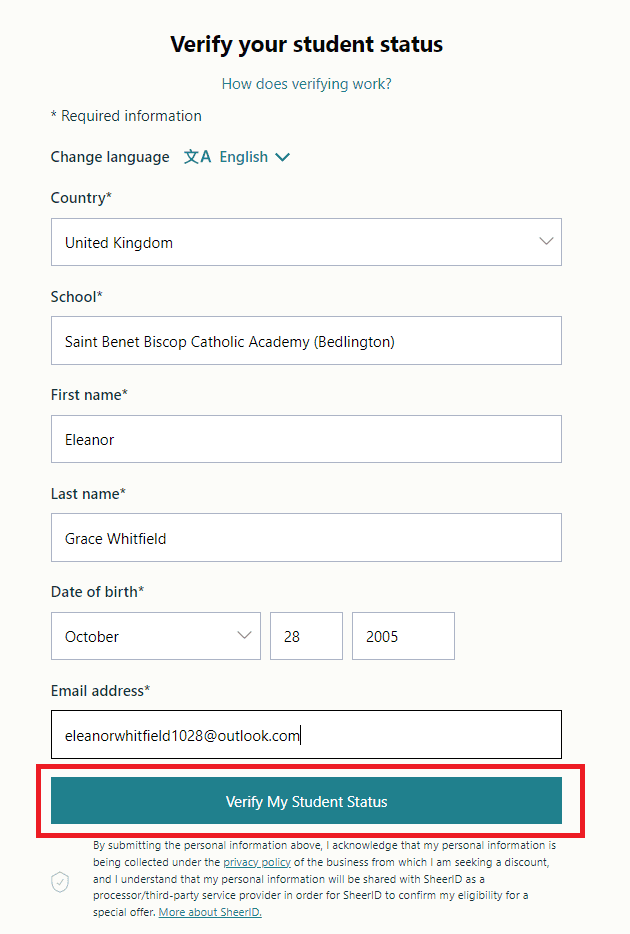
- All information must match exactly with the information you will fill in in the SheerID verification step
- Record all information (first name, last name, date of birth you set, outlook email) in a notepad to avoid forgetting
Step 3: Log in Perplexity.ai and receive incentives
In this step, enter the outlook email you just created and click Continue with email then enter the verification code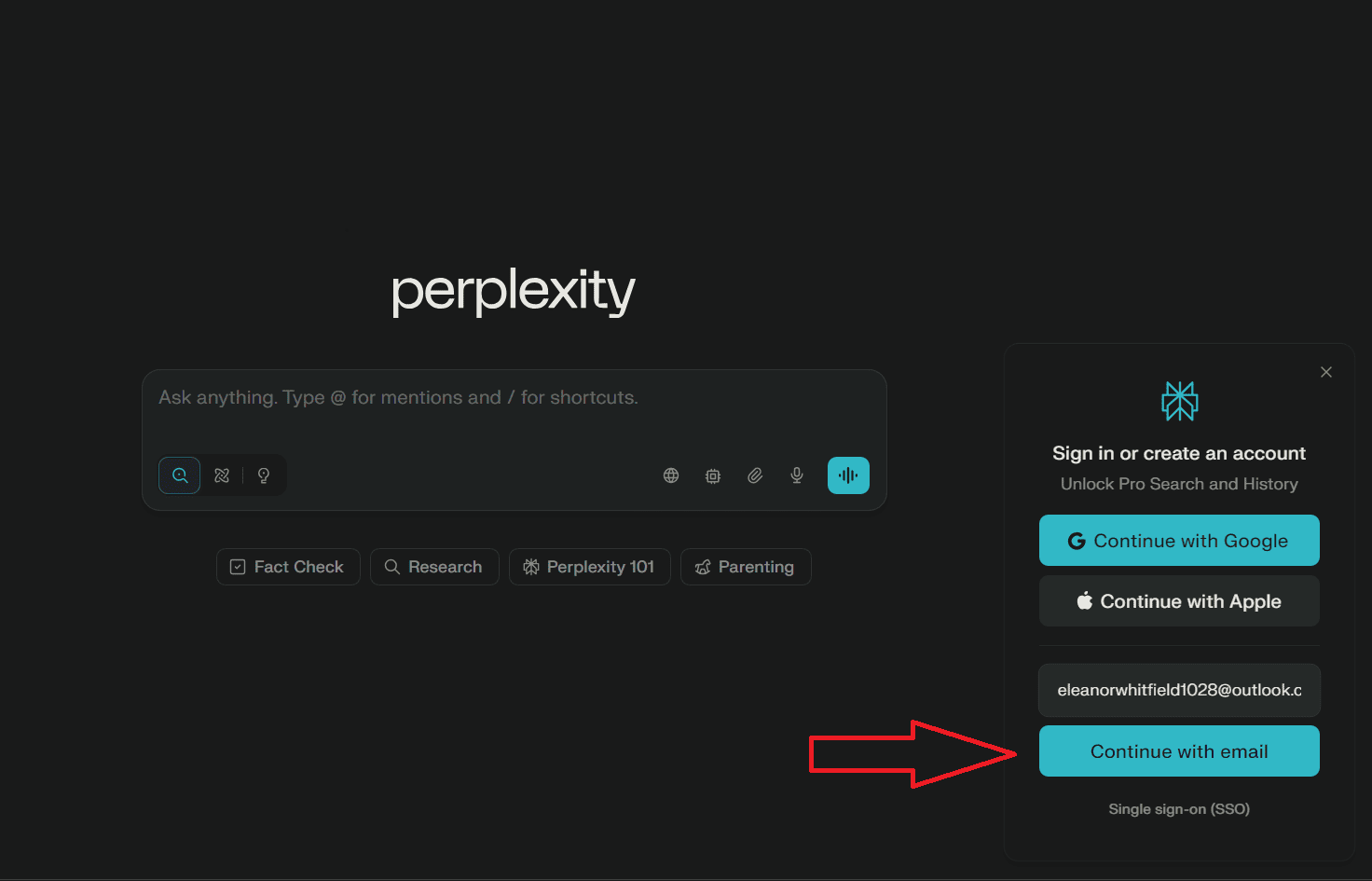
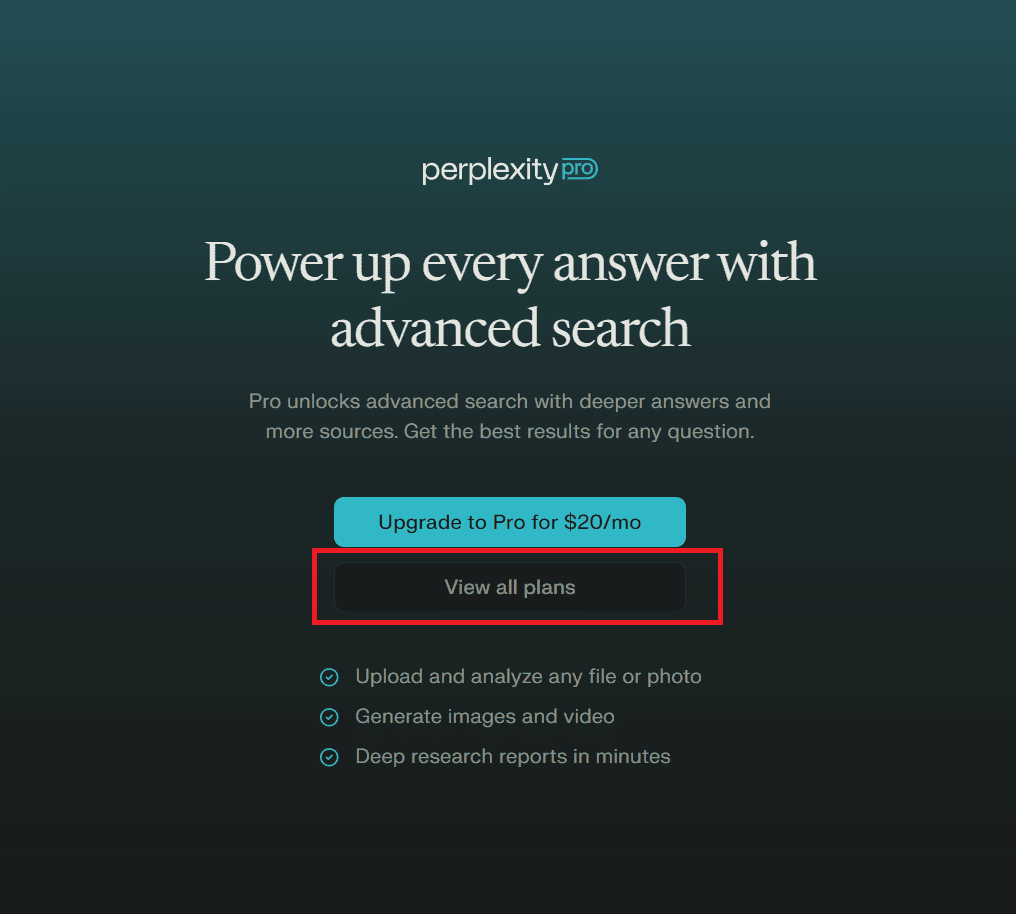
After verifying your email, choose to enter View all plans → Select Education package → Verify as student
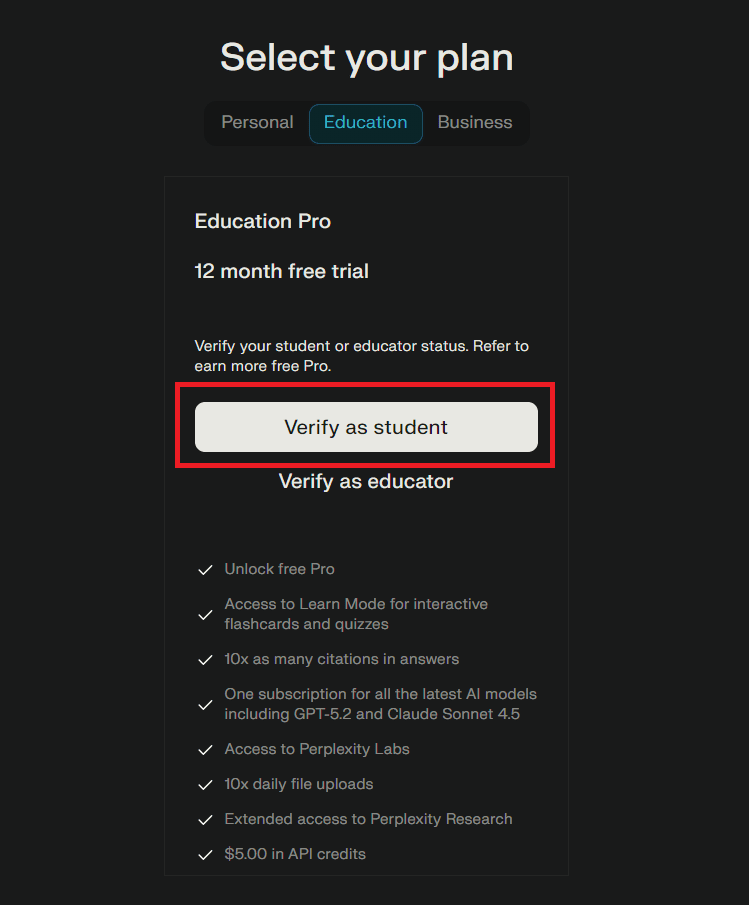
Here, you enter the field name Saint Benet Biscop Catholic Academy, Fill in the information you have noted in STEP 2 and press Verify My Student Status
Finally, upload the class schedule you saved there STEP 1 Already Submit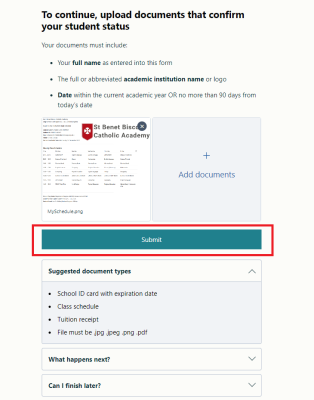
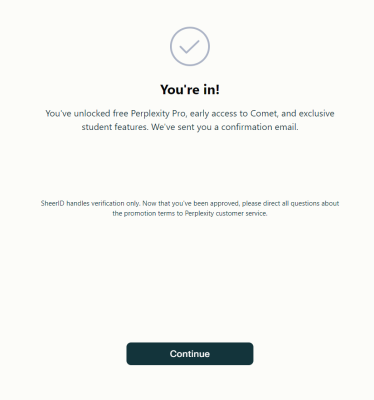
Note: If verification fails, please upload the remaining one. In case both fail, delete the cookies and then repeat the steps above
Conclusion
Although the registration process has many steps, it is quite simple and quick. As long as you prepare all the valid documents, you can complete it within 10-15 minutes. Don’t miss this great opportunity to improve your learning efficiency!
Wishing you successful registration and a great experience with Perplexity Education Pro!