The lack of availability of popular software is one of the main reasons why people hesitate to switch from Windows to Linux. While not every software for Windows is available on Linux, Linux software has gotten much better over the past few years. Thanks to the alternative software created by the open source community at large.
| Join the channel Telegram of the AnonyViet 👉 Link 👈 |
A few months ago, I wrote an article about 10 reasons why Linux is better than Windows. In this article, we will take a look at some of the software alternatives that make Linux an attractive choice for those who are bored with Windows.
Linux Software with similar features to Windows
1. GIMP
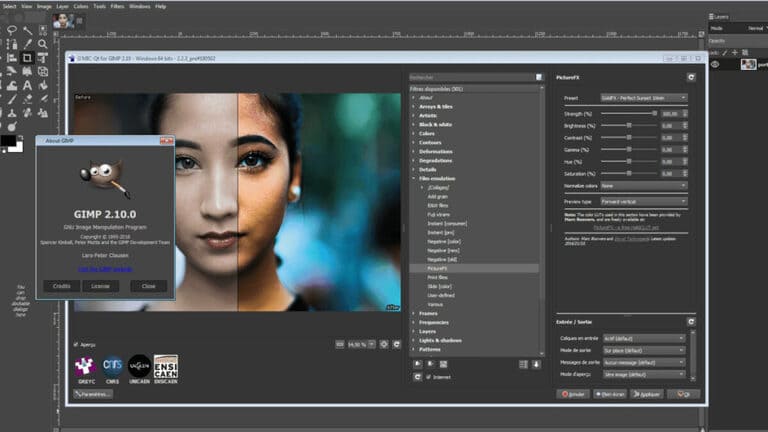
Content publishers will be the ones who leave Windows after moving to Linux. Adobe’s rich software suite, used by many creators, is the main reason they continue to use Windows. One of the great alternatives to Adobe Photoshop for Linux is GIMP, which stands for GNU Image Manipulation.
Unlike Photoshop, GIMP is completely free and open source software. Sure, it will take you a while to get used to it, but it’s always better to learn how to use a tool for free than to pay thousands of dollars a year for Photoshop (except Photoshop cr@@ck). Overall, GIMP is one of the best Windows software alternatives.
As for why Photoshop isn’t available on Linux yet, it’s probably because of the Linux market. Second, not everyone who uses Linux is willing to pay for the software.
2. Davinci Resolve
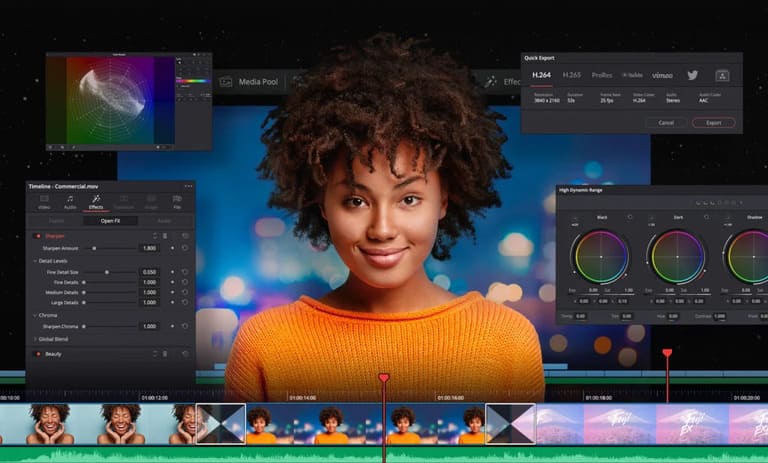
GIMP may not have as many features as Photoshop, but DaVinci Resolve is one of the best alternatives to Premiere Pro both in terms of features and price. Many Premiere Pro users have complained about getting many errors, annoying and slowing down the progress of work. With Resolve, things will be very different, and it will help you more if you have the good hardware and the time to master it.
For beginners who have no experience with Premiere Pro, DaVinci Resolve can be a bit difficult to use at first. The free version of Resolve comes with enough features to get you started. However, you can get the Studio version for a one-time payment of $399.
3. Libre Office
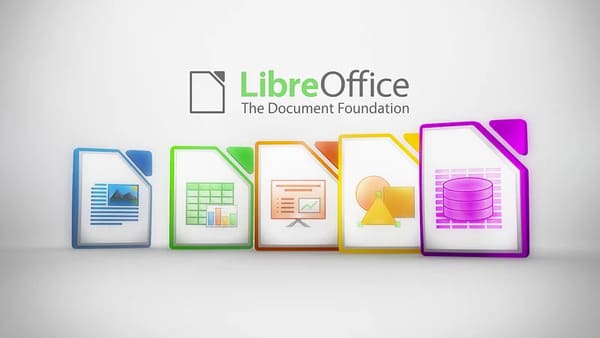
Microsoft Office is one of the biggest reasons why people don’t switch to Linux. Although users can still install Office on Linux using Wine or PlayOnLinux, the installation process can be too complicated for users who are new to Linux. Libre Office can be a perfect replacement for Office.
This is a very well built, open source alternative to Office on Windows. All software in the Libre Office suite is similar to Microsoft Office in terms of user interface and features. Best of all, it’s completely free, which makes it one of the best alternatives on Linux.
4. Audacious
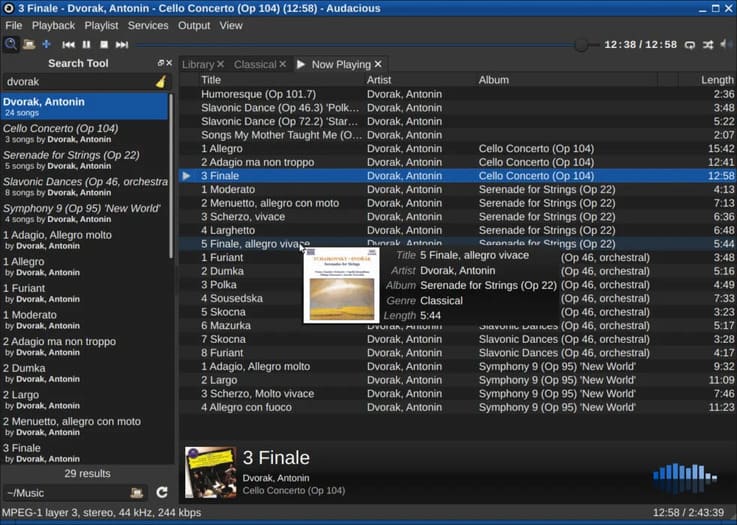
Audacious is an advanced audio player for Linux and a perfect replacement for the Groove Music software on Windows. It is a free, open source software with various plugins and customization options.
Audacious also supports OSS3, PulseAudio and ASA audio output. It also comes with various audio plugins to enhance your experience. The open source community is also constantly updating with new features, making it one of the best Windows alternatives and music players.
5. Audacity
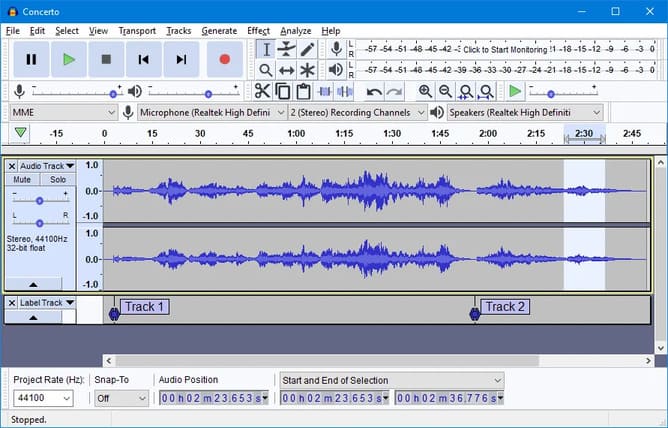
Audacity is still one of the best Audition alternatives for Linux. However, it is not as powerful as Audition. For a freeware, it lets you handle things pretty well. If you don’t want to pay and are willing to forgo some of the extra features Audition has to offer then Audacity is for you.
6. OBS Studio
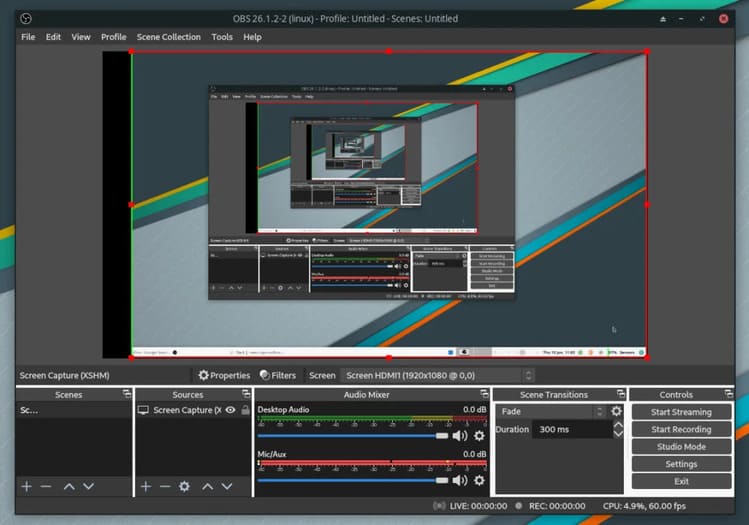
If you use Xbox Gamebar to record your screen on Windows 10, then you should try OBS (Open Broadcaster Software). OBS is a free software with a lot of interesting features.
Since discovering OBS, I have never used Gamebar software on Windows because OBS has more features. Editing the screen is also easier because I can go back to a specific area.
There are audio and video settings that you can adjust to change the size and quality of the video. One of the other reasons it’s great is because it consumes very little system resources.
7. Brave
If you are switching to Linux for security reasons, then you should use the Brave browser. Unlike Chrome, it blocks Google’s FLoC (Federated Learning of Cohorts).
Brave comes with ad blocking, built-in trackers, and Tor for added privacy. This is a Chromium-based browser that provides the same experience as when using Chrome. Besides the security features, you can also earn money with Brave’s own cryptocurrency, BAT. These features make Brave one of the best privacy-focused browsers out there. It is a perfect alternative to Chrome and Edge Chromium is also available on Linux. But because Brave’s sync feature is still limited, I don’t use it.