Do you know that Windows hides dozens of useful features that normal users are hard to discover? Super God Mode It is the key to opening the door to that secret world, allowing you to customize Windows as you like easily.
|
Join the channel Telegram belong to Anonyviet 👉 Link 👈 |
What is Super God Mode?
Different from the thoughts of many people, Super God Mode Not an official feature of Windows. It is a PowerShell command created by YouTuber Thiojoe, capable of scanning the entire system and gathering all settings, tools and hidden positions into a single place, making it easy to find and refine your Windows experience.

See also: Useful Scripts: Summary of 211 useful tools for web browsers
What is Super God Mode different from God Mode?
Similar to “God Mode” has been around for Windows, Super God Mode also provides quick access to the system settings. However, the difference is that Super God Mode goes further by searching and displaying hidden settings, affiliates, URL protocols and more, giving you the ability to control the system at an intensive level.
How to activate Super God Mode on Windows 11/10
To experience the power of Super God Mode, you need to download and run the instructions, then visit the folder containing the shortcuts created:
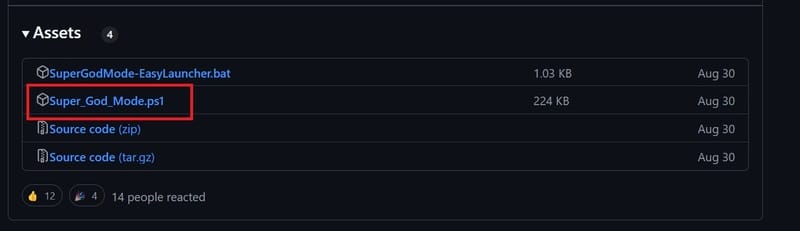
Step 1: Access Github project page and download super_god_mode.ps1 file to your computer.
Step 2: Open Start menu and search for PowerShell (or Terminal)> Right -click on PowerShell and select Run as Administrator.
Step 3: Change the implementation policy to allow PowerShell instructions to run.
Tip: You can download the file Supergodmode -Sylaucher.bat To launch the instructions without changing the policy.
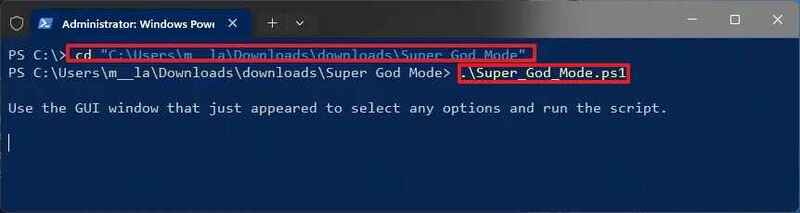
Step 4: Enter the following command to open the folder containing the set and press Enter:
cd path\to\script-directory\
Step 5: Enter the following command to run the Super God Mode instruction and click Enter:
.\Super_God_Mode.ps1
Step 6: (Optional) Confirm the installation of “Control Outputs” to specify scanning range.
Step 7: (Optional) Select the link folder by using the “output directory” settings.
Step 8: (Optional) Customize name for the folder using the “output folder name” settings.
Step 9: Click the Run Script button.
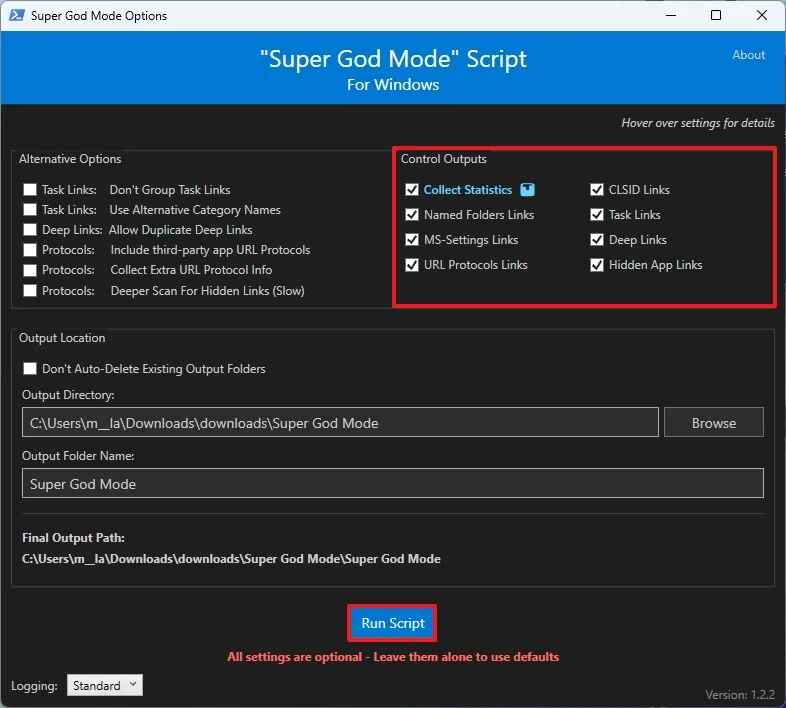
Once completed, the command will start scanning the system and collect links. Scanning time may vary depending on your system configuration.
How to use Super God Mode to manage the system
After successfully running Super God Mode, the system will create a directory that contains all shortcuts to the system settings. You can easily open and use these features without going back to PowerShell.
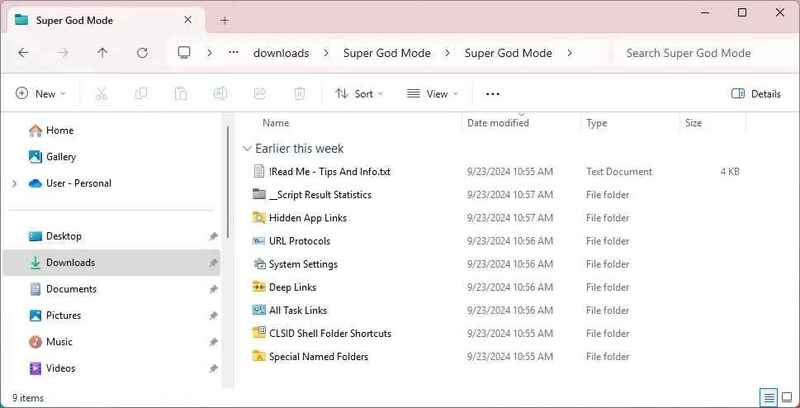
Special name Folders: contains shortcuts to important system positions such as AppData, Startup, Windows, Program Files, …
CLSID Shell Folder Shortcuts: Store the link to the settings in the Control Panel and Settings application, along with shortcuts for some other system features.
All Task Links: Includes all links to the settings in Control Panel, similar to the original “God Mode” on Windows.
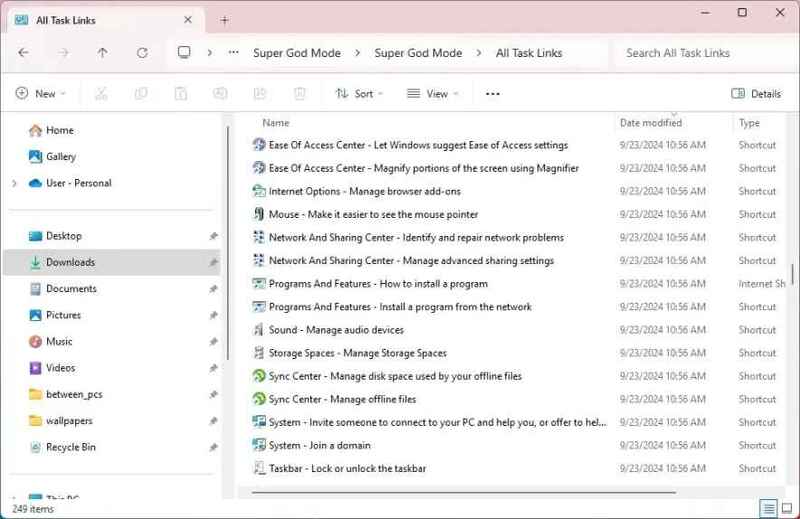
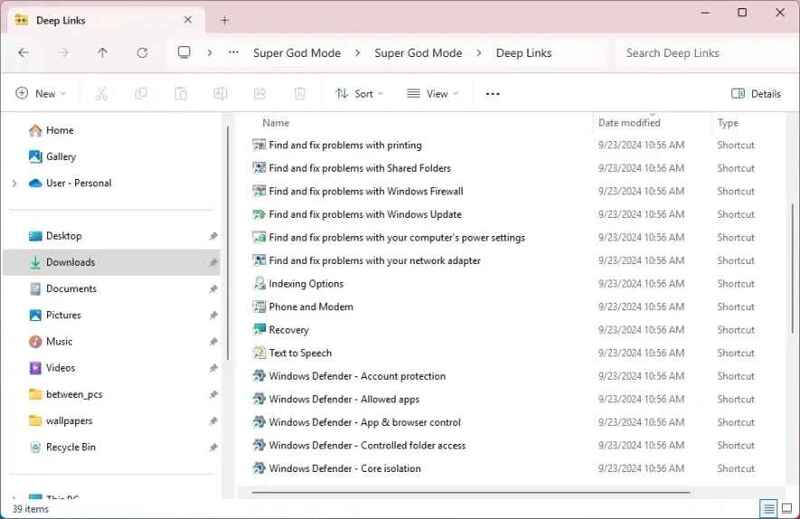
Deep Links: Similar to “All task links”, but these links opens specific pages in the Control Panel.
URL Protocols: Contains URI bonds for system features and applications.
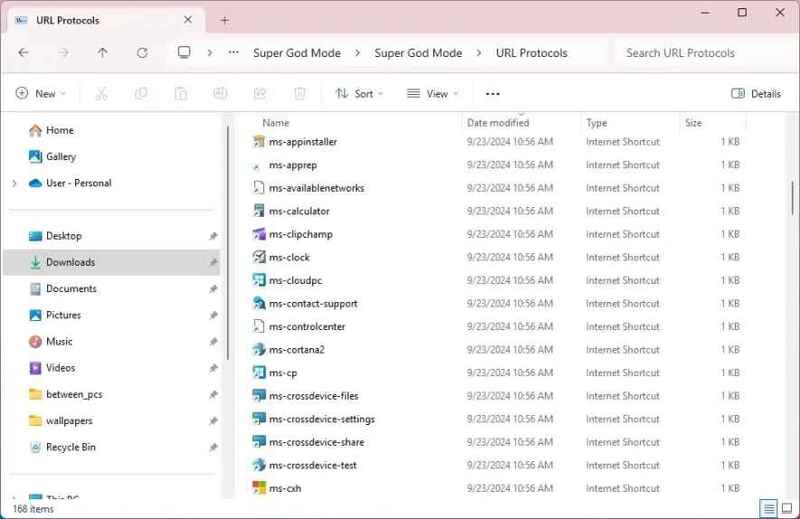
Hidden App Links: Similar to “URL Protocols”, but these links lead to specific parts or features in the application.
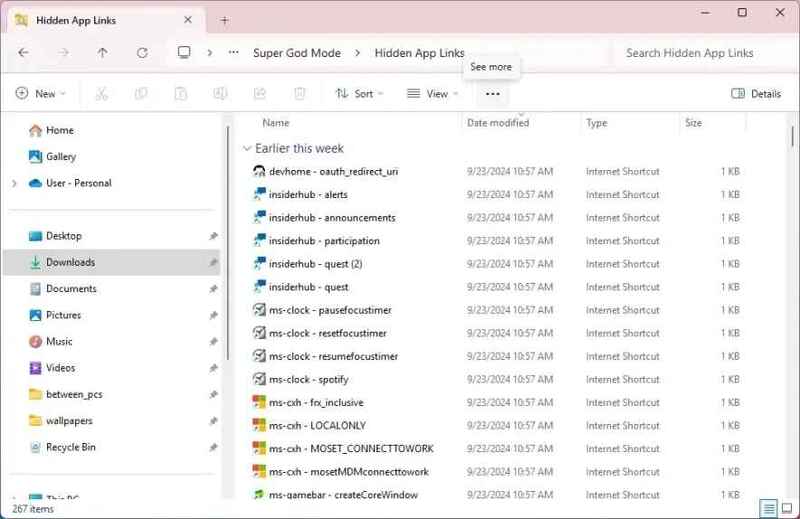
System Settings: Includes all URI to open a specific page in the Settings application.
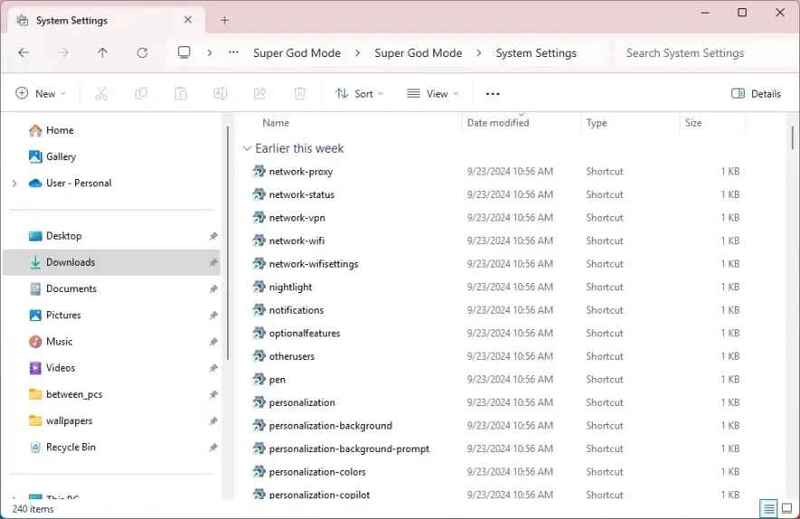
In addition, you will also find some CSV and XML files containing detailed information collected during the scan.
Benefits of Super God Mode
Super God Mode brings many benefits for both individual users and system administrators:
- Access and customize every corner of the Windows system.
- Quickly search and access hidden settings without having to remember complicated paths.
- Easily share specific settings for other users instead of having to explain each step.
- The instructions only scan and display links, not making any changes that affect the system.
See also: Share the link link to create QR code in Google Sheets
Conclusion
Super God Mode Not only is a useful tool to customize the Windows operating system, but also the key for users to optimize and completely control their system. Whether you are a normal user or network administrator, Super God Mode brings convenience, saving time and improving the experience of using a computer. Try applying today to feel the difference!