LibreOffice is a great choice for anyone looking for free office software. This suite of applications is not only powerful but also ensures absolute privacy for your personal data. Let’s explore with AnonyViet the outstanding advantages of this tool.
📢 Join the channel Telegram belong to AnonyViet
Update new articles, cool tools and IT tips fastest
Introducing LibreOffice
In the age of digital technology, finding a tool to support administrative work and learning that is both powerful and cost-effective is something that many people are interested in. This software suite comes as an excellent alternative to expensive paid applications. Developed on an open source platform, it supports smoothly on many different operating systems including Windows, macOS and also Linux.
Users can easily perform all essential daily tasks such as text editing, presentation design, spreadsheet creation or database administration. In particular, this ecosystem is extremely compatible with popular file formats such as Word, Excel, PowerPoint or Access, helping the data exchange process without any obstacles.
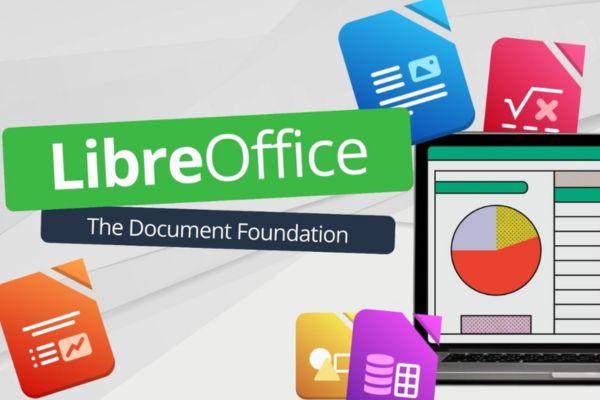
LibreOffice core applications
To fully meet user needs, the system provides a comprehensive toolkit with 6 specialized applications. Each application takes on a unique role, creating a professional workspace. Below is a visual comparison table to help you easily visualize the correlation between this toolkit and Microsoft Office:
| Application name | Main function | Equivalent to MS Office |
| Writer | Edit documents, make reports, insert charts and images. | Microsoft Word |
| Calc | Create spreadsheets, analyze data, calculate and visualize metrics. | Microsoft Excel |
| Impress | Design presentation slides with many rich motion effects. | Microsoft PowerPoint |
| Draw | Drawing graphics, designing diagrams, posters and basic photo editing. | There is no direct equivalent (Akin to Visio/Publisher) |
| Base | Database administration, form creation and information management. | Microsoft Access |
| Math | Draft and edit complex mathematical formulas. | Equation Editor |
Outstanding attractive advantages of LibreOffice
The biggest plus point that makes users decide to stick with this platform is the cost. You can use the full set of features completely free, without being bothered by ads and without needing to create a login account. The software works independently offline, so all your data is safely stored right on the device’s hard drive instead of pushed to the cloud, ensuring absolute privacy.
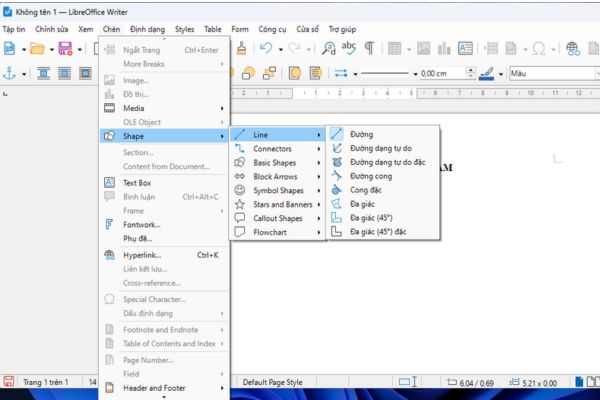
Besides, the use of open format OpenDocument (ODF) Provides outstanding document security. However, it still supports reading and writing tail files correctly .docx, .xlsx or .pptx. In terms of experience, the interface is designed to be very intuitive, supports Vietnamese, and Unikey percussion works smoothly with familiar shortcuts.
If you have ever used MS Office, switching to LibreOffice will not have any difficulties. Furthermore, the installation size is quite light (only approx 355 MB), installation speed is fast, bringing a smooth feeling similar to the legendary MS Office 2003 version.
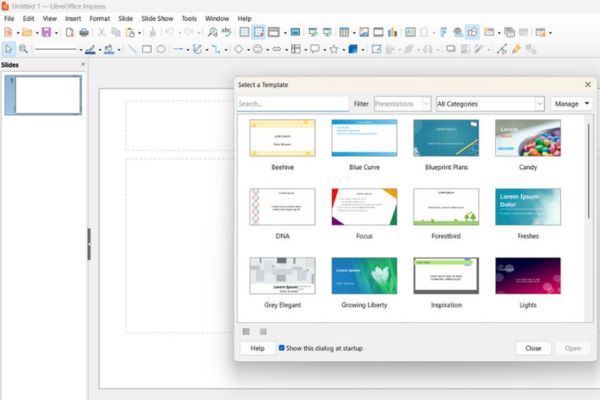
Instructions for downloading and installing LibreOffice software
The process of downloading and setting up LibreOffice is extremely simple, even people who are not tech-savvy can do it successfully themselves.
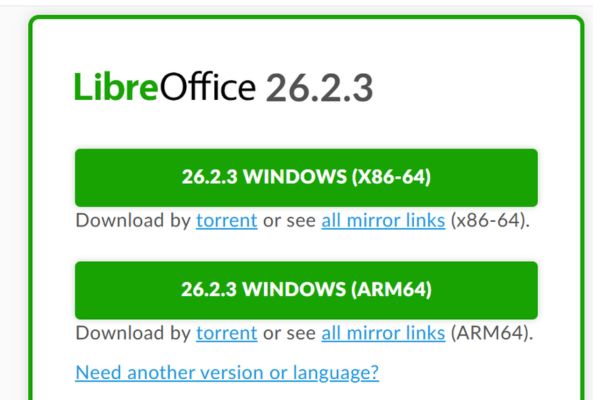
Step 1: Visit the official homepage link HERE To ensure safety and download the latest version suitable for your computer’s operating system.
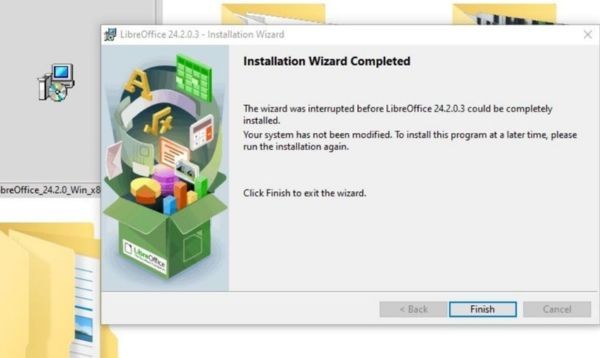
Step 2: After the file download process is complete, find the folder containing the file and double-click to open the installation file.
Step 3: In the installation window, you just need to click the button “Next” twice consecutively to agree with the default settings, then press “Install” for the system to begin unpacking and installing.
Step 4: Wait a few minutes for the progress bar to finish running. Finally, click “Finish” to finish. At this point, the software icon has appeared on the Desktop and is ready for you to experience.
Some helpful recommendations to optimize your experience
In order for the work process to go smoothly and achieve maximum efficiency, you should keep in mind a few of the following tips.
- Set up default formats such as font and paper size right from the beginning to save time in future drafting sessions.
- If you work in a team, combining uses the same ecosystem Google Workspace would be a smart choice.
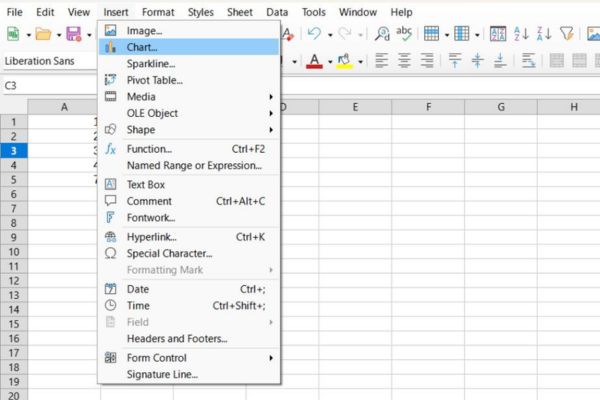
- In case you need to type complex Math formulas in LibreOffice, because you cannot directly install the MathType extension like Word, you can use the OLE object insertion feature to call MathType, or more simply use the built-in Math editor and Latex code.
- If your network connection is stable, you have more flexibility in use MS Office web version (online) to handle specific files is also a great backup plan.
Conclusion
In short, LibreOffice is a perfect solution to replace today’s expensive working tools. With full powerful features and a friendly interface, this software will definitely satisfy all types of users.
Frequently Asked Questions (Q&A)
1. Is this software really free?
Yes, the software is completely free, contains no ads and does not require you to register an account to use.
2. How to type mathematical formulas in software?
You can use the OLE object insertion feature to call MathType, or directly use the Math editor that comes with Latex.
3. Does the software require a network connection when used?
No, the software works completely offline. Data is stored directly on your device to ensure absolute privacy.