Dreamweaver makes web programming much faster and simpler. Support drag and drop and auto-generate code. All you need to do is design and drag and drop the interface, the software will automatically generate the right code for you.
| Join the channel Telegram belong to AnonyViet 👉 Link 👈 |
Before downloading, read a few reasons why you should use Dreamweaver CS6. You will understand why I am sharing this post and how Dreamweaver can help you. In addition, I also have some tips at the end of the article for those who are using it for the first time.
Why do I use CS6 and not CC 2018?
Currently, the CS6 version has provided all the necessary functions for web programming. You don’t need to install the CC2018 cloud integration version to make your machine heavy. CS6 is the most complete and lightest, most comfortable version I’ve ever used.
CS6 is very light, does not take up a lot of resources. I have a very old laptop running a core2 Duo processor. But it still runs Dreamweaver CS6 smoothly without any problems.
What does Dreamweaver do for you?
- Help you program faster with drag and drop. When you drag and drop the interface, the code will be automatically generated and you do not need to code anything.
- Simple to use like photoshop, integrated live preview gives you a preview of your website during the design process.
- Supports all web programming languages such as html5, css3, javascript, jquery, bootstrap, etc.
- Many tools with different functions, help you to program faster.
- Good interaction with localhost and database.
- Allows linking with Photoshop to edit images and get the image map coordinates of the image.
- …
There are many more functions waiting for you to discover. Your coding speed will increase significantly if combined with Dreamweaver’s drag and drop capabilities. It will automatically generate the code and you just need to edit the code! Thus, you will complete the website much faster than planned.
How convenient is the drag and drop operation?
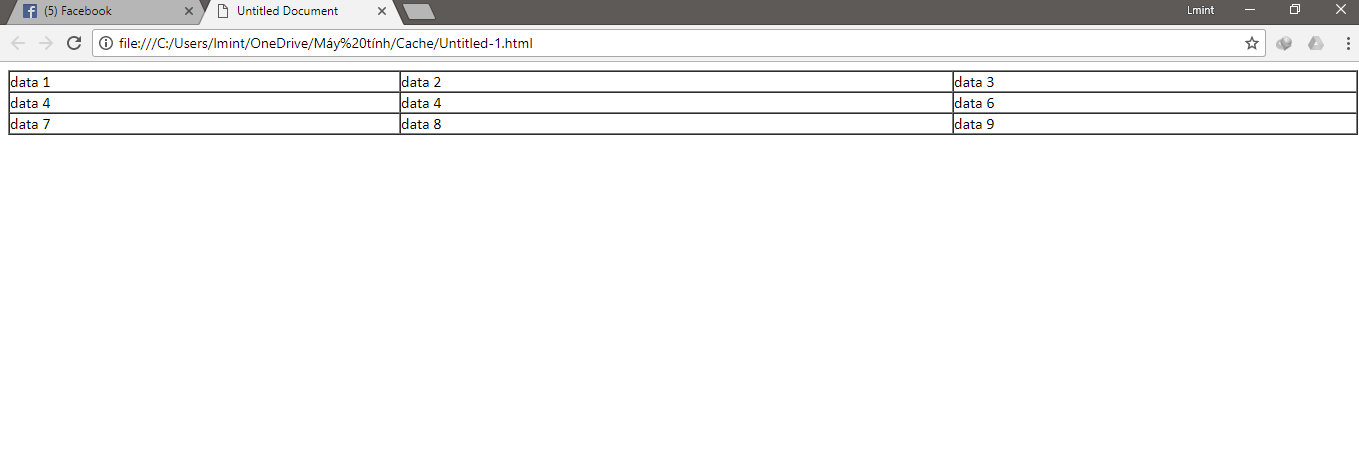
Usually, when creating a data-filled table, I need a very long code. To create a table, I need to code the following:
<table width="100%" border="1" cellspacing="0" cellpadding="0">
	  <tr>
	    <td width="29%">data 1</td>
	    <td width="41%">data 2</td>
	    <td width="30%">data 3</td>
  </tr>
	  <tr>
	    <td>data 4</td>
	    <td>data 4</td>
	    <td>data 6</td>
  </tr>
	  <tr>
	    <td>data 7</td>
	    <td>data 8</td>
	    <td>data 9</td>
  </tr>
</table>
But with Dreamweaver, I don’t need any code, just choose Insert (Insert) -> Table (Table) and set the column line as you like!
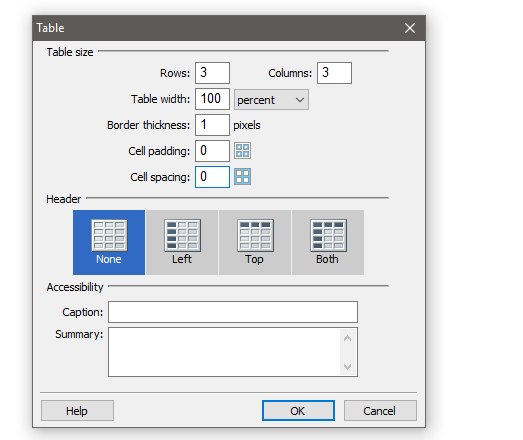
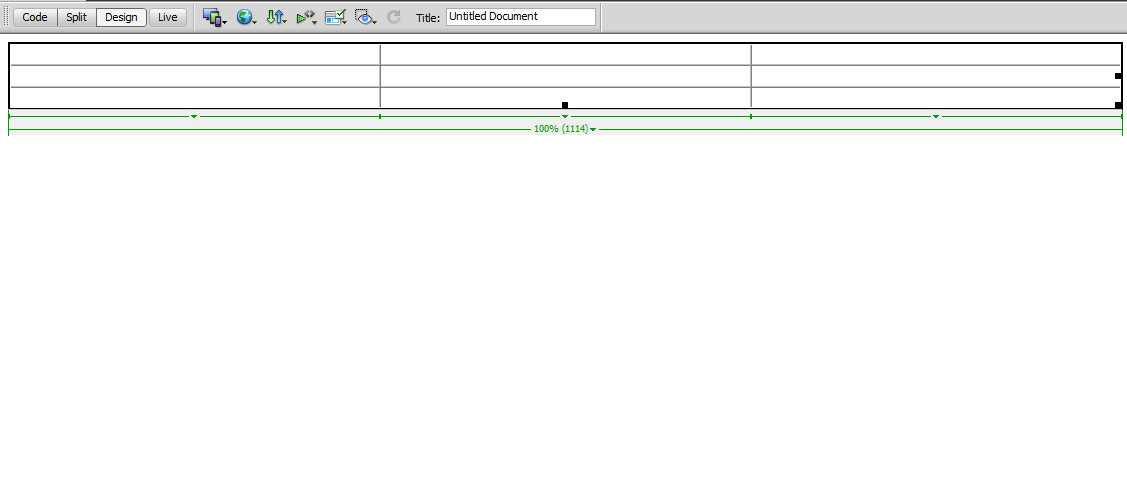
The software will create a table according to your requirements.
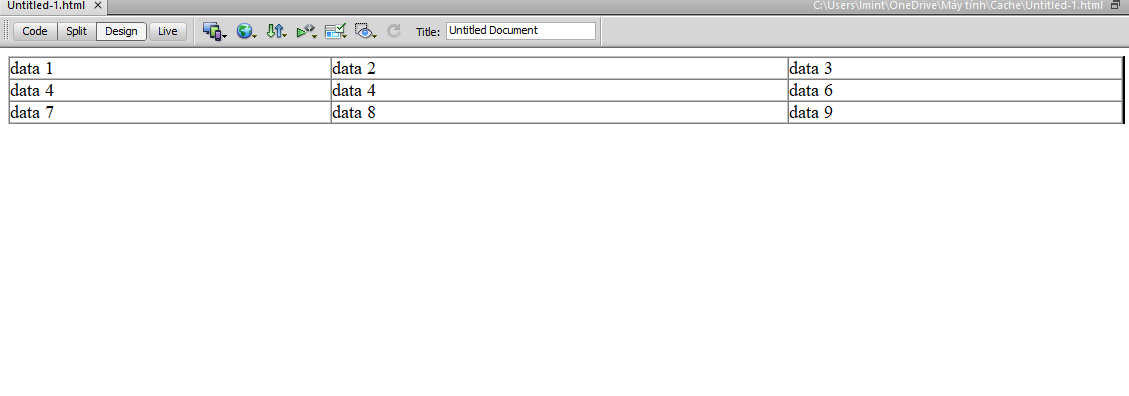
I just need to fill in the data in the cells in the table like Excel only.
And below is the Html code that Dreamweaver wrote for itself.
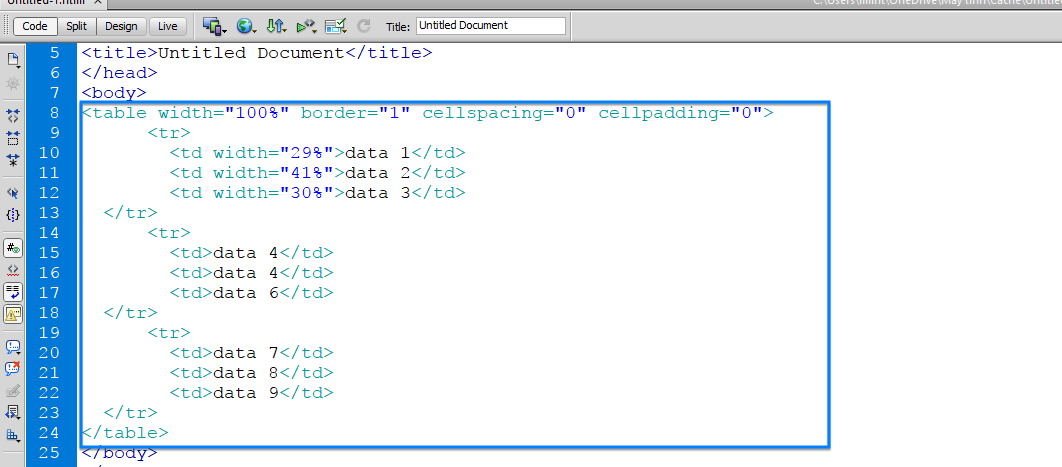
Same as the one I wrote above, right? But I don’t need the code, just click the software to generate the code as I want. You can run a test on the web to see the results!
Download Dreamweaver CS6
Please ignore the link123 ad to support me
This is the original full version I got from Adobe and uploaded to Google Drive. You can check again after downloading. The installer will be full of components as shown below.

You download and click on Set-up.exe to install as usual. Remember to choose the Continues Trial trial package. After successful installation, do not open Dreamweaver. Please insert the activation key according to your instructions in the link below.
https://anonyviet.com/huong-dan-crack-toan-bo-phan-mem-cua-adobe-2017/
So you already own Dreamweaver CS6 copyright !! Now, join the basic Dreamweaver usage course below to know how to design a website quickly.
What do I need to know before using Dreamweaver?
Dreamweaver supports drag and drop and it generates code by itself, but that doesn’t mean you don’t need to learn to code. Although the code is written for you by Dreamweaver, you also need to learn the basics of website coding so that you can edit it to your liking.
Recommended to learn more code HTML5, CSS3, Javascript and other web programming languages. That way, you can perfectly combine with Dreamweaver’s amazing drag and drop capabilities.
When you’re done dragging and dropping, it’s a good idea to switch to the code form to review the code a few times. Thus, after a long time of use, you will not forget the code structure.
In brief
I have shared the original Dreamweaver installer and how to insert the activation key for you. Please download and install. Then, join the free course I shared to know how to design a website with Dreamweaver!
Good luck
Lmint.