• Home
  • News
  • Software
  • Knowledge
  • MMO
  • Tips
  • Security
  • Network
  • Office
AnonyViet - English Version
  • Home
  • News
  • Software
  • Knowledge
  • MMO
  • Tips
  • Security
  • Network
  • Office
No Result
View All Result
  • Home
  • News
  • Software
  • Knowledge
  • MMO
  • Tips
  • Security
  • Network
  • Office
No Result
View All Result
AnonyViet - English Version
No Result
View All Result

BOT creates Google Drive Unlimited using Mail Edu Orange Coast College

AnonyViet by AnonyViet
May 15, 2024
in Tips
0

BOT creates Google Drive Unlimited and will automatically register Mail edu for you. Once completed, within 2 days you will receive a Mail Edu login account with Google Drive Unlimited feature. This bot is shared by OneHack and I have done it successfully so I will guide you to follow.

Join the channel Telegram belong to AnonyViet 👉 Link 👈

Once done, the necessary information will be saved for future login. BOT is written on python 3, and you need to install additional necessary libraries to operate.

BOT creates Google Drive Unlimited using Mail Edu Orange Coast College

Orange Coast College is one of the schools of the OpenCCC system. This is one of the registered schools email Edu the easiest, but I don't know when I'll die. Once registered, you will receive login information for GMail and Google Drive.

If you want to receive Office 365 then see the article Bot creates email Edu Los Angeles Harbor College

Mail Edu subscriptions to receive Google Drive Unlimited are as follows:

Download Python 3 and install on the computer. When installing, remember to check the mark Add Python 3.x to PATH

install python 3

Setting Google Chrome latest version.

Download BOT to create Google Drive by email Edu. Extract it and execute the following commands:

On the Address Bar of the unzipped folder type the command CMD and press Enter

access cmd

(In case the BOT cannot open, click Start, type CMD, and run CMD with Administrator rights

Then type the command cd đường-dẫn-thư-mục-giải-nén)

At this time, the CMD window will display and begin executing the following commands:

python -m pip install requests

python -m pip install selenium

run_me.py

The cmd window will ask you to VPN via USA, but I tested using a Vietnamese IP and was still able to register. If you want to be sure, you can just VPN over to the USA.

Next enter your main email (current email), this email is used to receive Edu email registration information

BOT creates Google Drive Unlimited

If Windows Firewall appears asking if you want to allow it, then click Allow Please.

Next, a Google Chrome window will appear and automatically perform Mail Edu registration operations at Orange Coast College.

At the Captcha pass step, Bot will pause, you need bypass Captcha manually (1), then reopen the CMD window and press space y (2) already Enter.

Are not button is pressed Create My Account Please.

BOT creates Google Drive Unlimited using edu mail

Wait for the bot to complete filling in the information, you will see a notification

BOT creates Google Drive Unlimited

Go back to the folder costayou will see file accountinfo.txt. This is the file that will save the registered content including: Full name, date of birth, SSN…

accountinfo.txt

How to sign in to Google Drive Unlimited using Mail Edu

Once registered, you will receive 2 emails (during the Covid-19 period, you will receive an email to temporarily stop accepting applications)

BOT creates Google Drive Unlimited using Mail Edu Orange Coast College

For now, you don't need to pay attention to these two emails. About 1 or 2 days later, you will receive a third email, this email will contain information about your Mail edu login account.

BOT creates Google Drive Unlimited using Mail Edu Orange Coast College

Your login information will be structured as follows:

  • Username like MyOcc Username in Mail
  • Password: The first letter of Fistname is in Uppercase, the first letter of Lastname is in lowercase, month, day, year of birth, CCCD (You open the File accountinfo.txt let's see)

For example:

Firstname ==> Xarina
Lastname ==> Vineda
DOB ==> March 24, 1997

Then the Password is: Xv032497CCCD

Visit the page https://mycoast.cccd.edu/ Log in with User and Password as instructed above.

The first time you log in, you will be asked to re-enter your primary email (gmail)

BOT creates Google Drive Unlimited using Mail Edu Orange Coast College

Then access Gmail to get Pass One Time (like 2-step login)

BOT creates Google Drive Unlimited using Mail Edu Orange Coast College

After accessing the school's main page, click on the banner on the right.

BOT creates Google Drive Unlimited using Mail Edu Orange Coast CollegeYou will be transferred to Gmail Edu, now click on the top corner and select Google Drive to receive your account Google Drive Unlimited Please.


BOT creates Google Drive Unlimited using Mail Edu Orange Coast College

Previous Post

How to use Suno AI to create a complete song from A to Z in just 5 minutes

Next Post

How to install fingerprint for Windows 11 to unlock the computer quickly and safely

AnonyViet

AnonyViet

Related Posts

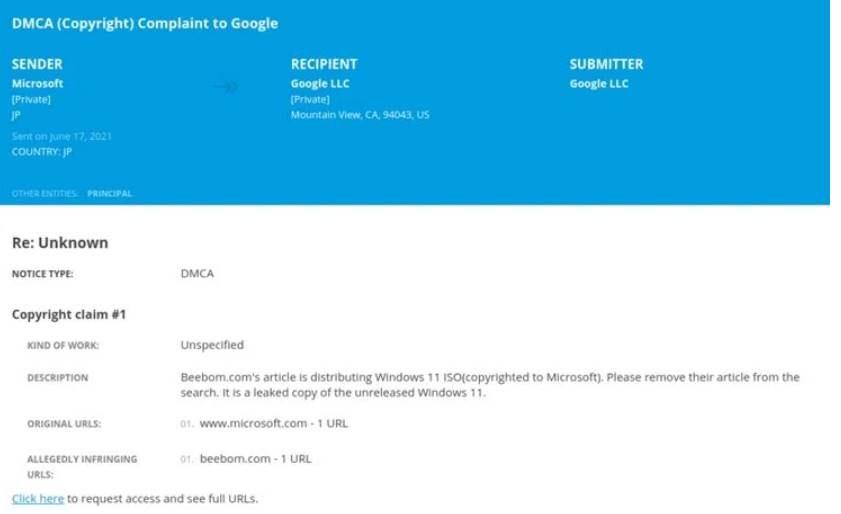
Don’t install leaked Windows 11
Tips

Don’t install leaked Windows 11

July 25, 2026
Microsoft announced the end of support date for Windows 10
Tips

Microsoft announced the end of support date for Windows 10

July 24, 2026
Microsoft confirms leaked Windows 11 is real
Tips

Microsoft confirms leaked Windows 11 is real

July 22, 2026
HeroSMS là gì? Cách thuê số điện thoại ảo nhận SMS OTP online không cần SIM
Tips

HeroSMS là gì? Cách thuê số điện thoại ảo nhận SMS OTP online không cần SIM

July 22, 2026
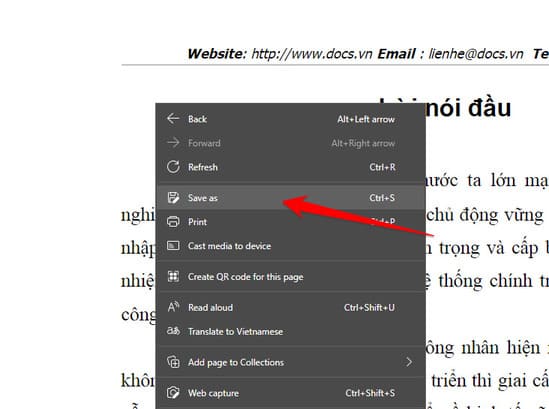
How to download documents on 123doc for free
Tips

How to download documents on 123doc for free

July 21, 2026
Instructions for Logo Design in just a few clicks with Logaster
Tips

Instructions for Logo Design in just a few clicks with Logaster

July 20, 2026
Next Post
How to install fingerprint for Windows 11 to unlock the computer quickly and safely

How to install fingerprint for Windows 11 to unlock the computer quickly and safely

0 0 votes
Article Rating
Subscribe
Login
Notify of
guest

guest

0 Comments
Oldest
Newest Most Voted

Recent News

Don’t install leaked Windows 11

Don’t install leaked Windows 11

July 25, 2026
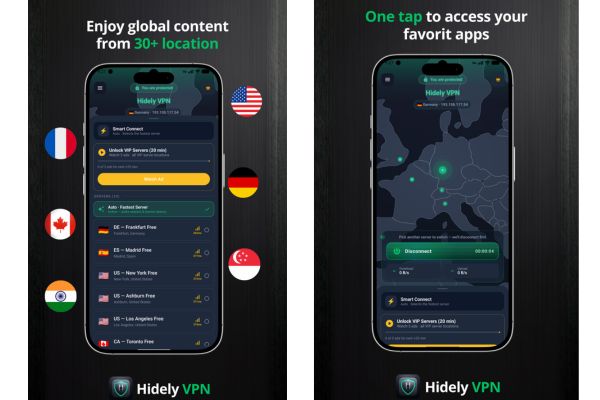
Instructions on how to get 1 year of VIP Hidely VPN for free

Instructions on how to get 1 year of VIP Hidely VPN for free

July 25, 2026
Instructions on how to block strange devices from accessing your home Wifi

Instructions on how to block strange devices from accessing your home Wifi

July 25, 2026
Microsoft announced the end of support date for Windows 10

Microsoft announced the end of support date for Windows 10

July 24, 2026
Don’t install leaked Windows 11

Don’t install leaked Windows 11

July 25, 2026
Instructions on how to get 1 year of VIP Hidely VPN for free

Instructions on how to get 1 year of VIP Hidely VPN for free

July 25, 2026
Instructions on how to block strange devices from accessing your home Wifi

Instructions on how to block strange devices from accessing your home Wifi

July 25, 2026
AnonyViet - English Version

AnonyViet

AnonyViet is a website share knowledge that you have never learned in school!

We are ready to welcome your comments, as well as your articles sent to AnonyViet.

Follow Us

Contact:

Email: anonyviet.com[@]gmail.com

Main Website: https://anonyviet.com

Recent News

Don’t install leaked Windows 11

Don’t install leaked Windows 11

July 25, 2026
Instructions on how to get 1 year of VIP Hidely VPN for free

Instructions on how to get 1 year of VIP Hidely VPN for free

July 25, 2026
  • Home
  • Home 2
  • Home 3
  • Home 4
  • Home 5
  • Home 6
  • Next Dest Page
  • Sample Page

say88 tỷ lệ kèo nhà cái kèo nhà cái 5 febet

No Result
View All Result
  • Home
  • News
  • Software
  • Knowledge
  • MMO
  • Tips
  • Security
  • Network
  • Office

say88 tỷ lệ kèo nhà cái kèo nhà cái 5 febet

wpDiscuz
0
0
Would love your thoughts, please comment.x
()
x
| Reply