Transfer.it A brand new file transfer service has just been released silently by Mega, appearing at the time when Wetransfer was in crisis. With an attractive promise of unlimited, free file transfer and no account, this service quickly attracts attention. But behind that generosity, is there any limitations that users need to know? Please join Anonyviet Find out details!
| Join the channel Telegram belong to Anonyviet 👉 Link 👈 |
Transfer.it: send unlimited file, no account need
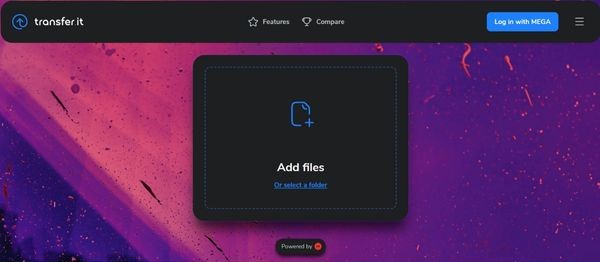
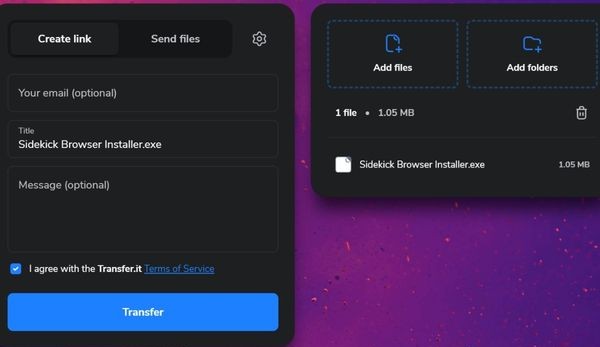
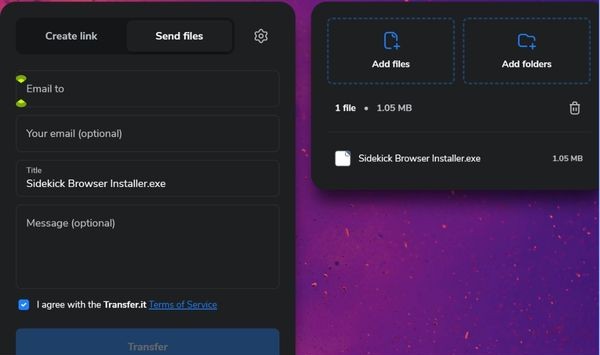
At first sight, Transfer.it Bring a familiar feeling to the extremely simple interface: a large button in the center to add file, optional sent by link or via email, and a few custom settings with just one click.
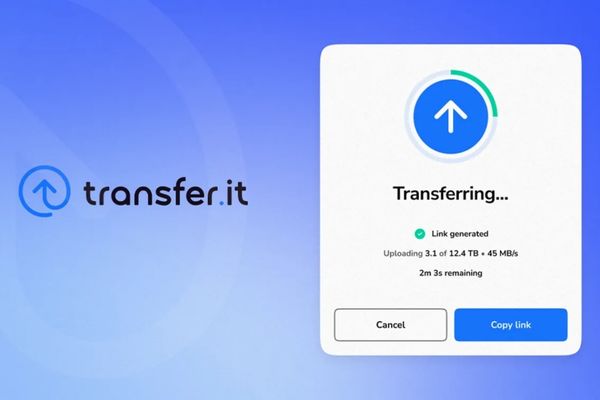
The money spot of this service is the generosity in the capacity supply. Mega affirmed from the beginning: Unlimited size, unlimited number of files, unlimited downloads or number of recipients. In other words, you can send 100GB, 1TB or even more without being disturbed by any registration or paying request. And better, you do not need to create an account to use.
Besides:
- You can add passwords to limit access to the file.
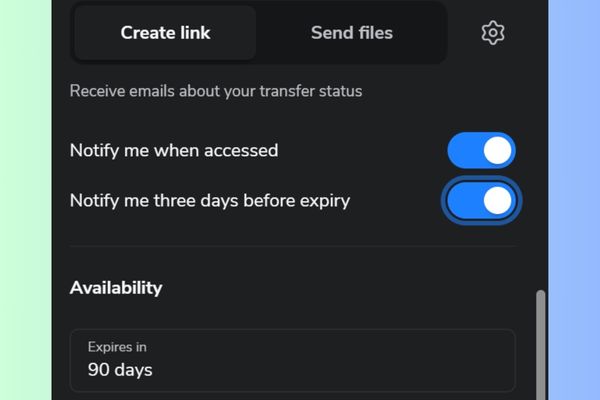
- The service allows the expiry date for the link, by default up to 90 days.
- The system will send notifications via email when the file is viewed or downloaded.
- The preview feature is built into images, videos or documents shared.
- You have the right to choose to send files by link or via email depending on your preference.
For those who have Mega accounts, this service also integrates directly into your storage space. You can choose from the existing files, track the transfer process and even extend the expiry period of the link.
Is your file really “private” on Transfer.it?
Mega has long built its reputation based on privacy, with the terminal encryption mechanism that only user holds the Zero-Knowledge. However, with Transfer.it, the story is a bit different.
The files are still encrypted before sending it, but the important point is decoding lock Again managed by Mega. This means that this is not an encryption “zero-knowledge”. To be easy to understand, in case of legal requirements, technically, Mega can completely access into your file content.
In the official document, Mega clearly stated:
- The files are always encrypted when stored.
- The decoding process only takes place temporarily in memory when downloading.
- There is absolutely no decoding data stored on the hard disk.
- The decoding locks are kept in a specialized, isolated and safe system.
Theoretically, this is quite reassuring, but it requires you to put your trust in Mega’s infrastructure, which is not suitable for all use purposes. For documents that are very sensitive or secret, it is better to find a true ending solution.
When will Transfer.it free?
Transfer.it completely free, unlimited capacity or usage, until January 1, 2026. After this day, Mega intends to introduce “other limits” for free accounts. In other words, we do not know exactly what will happen, but there will certainly be limitations.
Those who want unlimited use can register the package Transfer.it Pro For 2.99 € per month. This paid version brings:
- File transfer turns have no expiry date.
- Download unlimited download.
- The number of recipients is unlimited.
- And of course, fully integrated with Mega Pro account.
Another detail to note: From January 1, 2026, even free users may face limit thresholds. An article mentioned the limit 100 turns Download for each transfer for non -paid account. Although not officially confirmed, it also gives us the image of the upcoming direction.
So should you use Transfer.it?
With Transfer.it, Mega has brought a formidable replacement for traditional file transfer services. The simple interface, the necessary options are present, and above all: Unlimited capacity – An extremely rare thing, if not not found elsewhere, especially for free.
But what you have to keep in mind is that this generosity is limited. After that, the limits will be applied. In terms of security, this service is still more transparent than some competitors, but it is not the end encryption. Your files are protected, but not as strict as on the classic Mega cloud service.

Conclusion
Overall, Transfer.it is a formidable replacement for existing file transfer services, especially with the advantage of extremely rare capacity. However, you need to remember that this generosity only lasts until early 2026 and the level of security is not the highest. For ordinary needs, this is a great tool, and we should take advantage of it when it is possible!