Stirling PDF The answer for those who are too tired of the expensive cost of commercial PDF software. This is an open source toolkit, allowing you to control your document. Let’s see why it is an amazing Adobe Acrobat alternative!
|
Join the channel Telegram belong to Anonyviet 👉 Link 👈 |
What is Stirling PDF?
Stirling PDF Not just a regular file conversion tool. It is a web application built on the docker platform, allowing you to perform a series of operations on the PDF file right at your own server with benefits such as:
- Completely free: Say goodbye to expensive registration packages because Stirling PDF is an open source and 100%free.
- Absolute security: Because you host (self -storage), all your documents are processed on your server, never being uploaded to a third -party service. Therefore sensitive data will always be safe.
- Comprehensive: From simple tasks such as combining, separating files to advanced features such as OCR, signing, Stirling PDF provides an amazing “all -in -one” toolkit.
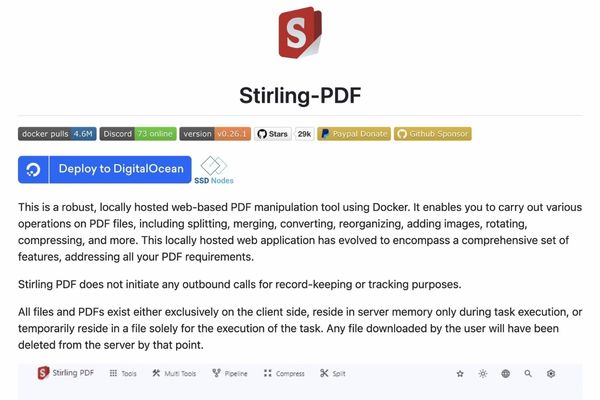
Discover the comprehensive toolkit of Stirling PDF
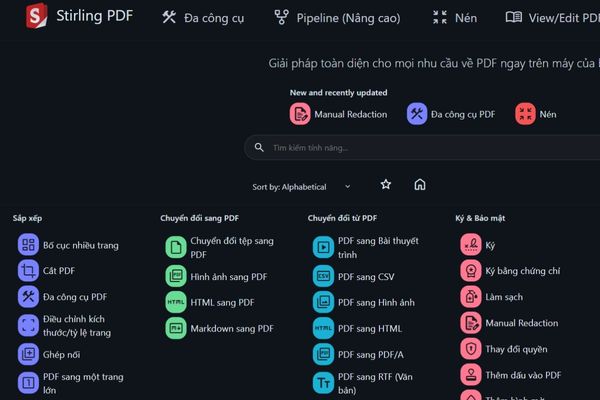
The interface of Stirling PDF is extremely intuitive and friendly, even with non -technology users. The tools are scientifically arranged into clear functional groups, making it easy to find what you need.
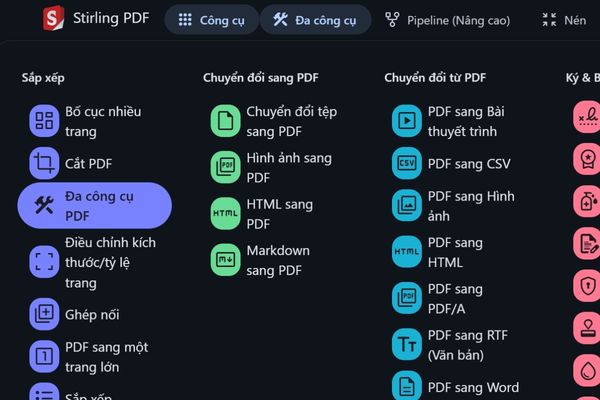
Professional document management and arrangement
This is a basic feature group but indispensable in any work related to PDF.
- Merge (Merge & Split): Easily combine multiple PDF files into one or separate a large document into smaller files according to the page number or item.
- Organize (organize & rotate): Change the order of the pages, rotate the backward equipment visually.
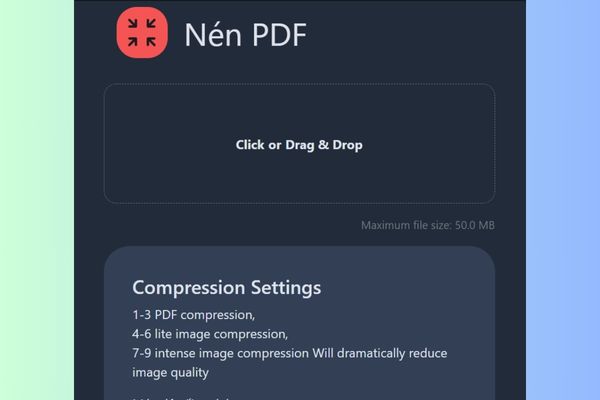
- Compression (Compress): Reducing PDF file capacity while retaining the quality at an acceptable level, perfect for email or storage.
- Cut (crop): Remove unnecessary white margins to focus on the main content.
Flexible format conversion
Stirling PDF is a master of conversion. You can convert almost everything to PDF and vice versa.
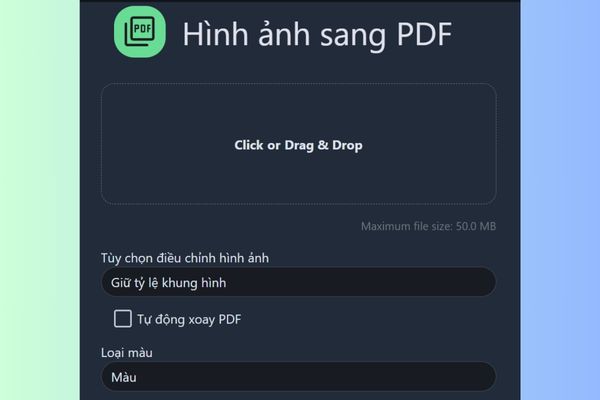
- Switch to PDF: Image conversion (PNG, JPEG), website (just sticking URL), HTML file, Markdown and many other office file formats into a complete PDF file.
- Transfer from PDF: Extract the content from PDF to other formats such as images, word, text files (text/rtf) and even a projection file.
Easy security and number signing
These are the most common features only on paid versions, but Stirling PDF provides them completely free.
- Add/delete password: Protect your document with a password to limit access or view.
- Add watermark: Copyright seal for your document in writing or images.
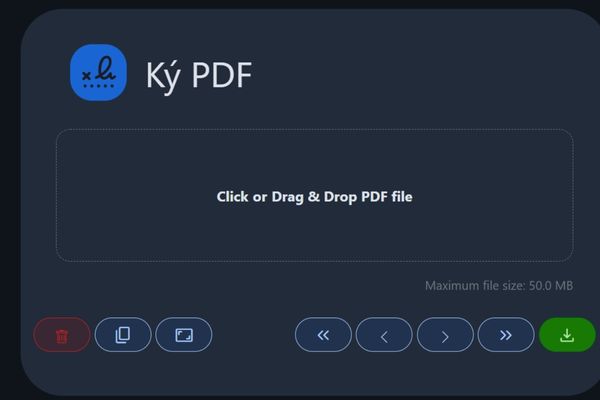
- Sign (sign): No need to print, sign and scan. You can sign directly on the PDF file by drawing signatures, entering text, or uploading the existing signature image.
Edit and extract smart data
- Identification of optical characters (OCR): This is an extremely powerful feature. It allows “reading” text from scanning PDF files (which are just images) and convert them into a text that can be searched and copied.
- Extract image/text: Easily get all images or texts from a PDF file.
- Add pages, add images: Customize your document professionally.
Automation of working process with pipeline
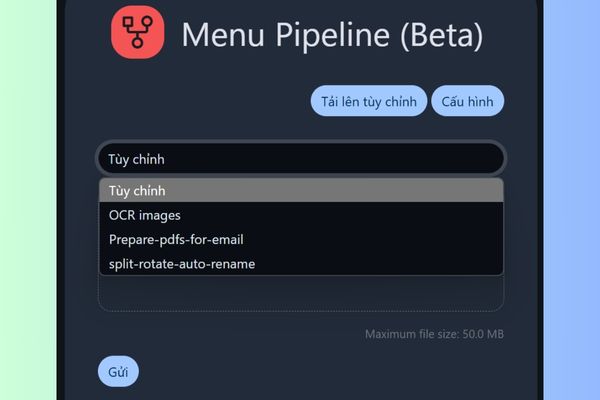
This is the “killer feature” of Stirling PDF. Pipeline allows you to create a series of automatic actions. Imagine you have a repeated process: receive a PDF file, add watermark, then set a protective password.
Instead of having to perform three crafts, you can create a “pipeline” to do it all with just one click. This feature (currently in beta) promises to save countless time for office work.
For developers: Unlimited integration with API
Stirling PDF also provides a full API set, documented by Swagger. This allows developers to integrate its PDF processing power into their own applications, websites, or backend systems. Instead of having to rebuild from the beginning or depending on the complex libraries, you can call the Stirling PDF API to perform tasks such as creating PDF from URL, processing of mass documents, …
Instructions for using Stirling PDF
One of the strongest points of Stirling PDF is the outstanding flexibility in deploying, suitable for all users, from beginners to system experts.
For individual users
If you want simplicity and quickly, Stirling PDF provides independent versions for most popular operating systems:
- Windows (.exe)
- MacOS (for both Apple Silicon M1/m2/m3 chip … and Intel chip)
- Linux (via Java .jar file)
Just access Official websitedownload the version that suits your system, start it, and you are ready to use immediately without complicated configuration.
Or you can use online right on the browser HERE.
For experts
This is a choice for those who want to control data and integrate deeper into their systems. The perfect Host version to integrate with NAS, separate servers, or platforms like Cloudron/UMBREL. The deployment options include:
- Docker: This is the most easy and recommended method.
- Kubernetes: For large systems, it can be deployed through Helm Chart.
- Manual installation: Run directly on the .jar file on an Java installed server.
Conclusion
Stirling PDF It is really a comprehensive, powerful and safe solution for all PDF needs. With completely free, it deserves to be the first choice to replace expensive software. There is no reason not to try this great solution right away!