6 months IObit Malware Fighter 13 Pro is a great opportunity for you to upgrade the security fence for your beloved computer. In an era where ransomware (ransomware) appear more and more frequently, owning a professional tool is indispensable. Don’t miss the opportunity to own this excellent copyright to protect your personal data in absolute safety.
📢 Join the channel Telegram belong to AnonyViet
Update new articles, cool tools and IT tips fastest
New features of IObit Malware Fighter 13 Pro
Owning a 6-month license of IObit Malware Fighter 13 Pro will help you access the most advanced security technologies today, helping your computer to always be in a state of internal and external security.
Deeply scan every corner
One of the most notable upgrades is the ability to review startup items, system services, and scheduled tasks. These are the nooks and crannies that malware really likes to hide in. Instead of just scanning regular files, version 13 will search every corner to make sure there aren’t any strange processes that may arbitrarily run in the background when you turn on your computer.
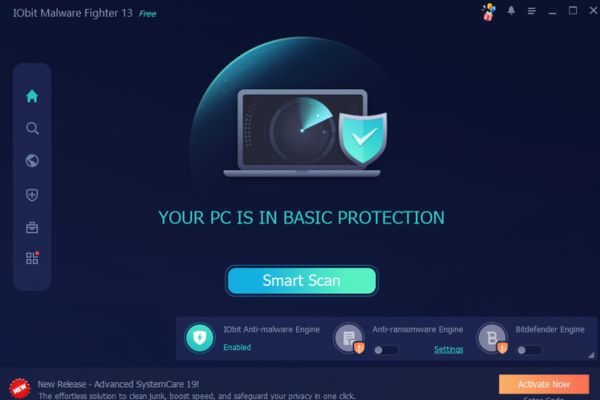
Smart analysis technology
The smart protection system has been upgraded to become more sensitive than ever. Thanks to the application of new behavioral analysis algorithms, the software can make accurate judgments about potential threats. It not only relies on the existing database but also has the ability to learn and identify new attack types, helping to remove malicious code more quickly and thoroughly.
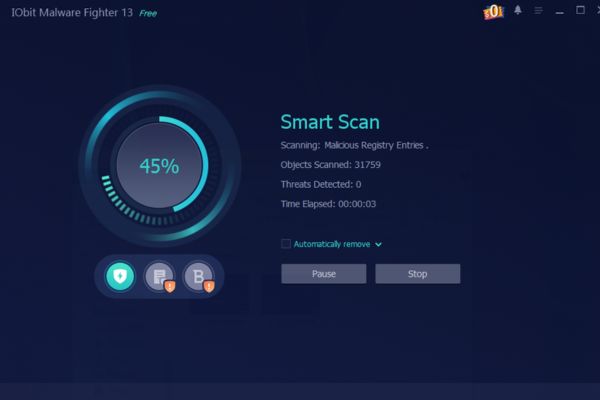
Surf the web safely with Google Safe Browsing
Features Surfing Protection now integrates a huge database from Google Safe Browsing. This means that when you accidentally click on a phishing link or visit websites containing malicious code, the system will immediately issue a warning or block access. This is an extremely important shield that helps you feel more secure when performing banking transactions or online shopping.
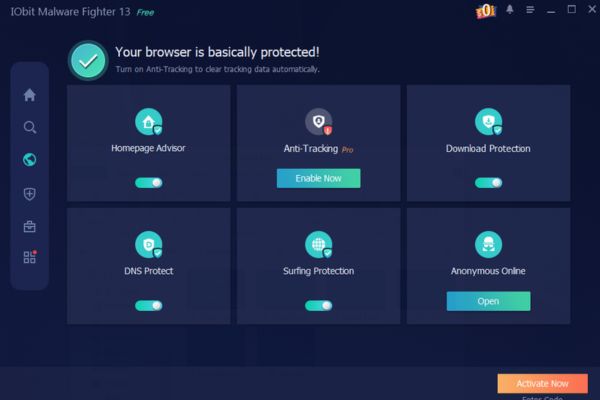
Anti-tracking and protect privacy
Features Anti-tracking has been upgraded to be perfectly compatible with the latest browser versions such as Chrome, Edge or Firefox. When using IObit Malware Fighter 13 Pro for 6 months, all traces of your web surfing will be erased, preventing advertising companies or hackers from collecting personal information. Your privacy will be placed under the strictest supervision.
Monitor kernel APIs for early threat detection
This is a highly technical but extremely useful feature. By monitoring kernel APIs (operating system kernel), the software can detect deep system interference by sophisticated viruses. Early detection at the kernel level helps stop attacks before they can cause irreversible damage to Windows.
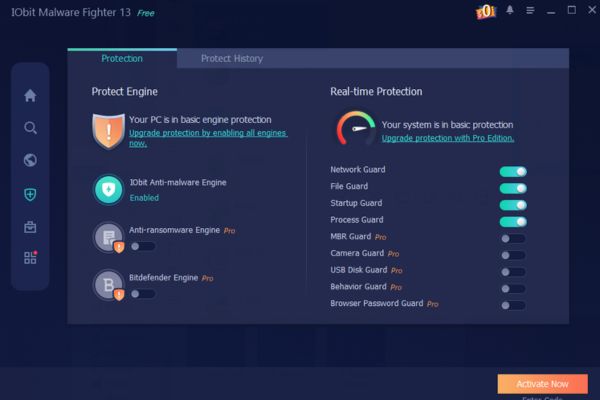
Expanded database and multi-language support
Finally, IObit has expanded its virus identification database to a new level, helping the accurate detection rate become almost absolute. Besides, with the coming support 33 languages different languages (including Vietnamese), users in Vietnam can easily master all features of the software without any language barriers.
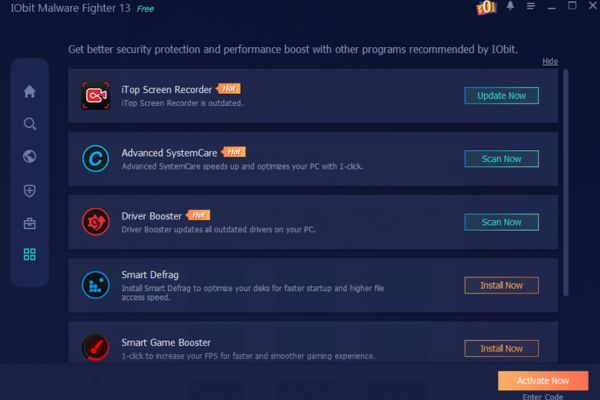
How to get 6 months of IObit Malware Fighter 13 Pro for free
To own this premium version, you just need to follow the detailed instructions below. Make sure you follow the correct order for successful activation.
Step 1: First, visit the following promotional link: Download link IObit Malware Fighter.
Here, you click on the button Free Downloads to download files to your computer.
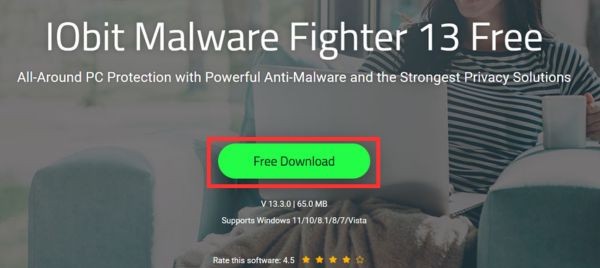
Step 2: After successful download, open the installation file. The installation process is very quick, you just need to press Install and wait a moment. Note that during the installation process, if the software suggests installing additional applications, you can select No thanks to skip.
Step 3: When the main interface of the software appears, look at the bottom right corner of the screen and you will see the item Enter Code. Click on it.
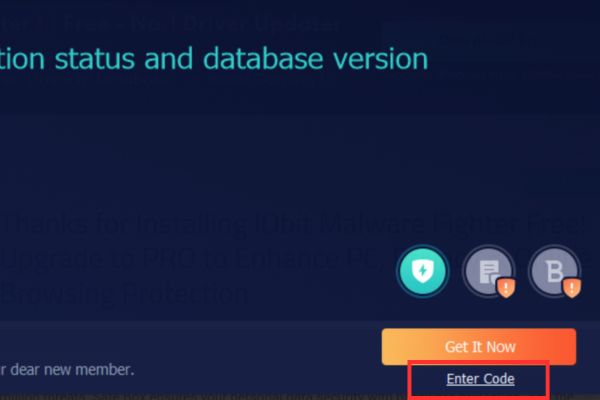
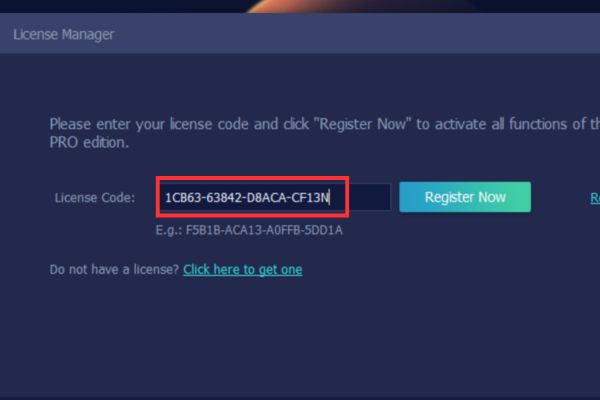
Step 4: A code input box will appear, please copy and paste the following license code exactly: 1CB63-63842-D8ACA-CF13N
Then press Register Now.
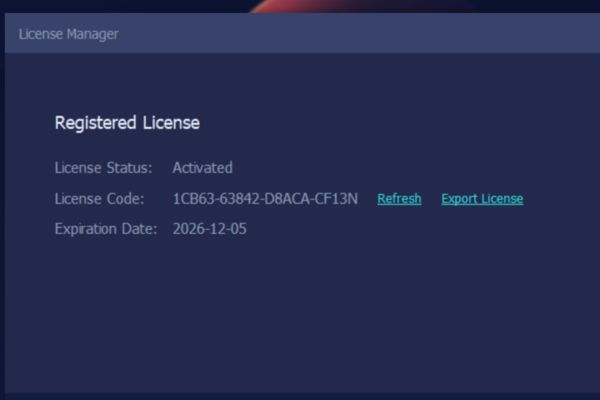
Step 5: A successful activation message will appear. Now you can fully enjoy the premium features of 6 months of IObit Malware Fighter 13 Pro.
Conclusion
Hopefully with the above instructions, you have successfully activated 6 months IObit Malware Fighter 13 Pro to protect your computer. Equipping powerful anti-virus software is a smart investment for data safety. Wishing you the safest and smoothest web surfing experience.
Frequently Asked Questions (Q&A)
1. Is the 6-month license key for IObit Malware Fighter 13 Pro limited to the number of devices?
Normally, these promotional codes will have a limited number of activations globally. Therefore, you should enter the code immediately after installation to ensure you do not lose your turn.
2. After the 6-month license expires, will the software automatically renew and collect fees?
No, because this is an activation code directly into the software, no credit card input required. When it expires, the software will automatically switch back to the Free version, you can choose to continue purchasing or uninstall it if you want.
3. Can I use IObit Malware Fighter 13 Pro in parallel with Windows Defender?
Absolutely. IObit Malware Fighter is designed to work well with other antivirus software, including Windows Defender, to create a double layer of protection for the system.