With a new year and with the desire to change, Azota has updated the 360 monitoring feature by AI to identify all cases of cheating during the exam. And if you forget to study before going to do the above Azota so what? So today I will guide you guys 2 ways to take the exam on Azota without studying!
| Join the channel Telegram of the AnonyViet 👉 Link 👈 |
The latest update of Azota
Recently, the Azota application – a platform for creating exam questions and assigning assignments online – has just announced that it will update some new features. Specifically, the feature that will be updated is a 365-degree monitoring function with AI technology that identifies all cases and situations with signs of cheating in exams, with the aim of creating fairness and improving the quality of life. learning quality.
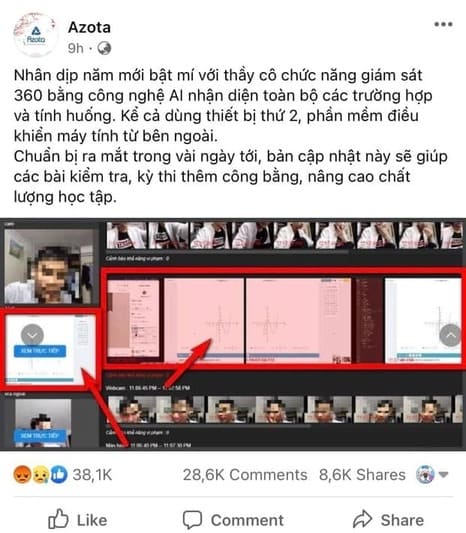
“On the occasion of the New Year, we will reveal to teachers the 360 monitoring function using AI technology to identify all cases and situations. Even using a second device, the software controls the computer from the outside. Coming out in the next few days, this update will make tests and exams more fair, improving the quality of learning.” – On Azota’s Facebook page share
Then you wonder if there is a way to “circumvent” these features of theirs? So now I will analyze it!
Analysis of ways to circumvent the law of Azota
Because Azota still uses a browser to access, they can only control some of the students’ things as follows:
- Student’s camera
- Unfocus tab (tab exit form is detected)
- Control your browser
And also, I just need to find another way out of the things mentioned above by the following ways:
- Using the machine driver
- Using virtual machine
- Using Virtual camera
Then let’s go into detail on how to circumvent the Azota law based on the ways I just mentioned above so that you can get the score you want!
Note
This article is for reference only, please do not use it for purposes contrary to regulations. Anonyviet will not be responsible for all actions and consequences you leave. Please read carefully and agree before continuing to read. Anonyviet sincerely thanks
Instructions on how to circumvent the law of Azota
Method 1: use a virtual machine to take the test
Running Webservers like Azota is also a disadvantage as they do not develop their own software. And because it runs in the browser, they can’t check what their machine is, from there we can take advantage of the virtual machine to use it like a real machine and you can switch back and forth between “machines”. simple way that is not easily detected on the machine
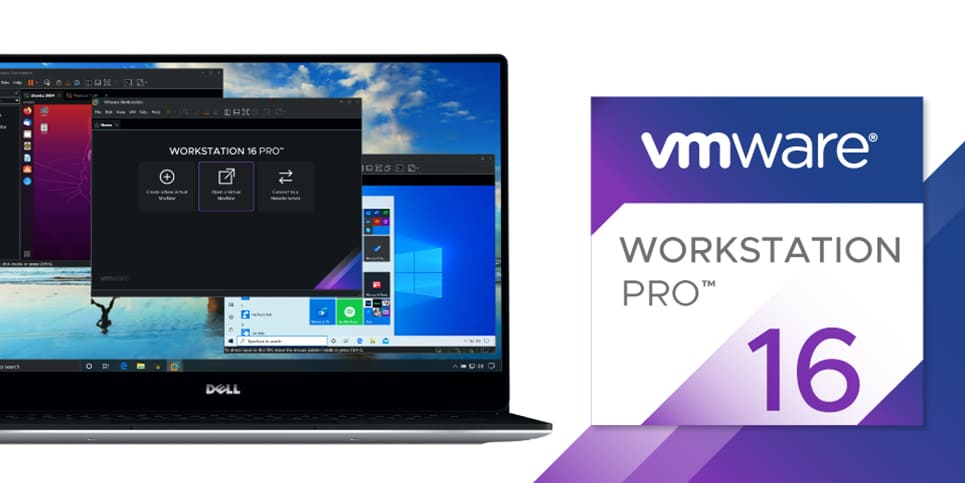
With VMware, you can use the Alt + Tab key to switch between the virtual machine and your computer. What you need is a computer with about 8GB of RAM and you can start installing the virtual machine. You can read more: How to create virtual machine on VMWare Workstation 15 Pro here.
Method 2: Use Virtual Cam (Fake Cam) to fool the supervisor’s camera.
Many of you fear that you have a virtual machine, but they can use your camera and use AI to guess your behavior. But that’s okay because you can use Virtual Camera. With Virtual Camera, you will record your actions as well as your behavior and have it overwrite your Webcam.
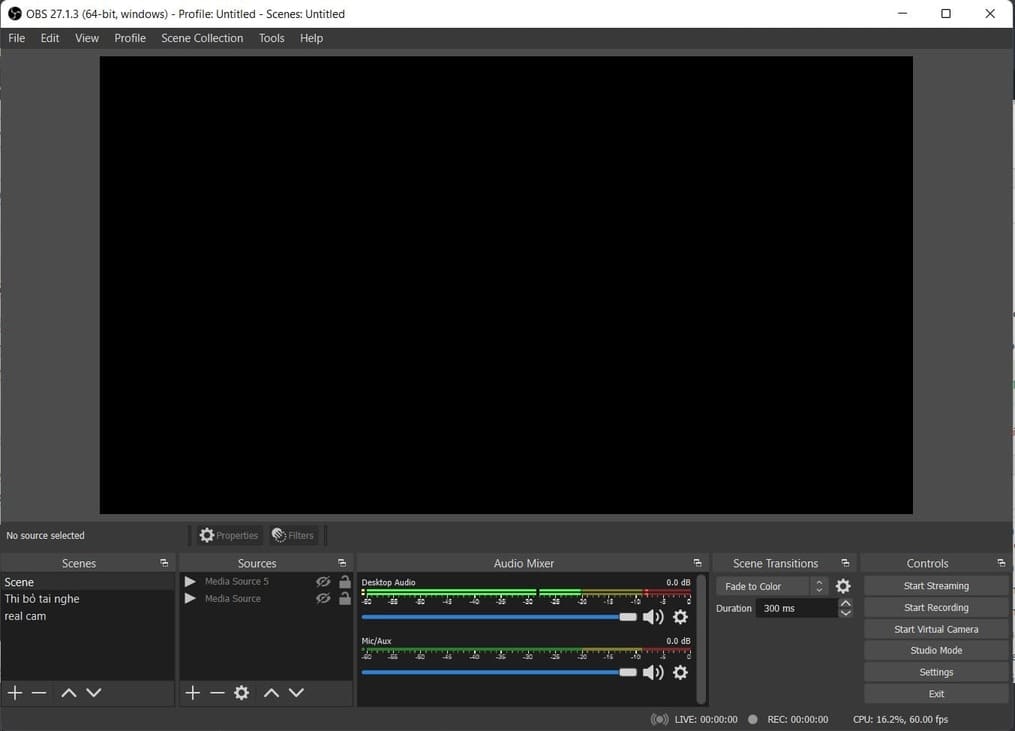
With the following method, I encourage you to use OBS (Open Broadcaster Software) and use its 1 Extension about the camera: Virtual Camera. You can see how to fake the camera on OBS here.
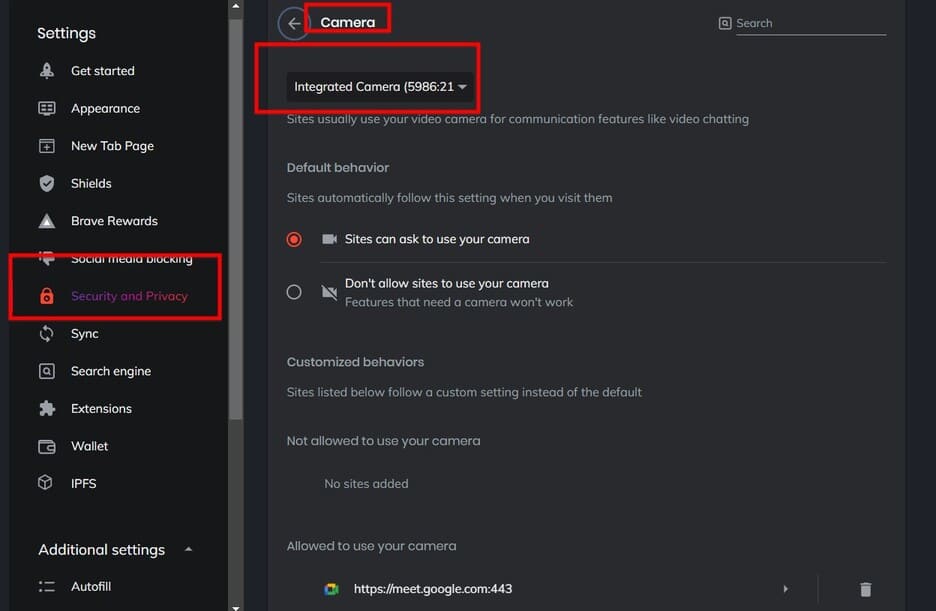
Instructions to change the camera in the browser: You go to your Browser -> select Security and Privacy -> Select Site and Shields Settings -> Select Camera and change it to OBS Virutal Camera!
Method 3: Use Chrome Remote Desktop to ask others for help
So what if your computer is not strong enough to run Vmware or run OBS but you have friends to help you? Then you can use the way to control your computer. All you need to do is pretend you’re working on a test and your helper will do it while looking up the internet for you.
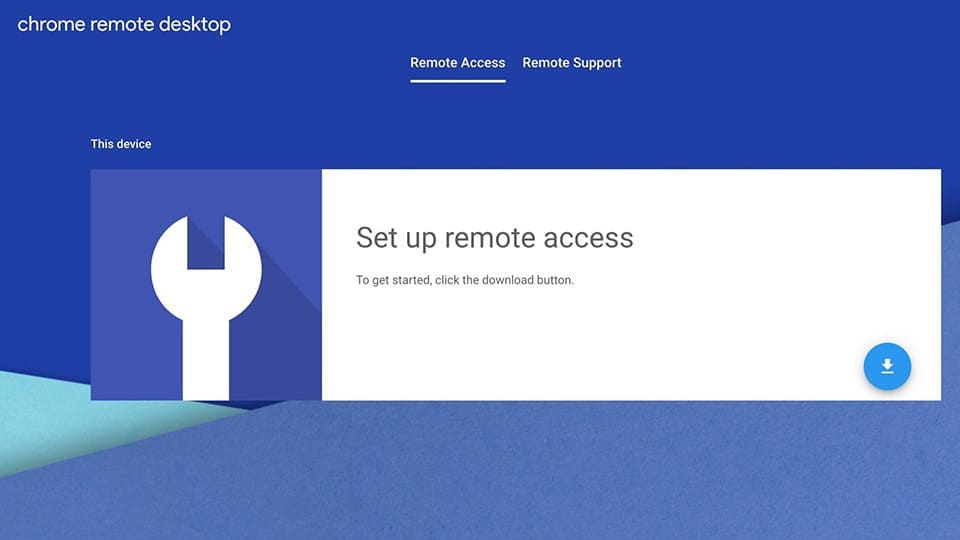
You can use Chrome Remote Desktop Connection to be able to do this because it is both easy to set up and lightweight for most machines. You can read more: How to control your computer by phone with Remote Desktop Chrome