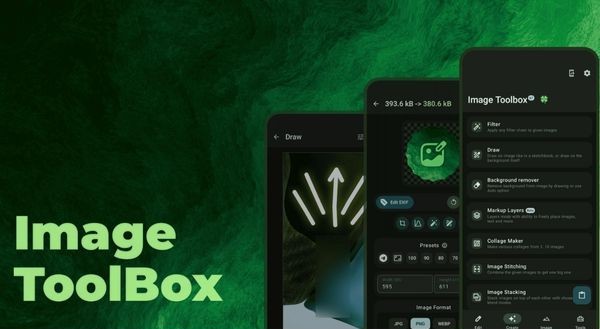
Image Toolbox The answer for those who are too tired of advertising and limited photo applications. This is an open source toolkit, free and unexpectedly strong. Let’s explore Anonyviet why it deserves to be on your phone!
|
Join the channel Telegram belong to Anonyviet 👉 Link 👈 |
Developed by Malik Mukhametzyanov (nicknamed T8rin), Image Toolbox is not just a regular photo editing tool. It is a versatile toolkit for all needs related to your image. From a series of size changes, format conversion, super data removal, to text extraction or creation PDF fileall are encapsulated in a delicate interface and respect the user’s privacy.
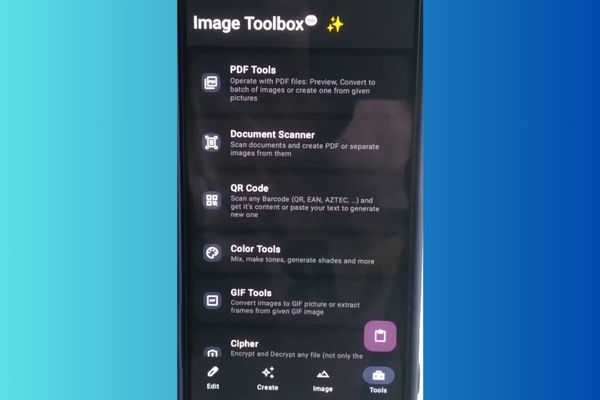
Right from the first opening, Image Toolbox made a strong impression with neat and scientific. The main interface is divided into four obvious items: Edit (Edit), Creative (Create), Image (Image) and Tools (Tools). There are no complicated menu or confusing symbols. Everything is intuitive and each tool comes with a brief description line, helping you understand its function immediately.
The biggest plus point is the ability to handle mass. You can choose dozens, even hundreds of photos to perform the same operation with just a few touches. This is the ending feature for those who need to convert a whole album, reduce capacity simultaneously or quickly delete location information from a series of photos before sharing.
Edit
This is the place to contain the basic but indispensable tools that everyone needs:
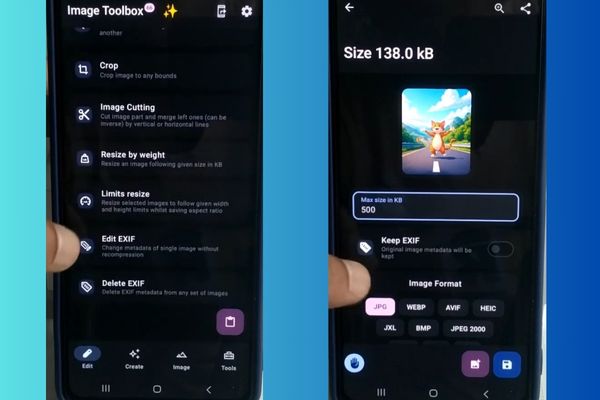
- Dimensions: Not only is the usual size change, Image Toolbox allows you to adjust the percentage, according to the fixed size (pixel), or even according to the desired file capacity. Do you want all photos under 200kB? Just one command is done.
- Format conversion: It is easy to switch back and forth between popular formats such as JPEG, PNG, Webp, AVIF, GIF, SVG and more, helping to optimize images for the website or different uses.
- Photo mockery: Cut the image in the free ratio or standard ratios (1: 1, 16: 9, 4: 3) quickly.
- Photo compression: Significant reduction in file capacity while retaining the image quality at an acceptable level.
- Edit or delete EXIF: This is an extremely important feature for those who care about privacy. You can view, edit or completely delete the metadata (metadata) such as equipment information, geographical location (GPS), shooting time, … from your photos.
Create
- Apply the filter: With more than 200 color filters available, you can make a normal image full of art in the blink of an eye.
- Draw on the photo: Enjoy creativity with different types of pens, effects, shapes.
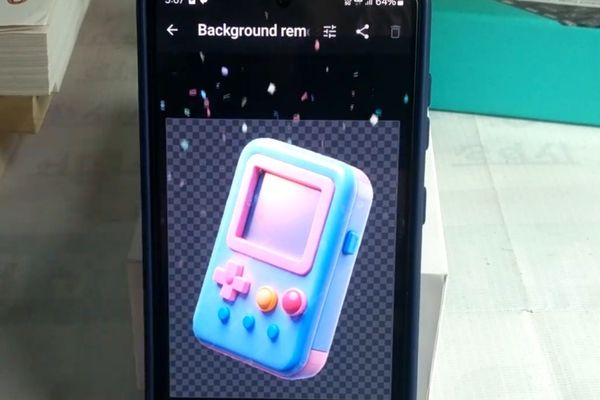
- Delete background: The automatic background removal tool works quite effectively. If you do not like it, you can use your hands to correct correctly.
- Photo transplant: Create collage images from many photos or connect the images together vertically/horizontally.
- Add watermark, creating noise (noise), creating a gradient strip, … and many other unique effects.
Image
This item contains more intensive tools, sometimes very useful in special cases such as:
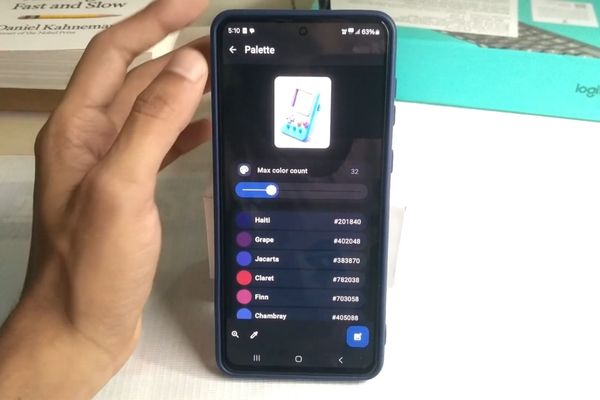
- Color analysis: Use the “eyedropper” tool to get the exact color code at any point on the image, automatically create the palette from a photo.
- Extract for text (OCR): One of the most “money” features! Image Toolbox can identify and extract text from an image with the support of more than 120 languages, including Vietnamese. You only need to take a document and turn it into a text that can be copied.
- Photos comparison: Place two photos side by side and use a slider to see the difference in a visual, very useful way to compare the image before and after editing.
Tools
- Create PDF from photos: Choose a series of photos and applications that automatically pair them into a single PDF file.
- Document scanning: Turn your phone into a mobile scanner with the ability to automatically identify the edges of the document.
- Create and read QR code: Easily create QR codes for text, links, contact information, … and can also use the camera to scan other QR codes.
- File encryption: Protect your sensitive images by encrypting them with strong algorithms like AES or Chacha, or creating a zip file protected by password.
How to customize the application
In the settings, you can:
- Change the interface (theme of morning/evening).
- Customize the rules for naming the output file, select the default folder.
- Turn on/off features as preview, automatically copy into the clipboard.
- Manage cushion memory and restore original settings.
- Save and restore your configuration – extremely convenient when changing your phone.
Because it is an open source project, you have many options to download the application:
- F-Droid: For those who want the 100% free version, regardless of Google service.
- Github: Download the APK file directly or view the source code of the project.
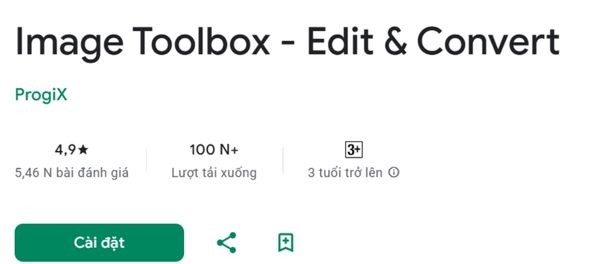
- Google Play Store: The most familiar and convenient installation for most users.
No matter what you choose, the application is still completely free and does not contain any ads.
Conclusion
Image Toolbox It is really a prominent application between countless options on the market. With the perfect combination of features, free and respect users, it deserves widely introduced. Don’t hesitate, download and experience today!