Vietnam Military History Museum After 5 years of construction, it has officially opened, welcoming visitors to visit the modern and large space. In particular, YooLife's VR360 technology allows viewers to experience the museum in a vivid and realistic way. This is how to view the Vietnam Military Museum Online.
| Join the channel Telegram belong to AnonyViet 👉 Link 👈 |
This is a bridge to help the young generation get closer to the historical values and heritage of the nation.
Introduction to the Vietnam Military History Museum
After 5 years from the start of construction, the Vietnam Military History Museum officially opened, welcoming a large number of tourists from all over to visit and explore the nation's history. From the first day, the image of young people lining up to enter the museum created intense emotions. This shows the younger generation's appreciation for traditional values and gratitude for the great contributions of their ancestors.

Immersing in the crowd, everyone clearly felt the pride of standing in the large, modern museum space, which marked the struggle for national independence of the Vietnam People's Army. The museum's design is not only beautiful but also creates conditions for visitors to interact and experience, bringing a sense of authenticity and closeness to history.
See more: How to copy tabs on File Explorer Windows 11
VR360 technology – Connecting history and modern technology
To preserve the precious values of history, many young people not only take regular photos and videos but also choose to virtualize the museum space through VR360 technology on the YooLife application. The VR360 feature allows users to create 360-degree panoramic images and connect them into a vivid virtual tour. This not only helps viewers visualize easily but also feel the space and scenery visually.
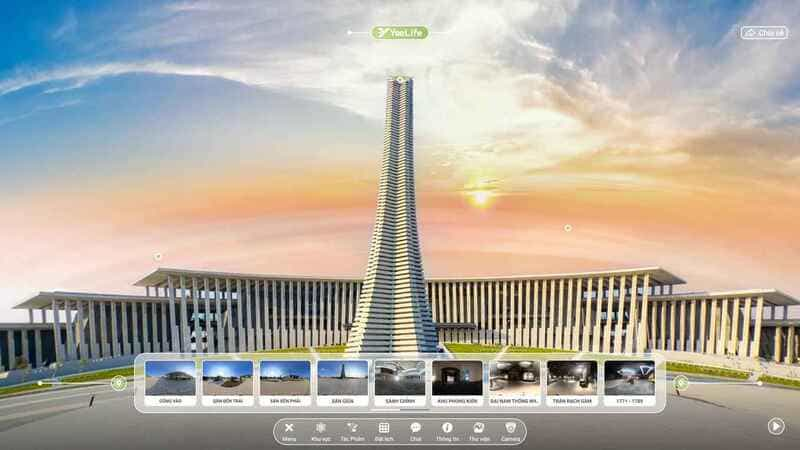
VR360 technology, although no longer unfamiliar abroad, is still new and less popular in Vietnam. The reason comes from high technical requirements and complex equipment. However, the development of the YooLife app has helped simplify this process, giving users the opportunity to freely virtualize their space using just their phone.
Guide to exploring the Vietnam Military History Museum via YooLife
The VR360 feature on the YooLife application allows users to easily interact with the museum space by choosing the location, viewing angle, zooming in, zooming out, or viewing more related information. With this technology, viewers can feel like they are present at the Vietnam Military History Museum, no matter where they are.
Step 1: First, access the website link to visit the Military History Museum using VR360 technology HERE:
Step 2: With the lively interface of the YooLife application, you will easily enter the journey of exploring the Vietnam Military History Museum right from the entrance gate. Here, walkways, courtyard areas and display booths are clearly displayed with arrows. To get started, just tap the item Area below to immediately select the showroom you want to visit.
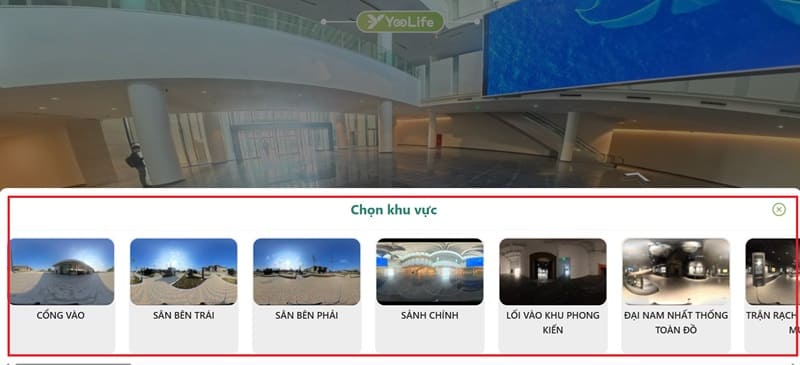
Step 3: Inside each exhibit, you can use your mouse to rotate and move the panorama, observe every angle and feel the space as if you were standing right there.
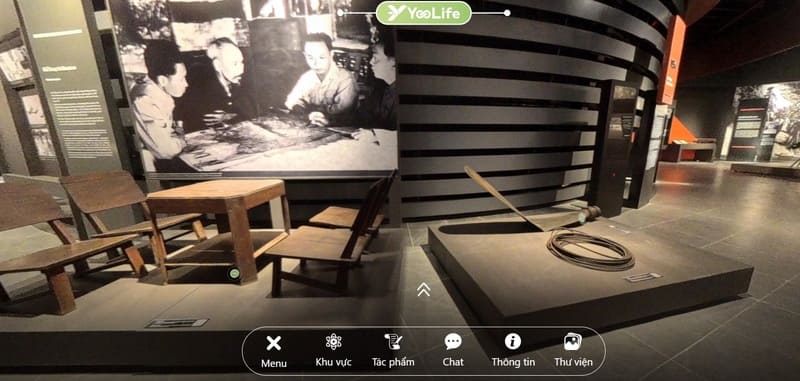
Step 4: Clearly marked directional arrows indicate each historical period or the name of each area, making it easy to move from one space to another.
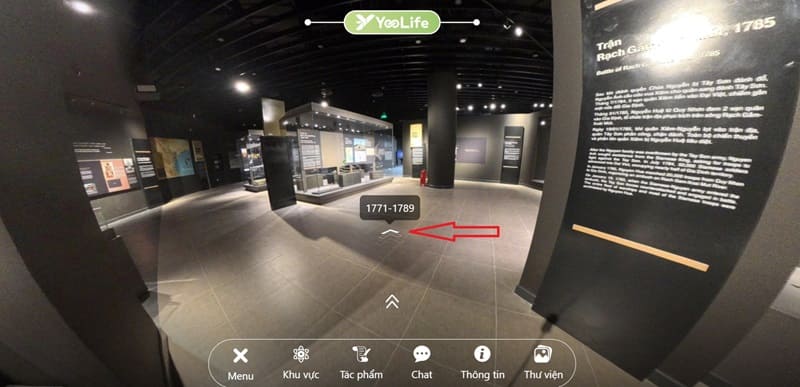
Step 5: When you see a special artifact, just click on the accompanying blue circle icon to open the details. Each artifact has specific descriptive information, helping you grasp the historical value, meaning of each item and the stories associated with them.
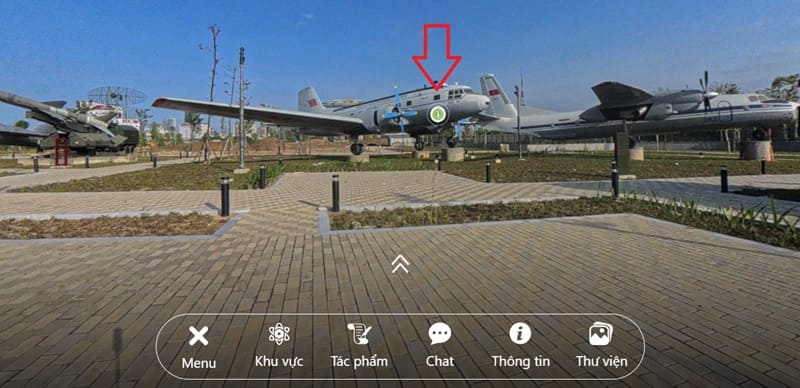
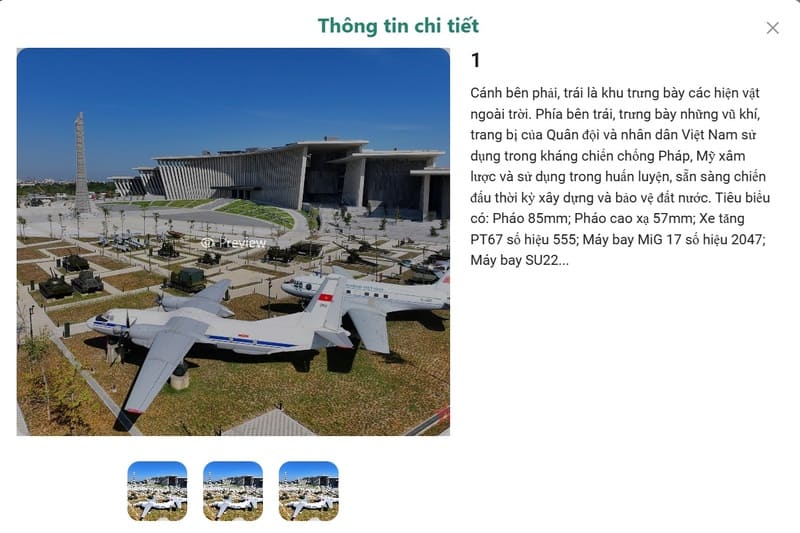
You can click on the image to select a magnifying glass to zoom in and see every detail of the artifact.
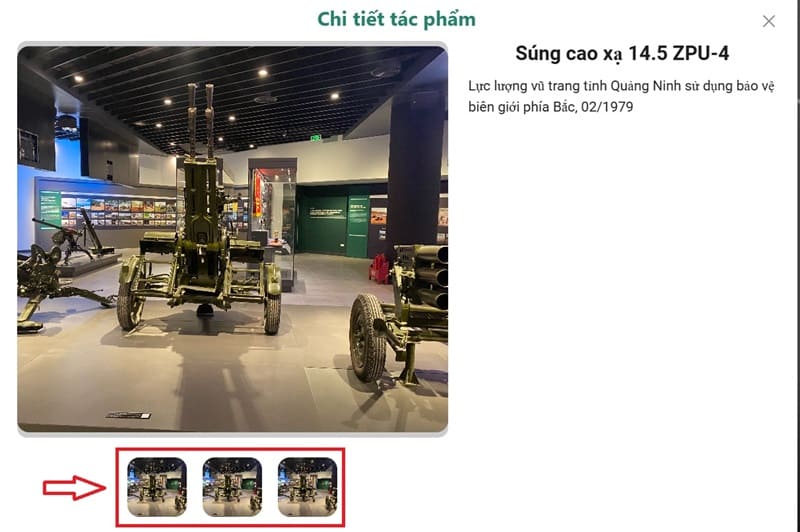
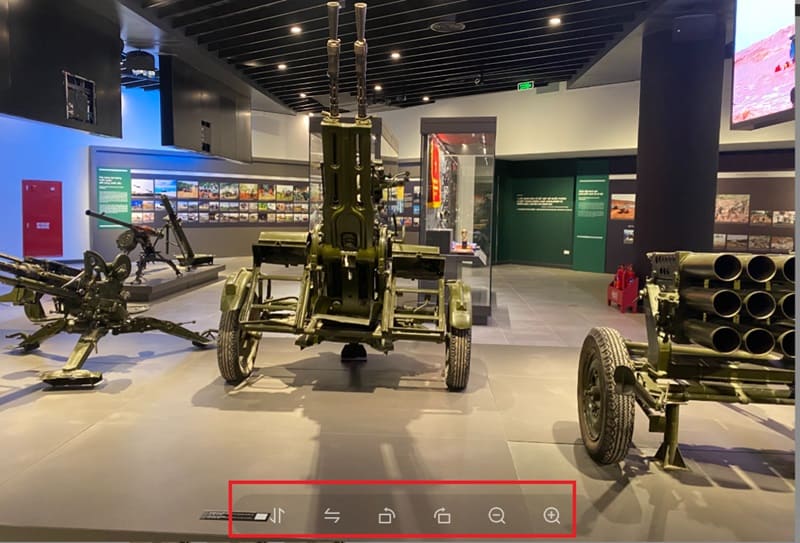
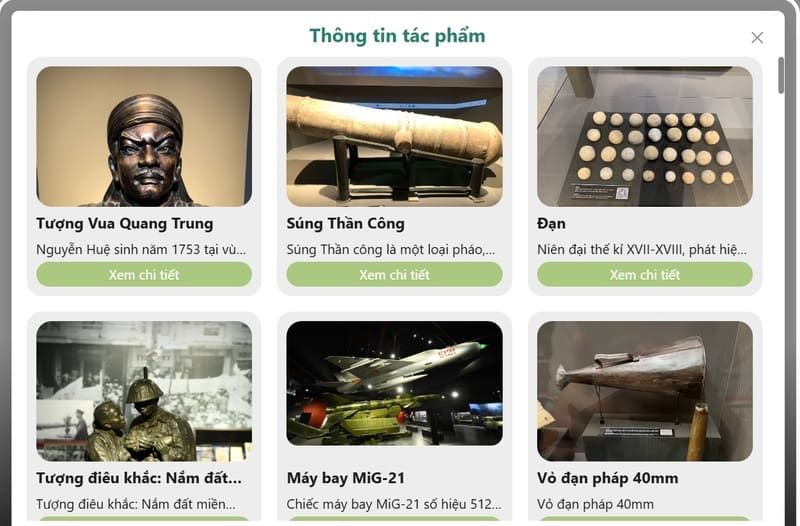
Step 6: Not only stopping at visiting each artifact, YooLife also provides items Work Helps you quickly view all existing works in the museum. Here, you can zoom in on the image to read more detailed captions, capturing more information easily and conveniently.
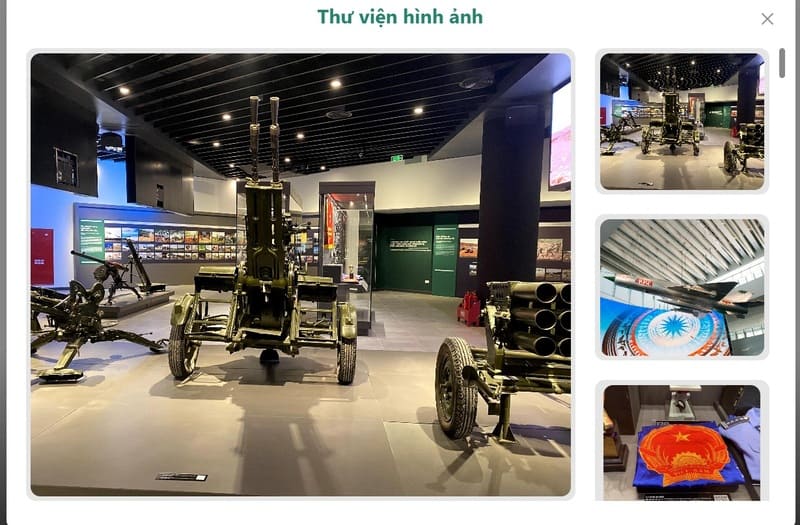
Step 7: Access the item Library to view available images.
What it means to combine technology and history
Cultural and historical values are the soul of a country. Preserving and spreading these values to the younger generation is an important task. YooLife has opened a new direction by helping young people access history with technology, thereby creating a connection between the past and present.
Thanks to VR360 technology, the museum space, artifacts, and documents become more vivid and realistic than ever, arousing national pride in every young heart.
See more: Tips for transferring photos and videos from Google Photos to iCloud Photos
Conclusion
With YooLife, a journey of discovery Vietnam Military History Museum become more interesting and closer than ever. Feel free to explore and immerse yourself in the rich historical space, where each artifact tells its own story.