In the US, as in some other countries, distributors sell phones with special offers or discounts. But such phones are also often network locked. You cannot swap SIM cards and use another carrier’s network. So here are a few ways to unlock your phone SIM for free or for a small price, while still being legal and risk-free.
| Join the channel Telegram of the AnonyViet 👉 Link 👈 |
Is SIM unlocking a phone legal?

Unlocking the phone is legal. More importantly, the FCC has required all carriers to unlock phones for free for their consumers if consumers want to.
But you also need to know if your phone is eligible to be unlocked. The FCC explicitly states that you can only unlock the device “after you have completed your applicable service contract, completed your device installment plan, or completed your payment.”
So how can you tell if your phone is network locked or not? Well, unless you intentionally bought an unlocked phone, chances are it’s locked.
Why should you Unlock your phone?
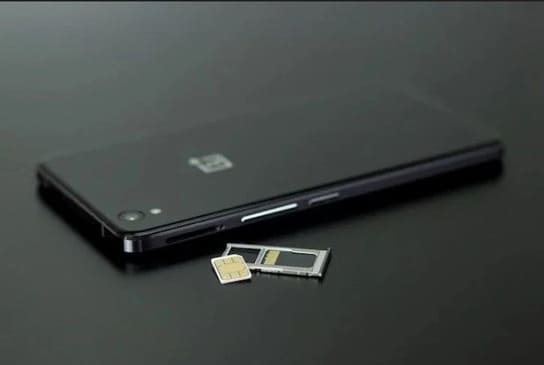
The biggest benefit of an unlocked phone is that you can use multiple SIMs from different carriers. You are free to change networks so that you can use the SIM that works best for you in any region.
An unlocked phone also helps a lot when you’re traveling abroad. Land in any country, buy a local SIM card and use it. It will be much cheaper than increasing data rates and international calling.
Finally, an unlocked phone is a great backup device. Whether your main phone isn’t working or someone needs to borrow it for a few days.
Do’s and Don’ts
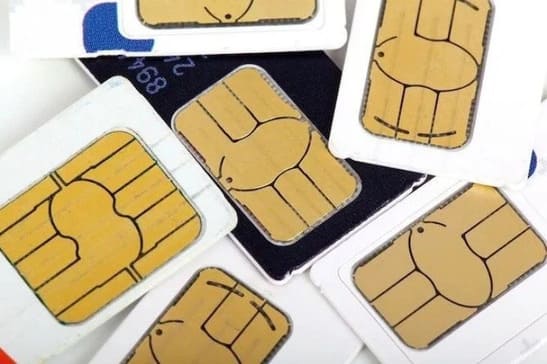
Phone SIM unlocking allows you to use any SIM card from any service provider, as long as the SIM card is compatible. You do not have access to any developer features or hidden commands on your phone.
It cannot circumvent the phone’s GSM-CDMA limitations. So phones unlocked from GSM networks like AT&T and T-Mobile will allow you to insert a SIM card from the GSM network. But you can’t insert SIMs from CDMA networks like Sprint and Verizon. And vice versa.
2 ways to unlock your phone for free or cheap
Let’s say you have a locked mobile phone and want to unlock it. You want the safest and least expensive way possible, maybe even unlocking your phone for free. So here’s what you can do.
1. Call your carrier
The first and best route is to call the carrier. If you’re eligible to unlock your phone, it only costs a little.
For Viettel SIM:
- To unlock the SIM, you should call Viettel switchboard 189 (VND 100/minute) or 1800.8198 (free of charge) and ask the operator to assist you in re-opening your sim.
- If your Sim is locked in one way, then you can load the card to activate the sim. Or if you have a 2-way lock, you should bring the original ID card to redo the sim.
For Mobifone SIM: You need to contact Mobifone switchboard at 1800 1090 (free of charge) to listen to staff for advice and help. The staff will ask you about the account holder information, the scratch card serial number you loaded incorrectly, the sim lock time. Then the staff will unlock the sim for you.
2. Use free phone unlocking software for Samsung devices
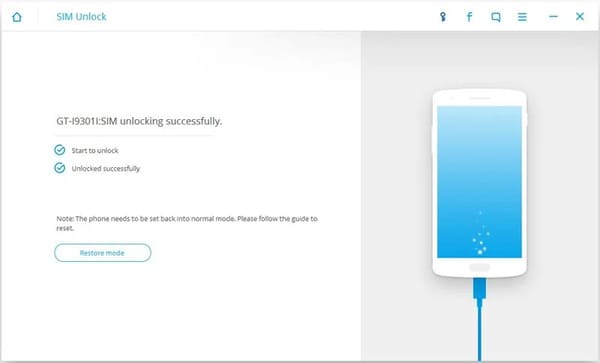
If you are using a Samsung Android phone, a computer software can also unlock your phone. Wondershare’s Dr.Fone Toolkit is a paid program for Windows, but you can still use it to unlock Samsung for free.
With the trial version, you can try the SIM unlock service for free. You’ll find it under More Tools and you’ll need a USB cable to connect your phone to your computer.
Dr.Fone is software to unlock the phone to any network. But it’s a bit old now and may not support all recent Samsung phones. However, it claims to be able to unlock Samsung that works with over 400 models across 60 countries. This is Full list of supported devices.
And in case you’re worried, Dr.Fone has active customer care, offers a refund policy, and the software won’t affect your data.
Download: Wondershare Dr. Fone for Windows (Free of charge)
In addition, you can also unlock iPhone Lock to use all carriers here.