
• Home
  • News
  • Software
  • Knowledge
  • MMO
  • Tips
  • Security
  • Network
  • Office
AnonyViet - English Version
  • Home
  • News
  • Software
  • Knowledge
  • MMO
  • Tips
  • Security
  • Network
  • Office
No Result
View All Result
  • Home
  • News
  • Software
  • Knowledge
  • MMO
  • Tips
  • Security
  • Network
  • Office
No Result
View All Result
AnonyViet - English Version
No Result
View All Result

How to add snow effect to Ubuntu desktop

AnonyViet by AnonyViet
January 25, 2023
in Network
0

Anyway, December is the best time of the year. So in this article, I will show you how to add a snow effect to the Ubuntu desktop.

Join the channel Telegram of the AnonyViet 👉 Link 👈

How to add snow effect to Ubuntu desktop

Using ‘Let it Snow’ GNOME Extension
How to add snow effect to Ubuntu desktop

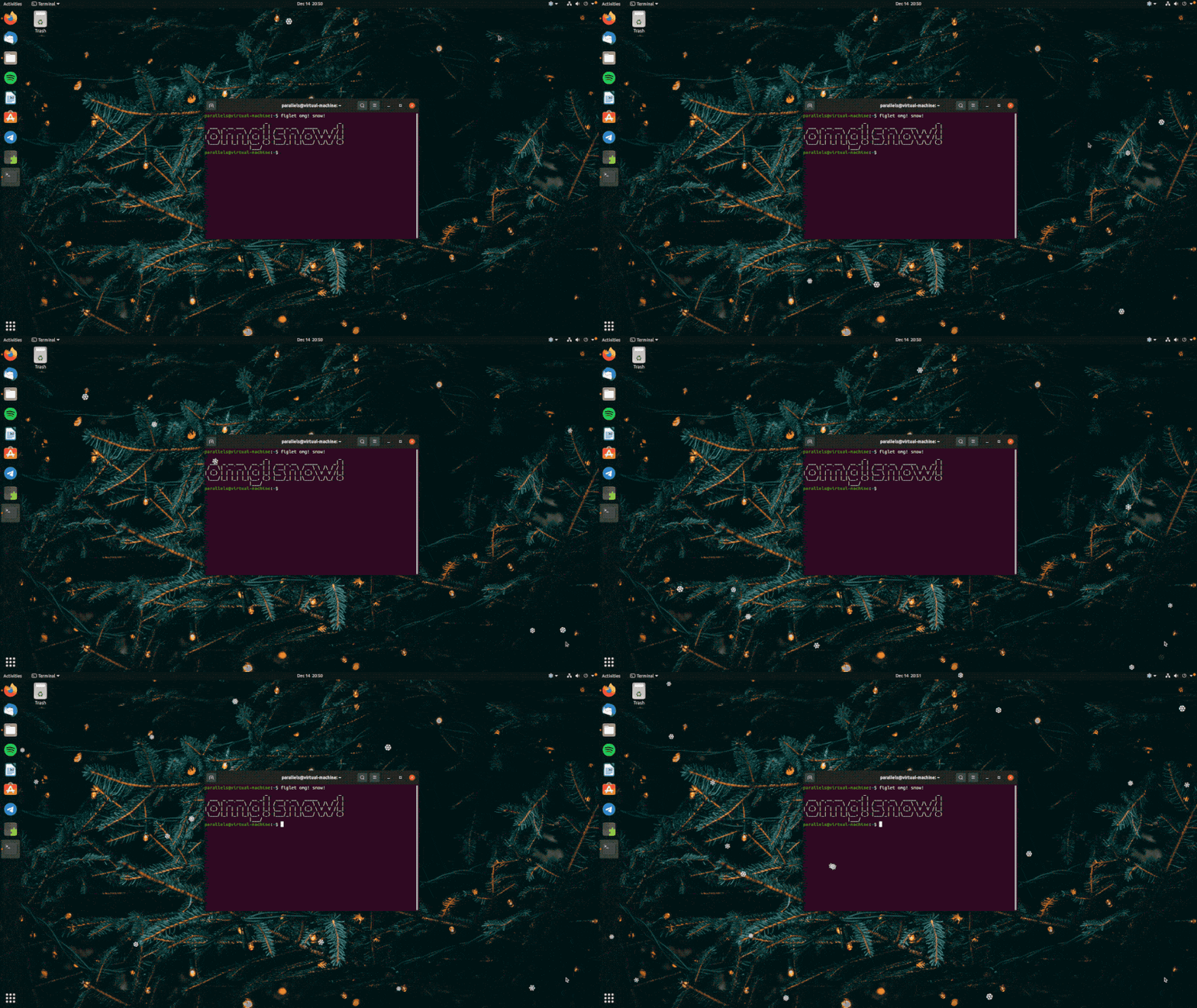
By far the easiest way to get a snowfall effect on Ubuntu (or any other Linux distro that uses GNOME Shell) is to install the extension Let it Snow GNOME. This widget will add a layer of snowflakes falling continuously all over your screen

Combined with winter wallpapers, Let it Snow is a quick and easy way to make your Ubuntu desktop more Christmas. In addition, you can also precisely control the amount of white snow falling.

Let it Snow also works great with a variety of screen setups.

Or you can also use xSnow
How to add snow effect to Ubuntu 4 desktop

If you don’t use GNOME Shell, you can try xSnow.

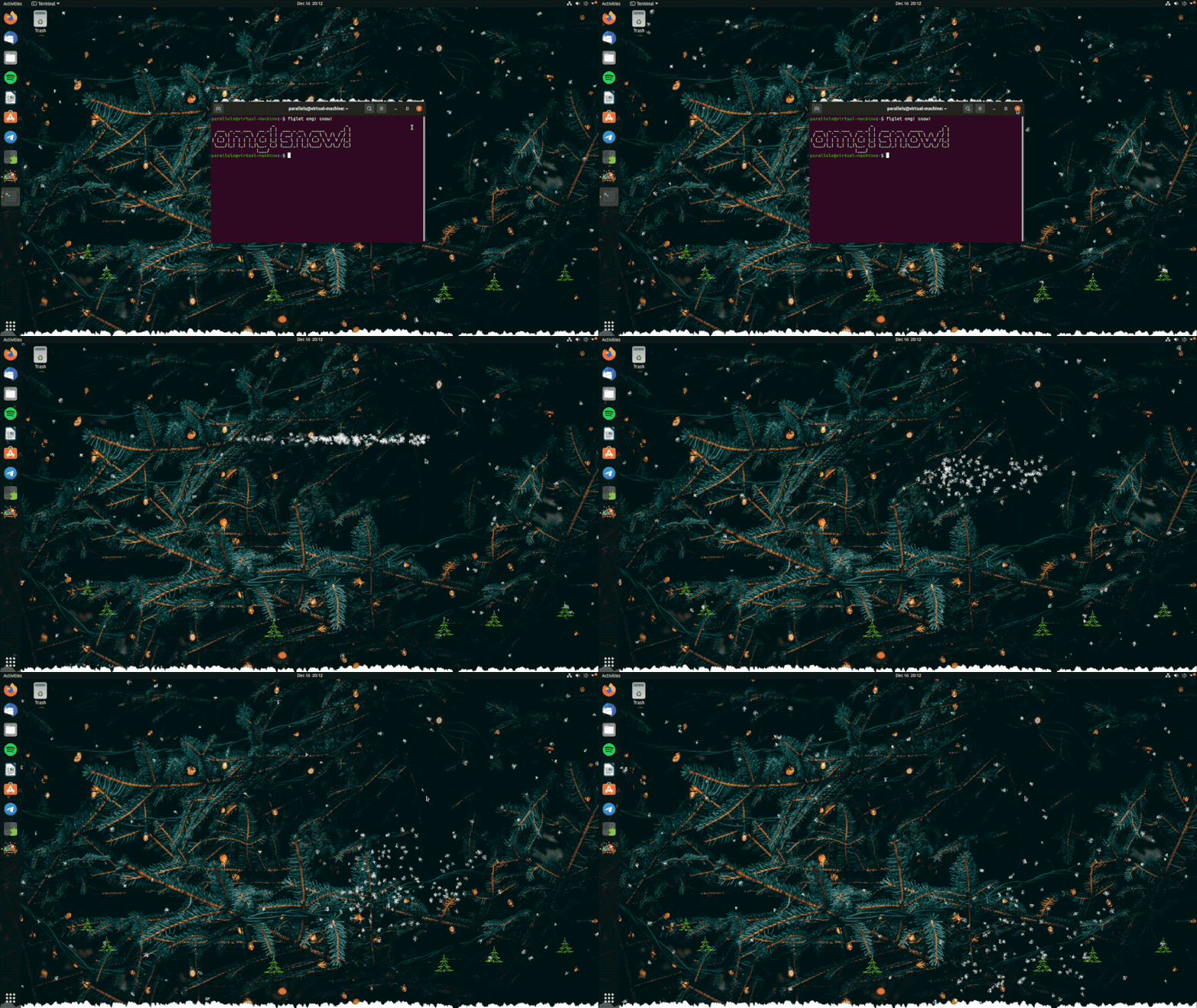
xSnow is a free and open source tool that works (virtually) anywhere an X11 session is available. The code of this version of xSnow is derived from xsnow by the developer Rick Jansen created in the early 2000s.

Now, xSnow is different from the Snow GNOME extension. It doesn’t give you a bunch of unicode snowflake emojis. And Second, this is not just an overlay effect but the entire animation.

When xSnow runs, snow will fall from the top of the screen. Snow will fall on top of open windows and pile up at the bottom of the screen (on any panels or docks you have down there). When you close the window, the snow deposited on the window will fall onto the screen.

The longer you let xSnow run, the more snow you will get.

In fact, you can enable various xmas-themed animations, from Santa’s sleigh pulled by reindeer to twinkling stars, shooting stars, birds, and more.

xSnow is available in the Ubuntu repositories on Ubuntu 18.04 LTS and later:

sudo apt install xsnow

Once the installation is done, open the XSnow app to start seeing snowfall.

You can also download the .deb installer for xSnow from Sourceforge. This tool should work on any Ubuntu-based Linux distribution from 18.04 LTS or later, although I have only tested it on Ubuntu 20.04 LTS and 18.04 LTS.

summary

So you already have a snow effect on your Ubuntu desktop. Whether you want a white blizzard in GNOME or a blizzard in another desktop environment. In addition, you can also decorate the Desktop with a Christmas tree in the corner of the screen here.


The article achieved: 5/5 – (100 votes)

Tags: AddDesktopeffectsnowUbuntu
Previous Post

What is a Browser In The Browser (BITB) Attack Type

Next Post

Lesson 132: How to use the TODAY function in Excel

AnonyViet

AnonyViet

Related Posts

Save image as Type contains malicious code: Remove immediately before losing money unfairly!
Network

Save image as Type contains malicious code: Remove immediately before losing money unfairly!

March 19, 2026
Instructions on how to register a .co.uk domain name for free for 1 year
Network

Instructions on how to register a .co.uk domain name for free for 1 year

March 12, 2026
How to Setup Paperclip AI: Create a Company for AI Agent
Network

How to Setup Paperclip AI: Create a Company for AI Agent

March 12, 2026
Compilation of free and cheap APIs to run OpenClaw stably
Network

Compilation of free and cheap APIs to run OpenClaw stably

March 10, 2026
3 Services to Determine IP Location for Website (IP Geolocation API)
Network

3 Services to Determine IP Location for Website (IP Geolocation API)

March 10, 2026
How to buy a .STORE domain name for 1 USD (2026): Detailed instructions from A–Z
Network

How to buy a .STORE domain name for 1 USD (2026): Detailed instructions from A–Z

March 3, 2026
Next Post
Lesson 132: How to use the TODAY function in Excel

Lesson 132: How to use the TODAY function in Excel

0 0 votes
Article Rating
Subscribe
Login
Notify of
guest

guest

0 Comments
Oldest
Newest Most Voted
Inline Feedbacks
View all comments

Recent News

How to add Watermark to Google Docs to protect copyright

How to add Watermark to Google Docs to protect copyright

April 19, 2026
How to intercept traffic using Burp Suite to analyze HTTP/HTTPS

How to intercept traffic using Burp Suite to analyze HTTP/HTTPS

April 18, 2026
How to avoid Adblock detection on Youtube with 4 good tips

How to avoid Adblock detection on Youtube with 4 good tips

April 17, 2026
How to transfer ChatGPT data to Claude is extremely simple

How to transfer ChatGPT data to Claude is extremely simple

April 16, 2026
How to add Watermark to Google Docs to protect copyright

How to add Watermark to Google Docs to protect copyright

April 19, 2026
How to intercept traffic using Burp Suite to analyze HTTP/HTTPS

How to intercept traffic using Burp Suite to analyze HTTP/HTTPS

April 18, 2026
How to avoid Adblock detection on Youtube with 4 good tips

How to avoid Adblock detection on Youtube with 4 good tips

April 17, 2026
AnonyViet - English Version

AnonyViet

AnonyViet is a website share knowledge that you have never learned in school!

We are ready to welcome your comments, as well as your articles sent to AnonyViet.

Follow Us

Contact:

Email: anonyviet.com[@]gmail.com

Main Website: https://anonyviet.com

Recent News

How to add Watermark to Google Docs to protect copyright

How to add Watermark to Google Docs to protect copyright

April 19, 2026
How to intercept traffic using Burp Suite to analyze HTTP/HTTPS

How to intercept traffic using Burp Suite to analyze HTTP/HTTPS

April 18, 2026
No Result
View All Result
  • Home
  • News
  • Software
  • Knowledge
  • MMO
  • Tips
  • Security
  • Network
  • Office

wpDiscuz
0
0
Would love your thoughts, please comment.x
()
x
| Reply








