If you want to edit videos, but your computer doesn’t have enough space to download apps like Adobe After Effects or Premiere Pro or simply because your computer configuration is weak, you should try it FlexClip.
| Join the channel Telegram of the AnonyViet 👉 Link 👈 |
What is FlexClip?
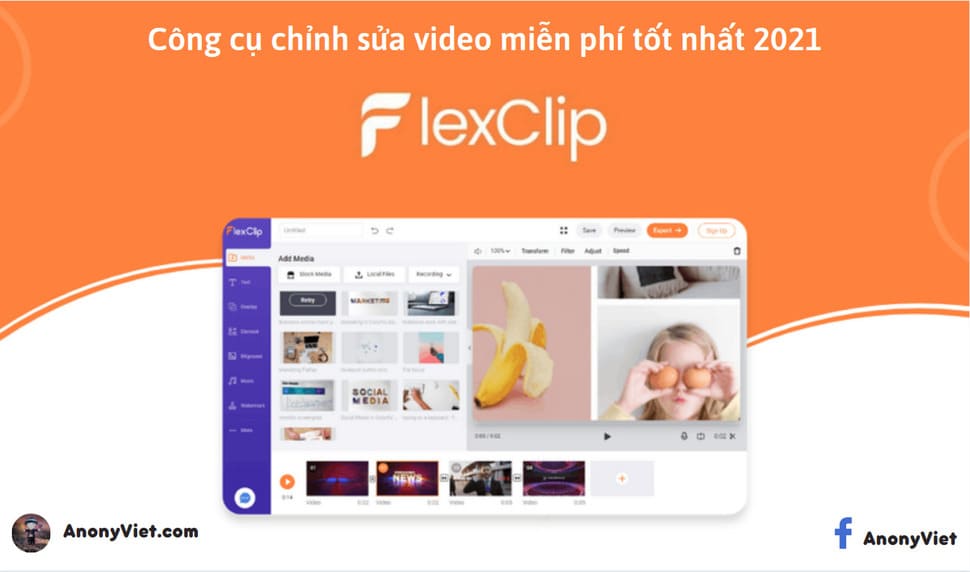
FlexClip is an online video editor suitable for those who are new to video editing or have a weak configuration.
This video editing website allows you to create beautiful videos in a flash. With hundreds of video templates, animation presets and diverse icons, the FlexClip video editor is all it takes to create unique online videos.
You don’t have to be a pro to create slideshows, video essays, vlogs, or promotional videos. With FlexClip’s features, it’s easy to create those videos even if you’re a novice, inexperienced.
Best of all, it’s a completely free video editing site. So what advantages does FlexClip have?
Advantages of FlexClip
FlexClip gives you full tools and features to create, edit, convert or compress videos in no time. Here are the advantages of FlexClip:
Easy to use
Unlike other software on the market, FlexClip is completely free and has no hidden fees. Users can enjoy the privilege of a comprehensive software without paying any monthly fees. You just need to sign up and FlexClip will give you all the tools you need to edit and create your videos.
There are many video editing tools
FlexClip has a lot of basic and advanced editing tools. With FlexClip, you can trim videos without losing video quality. Text insertion tools are also available for you to add captions, titles, and text to your videos to help convey your message. You can even combine various video or photo assets in your library with just a few clicks.
FlexClip also has a voice recording function to help you record your voice and insert subs into your videos. Moreover, FlexClip has a tool to watermark, adjust aspect ratio, set resolution, convert photo to video, split video and enlarge video.
Diverse sample video library
FlexClip comes with a huge library of video, music and photo content to insert right into your videos. You can use this library to communicate your key messages more flexibly.
Especially, when you use FlexClip, you don’t need to worry about the intro of the website. Normally when using other software like capcut, your video will have intro or logo of capcut, but not with FlexClip.
How to use FlexClip
With FlexClip, you don’t have to spend hours learning how to use it. Even if you have never used any other video editing tools before, you can still easily control it completely.
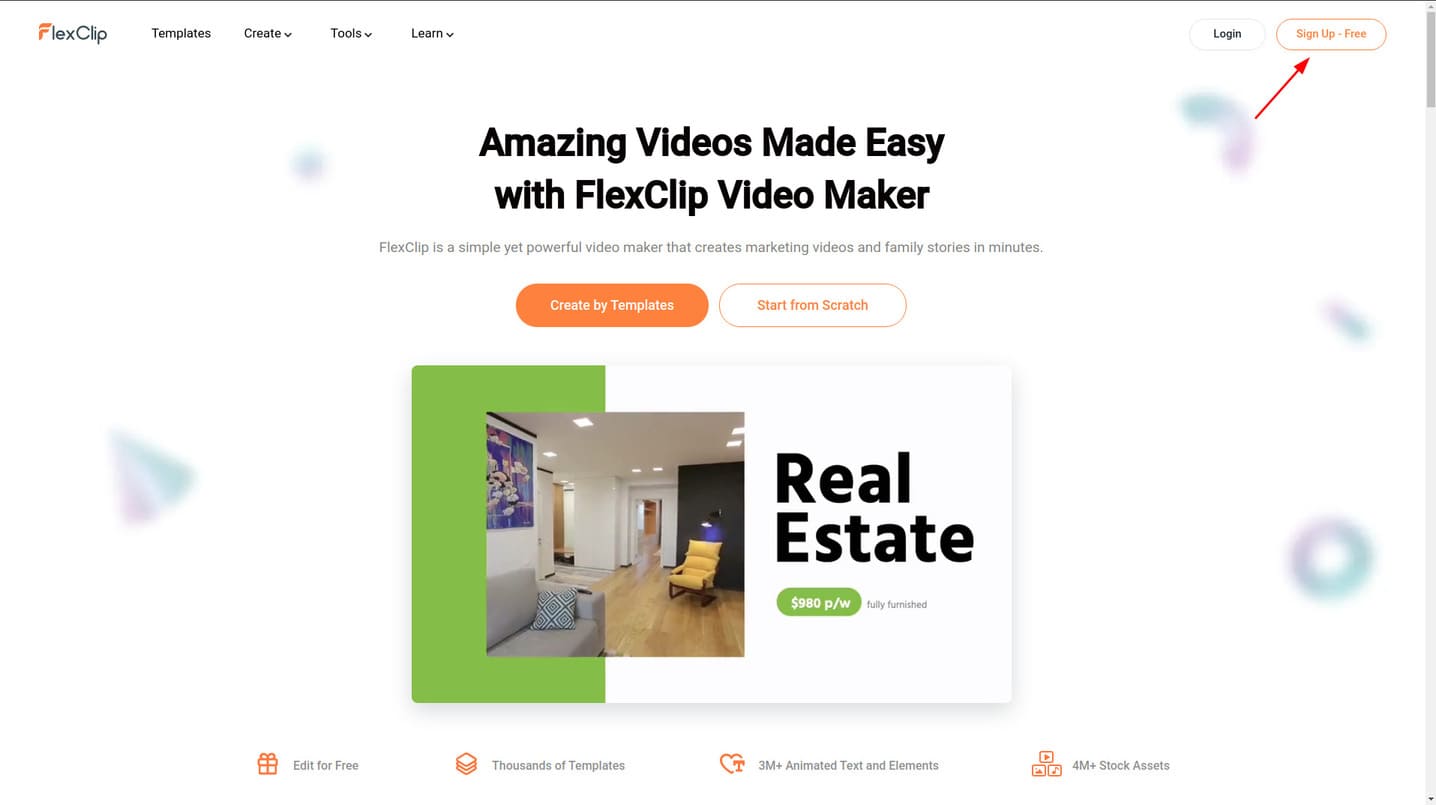
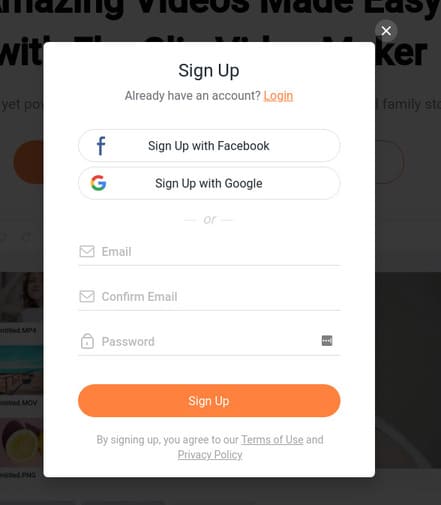
Step 1.1: You visit the website FlexClip here then tap “Sign Up – Free” to register a new account.
Step 1.2: You can register a new account by email or quickly register with facebook, or google.
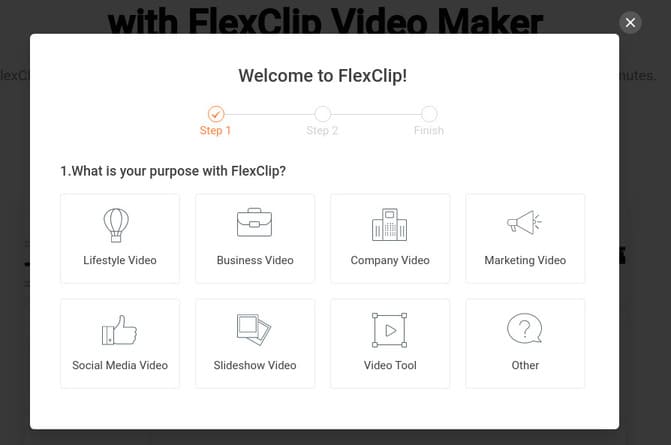
Step 2.1: Choose what video themes you will create using FlexClip.
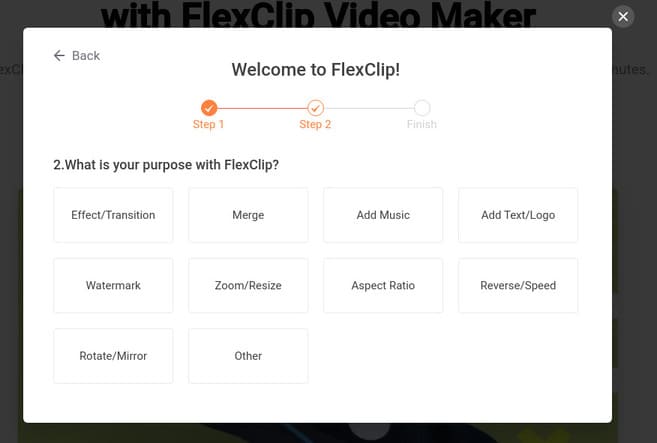
Step 2.2: Select the features you will use to edit videos in FlexClip.
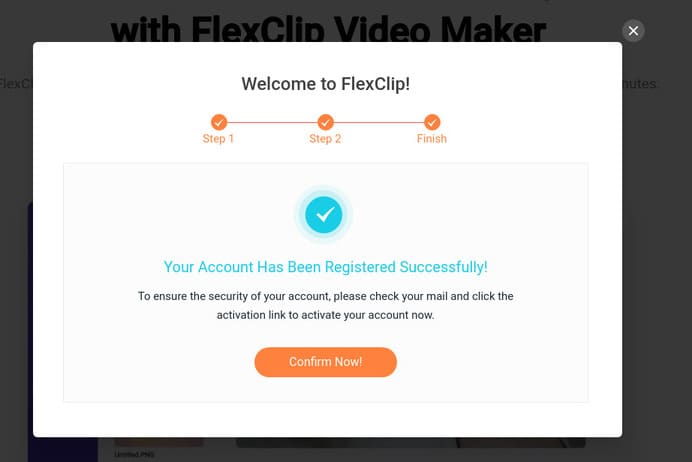
Step 2.3: Finally, press “Confirm Now!” to complete the registration process.
Step 3: There are many sample videos on the FlexClip homepage. You can choose a sample video to edit or upload your video by clicking “Start From Scratch”.
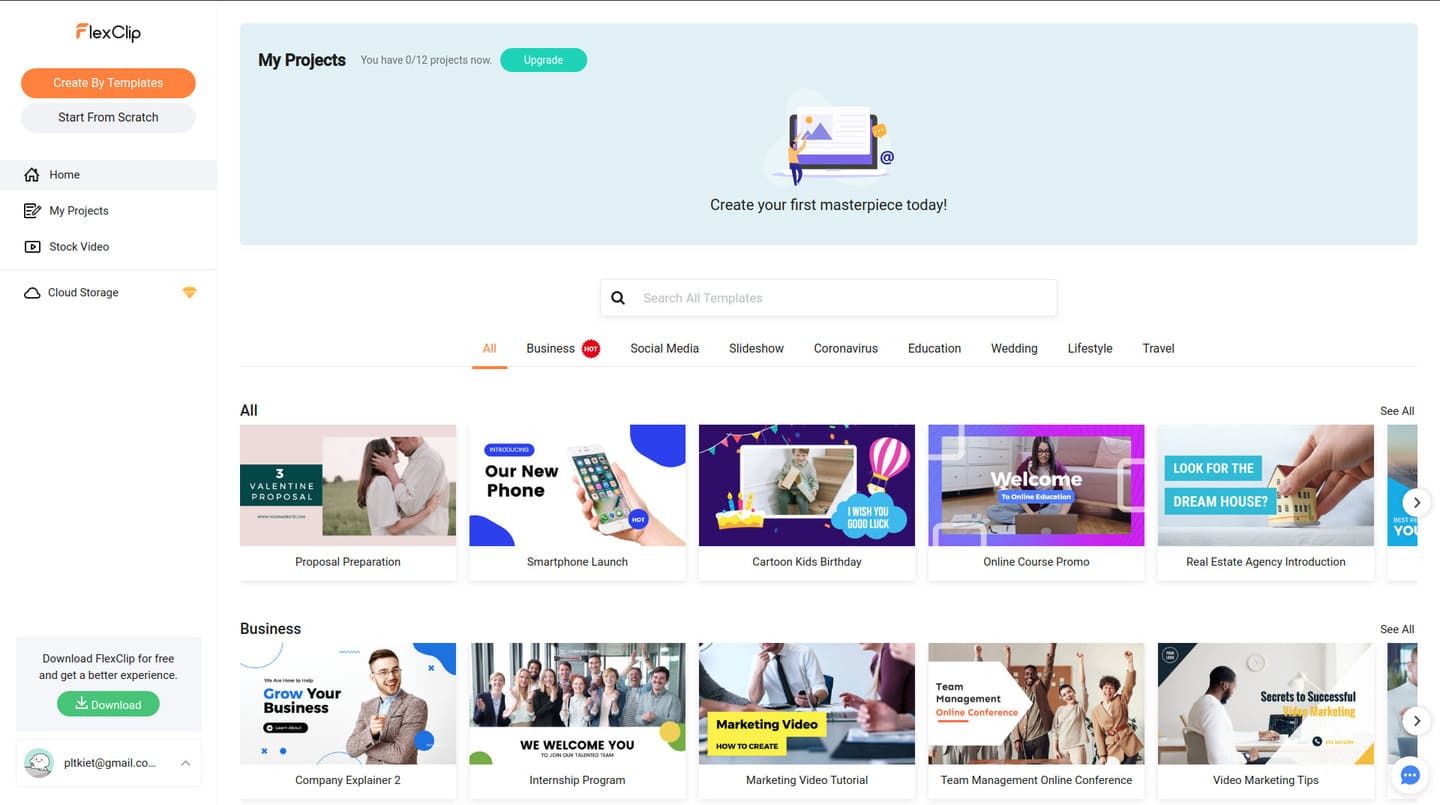
Step 4: Hover over the video you want to edit and select “Customize”.
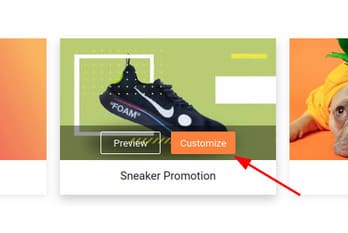
Step 5: On the left menu are the tools that FlexClip provides you.
Item Text Includes text styles that you can insert into Videos. You can insert moving text such as text that moves from the bottom, appears in the middle of the video, etc. or text effects such as shadow, neon, etc.

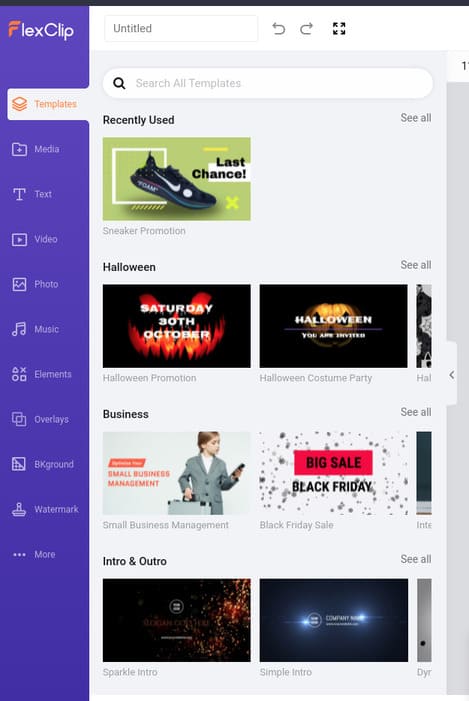
In the section Mediayou can upload videos or record videos from your computer.
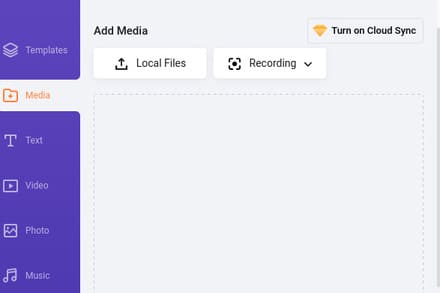
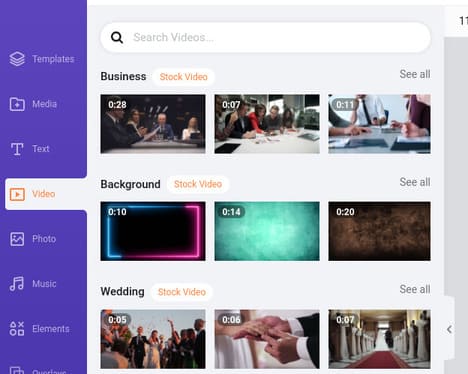
Section Videoyou can insert short FlexClip copyright videos into your main video.
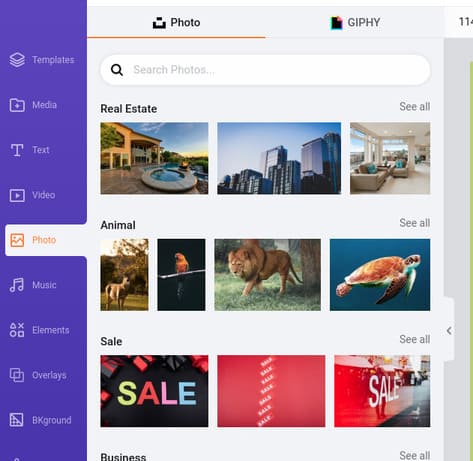
In the section PhotoFlexClip provides you with millions of different high quality images or various gifs to insert into videos.
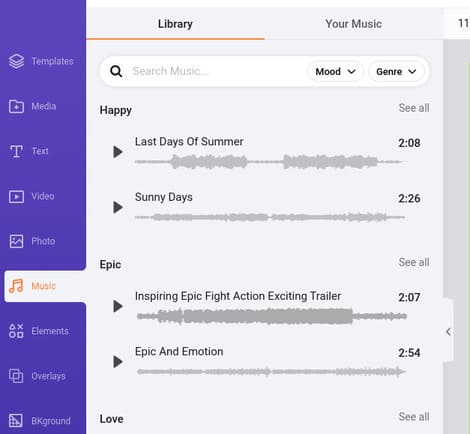
In the Music section, you can insert a lot of different sounds for your videos or you can also upload your audio files.
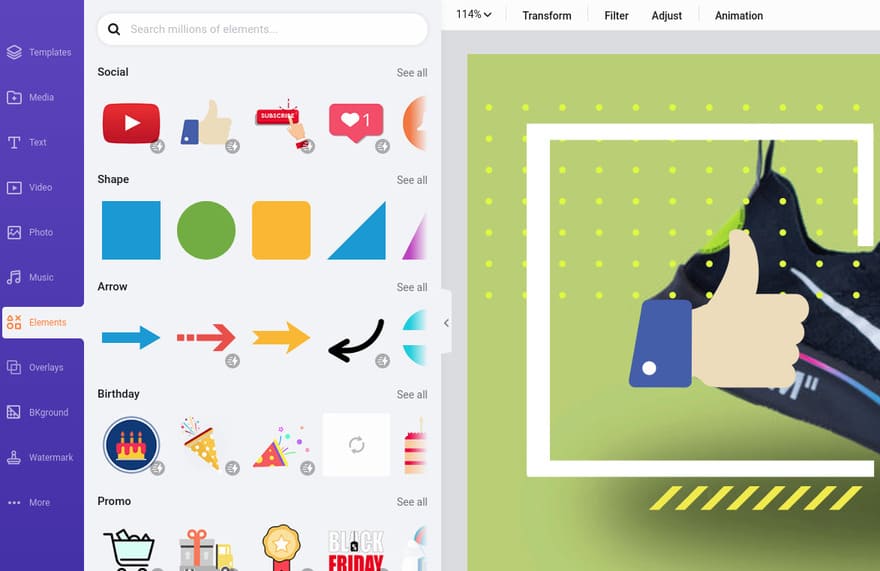
In the section Elements then there are rich icons with motion so you can freely decorate the video.
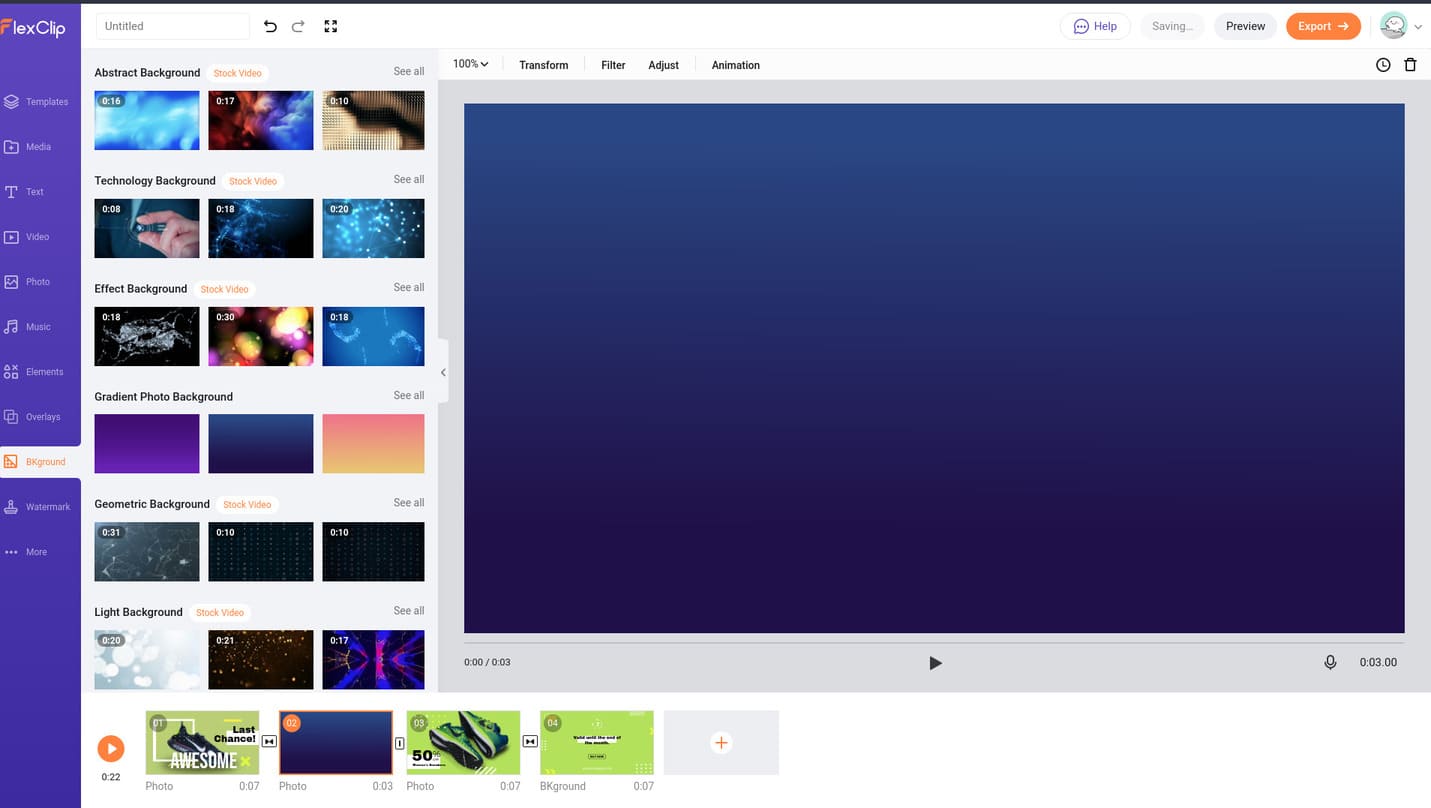
Item Backgroundallowing you to easily change the background of your video.
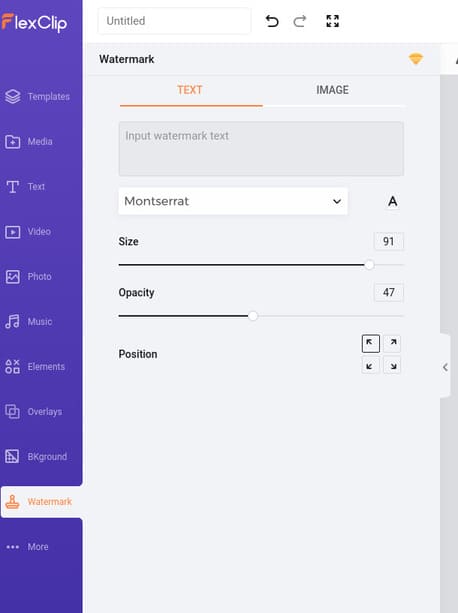
Section Watermaskyou can insert your logo or name into the videos you create to mark copyright, for example.
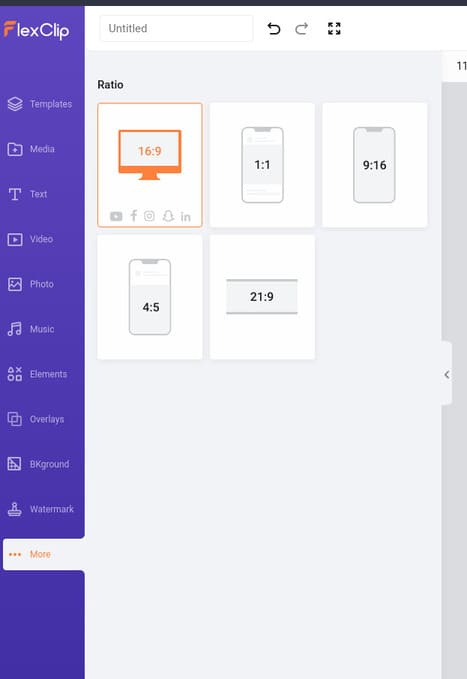
Finally, the item Moreallows you to set your video ratio, this feature helps you to create videos for various platforms like 16:9 for youtube, or according to phone size to post videos on TikTok.
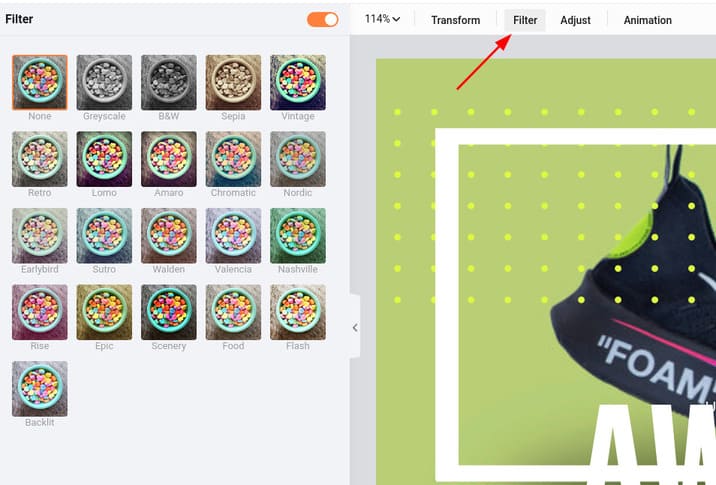
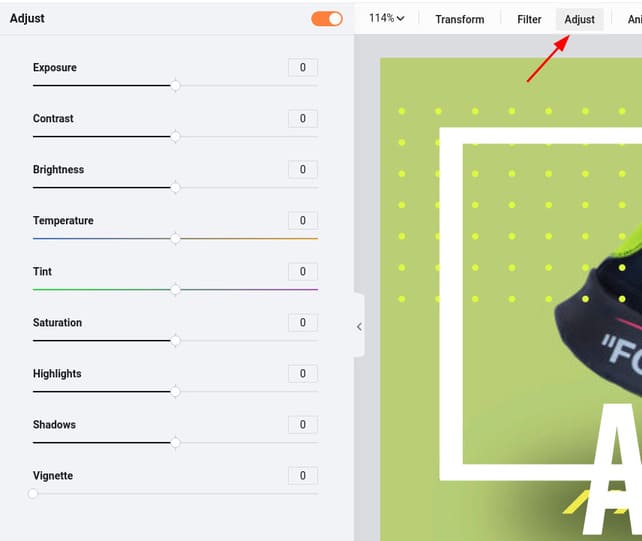
In the center of the screen are video adjustment tools like Filterto overlay different color sets for your video.
Adjust for individual video color adjustments such as saturation, lighting, contrast, etc.
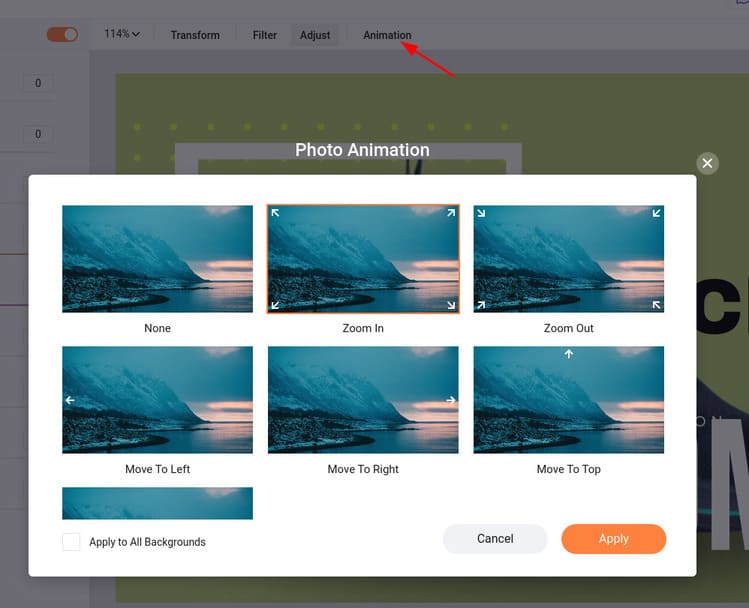
Animation to create effects for videos, including Zoom In, Zoom Out, etc.
At the bottom of the screen is the video’s Timeline. Here you can easily create a new scene, delete it, duplicate it, or just run it to preview.

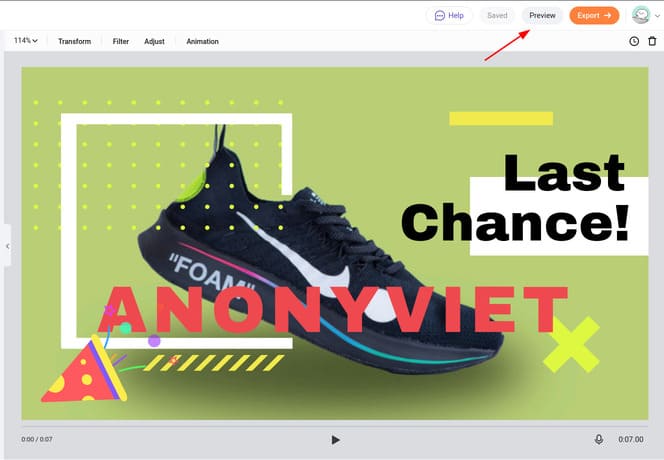
And this is my final result, it’s okay and this is all :v.

Step 6: After creating the video, you can click Preview to preview the video.
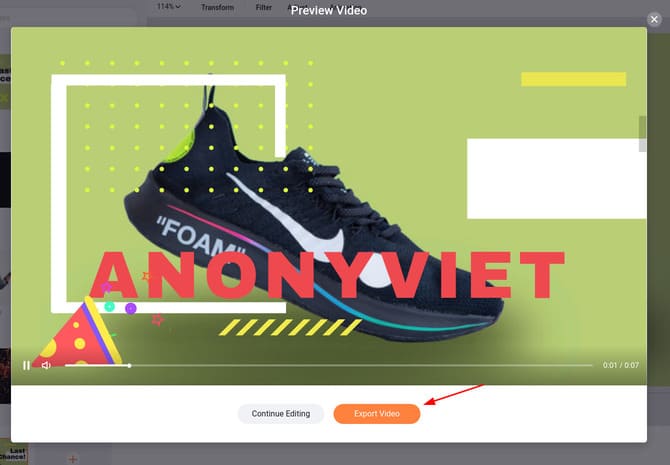
Step 7: If it’s ok, click Export Videos to proceed with video output.
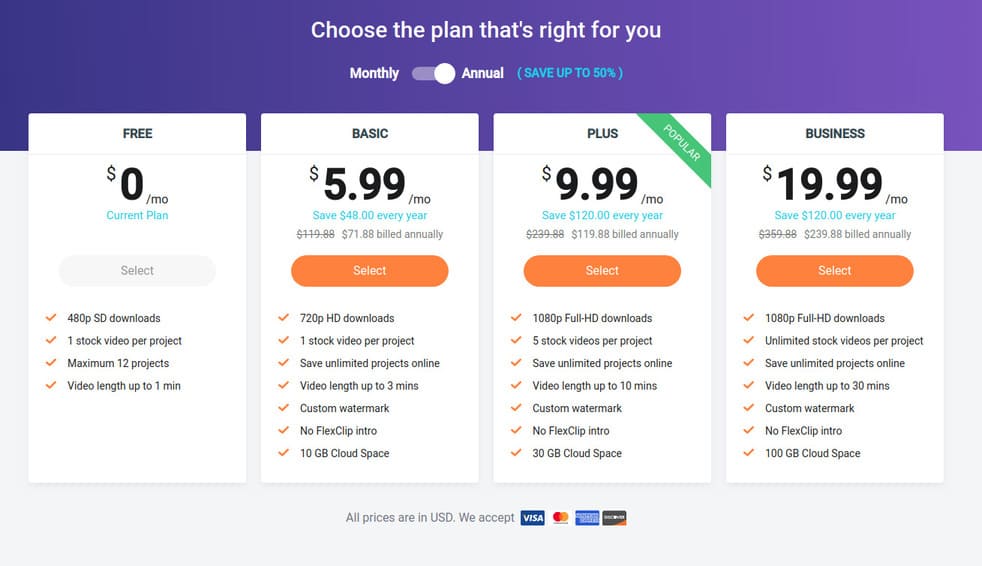
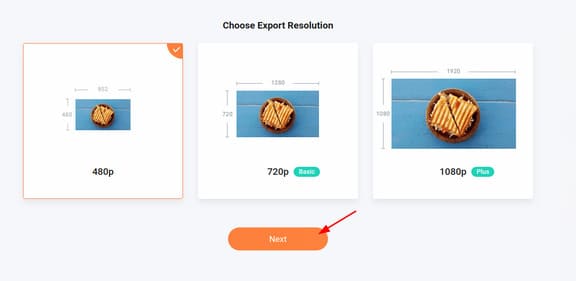
Step 8: In the free version, you can only download videos in 480p resolution, press next to continue.
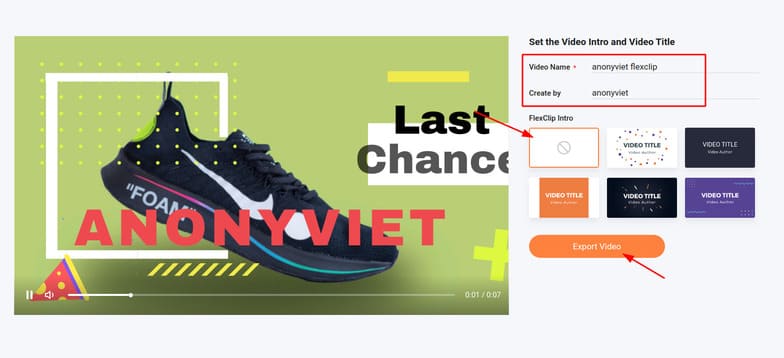
Step 9: Enter the video name and author’s name, and then select the intro for the video. You can choose the first one to not insert the intro into the video. Then press “Export Videos” to download videos to your device. So that’s it then.
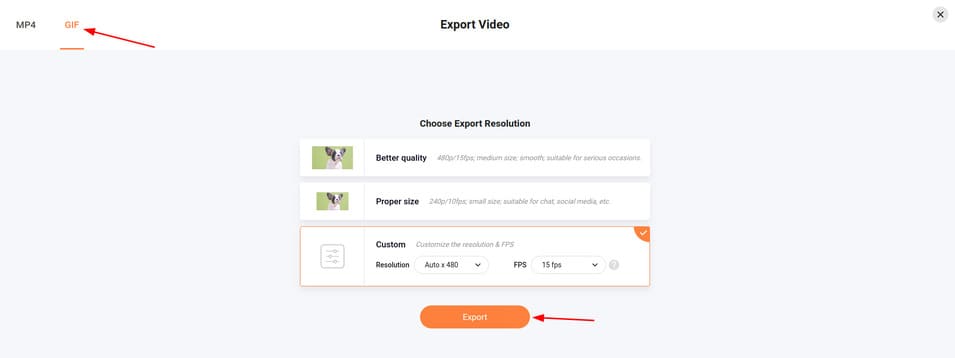
Step 10: You can also make gif for Video by clicking GIFselect the resolution you want and press Export.
If you don’t want to download videos at 480p, you can upgrade to other packages. With a price of only 10 dollars a month, a little more than 200k, you can download videos at 1080p Full HD resolution, in my opinion, this is a completely acceptable price on the common ground.