Samsung Wallet What is that? Samsung Wallet is a versatile digital wallet application, providing a convenient solution for you to manage everything from payment cards, tickets to digital keys. With Samsung Wallet, you no longer have to worry about carrying a variety of cards or papers, all of which are integrated safely in a single application, ready to access with just one touch.
| Join the channel Telegram belong to Anonyviet 👉 Link 👈 |
What is Samsung Wallet?
Samsung Wallet is an application developed by Samsungacting as a comprehensive digital wallet on your mobile device.
This application combines the payment functions of Samsung Pay and the ability to manage personal information Samsung passcreating a unified foundation to store and safely use card types (credit, debit, loyal customers, gifts), tickets, digital keys and many other important information. The goal of Samsung Wallet is to simplify daily transactions and personal information management, making life more convenient and safer.
The main features of Samsung Wallet
Samsung Wallet brings many outstanding features, helping you manage financial and personal information effectively:
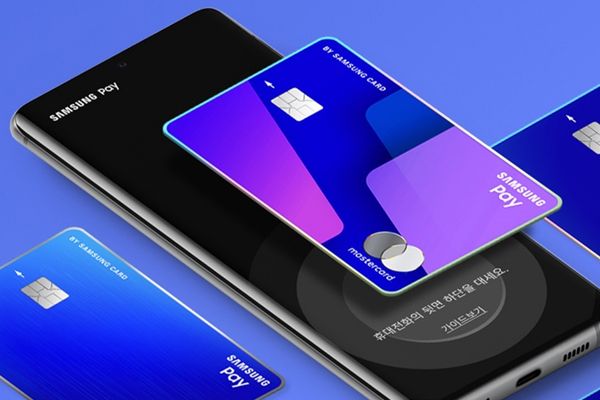
- Non -contact payment, easy to add and use all kinds credit carddebit to pay at millions of points accepted globally, both online and offline.
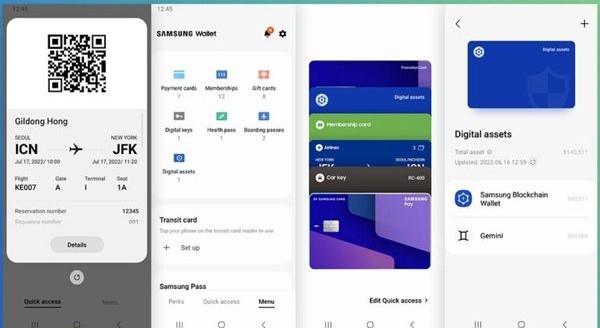
- Not only bank cards, you can also add loyal customers, gift cards, air tickets, movie tickets and other digital tickets to Samsung Wallet
- Safe password, address and card details to automatically fill in the web or shop online, save time and effort.
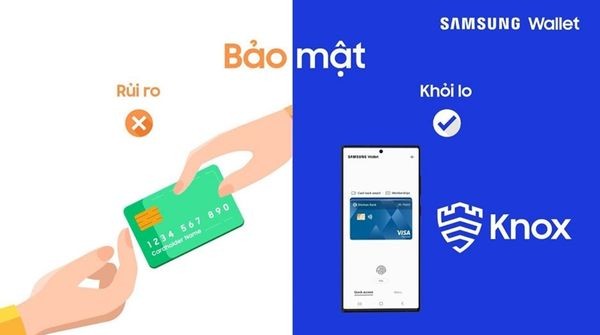
- Samsung Wallet is protected by security platform Samsung Knox. All transactions require authentication with fingerprints, iris or PIN, and personal information stored in a separate area, absolutely safe.
- Integrated digital keys for compatible devices such as cars or smart door locks.
- Samsung Wallet users often receive incentives, promotions and gift cards from associated partners.
Note: The feature may vary depending on the area and equipment.
How to open Samsung Wallet quickly
Just swipe up from the bottom edge of your Galaxy phone (from the main screen or the lock screen), the Samsung Wallet app will display immediately with the default payment card ready to use. You can also customize this fast access feature in the application settings.
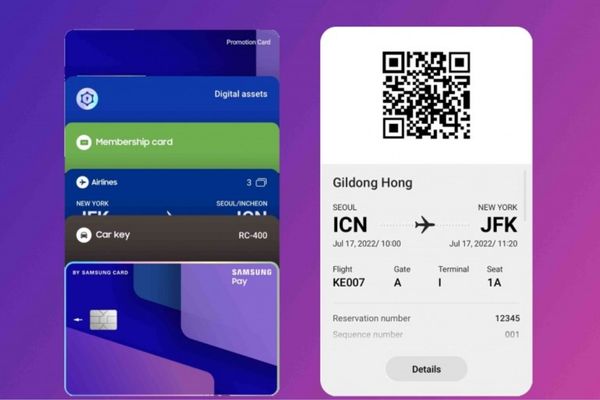
Instructions for installing Samsung Wallet
Make sure your Samsung device supports Samsung Wallet and have been updated to the latest software version.
- Search and open Samsung Wallet application On the phone. If necessary, the system will ask you to download and install the full version.
- Use your Samsung account to log in, or initialize a new account. Next, choose “Begin“To go to the next step.
- Review and agree with terms and service use policies.
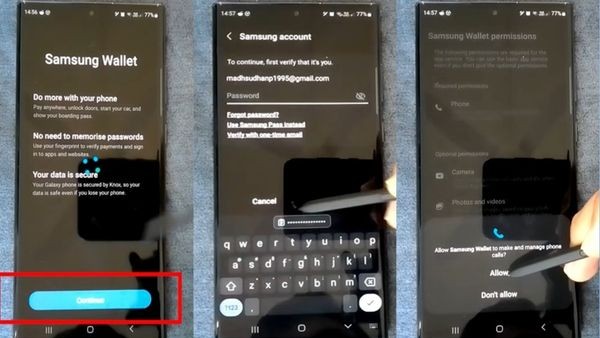
- Select the authentic method to protect your Samsung Wallet. Options include iris scanning, fingerprints or PIN. You should set up a PIN as a backup plan.
- Create 4 -digit PIN for Samsung Wallet.
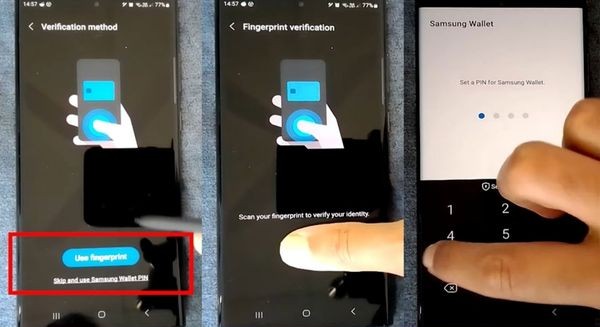
Complete the installation by adding your first credit card or debit card to Samsung Wallet.
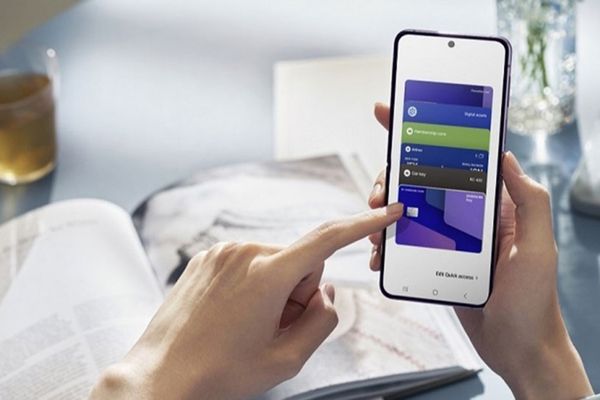
Instructions for using Samsung Wallet to pay
Payment with Samsung Wallet is very simple and convenient with just a few steps:
- Swipe up from the bottom edge to open the application. Select the card you want to use by swiping left or right if there are many cards.
- Use fingerprints, iris or enter the PIN to verify your identity. This operation will activate the payment mode.
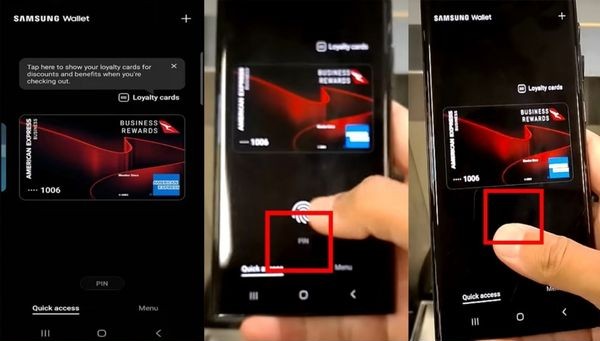
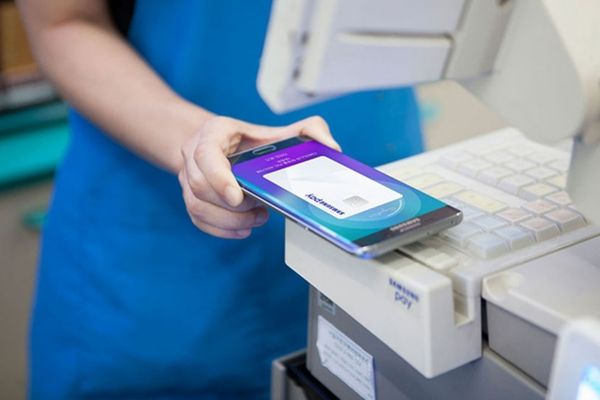
- Meet your phone back to the card swipe or payment gate. Keep the device for a few seconds until the transaction is confirmed.
- At some sales points, you may be required to enter the PIN of the physical card on the payment machine to complete the transaction.
Conclusion
Samsung Wallet is an indispensable application for those who seek convenience and security in digital life. With the ability to integrate a variety of important cards and information, this application helps simplify all transactions and personal management. Experience now to enjoy modern, cashless and safer lifestyle than ever!