This article will show you how to create a chart in Excel.
| Join the channel Telegram of the AnonyViet 👉 Link 👈 |
How to create a chart table in Excel
1. Select the chart.
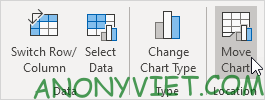
2. On the Design tab, click Move Chart.
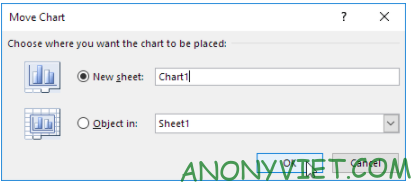
3. Click New sheet and enter a name
4. Press OK
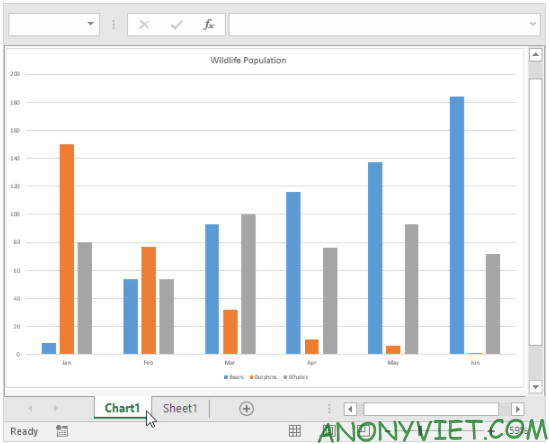
Result
In addition, you can also view many other excel articles here.