

This article will guide you to filter dates in Excel.
| Join the channel Telegram of the AnonyViet 👉 Link 👈 |
Filter date
In this article, I will guide you to filter the date.
1. Select cell in data table
2. In the Data panel select Filter
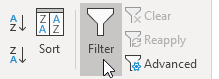
And then the arrow se appears at the top of the column
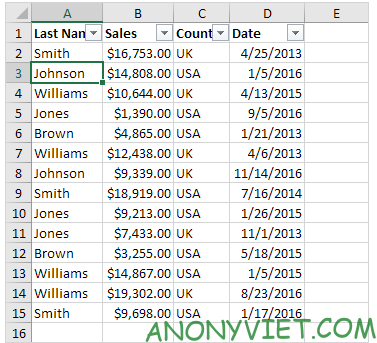
3. Select the arrow in Date
4. Select Select All to clear all check boxes then click 2015 and January
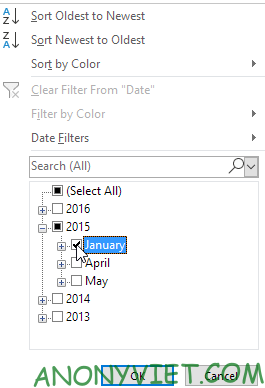
Then press OK
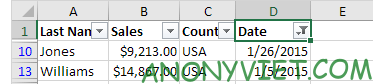
As a result it will display Sales in January 2015.
6. Click the arrow next to Date
7. Click Select All to select all Box
8. Click Date Filters in my TH, I will choose Last Month
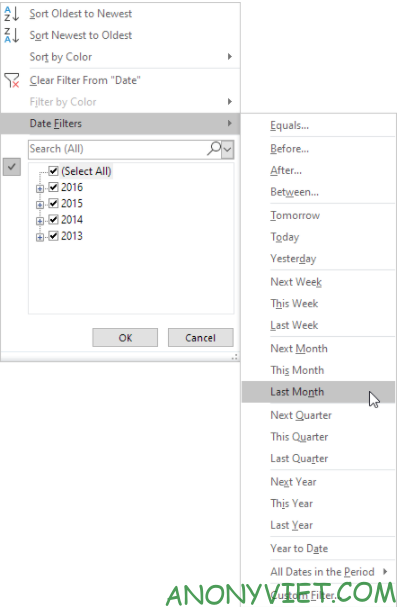
Result: it will show Salse at Last Month

In addition, you can also view many other excel articles here.










