Among Us is one of the highest rated family games on the App Store. If everyone has a phone, invite your friends, family, co-workers to play this game. I guarantee they will have to separate from each other to complete the mission of the game. This game is extremely interesting, the number of 4-star reviews for Among Us proves it, especially since this game has not been released for two years. Here is a guide on how to play Among Us for you.
| Join the channel Telegram of the AnonyViet 👉 Link 👈 |
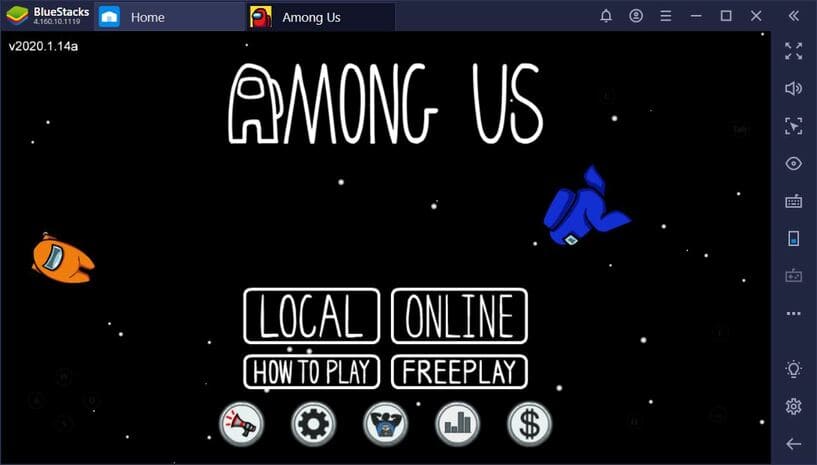
Game Guide Among US
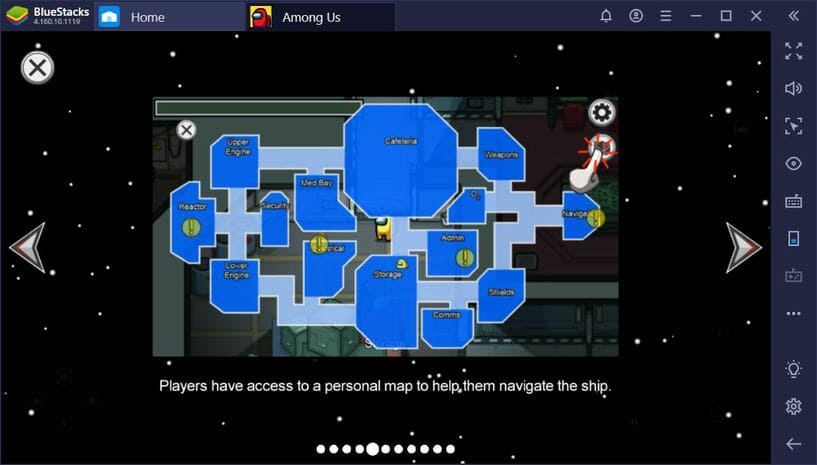
How to play Among Us Pretty simple: you are one of 4 to 10 players on a spaceship. On this train there is an impostor who wants to kill all the others. Your task and the rest of the players is to try to escape from the spaceship. To do this, you have to complete some quests or (better) find the impostor and vote on who is the impostor. If you succeed, the crew wins. And if the impostor kills them all, he wins.
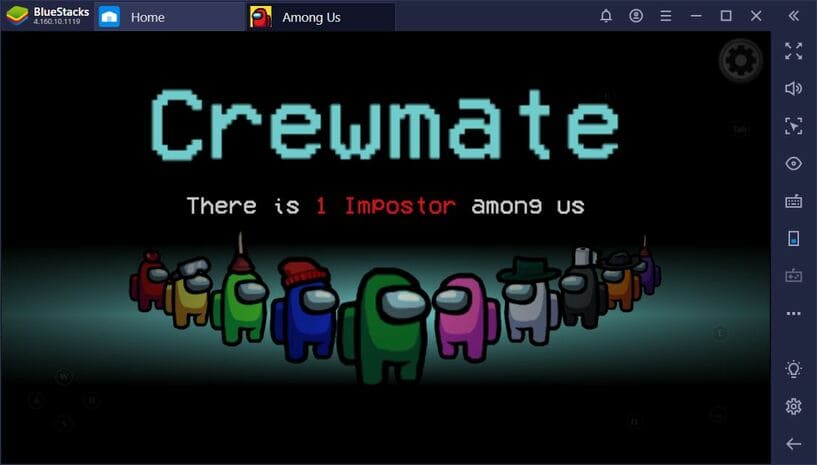
Skeld map, there are 14 different rooms connected to the nahu by 7 corridors. People spawn in the Canteen, and depending on the host’s settings, as well as on the RNG, Crew members must visit some or most of the other rooms to complete the quest. While impostors have no specific mission or goal, they can fake “complete” certain activities to gain people’s trust. Everyone has the opportunity to hold an emergency meeting or, upon sighting a body, to notify others. For the mobile broadcast, the discussion in the events will be limited in time. If you want to know how you can be the perfect Crewmate, go read this post.
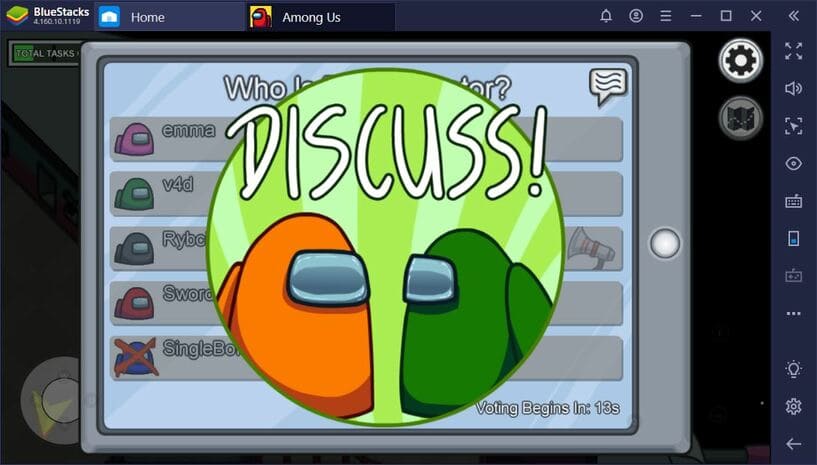
If you are an Impostor, your main goal is to convince others not to suspect you. As this game has a voting system that works based on the person with the most votes being eliminated from the game. So your strength is argument. To convince people to think in the way that is best for you, you must prepare the best possible counter-cases. Since each argument is time-limited, you must either present evidence on your side or make up a credible story to fool everyone.
When you are killed by an Impostor, you become a ghost. Although you can’t interact or discuss with others, you can help them complete tasks. However, they won’t be able to see you.
Online or LAN mode
The best part of Among Us is that you can easily play with your friends. You can host and set a password for your room. If you can’t play via LAN, that’s okay, the game also has an online mode for you to explore. However, there is an advantage to playing Among Us on BlueStacks that the emulator will allow you to type messages and respond faster than on your phone.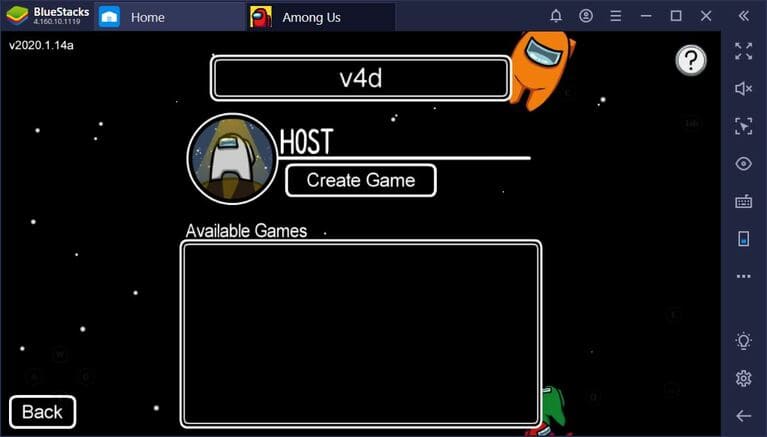
This is one of the great ways to have fun with your co-workers. You can also play with friends and family, but playing alone is too boring, must have more coke and snacks. You will also have a chance to meet talented actors, keyboard heroes, writers, etc. all possible in this game.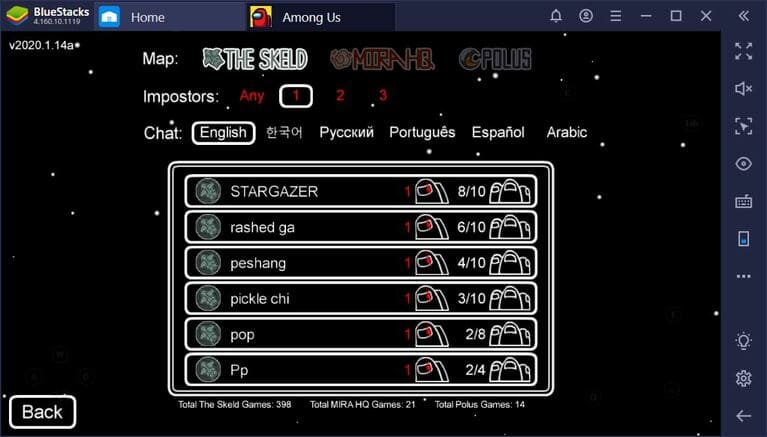
Although it can be said simply, Among Us is by far one of the social, highly entertaining mobile games for us.
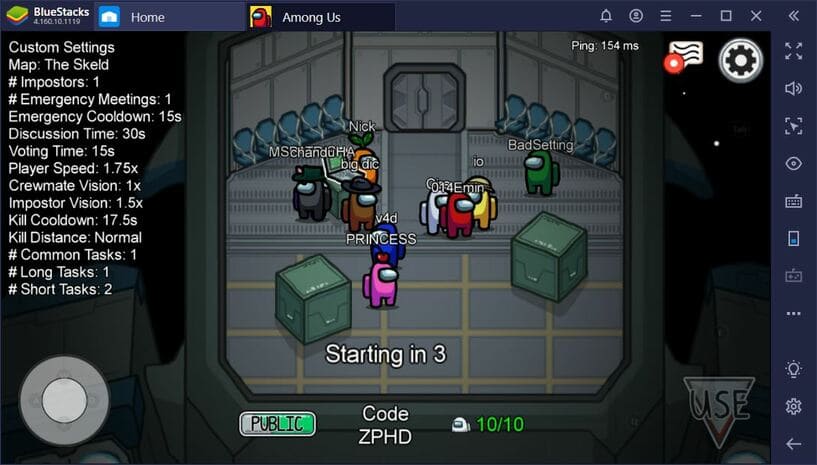
If you notice, the way the fake kills you is very similar to the aliens. So one theory is that the impersonator is actually a crew member who contracted some kind of illness in the lab. All over the map, there are a number of graves that may show people who had also previously fallen ill and died. From this perspective, there’s definitely a reason why everyone is wearing a hazmat-like outfit – they’re trying to prevent an epidemic.
Currently, the game does not have a ranked mode nor a friend request feature. Unfortunately, these two features are highly anticipated by players. But, no matter what, Among Us is a fun game that can help you pass the time and have fun with your teammates.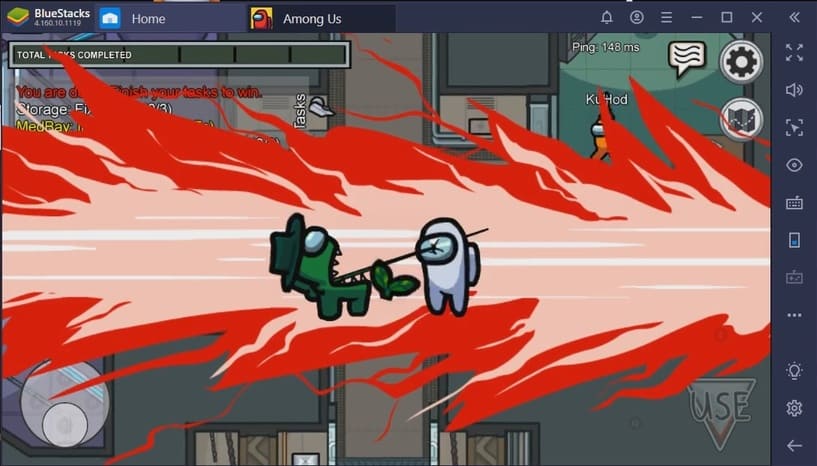
How to play Among Us on SmartPhone
Among US currently supports both iOS and Android, if you have a smartphone, you can download the game Among US to your phone to play with friends or play online.
How to play Among Us on PC
To play Among Us on PC, just follow these steps:
- Download Android emulator BlueStacks or the Android emulator other that AnonyViet introduced.
- Open App Center, search for keyword “Among Us” and press install.
- Once the installation is done, you will see the Among US icon on the home screen, tap it to launch the game.
Now, you can play Among Us for free on PC. Although the game is free on Android, you must purchase the game on Steam if you want to play it on PC.
You can learn more with the video below:
The best thing is that you can play with other players on the PC version because this game supports cross-platform play. If you want to always win and choose to be a wolf, download this version hack game among us Anonyviet shared it.