Gophish is an open source phishing tool designed for pentesters and businesses to conduct phishing campaigns. It can support easy and quick setup. The purpose behind the development of this tool is to train security awareness by simulating real phishing attacks.
| Join the channel Telegram of the AnonyViet 👉 Link 👈 |
Gophish: Phishing Source Code
Gophish features allow its users to set up and execute phishing attacks in an easy-to-use interface. This toolkit is very powerful and is also open source for anyone who wants to simulate meetings phishing attack. What is special is that it is designed for entrepreneurs and pentersters.
The foundation of Gophish is the JSON API, which makes phishing easier for sysadmins (system admins) and developers. Gophish uses the Gophish API to collect information for a specific campaign. You can also create an excel-like report. In the software, there are tools available such as landing pages, templates (sample campaigns), which help to create a fully automated simulation program for phishing. This feature is used to set up such campaigns that can run automatically throughout the year (sounds cool).
Feature:
- Install with 1 click
- Full REST API
- Easy to use GUI
- Cross-platform (Windows, macOS, Linux)
- Python API Client
- JSON API (with API documentation as well)
- Templates & Landing Pages
- Easily set up and execute phishing campaigns
Install Gophish on Linux
Gophish is very easy to install. That said, it took me more than a day to install it. But you don’t need to worry, I already have a guinea pig. All you need to do is follow the steps below.
- Open terminal
- Type command:
sudo mkdir /opt/gophish. This command creates 2 directories, opt and gophish in the home directory
- Then you access the gophish folder with the command:
cd /opt/gophish
- Next, you download gophish with the command (replace 64bit to 32bit if you use 32bit Linux):
sudo wget
- Extract the downloaded file with the command:
sudo unzip gophish-v0.9.0-linux-64bit.zip
- You install tmux with the command:
sudo apt-get install tmux
- Continue to enter the command:
tmux new –s gophish * - Finally enter the command:
sudo ./gophish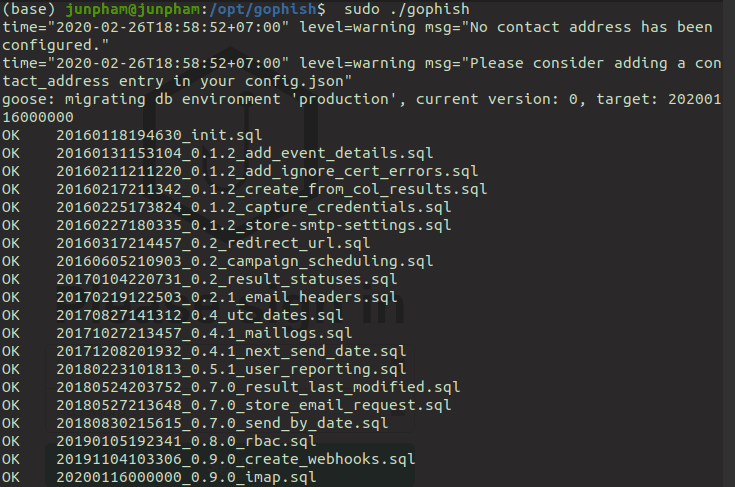 Nó mà hiện mấy dòng OK vậy là được rồi đó. Mấy dòng ởở dưới đừng để ý.
Install Gophish on Windows
- Go to gophish download page. Choose the 32 or 64bit version depending on your system.

- Unzip the downloaded file.
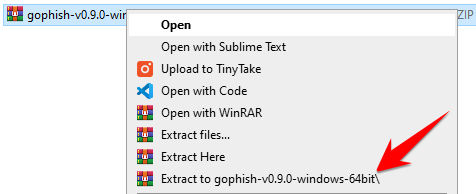
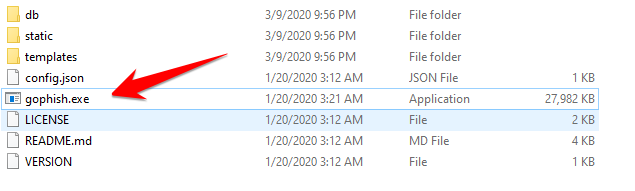
- Right-click the gophish.exe file and select Run as Adminstrator.
- If Windows blocks the installation, press More Info -> Run anyway
- If it shows this message, choose yes. Firewall is blocking gophish from accessing the network.
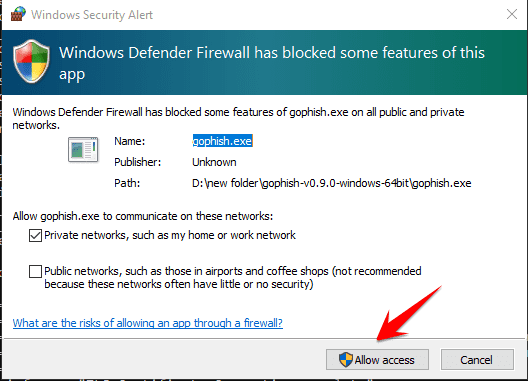
So that’s it then.
How to use Gophish
You can access the link: 127.0.0.1:3333. If you cannot access the link, it means that during the start of the gophish file, there was an error. The best way that I usually do to fix it is to restart the computer. 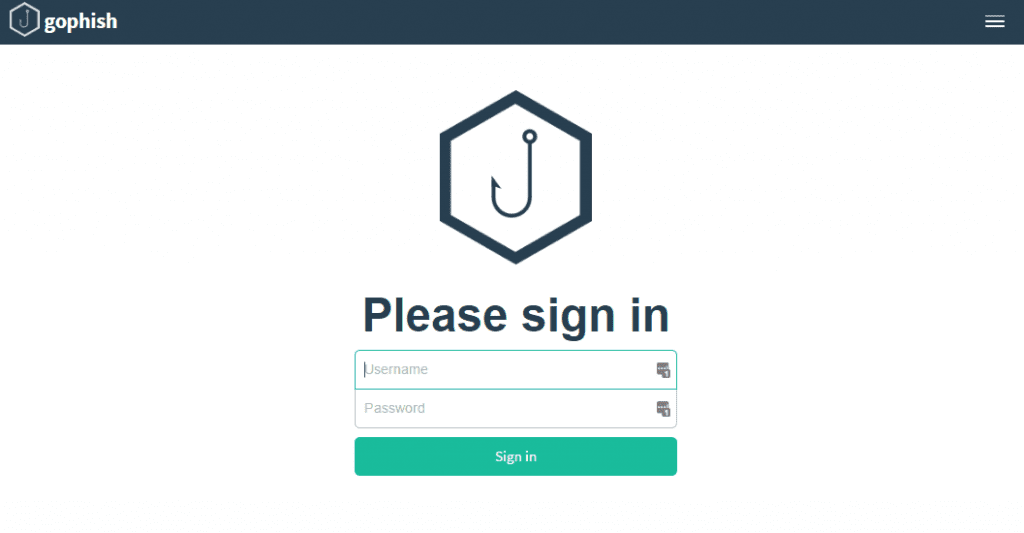
Username is admin, and password is gophish. Your browser will warn you about this page, but don’t worry just keep browsing.
1. Create Users & Groups – Phishing Objects

Users & Group is the group of objects you will send phishing mail to.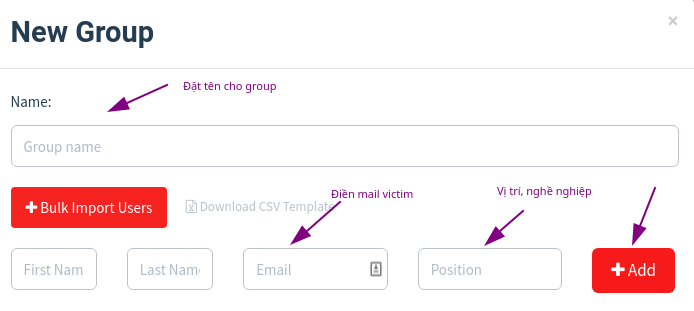
Mail plays a role victim to be [email protected]. After filling in the information, press Add. You can also add many other email victims, unlimited. Finally press Save Changes.
2. Email Templates – Phising email content

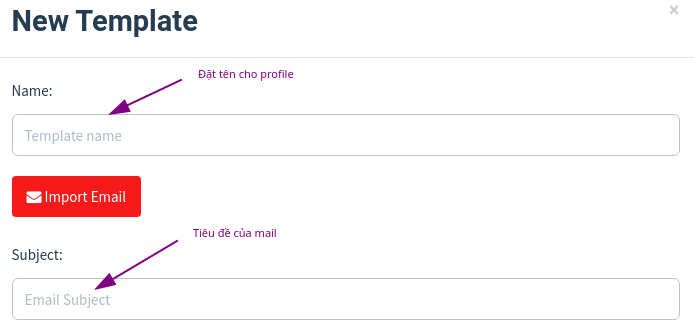
Then you go to your main email. Go to the category -> Social networks, find some great mail. I found google mail. You can also search for email from youtube, google, etc. or whatever. Depends on what you want to phishing. Here, I phishing gmail.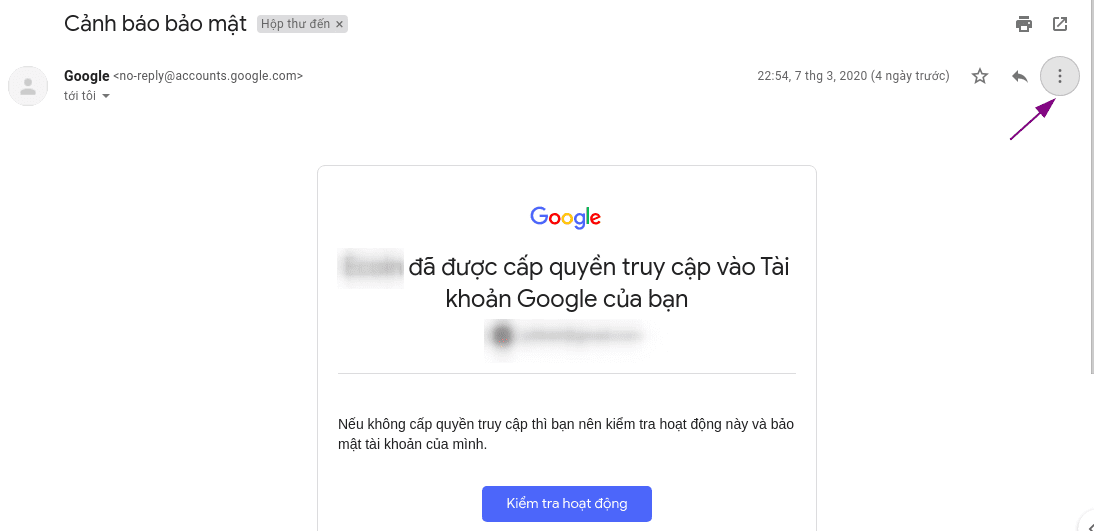
Tap the 3 dots, select “Show original message” or “Show original”. You will be redirected to another page. On this page, press “copy to clipboard” or “copy to clipboard”.
Next go back to the gophishing page, press Import Email.

Paste the content you just copied here. Then press Import. Change the content of the email so that it is attractive and real. This is the email content I have changed.
After changing the content, press Save Changes.
3. Landing Page – Create a phishing page
Press New Page -> Import Site. You paste the link of the page you want to create phishing into. For example, here I get the link of the page Google login.
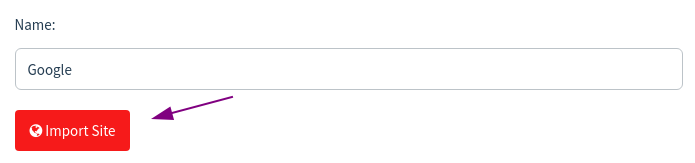
After Import accomplished. Press Capture Submitted Data. You paste the link you just imported into the section Redirect to.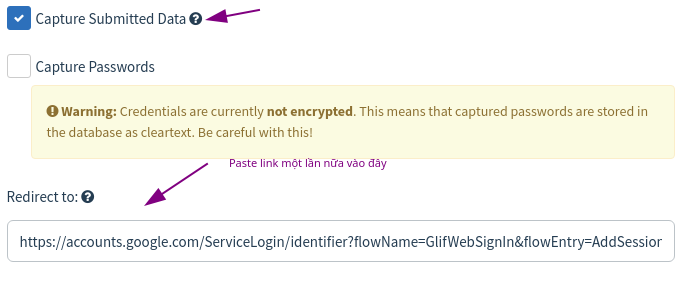
Finally press Save Page.
4. Sending Profiles – Create mail attacker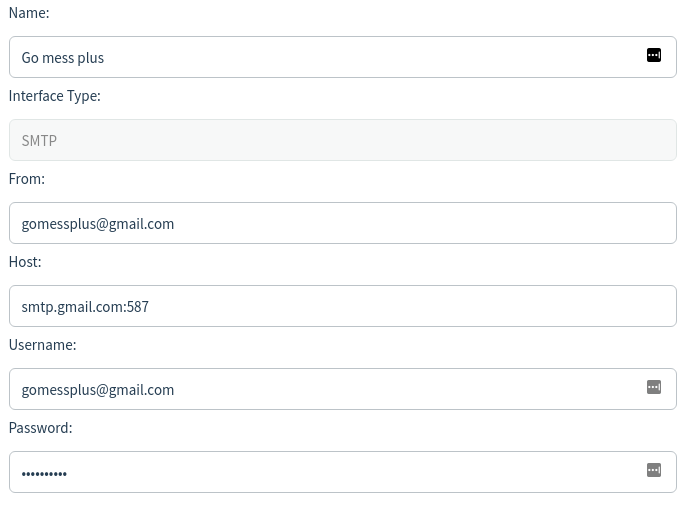
This is the email that plays the role attacker: [email protected]. This mail will send phishing emails to the victim you added in Users & Groups.You can change other parts, but the Host part cannot be changed. That host only applies to google mail. Emails ending in @gmail.com are google mail.
After changing, scroll down and select Send Test Email.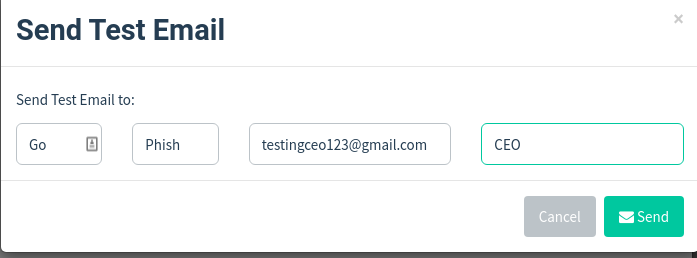
Enter the victim’s email, the rest of the boxes can write anything. Click Send.
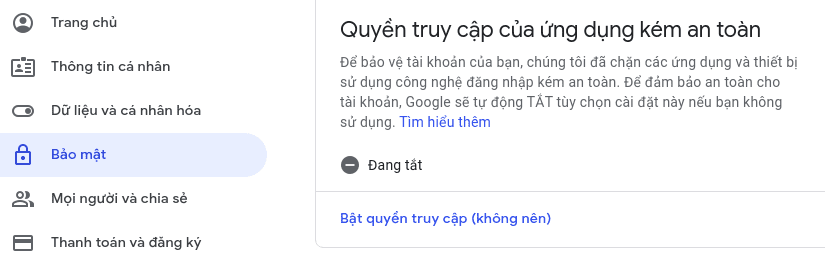
If you get an error like the picture, go to this link. Login with attacker email. Turn on access rights. Then try Send Email again.
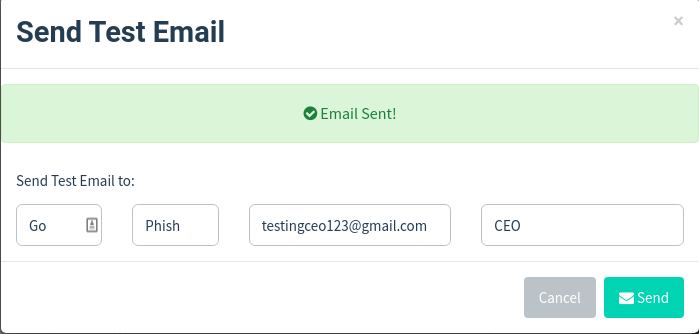
It looks like it’s a success.
Finally press Save Profile.
5. Campaigns – Launch the campaign
The place where the URL is filled in is the same as mine. Finally press Launch Campaign.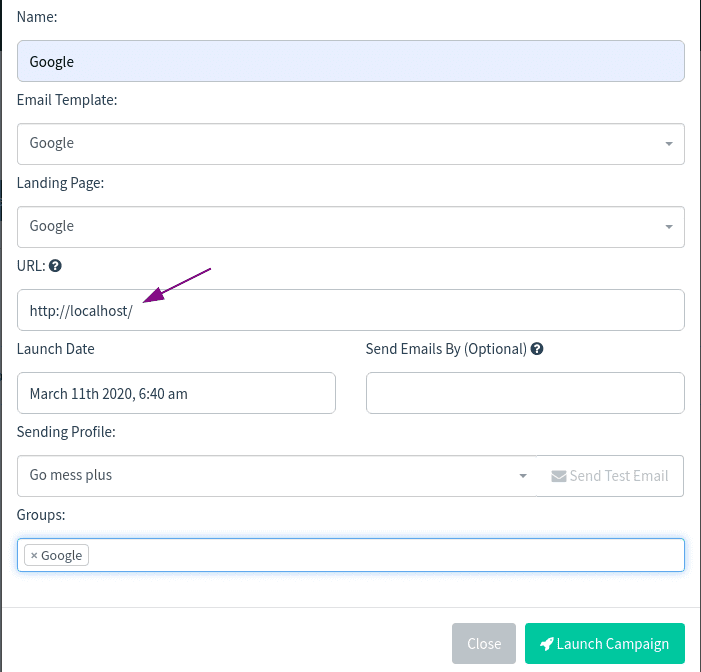
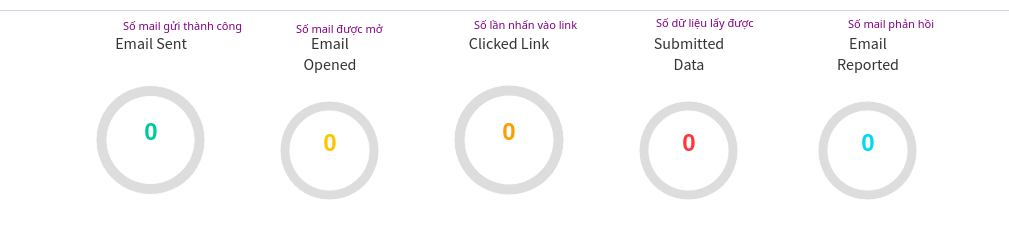
This is the content of the email the victim will receive.
After the victim opens the email, he will receive the following content.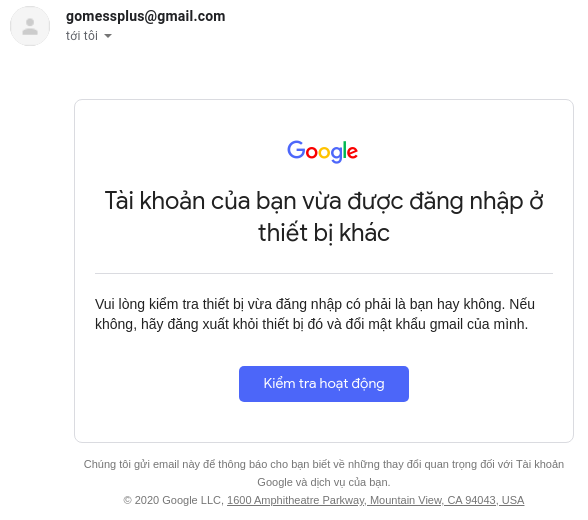
When the victim presses Check operation. The web will navigate to the phishing page you created first.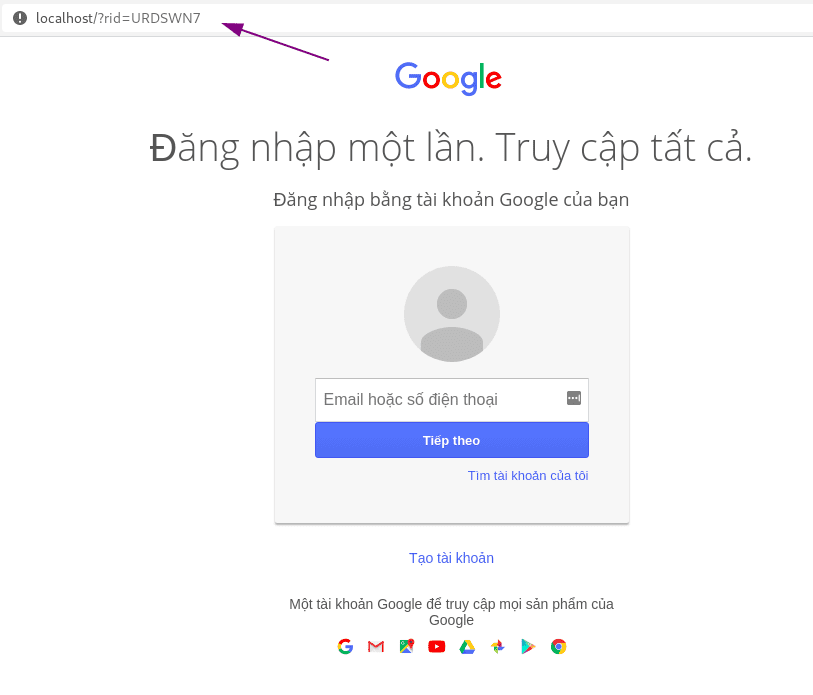
I will enter the attacker’s email as [email protected].
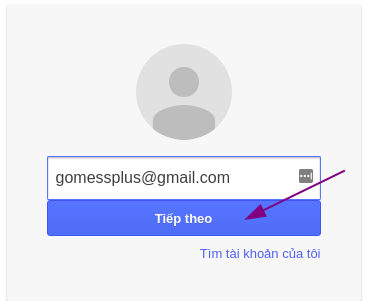
Once logged in, return to the gophish page.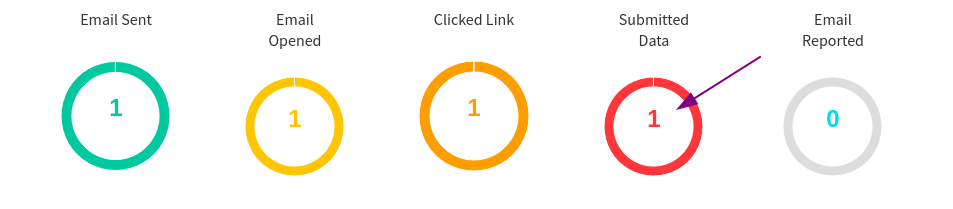
To see the email I just phished. Select Dashboard -> View Result.
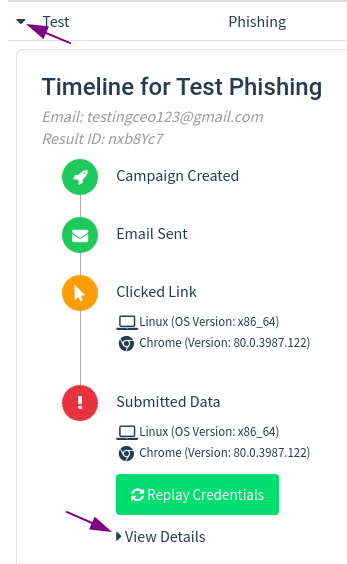
And this is the result.
I tried phishing Facebook but it didn’t work. If you can phishing Facebook, please comment to let me know.
Prevention
The way to prevent these phishing is also very simple:
- Think before clicking on someone else’s link. You should be suspicious though, I’ve lured a friend to a phishing site so I understand.
- Check the website address before filling in the user and password.
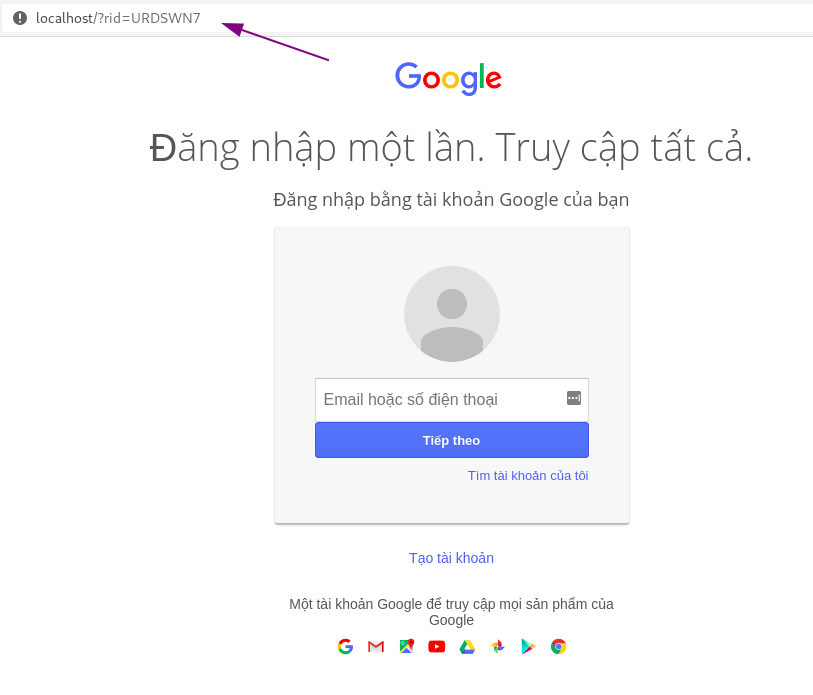
- If you are too lazy, install browser protection extensions like J2team, ….
If you support, I will make more articles on the topic of hacking, with real examples too.