

From April 15, 2025, Napas card users in Vietnam have officially welcomed a modern, safe and convenient payment method: Apple Pay. This event marks a big turning point in the journey of changing the number of payment industries, providing a quick and confidential payment experience. Let’s explore why Apple Pay supports Napas card Being a new payment trend in Vietnam!
| Join the channel Telegram belong to Anonyviet 👉 Link 👈 |
What is Apple Pay and reason to use?
Apple Pay is a mobile payment service developed by Appleallowing users to make transactions at the store, on applications or online without using physical cards. With Apple Pay support Napas card, Vietnamese users can now enjoy this convenience right on Apple devices like iPhoneApple Watch, iPad or Mac.
The highlight of Apple Pay is the non -contact solvency. Just double -click the edge button on the iPhone or Apple Watch, confirm with Face ID, Touch ID or password, then bring the device near the POS machine, the transaction will be completed in a snap. Dynamic security code technology and biometric authentication ensure that your payment information is always optimally protected, eliminating the need to enter a PIN code or worry about the risk of information revealing.

Outstanding benefits when Apple Pay supports Napas cards
Fast and convenient payment
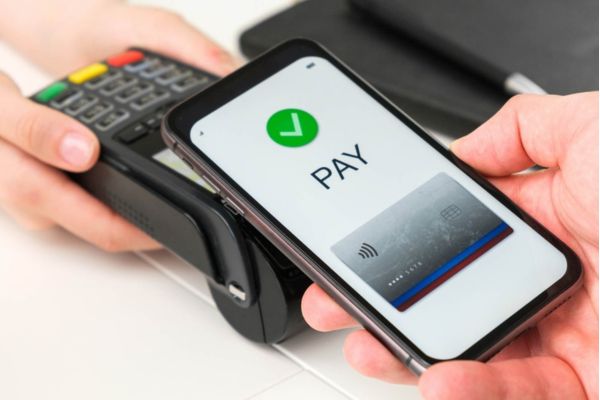
With Apple Pay supporting Napas cards, payment becomes easier than ever. You can pay at millions of card accepting points nationwide, from convenience store, supermarket to luxurious restaurants. No need to carry a wallet or physical card, just an iPhone or Apple Watch is enough to complete all transactions.
Optimal Security
Apple Pay is famous for its top security platform. The actual card number is not saved on Apple devices or servers. Instead, some of the unique Device Account Number (Device Account Number) is born, encrypted and stored safely in Secure Element – a specialized chip that meets industrial standards. This ensures that your payment information is always protected, even when the device is lost.
Smooth online payment
When shopping online on applications or websites, Apple Pay supports Napas cards to save you time by eliminating the need to create accounts or enter card information. The payment process takes place quickly, without OTP code, bringing a smooth and safe experience.
How to integrate Napas card into Apple Pay
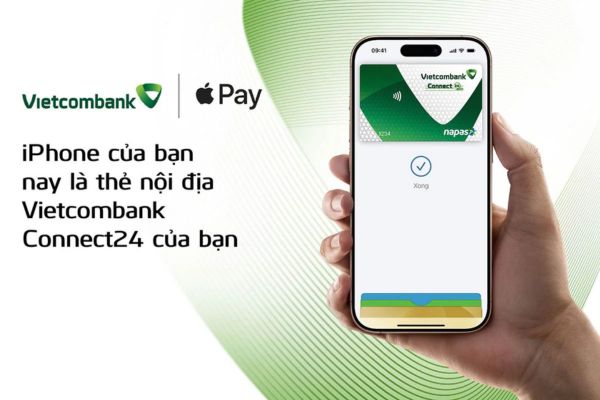
Adding Napas card to Apple Pay is very simple and only takes a few minutes. Here are the detailed steps:
- Open the Wallet application on iPhone.
- Click on the icon “+“In the upper right corner.
- Follow the instructions to add Napas cards (scan cards or enter manual information).
- Verify the card via text message or bank application.
- After successful verification, Napas cards will be ready to use with Apple Pay.
You can use Apple Pay on all compatible Apple devices, from iPhone, Apple Watch to iPad and Mac, and continue to enjoy attractive offers from Napas cards.
Napas and the mission to change payment numbers in Vietnam
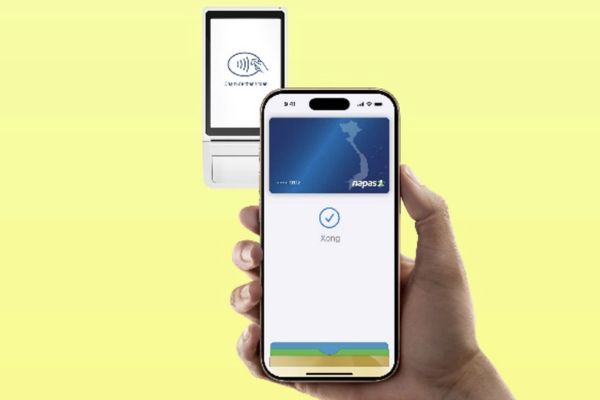
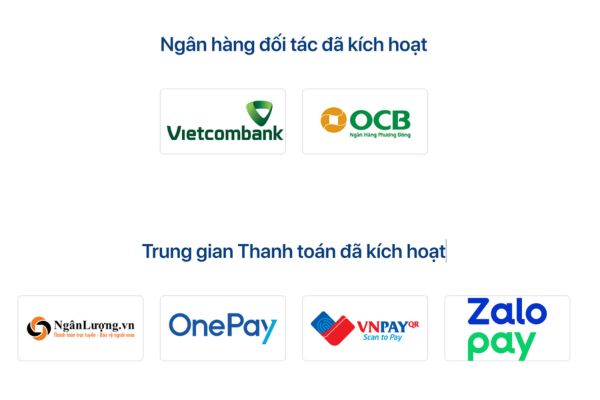
According to Mr. Nguyen Quang Minh, General Director of Napas, the deployment of Apple Pay support Napas card is a testament to Napas’s commitment to the application of advanced technology to enhance the payment experience. Cooperation with Apple and banks like VietcombankOCB not only promotes non -contact payment, but also contributes to building a modern, safe and seamless payment ecosystem in Vietnam.
Currently, Napas has established a wide network of partners, ensuring that Apple Pay is accepted at millions of payment points nationwide. This opens up opportunities for Napas card users to access advanced payment methods, while promoting the development of non -cash economy.
Conclusion
Job Apple Pay supports Napas card Not only is a step forward in the field of payment but also a sign that Vietnam is catching up with global technology trends. With convenience, security and easy integration, Apple Pay promises to become the first choice of Vietnamese users in the near future.






![[Godot Engine] Export to Windows, Linux, MacOS, Android](https://anonyviet.com/wp-content/uploads/2020/08/export-godot-to-exe.jpg "[Godot Engine] Export to Windows, Linux, MacOS, Android")


