Currently, the ChatGPT package is still offering a 1-year Go package in India. In the article Instructions on how to get 1 year of ChatGPT Go for free We used Paypal to receive this offer, but just a few days later our account was banned. The cause often comes from the payment and anti-fraud system of OpenAI and the payment partner detecting signs of “mismatch” between the offer country, payment method, payment address and login behavior. When using PayPal (especially if PayPal is not located in the Indian region, or billing information is inconsistent), the chances of being flagged are higher.
| Join the channel Telegram belong to AnonyViet 👉 Link 👈 |
So in this article, I will switch to the card method MasterCard released in India to register for the Go package according to promotional conditions.
Implementation steps
Step 1: Prepare an Indian Mastercard
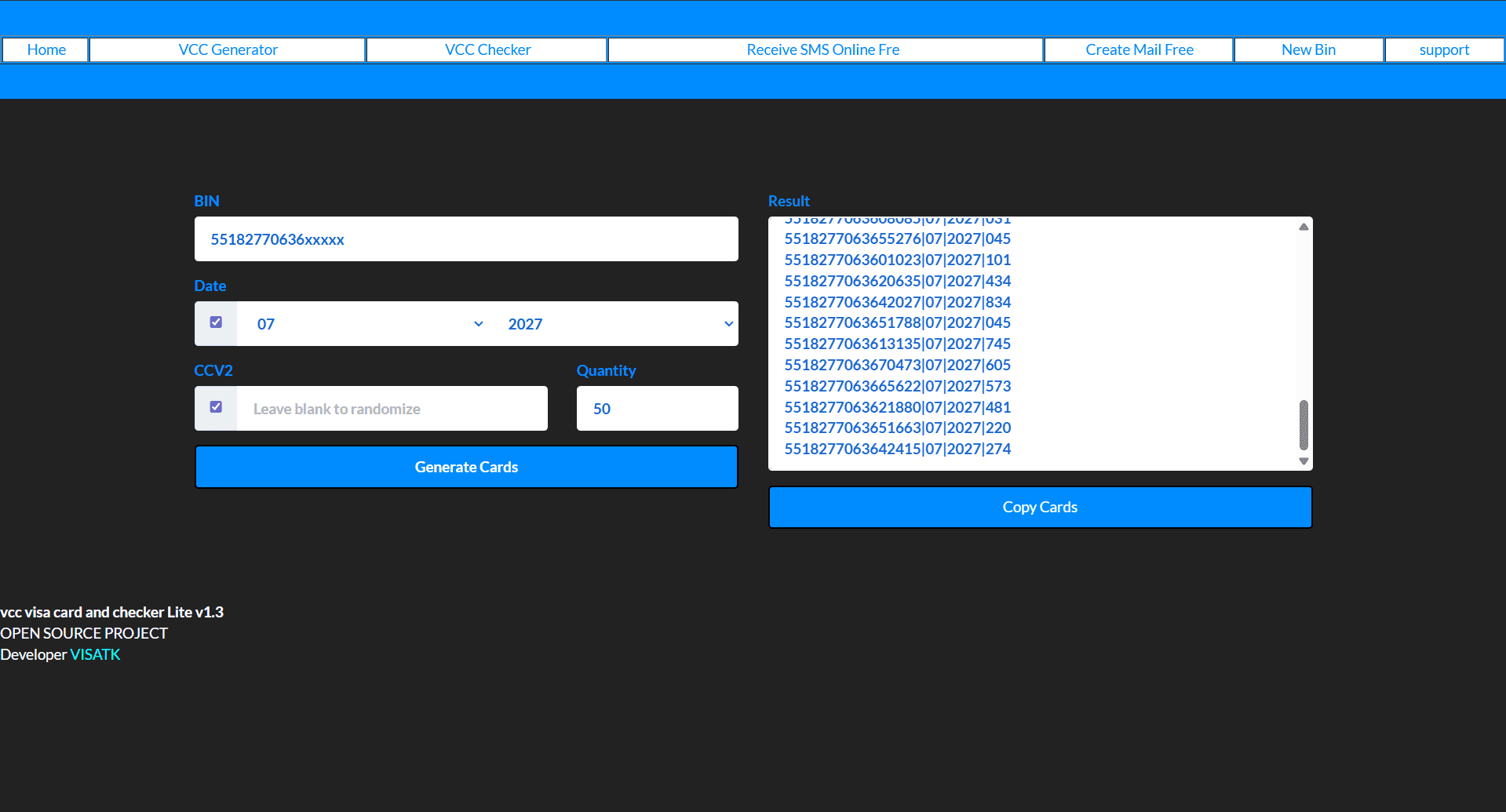
In the first step we will create a list of Mastercard cards, you access the page https://www.visatk.com/vcc then enter the information below
- BIN: 55182770636
- Date: 07/2027
- Quantity: (number of cards you want)
Here I chose to create 50 card numbers then click Generate Cards and Copy Cards
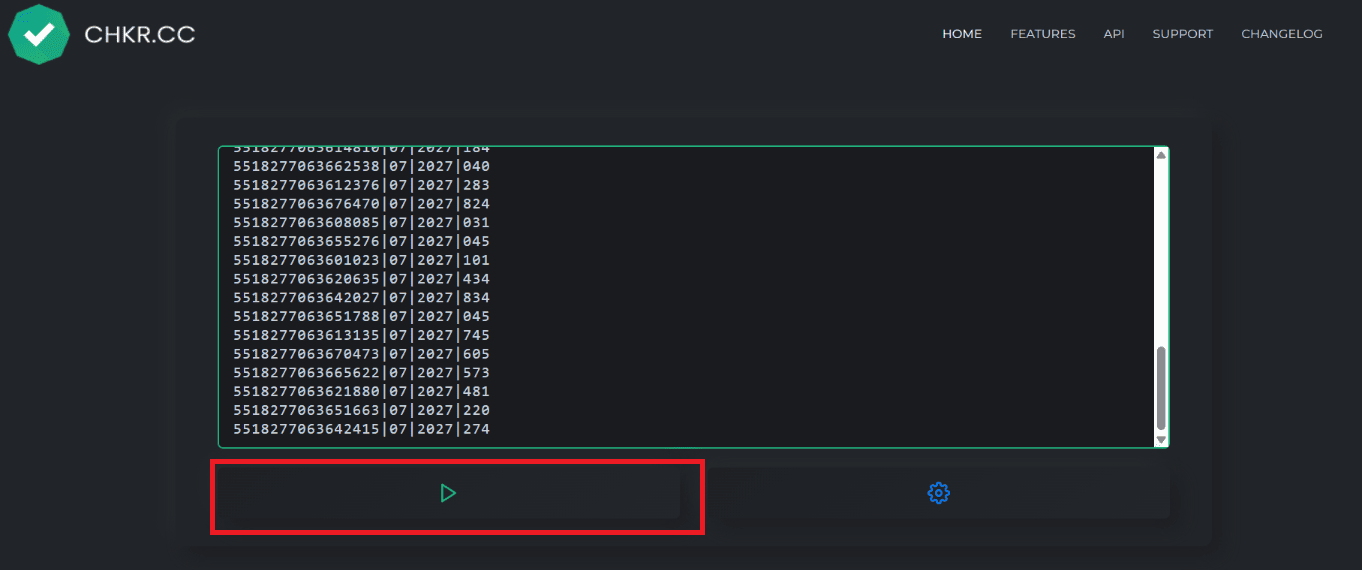
Next, you access the page https://chkr.cc Then Paste the card number you just copied and click on the triangle icon to check the card
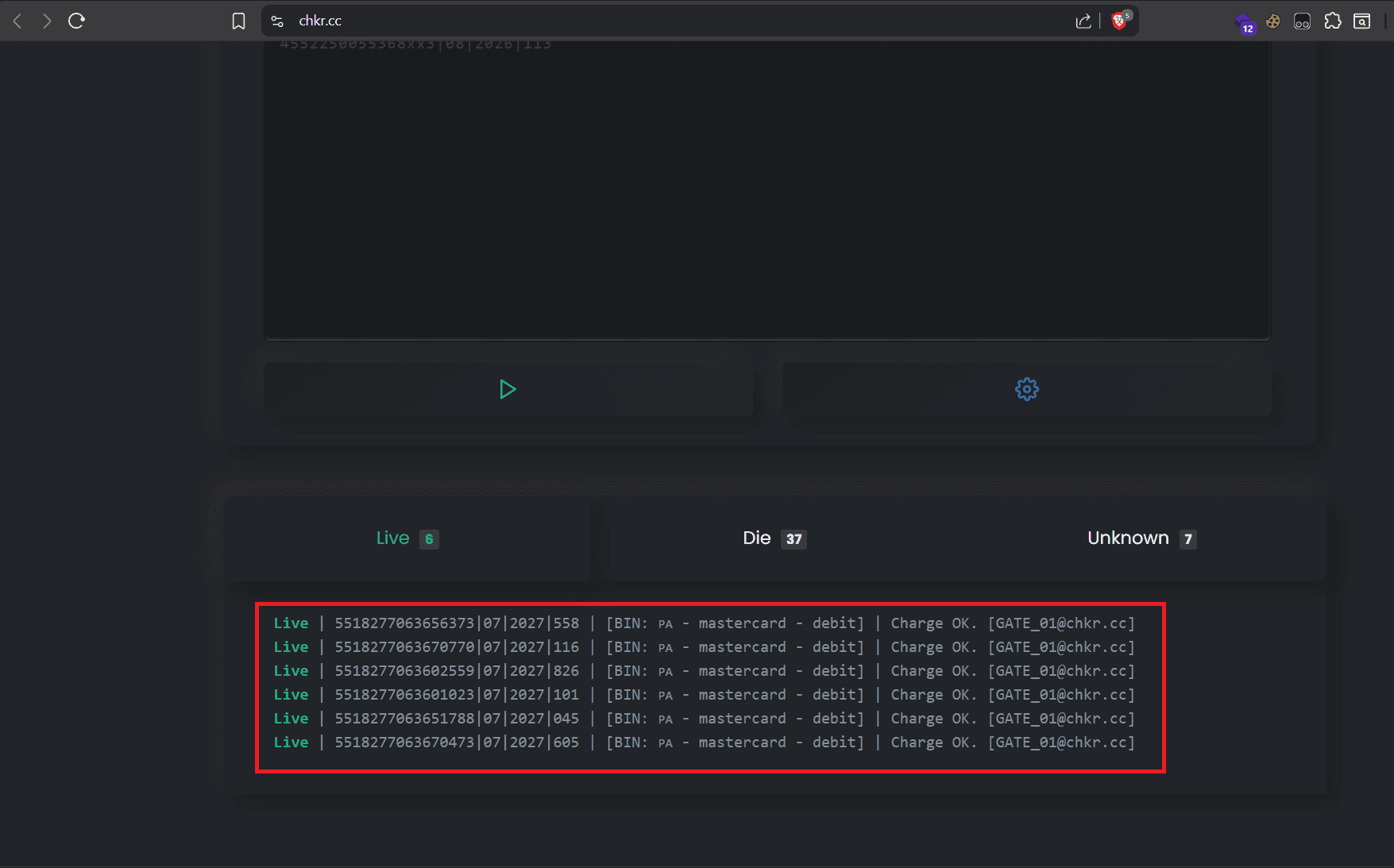
After checking is complete, choose one of the Live cards to pay. Here I choose the first card because I have successfully paid with this card 😁. You can choose any card below to try
5518277063656373|07|27|558
5518277063670770|07|27|116
5518277063602559|07|27|826
5518277063601023|07|27|101
5518277063651788|07|27|045
5518277063670473|07|27|605
Step 2: Connect VPN to India and create a new ChatGPT account
- Delete browser cache and cookies
- Install extensions VPN India – Planet VPN lite Proxy and connect to a server in India (I recommend choosing Delhi for a stable connection)
- Access chat.openai.com and register a new account with an unused email
- Confirm email and complete the account registration process
Note: Make sure the VPN stays connected throughout the registration process
Step 3: Upgrade to ChatGPT Go
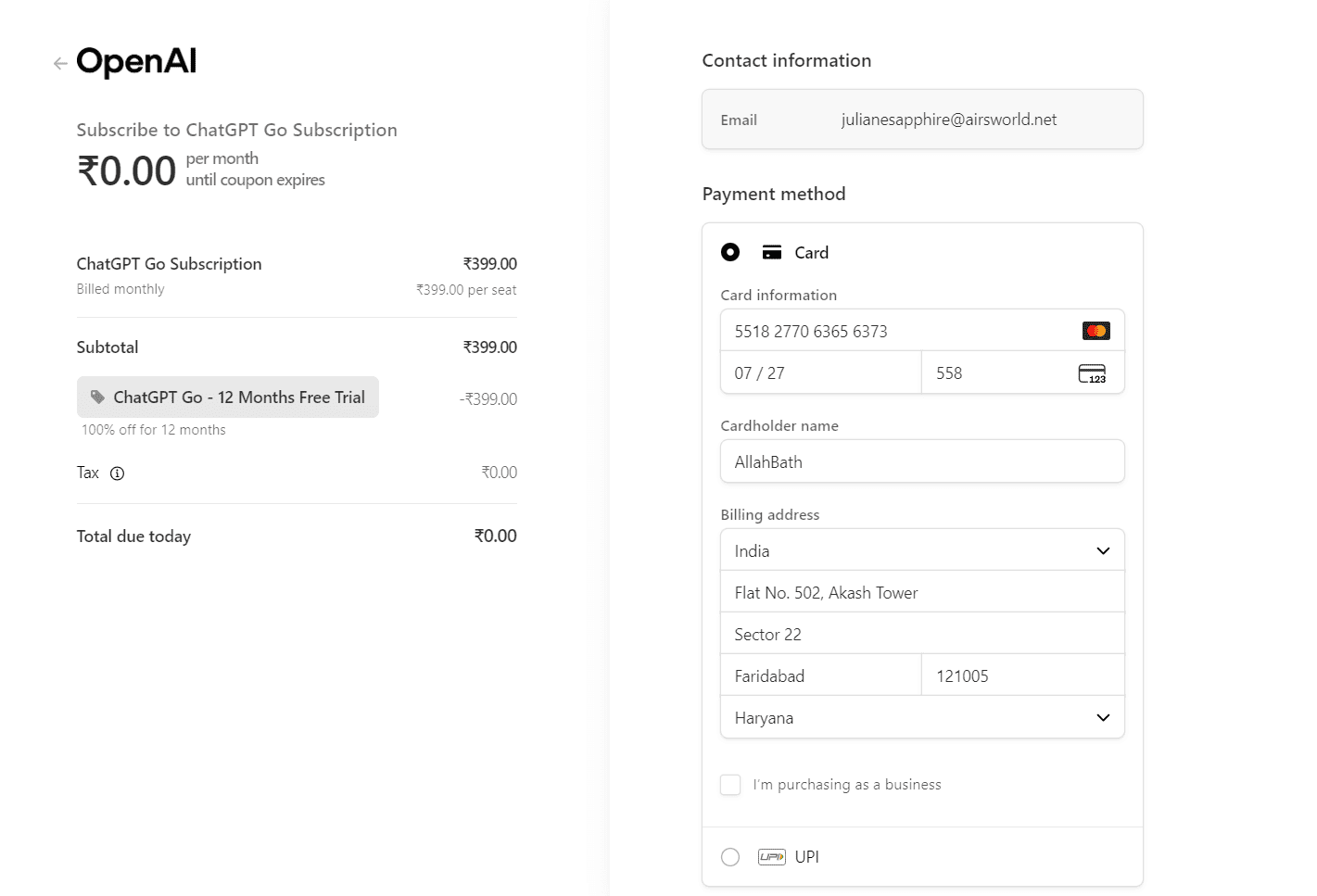
In this step, you just need to enter the card information you checked Live, and the payment address below and click Subscribe
Address line 1: Flat No. 502, Akash Tower
Address line 2: Sector 22
City: Faridabad
PIN/Postal: 121005
State: Haryana
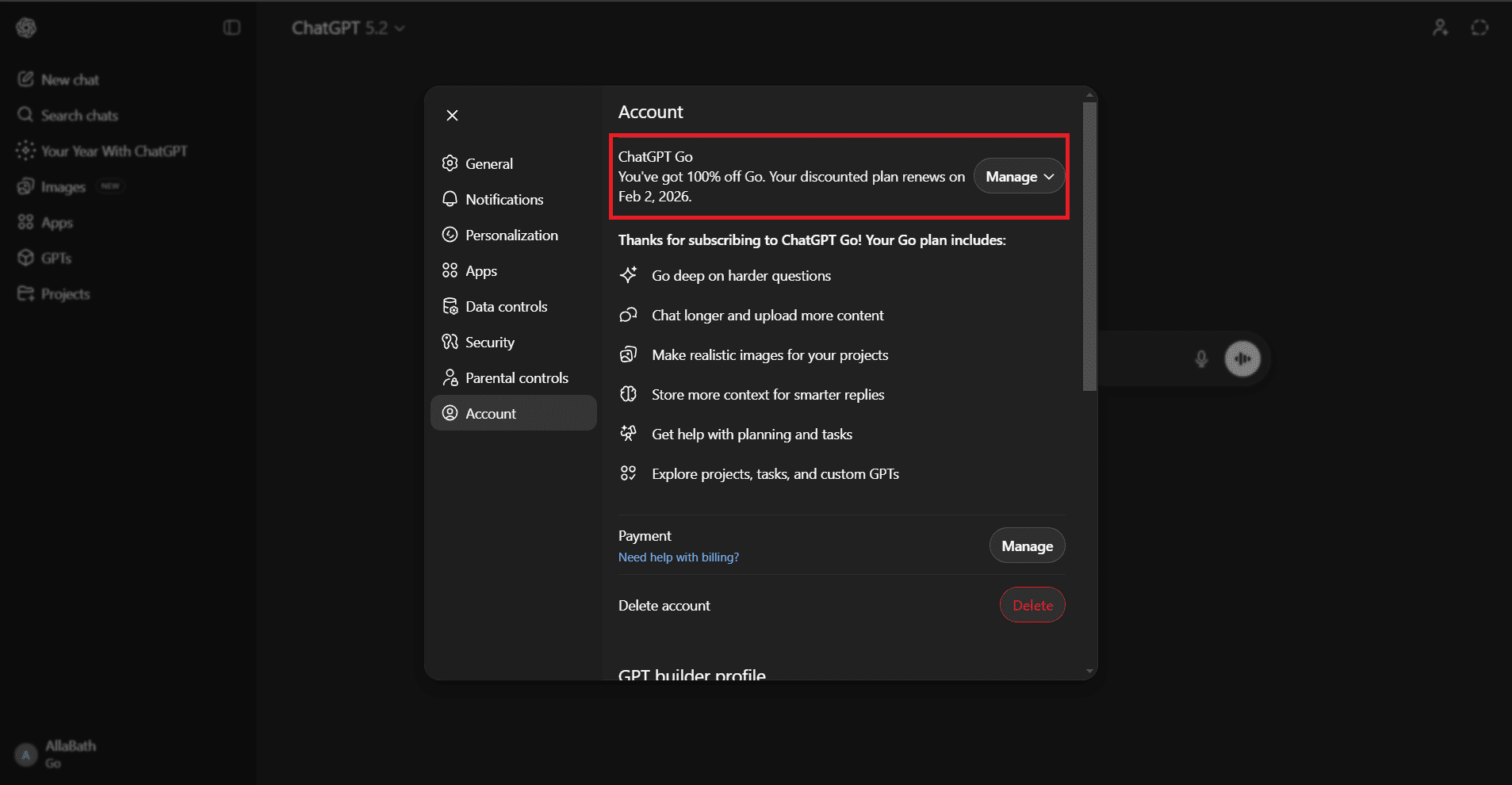
Conclusion
Important points to remember:
- Always keep the VPN connected when logging in for the first 7-10 days
- Do not change payment information after successful registration
- New accounts that have never signed up for a paid plan will have a higher success rate
I hope that with this method, you will successfully register and enjoy a full year of ChatGPT GO for free!