Logaster is an extremely simple logo design website that supports Vietnamese and is free. What you need to do is enter the brand name and select the logo. Anyone can design their own logo, you don’t need to learn design, Photoshop, etc. you just need to have a little good aesthetics. Because Logaster supports Vietnamese, the interface is very friendly and easy to use.
📢 Join the channel Telegram belong to AnonyViet
Update new articles, cool tools and IT tips fastest

Most especially when you use Logaster, the website not only designs your logo but also business cards, letterheads, envelopes, email signatures, favicons, logo backgrounds,.. and more. I call it Logaster’s bonus service, do 1 and get 10.
Logaster Highlights
1. Many different formats
Logaster There are many different formats, including vector and raster (JPEG, PNG, PDF, SVG) to meet all your needs, from print to web. To do that, the site offers more than 120 high-quality images in 6 layouts and 5 color schemes.
2. Logos for many different social networks
Logaster logo support for social networking platforms such as Youtube, Facebook. Twitter, LinkedIn and VK sites. Naturally, these logos are all high quality PNG and JPEG images.
3. Stationery
As mentioned above, you only need to design one logo and Logaster will give you many other designs such as letterheads, business cards, etc.
4. Highly customizable
Logaster different from other logo design websites on the market. After you create a logo, the website will let you customize colors, icons, fonts, etc. without paying any additional fees. You have complete freedom to design your logo as you like.
How to design a Logo with Logaster
First, to design a free logo, visit the website Logaster. Then get the logo name and press “CREATE LOGO“.

Next, you can change the logo name, tagline, design theme (arrow number 3), color and finally press “CREATE“.
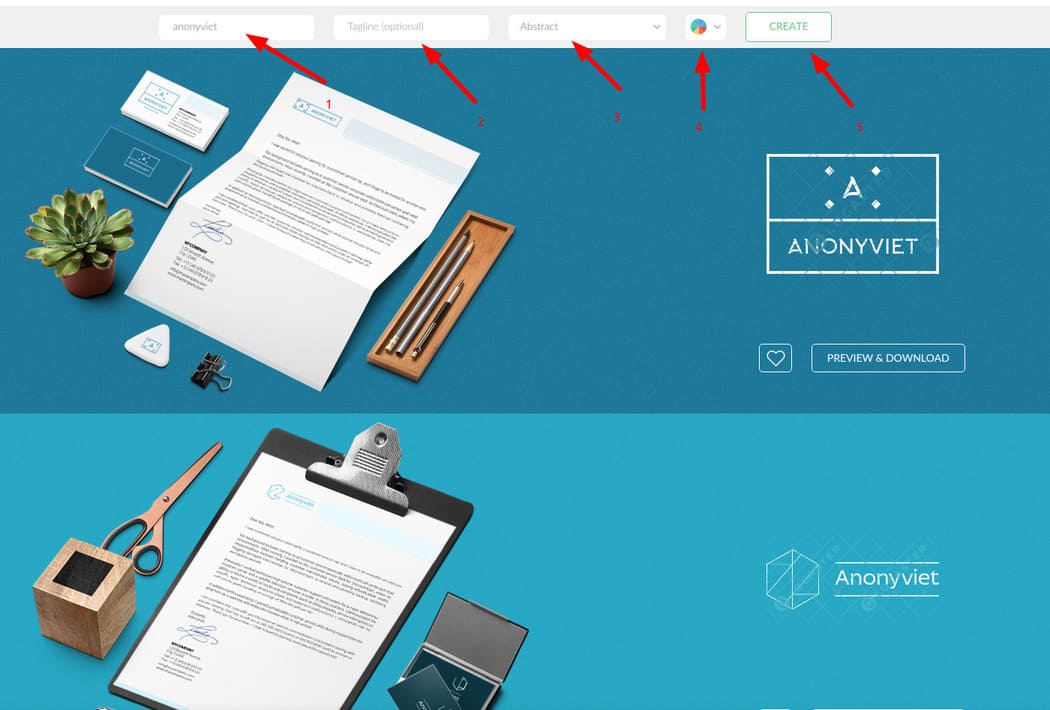
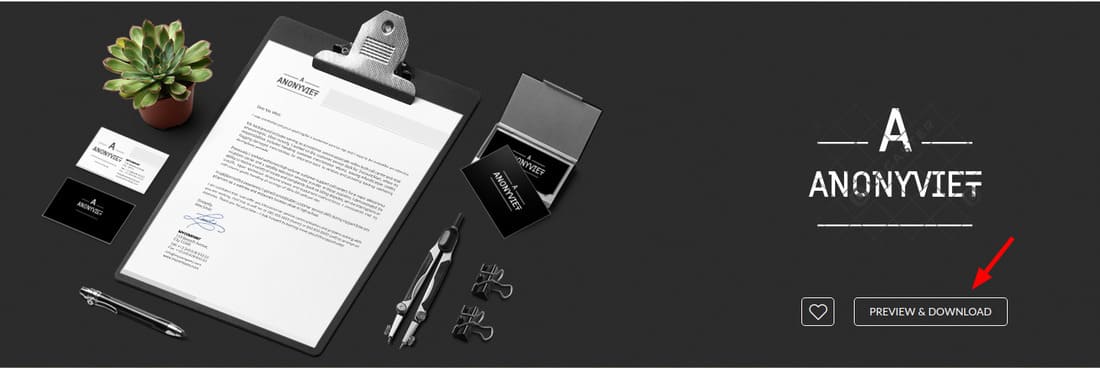
After choosing the design you like, click “PREVIEW & DOWNLOAD”.
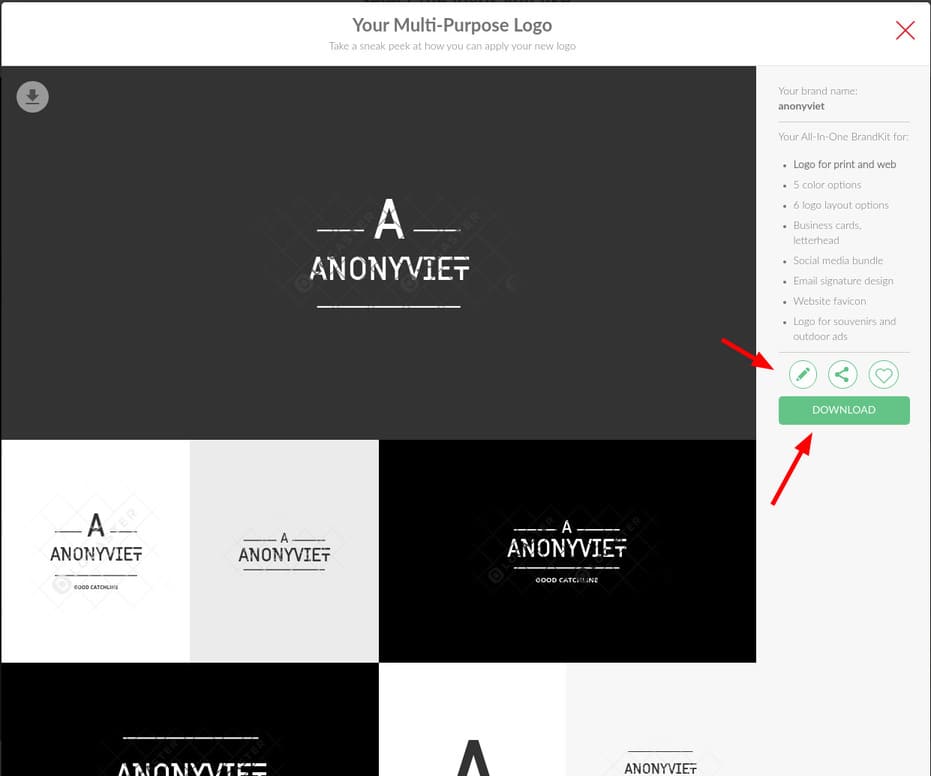
The website will provide many other designs for you to choose from below. If you have already decided on that design and do not need to edit anything else, click “Download“. If you want to edit the design, click on the pencil icon.
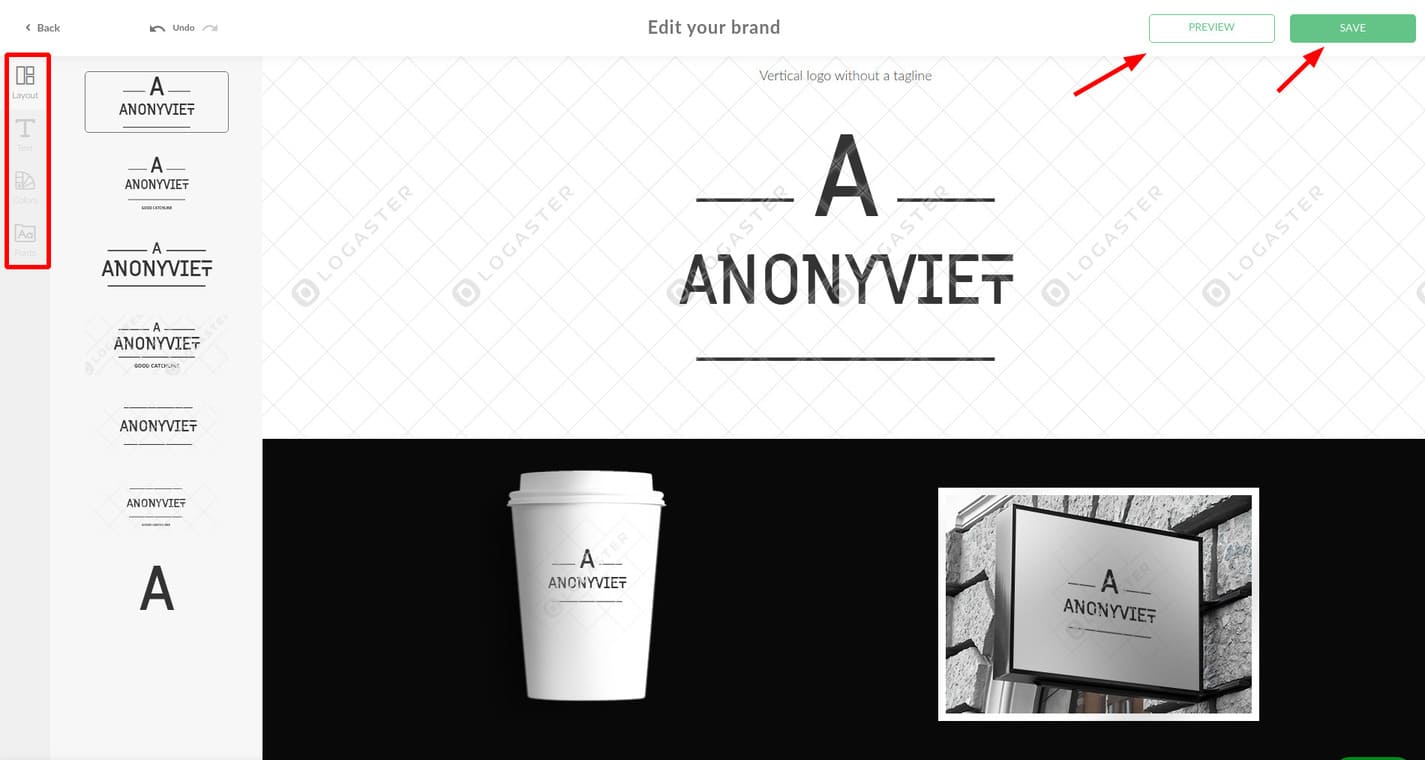
You can view your design by pressing “PREVIEW” and press “SAVE” to download the design. The menu on the left helps you customize the layout, text, colors and fonts.
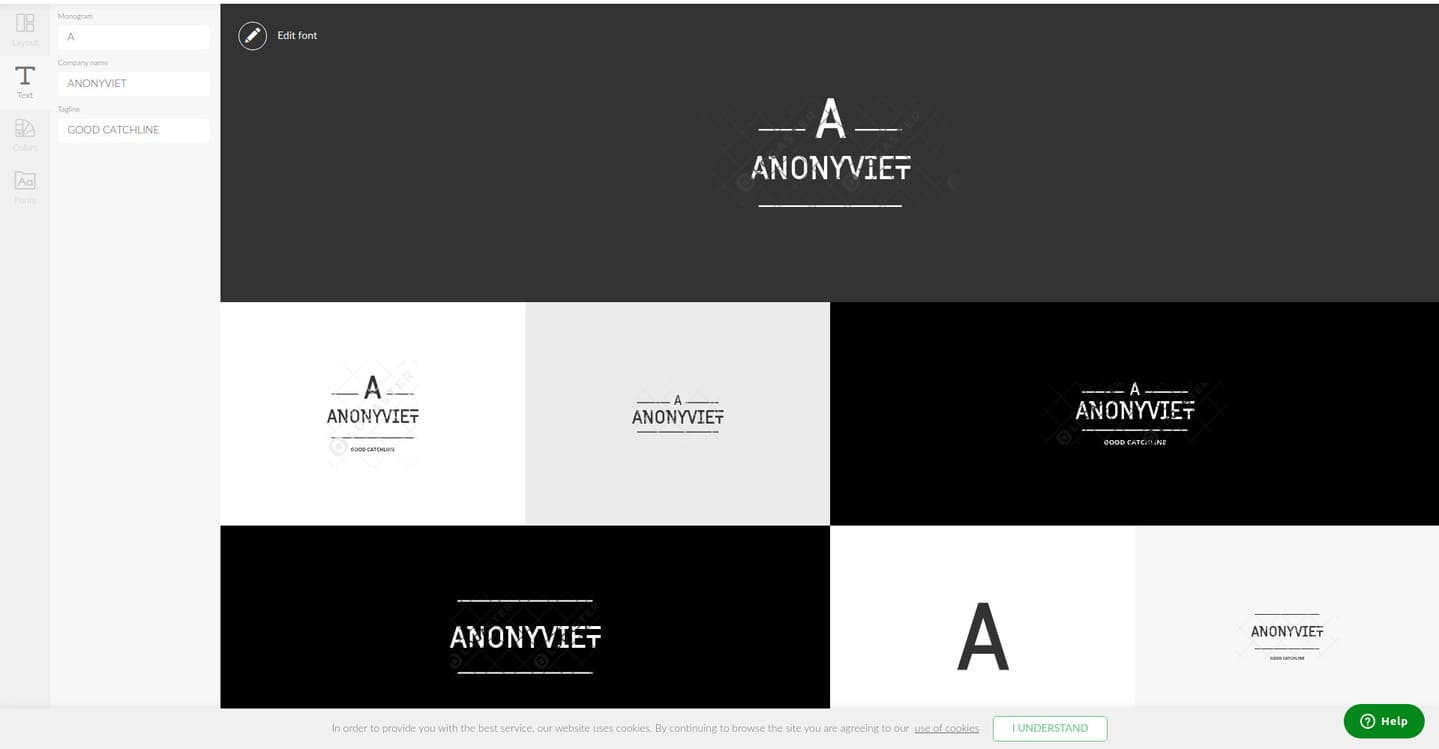
In section Textyou can change the slogan and brand name of the Logo.
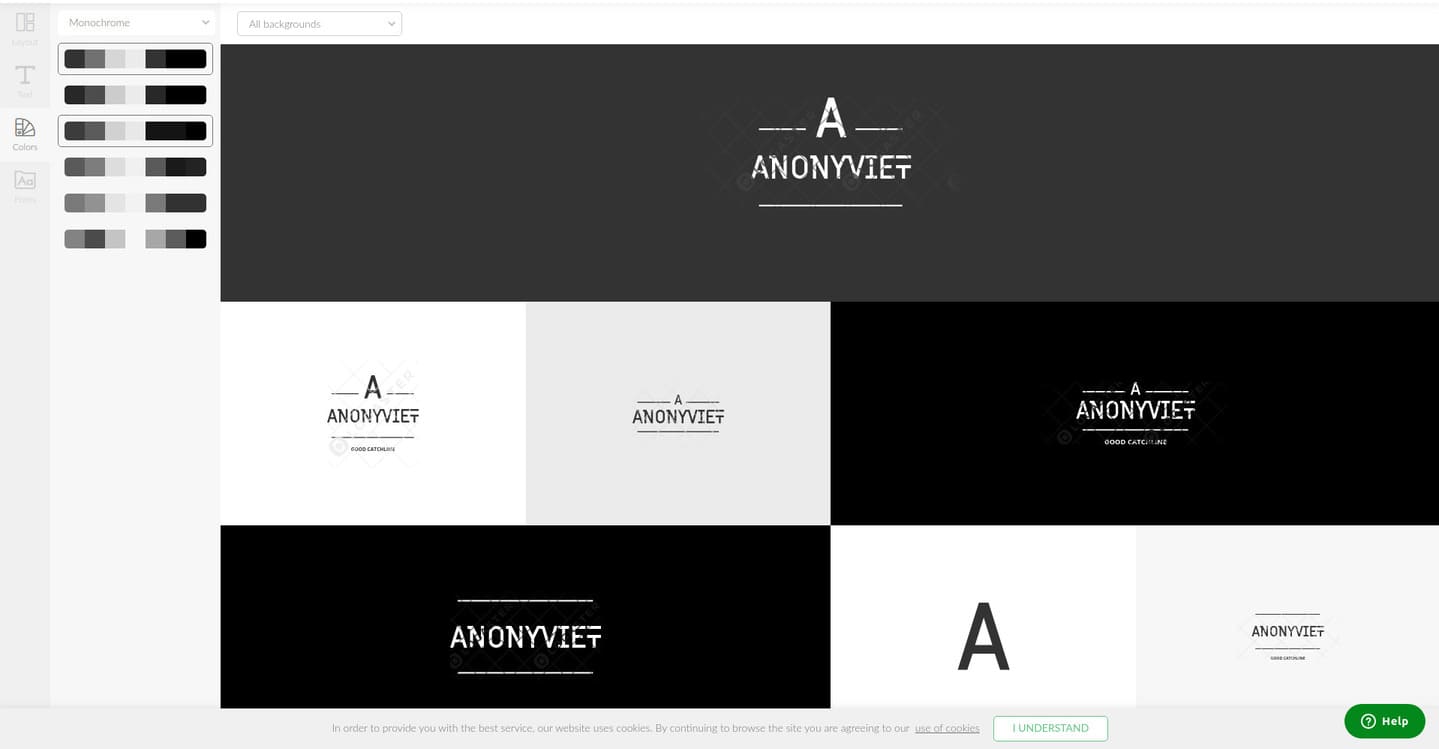
Also in section Coloryou can change the color of other designs.
And finally the section “Font“, helps you change the font style you like.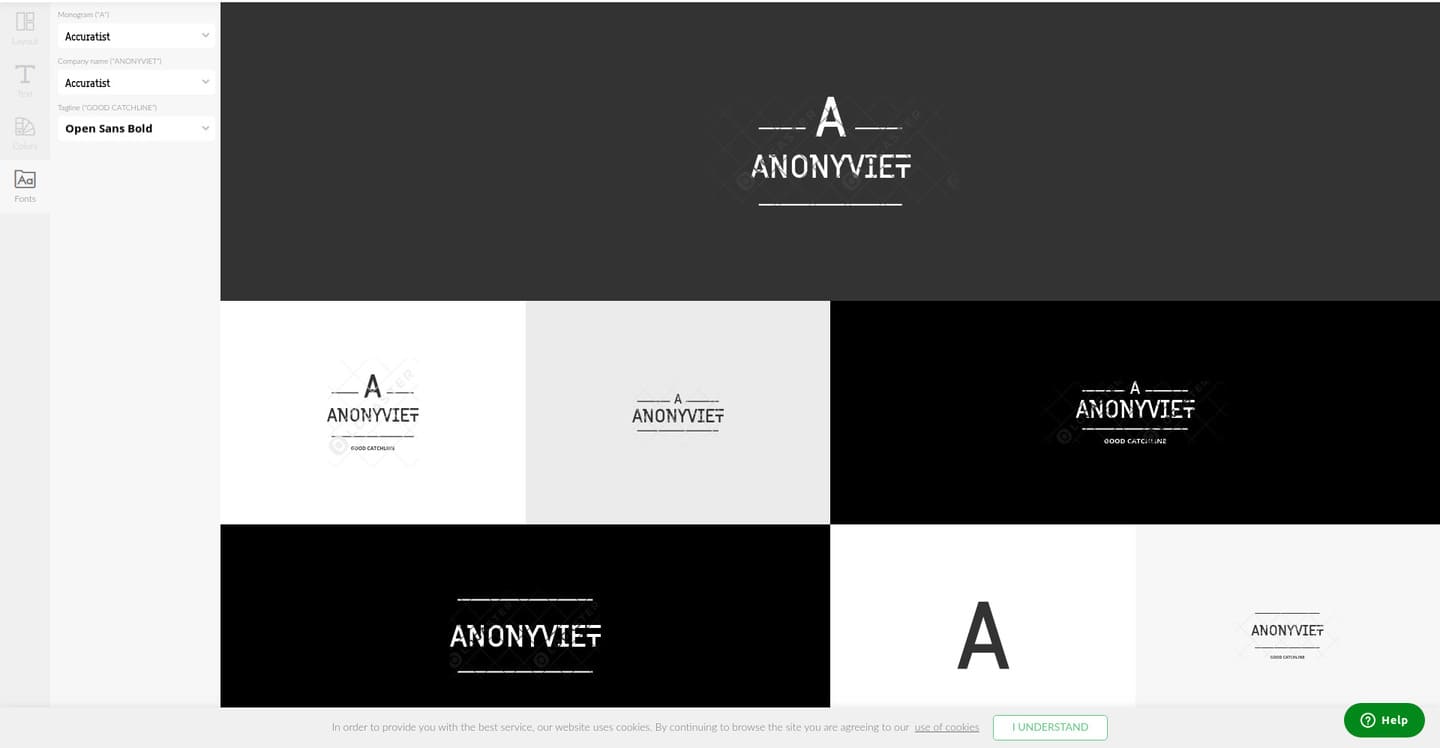
After completing editing, click Save at the top right. Next press “Download” to download the design to your device. During the download process, you can also choose other designs that Logaster has created for you such as contacts, Email signature, Favicon,…
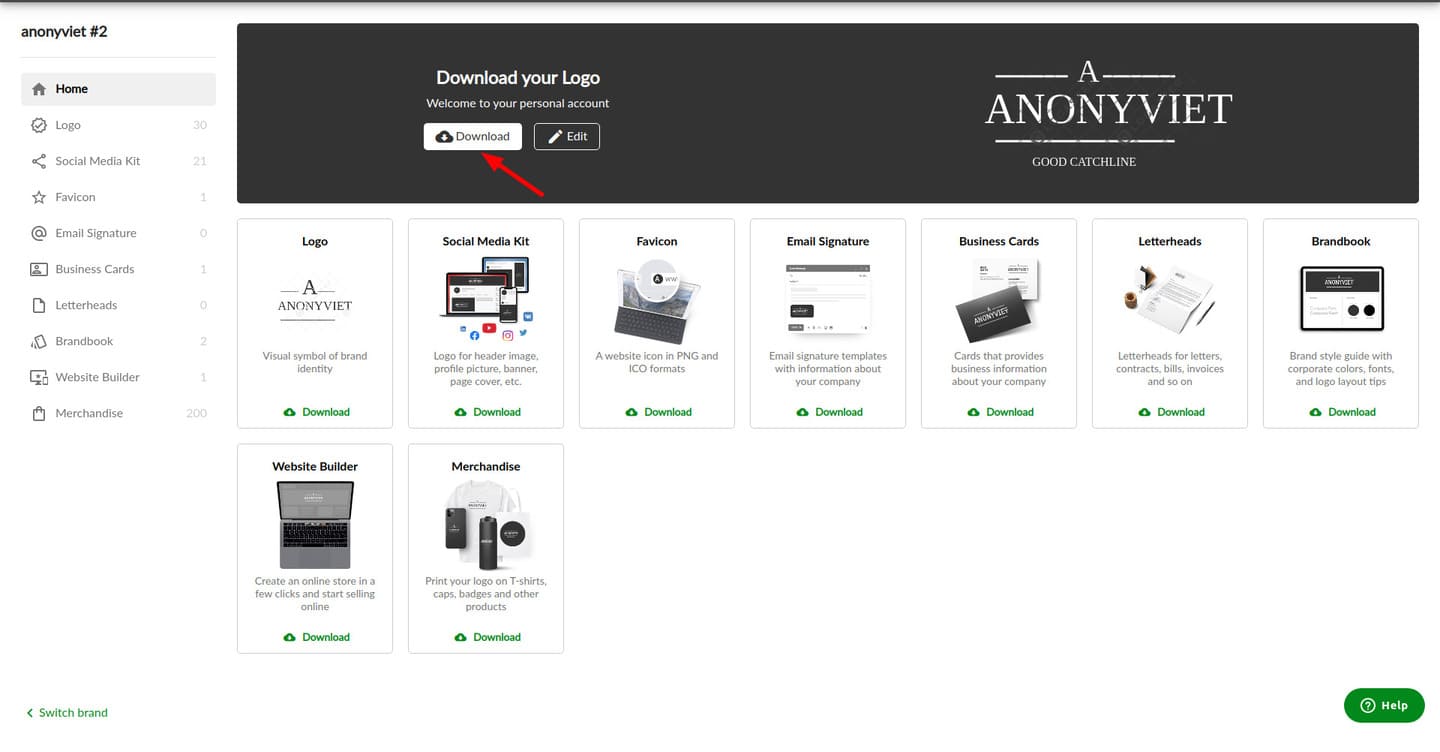
So, with just a few clicks, Logaster has created a Logo with your brand’s style without fear of clashing. If you like instant noodle designs, you should use this website to create a free logo.
Frequently asked questions
Is Logaster really free?
Logaster offers a free logo creation option with some limitations. You can download the logo in low resolution. To get high-quality logos and other products like business cards, you need to upgrade to a paid plan.
Do I need design knowledge to use Logaster?
No need! Logaster is easy to use, even if you have no design experience. Just enter your brand name and choose from available templates, then customize as you like.
What file formats does Logaster support?
Logaster supports many popular formats such as JPEG, PNG, PDF, and SVG, meeting diverse usage needs, from print to online.