inxi is a CLI tool that lists information about your Linux system. Including hardware and software details. You will get simple information like computer model, kernel, distribution and desktop environment in use, etc. You also get detailed information like which RAM slot on the motherboard is plugged in.
| Join the channel Telegram of the AnonyViet 👉 Link 👈 |
It can also be used to monitor the processes running on your computer, whether they are consuming CPU resources or memory resources, or both.
In this article, I will show you some common uses of inxi to get information about your Linux system.
But first you need to install inxi.
How to install inxi
Inxi is a popular piece of software available in the repositories of most Linux distributions. But it’s not common enough to be installed by default.
To install inxi on Ubuntu and Debian-based distributions, use the following command:
sudo apt install inxi
To install inxi on Fedora and RHEL8 based distributions, use the command:
sudo dnf install -y epel-release
sudo dnf install -y inxi
To install inxi on Arch Linux and its derivatives, search for it in the AUR.
Use inxi to get Linux system information
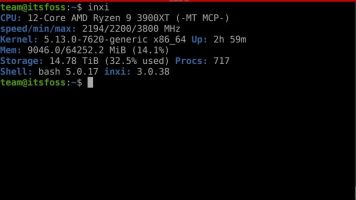
You can get an overview of your system information by running the inxi command in your terminal.
inxi
As you can see in the image below, it provides a brief view of CPU information, clock speed, Kernel, RAM (shown in Mem) and storage information along with the number of running processes. and shell version details.
You can also use “-b” to display more detailed information about your system. It will show more information about CPU, drive, currently running processes, motherboard UEFI version, GPU, screen resolution, network device, etc.
inxi -b

Get detailed information about audio devices
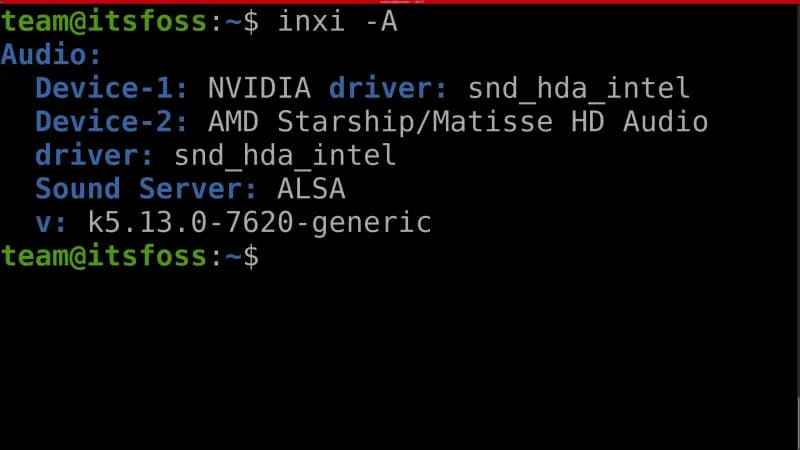
Use “-A” to display device information [đầu ra] your sound. That command will show the devices [đầu ra] physical sound, sound server and audio driver details.
inxi -A
Get battery information
“-B” will display detailed information about your battery (if it is available). You will get detailed information like current battery charge in Wh (Watt hour) and status.
Since I use a desktop computer, here are the results, it should be the same when you have the battery.
Battery:   ID-1: BAT0 charge: 50.0 Wh (100.0%)
condition: 50.0/50.0
Get detailed information about CPU
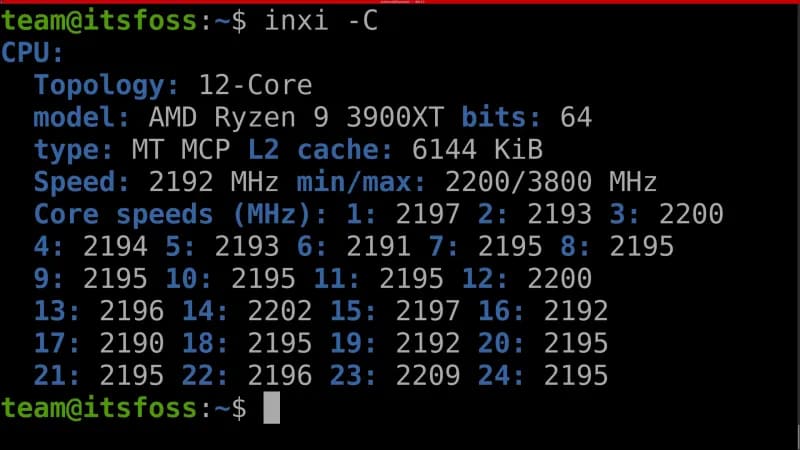
-C shows detailed information about CPU, including CPU cache size, speed in MHz (of each core, if multiple cores), number of cores, CPU model and also if your CPU is 32 bit or 64 bit.
inxi -C
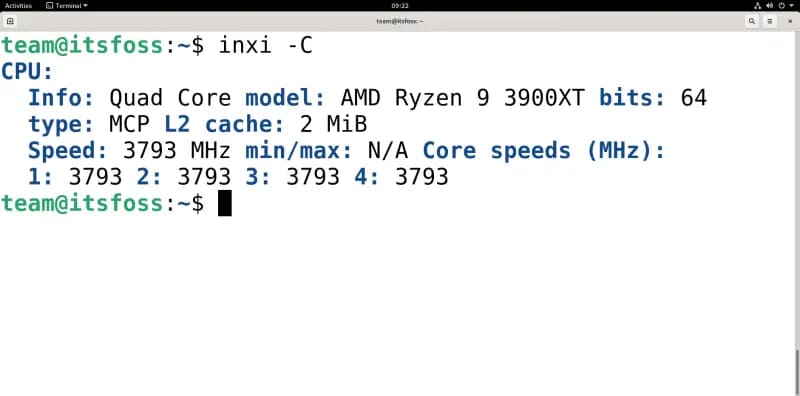
Note, if you run inxi -C in a virtual machine, detecting CPU min and max CPU clocks can be quite difficult for inxi. Below is the result of using “-C” with inxi in a quad-core Debian 11 virtual machine.
Get even more detailed system information
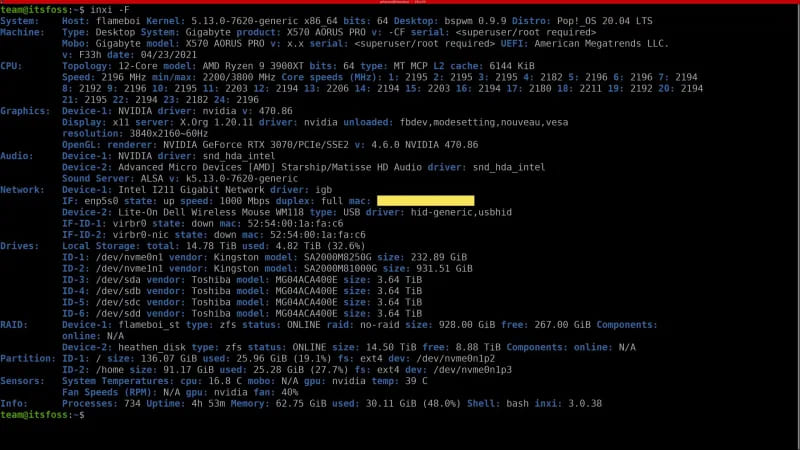
“-F” will show detailed system information (same as “-b”, but with even more depth). It covers almost everything to get the best overview of the system you are using.
inxi -F
Get information related to graphics
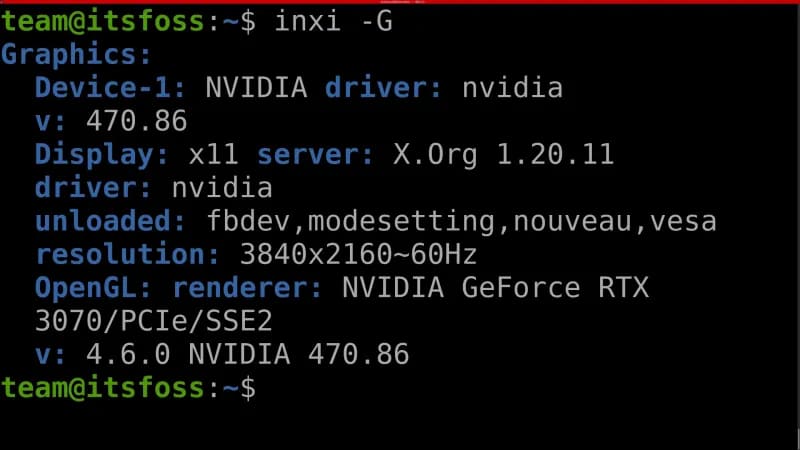
“-G” shows data about everything related to Graphics.
It shows you all Graphics Devices (GPUs), drivers [GPU] being used (useful when checking if you are using Nvidia driver or nouveau driver), output resolution and driver version.
inxi -G
Get information about running processes
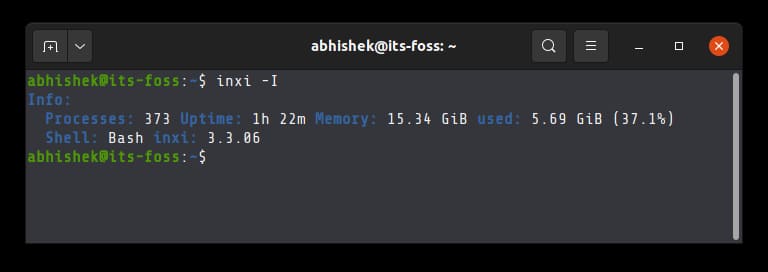
“-I” (uppercase i) shows detailed information about running processes, your current shell, memory (and memory usage) and inxi version.
Get RAM information
-m shows you memory (RAM) related information.
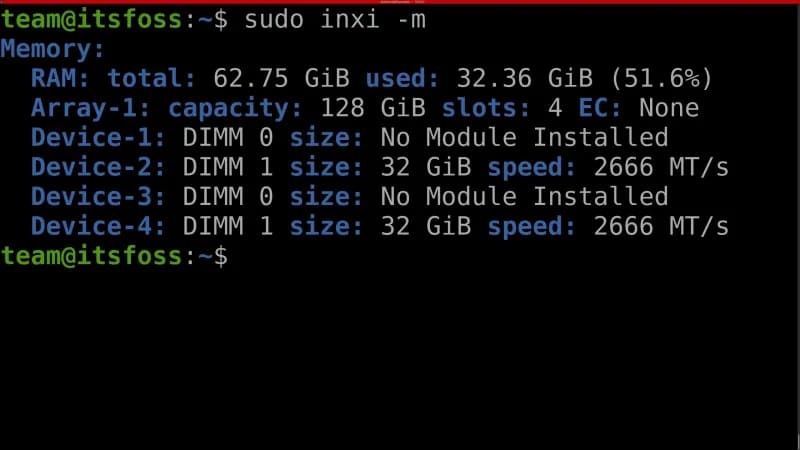
It provides information like total available memory, maximum amount of memory supported, number of available physical memory slots on the motherboard, if ECC is present or not, memory slots plugged in and as well as the size of each stick of RAM and the speed at which the stick is running.
inxi -m
To take advantage of the insights provided by “-m”, such as maximum capacity, RAM information details in each location, you need super user privileges.
sudo inxi -m
If you just want the output to be concise and not too intensive, you can use “–memory-short” with inxi.
Using “–memory-short” will only show the total available memory and the amount of memory currently being used.
See which repository is in use
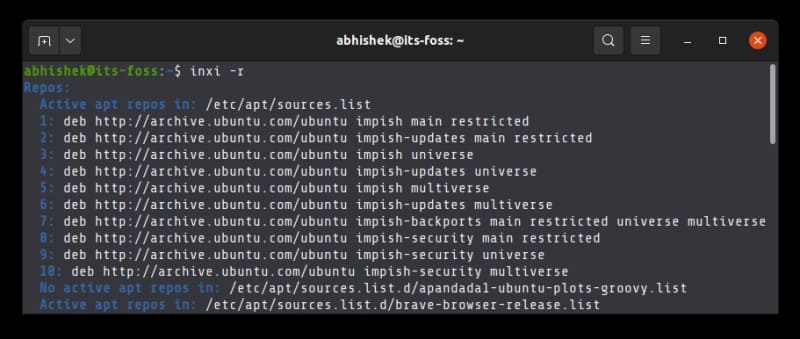
When you use “-r” with inxi, it will show you a list of all the repositories your package manager is currently using, or update the local repositories cache.
Get detailed information about RAID devices
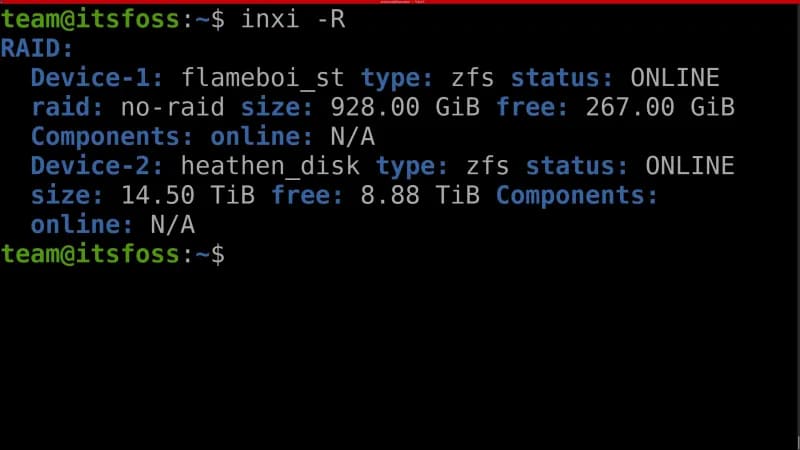
“-R” shows you information about all RAID devices.
Surprisingly it even shows information about ZFS RAID (since this file system is not included in many Linux distributions by default). It shows the file system details on the RAID device, its status, total size and available size.
inxi -R
Check weather information in Linux terminal
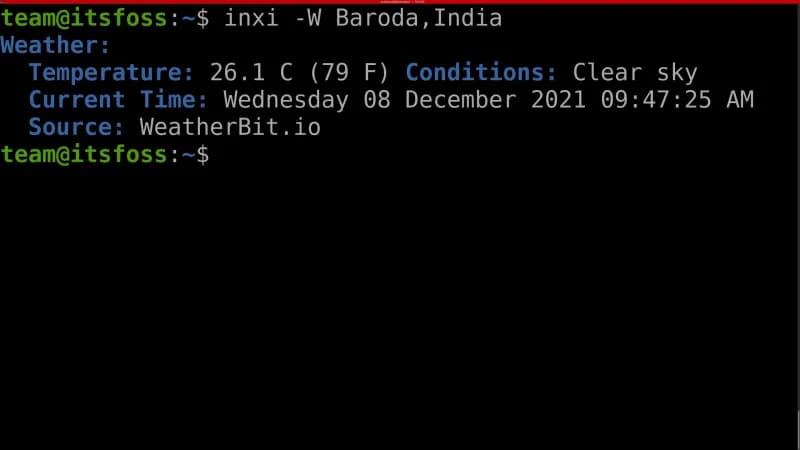
You can even check the weather of any place on Earth with “-W”.
“-W” needs to be followed by one of the following position descriptors
- Postal code or zip code
- Latitude Longitude
- City [bang]country (cannot contain spaces; replace spaces with “+”)
inxi -W Baroda,India
Monitor system resource(s) usage with inxi
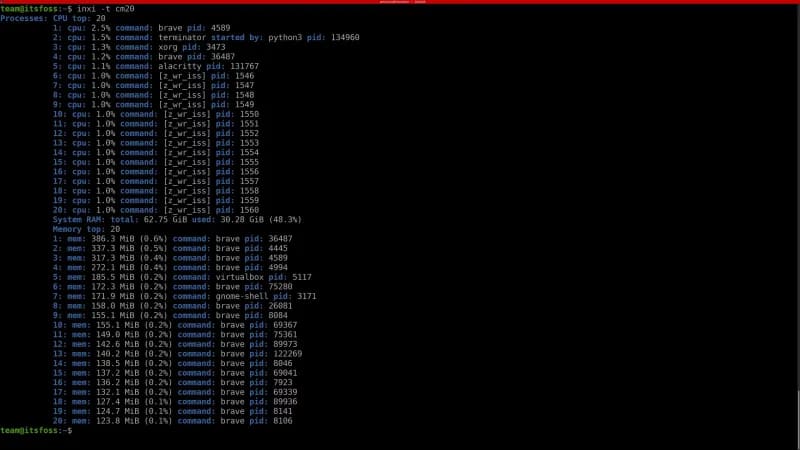
Along with all the detailed information that inxi provides about your installed hardware and the software that controls it, it can also be used for resource monitoring purposes.
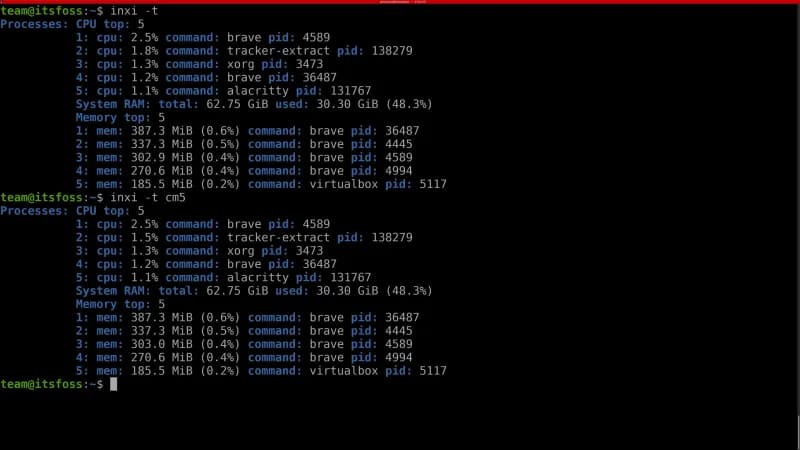
Use “-t” to display processes. You can also use optional options “c” (for CPU) and “m” (for RAM). These options can also be combined with the desired number of processes.
Here are some examples of using “-t” to monitor system resources.
inxi -t
If you run inxi with “-t” but without the optional options, it will output the assumption that you added the “cm5” option.
inxi -t cm10
In addition, you can also use 3 Linux system optimization and monitoring tools here.