How to use multiple Zalo on 1 computer It’s always a difficult problem for those who do online business or need to separate work. Instead of having to open multiple browsers that waste RAM, there is now a more optimal solution. Let’s explore with AnonyViet right here.
📢 Join the channel Telegram belong to AnonyViet
Update new articles, cool tools and IT tips fastest
Lao Slippers – Comprehensive Zalo account management solution
Lao Slippers was developed by programmer Dinh Tho with the goal of simplifying the user experience. Instead of having to create multiple User Profiles on Windows, this software gathers them all into a single interface. You can check out Dep Lao’s Github page HERE.
Below is a comparison table between the traditional way and using Lao Slippers:
| Criteria | Traditional way (Multi-browser) | Use Lao Slippers |
| RAM resources | Very high (power consuming) | Low (optimal Chromium) |
| Manage | Confusing, difficult to control | Neat, focused |
| Features | Basic | Support blocking “viewed” and hiding login |
| Security level | Browser dependent | Transparent, open source |
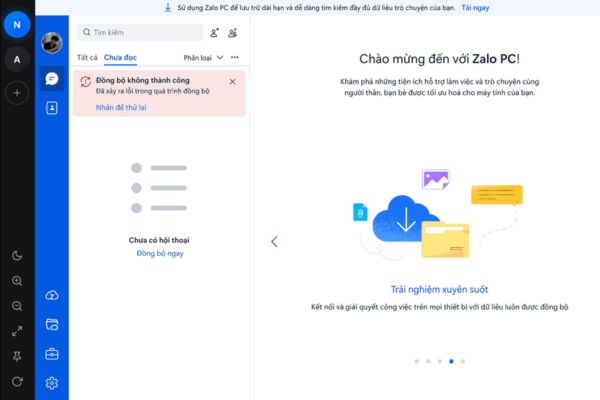
Instructions on how to use multiple Zalo on one computer
To effectively use multiple Zalo on one computer, you can follow these simple steps:
Step 1: Download the Lao Slippers application to your computer
Step 2: Install the software and open the application.
Step 3: Log in to your Zalo accounts into the corresponding tabs in the Dep Lao interface.
Step 4: Customize privacy features like blocking “seen” notifications to protect personal privacy.
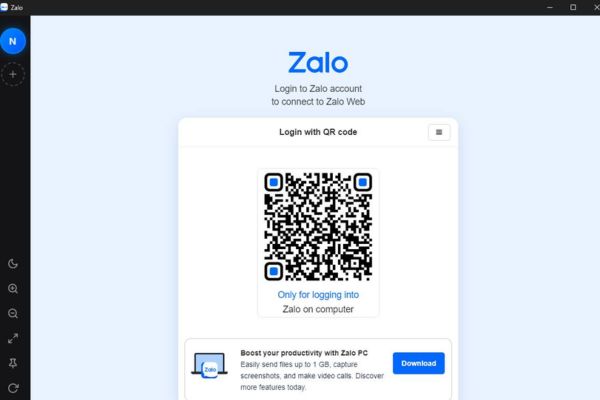
Transparency and the future of the Lao Slippers project
One of the reasons why Dep Lao is trusted by the community is transparency. Built as open source code, anyone can check the source code to ensure there is no malicious code. This is a key factor when you are looking for a way to use multiple Zalo on one computer while still wanting to keep your personal data safe.
Not only stopping at Zalo, author Dinh Tho is planning to expand support to other platforms such as Messenger. This turns Dep Lao into a multi-purpose messaging center, not only saving you time but also significantly improving your work efficiency.
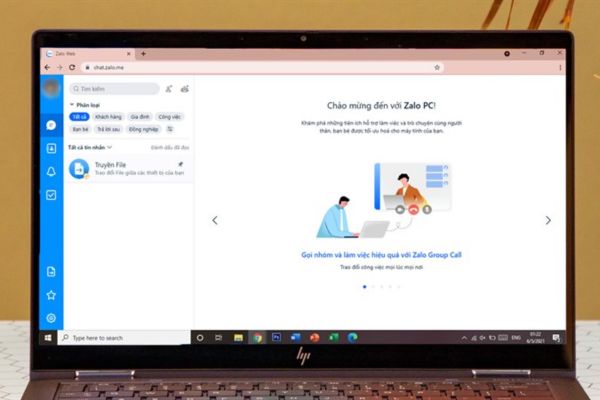
Conclusion
If you are looking for a way to use multiple Zalo on one computer to optimize your time, Laos Slipper is the best answer. Its stability and security features will definitely satisfy you. Don’t forget to use it and give comments to the author on GitHub.
Frequently Asked Questions (Q&A)
1. Do Lao slippers slow down your computer?
No, because it is built on the optimized Chromium platform, the software runs very lightly and is much more stable than opening multiple browsers.
2. Will using Dep Laos result in locking my Zalo account?
Dap Lao is only a specialized browser for Zalo, does not interfere with Zalo’s API, so it is very safe and does not cause account locking.
3. Where can I download Laos Slippers safely?
You should download directly from the author’s official GitHub page to ensure safety and receive the latest updates.