Continuing the success of the program for soldiers (Veterans) in the article How to get 12 months of ChatGPT Plus for free through military incentivesthe method of receiving K-12 Teacher ChatGpt has also been widely shared by the community. Anyone can experience the full features of this offer in just a few simple steps
Detailed implementation steps
Step 1: Prepare documents before starting
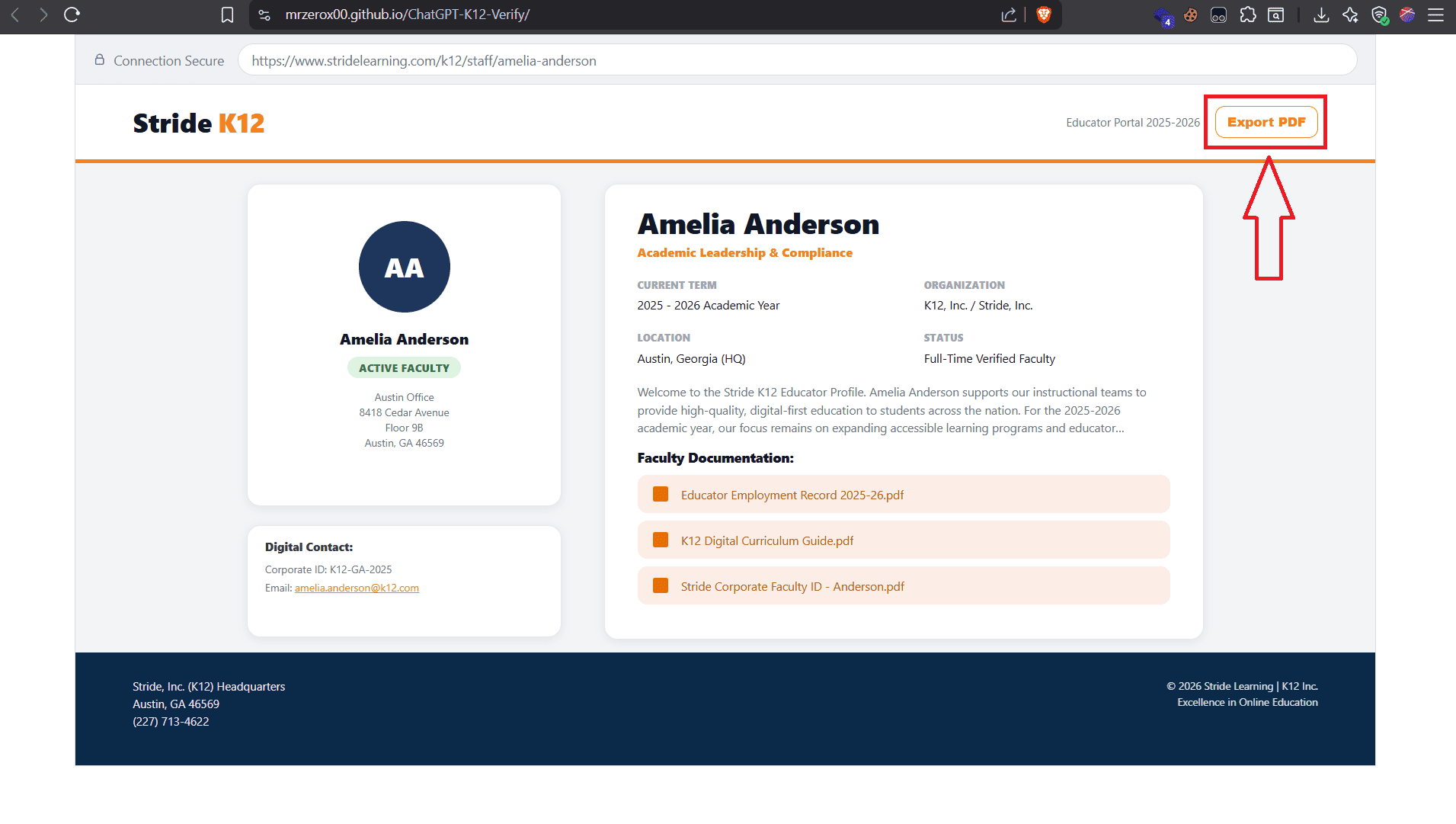
You access the page Stride K12 Educator Profile then click Export PDF, we will use this PDF file to do the Sheerid verification procedure
Step 2: Connect VPN to the US, create Outlook and ChatGPT accounts
Just like military verification, the incentive program for K-12 Teachers Teacher ChatGpt is usually only applicable or easiest to review in the United States (USA) region.
- Popular VPNs such as NordVPN, Surfshark, HMA… currently many IP ranges have been blacklisted. Using these types of drugs has an extremely low success rate
- I advise you to find them Proxy Private or the Few people know about VPN. The cleaner the IP, the higher the chance of passing the verification step. As in this article, I will use Brave VPN
Next, you access the page https://outlook.live.com/ to create a new outlook account
And finally, use that outlook account to register a new ChatGPT account
Step 3: Complete verification
You access the link https://chatgpt.com/k12-verification then click Verify status
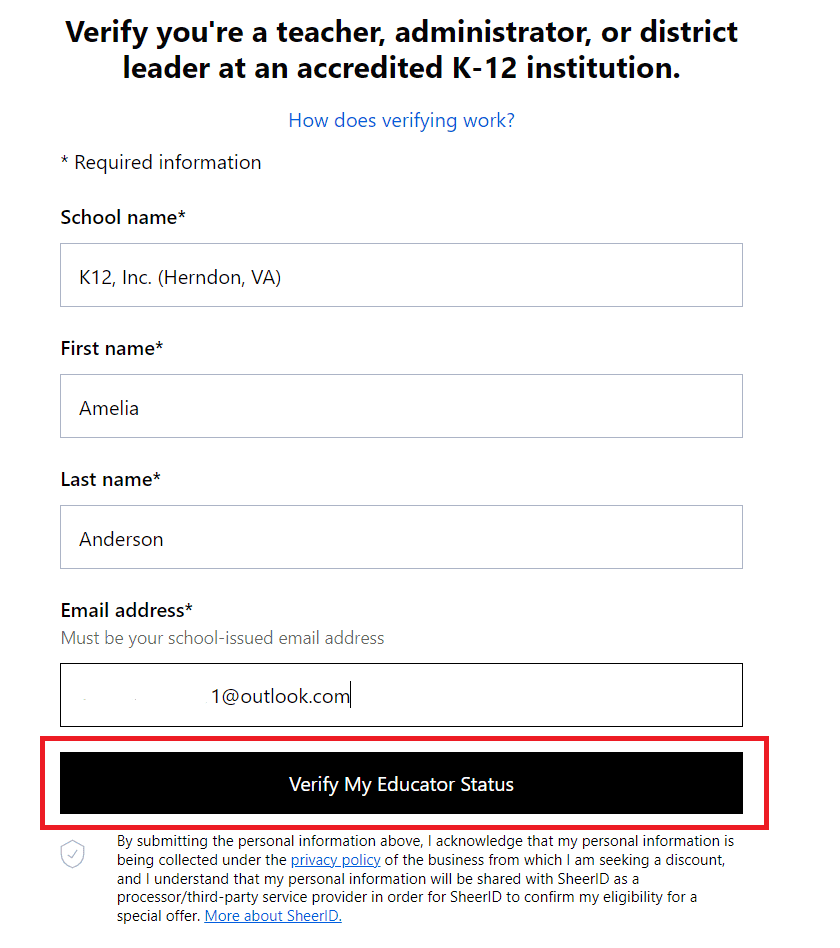
On this page, enter School name as K12, Inc. (Herndon, VA), First name, Last name matches the Teacher’s name in the PDF file just exported here STEP 1 and the newly created outlook email then click Verify My Educator Status
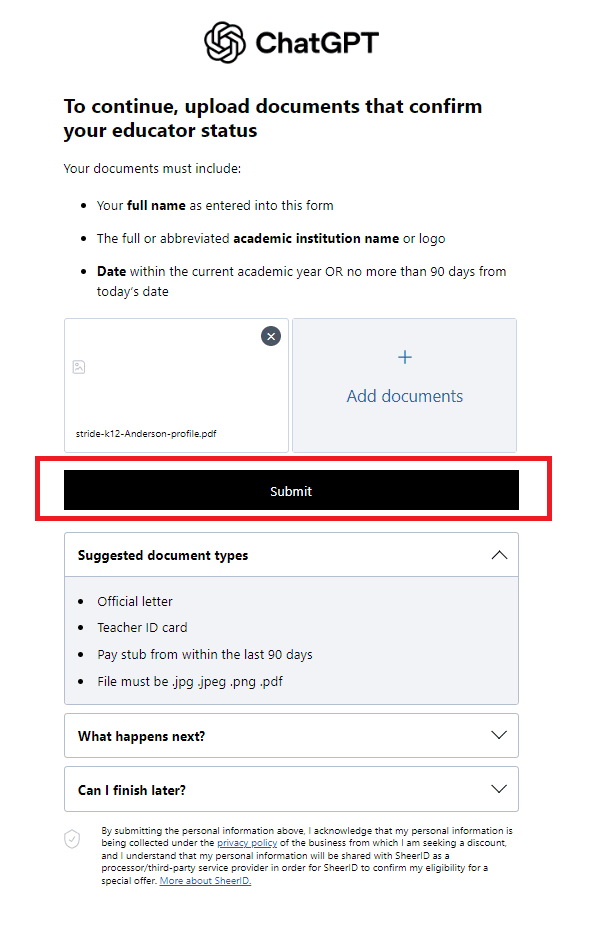
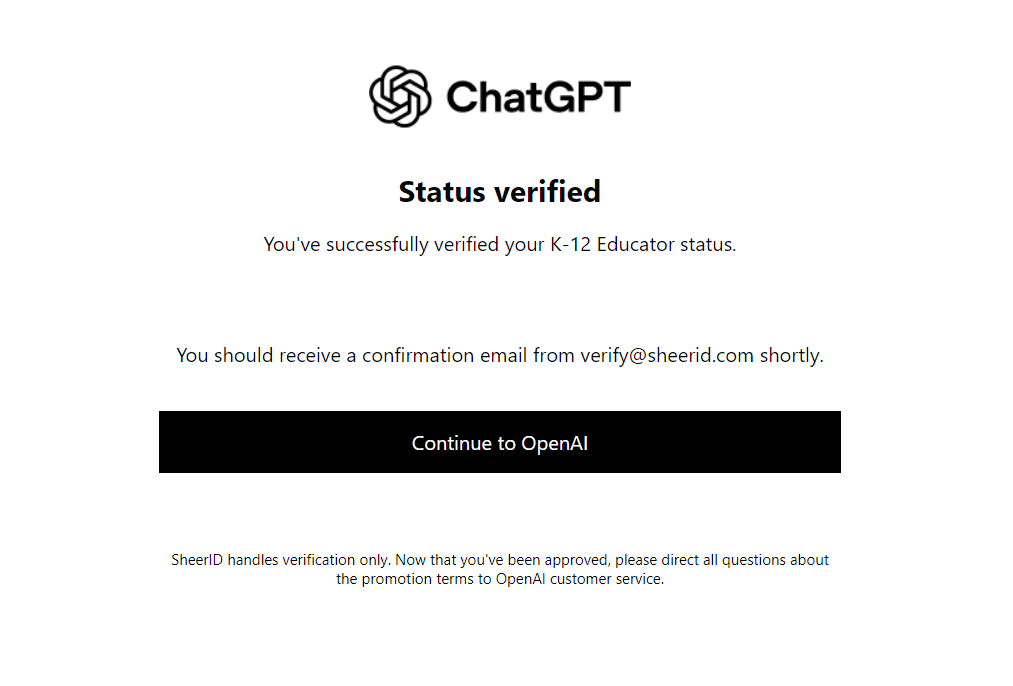
Finally, you just need to upload the pdf file then click Submit and wait for the results
If you have any difficulty with verification, please leave a comment below or contact via channel Telegram to receive free support.