When you watch a movie or review a movie, you will see lines below containing the actors’ statements, which are subtitles. Instead of having to record each sentence, you can now automatically create Vietnamese subtitles with just a few clicks. Having subtitles will help video viewers who can’t hear the dubbing in time to see the text to read. This is how to get more views for your videos. In this article, AnonyViet will guide you how to automatically create simple Vietnamese subtitles.
📢 Join the channel Telegram belong to AnonyViet
Update new articles, cool tools and IT tips fastest
So instead of having to use video design and editing software to create the best subtitles for your video, today I will show you a very simple trick to create subtitles using a website.
Automatically create Vietnamese subtitles using Website
First of all, the indispensable things are your video and an Internet connection.
Here I have a video about current news

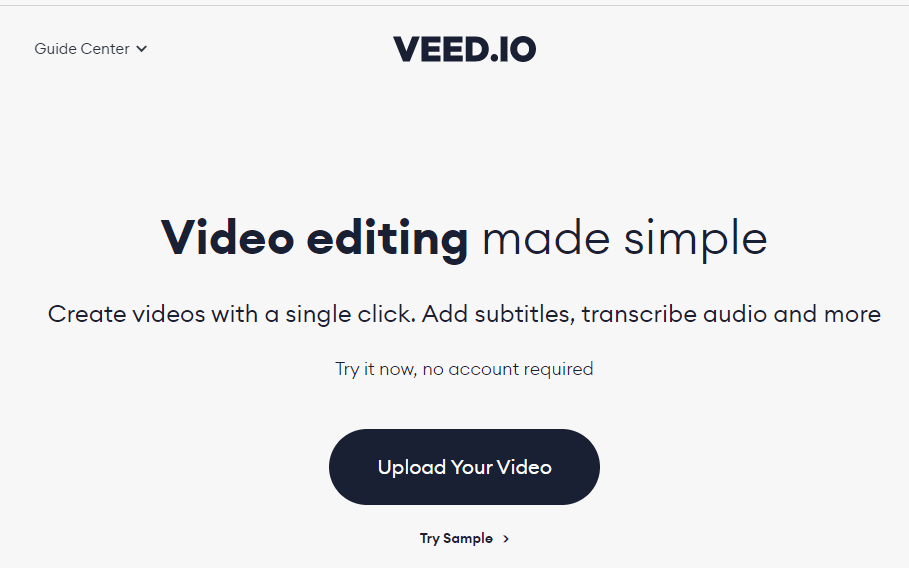
Then please visit the website: VEED – Online Video Editor – Video Editing Made Simple
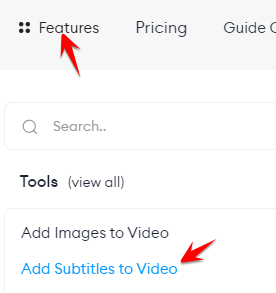
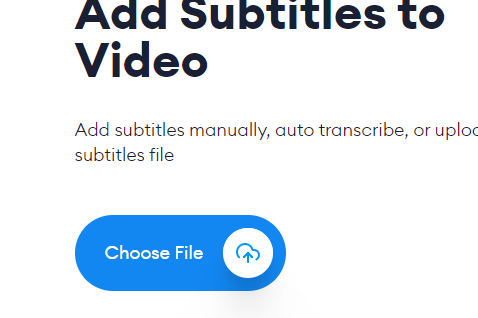
Then in the Features Bar Select Add Subtitles to Video.
Then you click Choose File
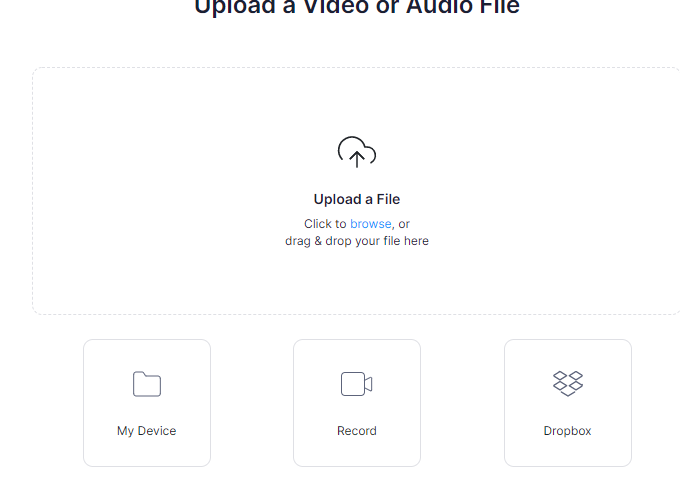
Then in the Upload File area, you can click to select Video or simply drag and drop it into the box to automatically create Vietnamese subtitles.
After uploading, you will wait some time for the site to process your video (processing speed depends on the video capacity).

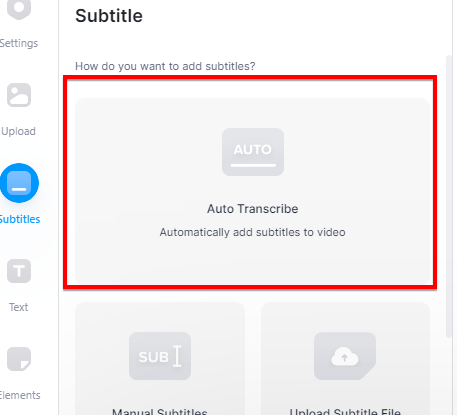
Then the website will open the interface and on the left, select Auto Transcribe to automatically translate your video. If you want to translate it yourself, you can use Manual Subtitles below.
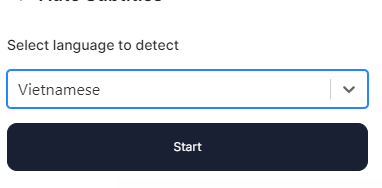
Now you will find and select the language that requires subtitles for your video. Here my video is in Vietnamese so I will choose Vietnamese.
Wait a moment for the Website to analyze the audio and automatically create Vietnamese subtitles. And here are my results

If the automatic subtitles are not accurate or you want to create effects for the subtitles, you can also adjust the Subtitles section to fit your preferences.
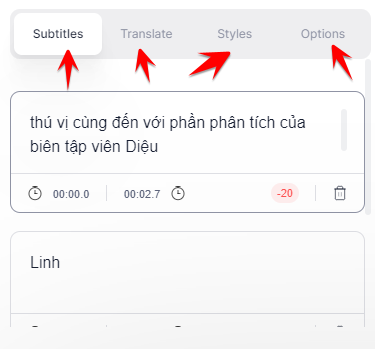
And if you’re done, export the subtitles to download to your computer and use the Vietnamese subtitle file automatically created by the website.

Summary
So I have finished showing you how to make video subtitles quickly without having to work hard. You can make your own subtitles on it or upload them and you can translate them from one language to another, which is always very convenient.
Frequently asked questions
Do I need any software to create subtitles automatically?
No need! You just need to visit the website Veed.io and upload the video.
Are automatic captions 100% accurate?
No, automatic captions may not be perfect and need to be edited for accuracy.
Can I create subtitles in different languages?
Yes, the Veed.io website supports multiple languages, allowing you to create multilingual subtitles.