If you don’t have any design skills and don’t want to shell out a lot of money, then DesignEvo is perfect for you. create free logos.
| Join the channel Telegram of the AnonyViet 👉 Link 👈 |
What is DesignEvo?
DesignEvo is an active private company founded on July 5, 2017. It is an online company that provides more than ten thousand logo templates for users to create different logos. This company acts as a logo maker first developed by PearlMountain Limited. The number of employees working at the company is from 11 to 50 people.
The company is headquartered in Asia – Pacific (APAC). DesignEvo makes it easy to create simple and unique logos. A company’s logo is what attracts customers first, and Designevo is a company that allows anyone to create custom logos without downloading software and spending a lot of money making logos.
Reasons you should use DesignEvo
- DesignEvo has over 10,000 logo templates in different categories that you can use keywords to find logos that meet your needs and customize to make it your own.
- DesignEvo has millions of professionally designed icons and over 100 fonts available for you to use.
- All DesignEvo logos can be fully customized giving you creative freedom.
- DesignEvo is free and easy to use. You do not need to download software, you can directly use it on the web. It saves time, effort and money.
- Export high-quality SVG and PDF files of any size without image blur.
- Save the logo to your account and make unlimited edits anytime you want.
The pros and cons of DesignEvo
Advantage:
- DesignEvo is easy to use and user-friendly.
- It’s free and there’s no need to download software or register to use it.
- Help users meet their logo design needs and create good logos.
- DesignEvo features will allow you to create your logo the way you want.
- You can change the font, size, color, pattern and icon while designing the logo.
- Another benefit of using DesignEvo is to use your created icons with the different logo templates this app provides.
- It also helps you develop your creative skills.
Defect:
- Transparent wallpapers are not included in the free plan.
- In the free version, you can only download logos with a size of 300×300 pixels.
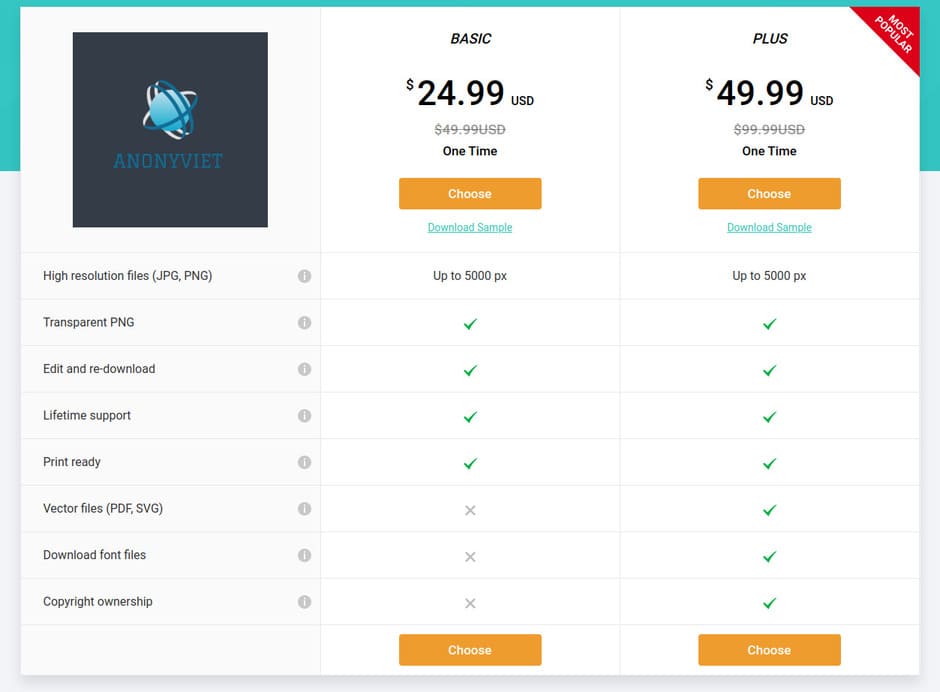
You can eliminate these 2 disadvantages by purchasing the Basic Lifetime plan for $24.99. The benefits you will get with the purchase of the Basic package are logo loading in high resolution, transparent logo backgrounds, free editing and reloading, lifetime support and print mode support for you.
How to design a logo on DesignEvo
DesignEvo is a great tool to sharpen your skills whether you make logos for social networks, websites, email signatures, company logos, t-shirts, stationery, business cards it helps you to grow Use your creativity to the fullest so you can create compelling logos.
DesignEvo requires no specialized skills. It is suitable for both beginners and professionals. It helps users to create an easy, simple and unique logo in seconds. DesignEvo offers the opportunity to create logos in different fields.
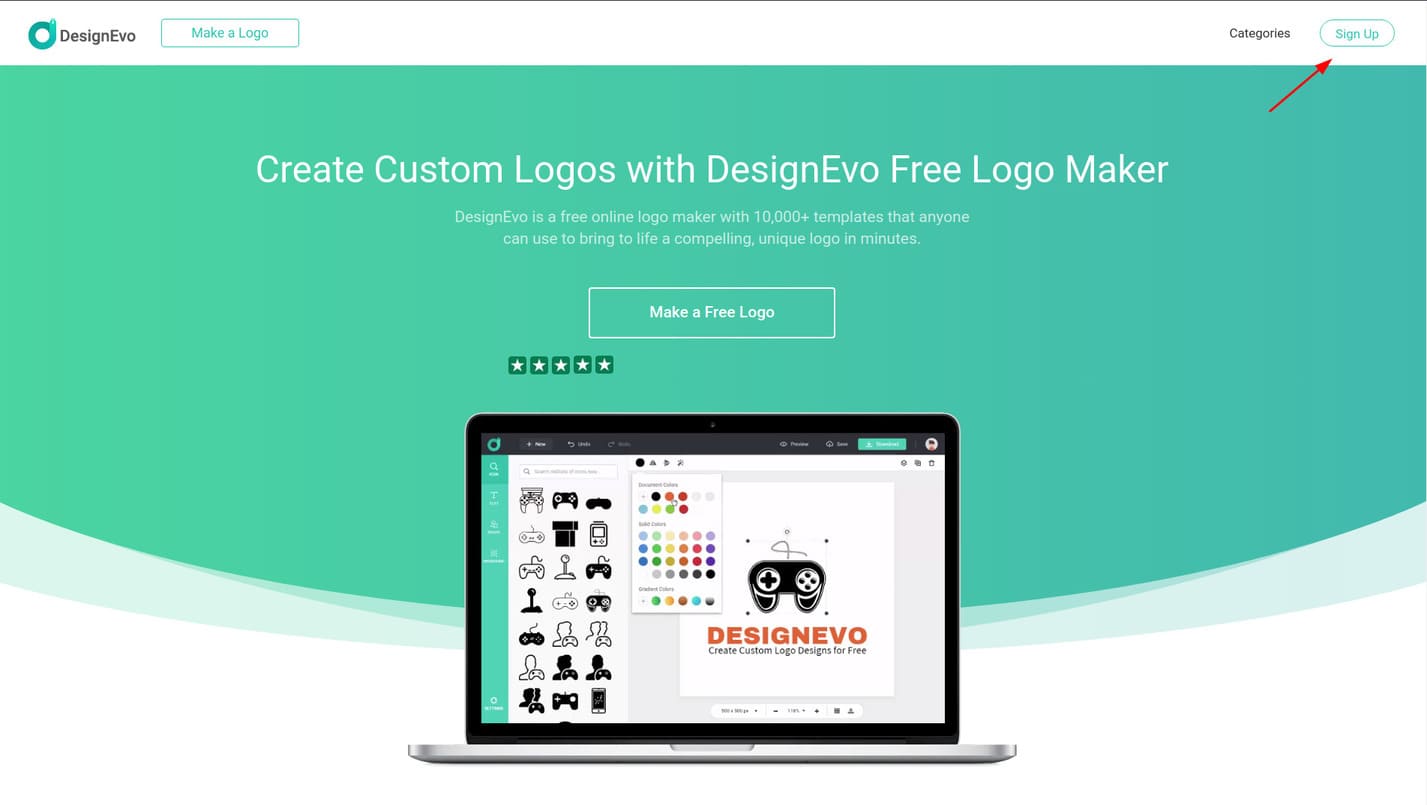
Step 1: To use DesignEvo, first you need to visit the homepage of DesignEvo here. Next, you click Sign Up To register an account. If you don’t like to register for an account, skip to step 3.
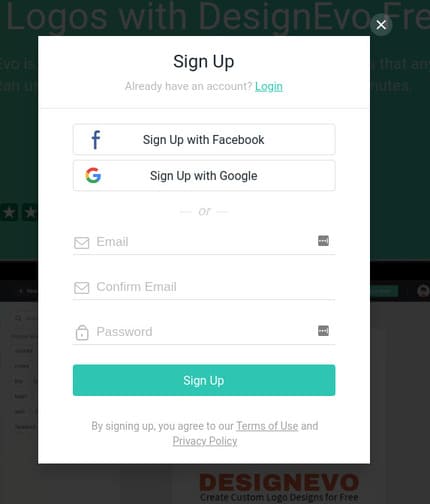
Step 2: You can register for a new account or quickly register using Facebook or Google.
Step 3: Click “Make a Free Logo” to proceed to create a new logo for free.
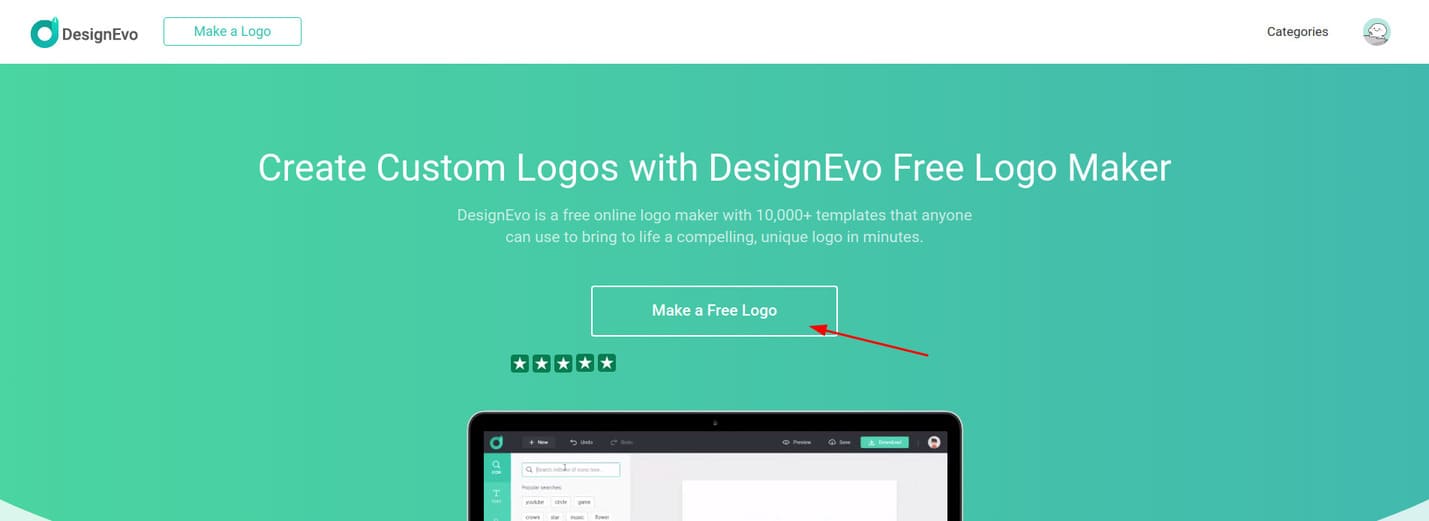
Step 4: In the left menu, are the fields containing related logos. If you want to create a logo related to pets or animals, choose “Animal & Pet”. And I will choose”Technology & Communication”.

Step 5: In the center of the screen are logos related to your chosen theme. DesignEvo has a lot of different logo templates, so you can scroll down to see more.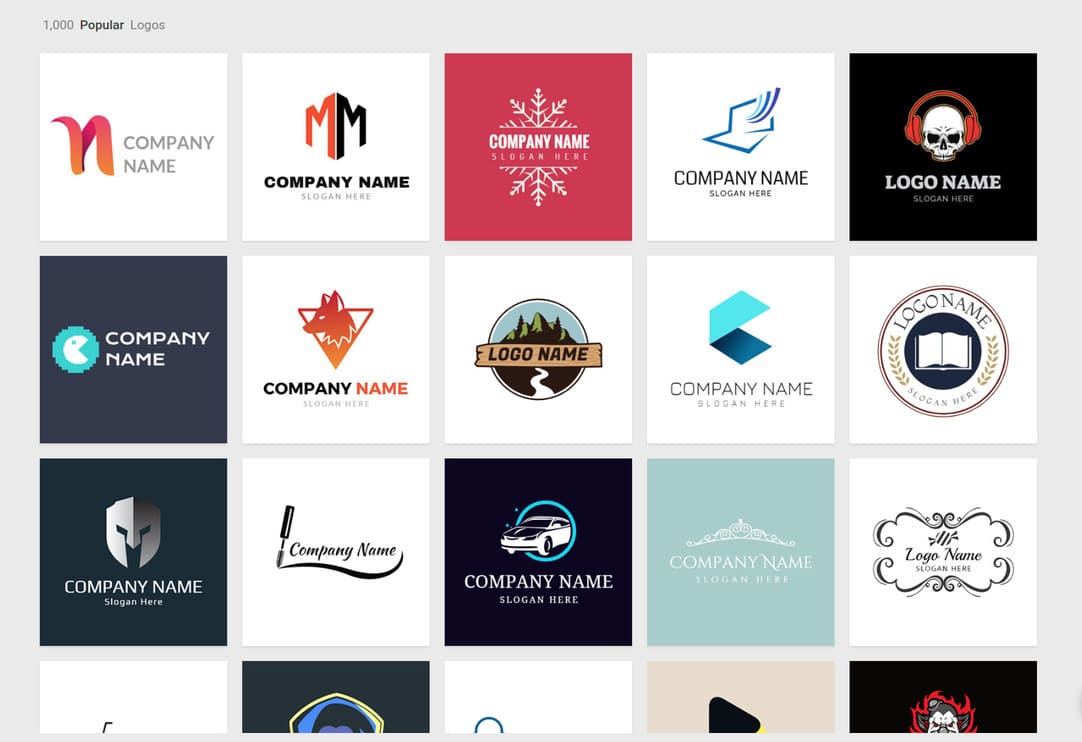
Step 6: Hover over the logo you like and select “Customize”.
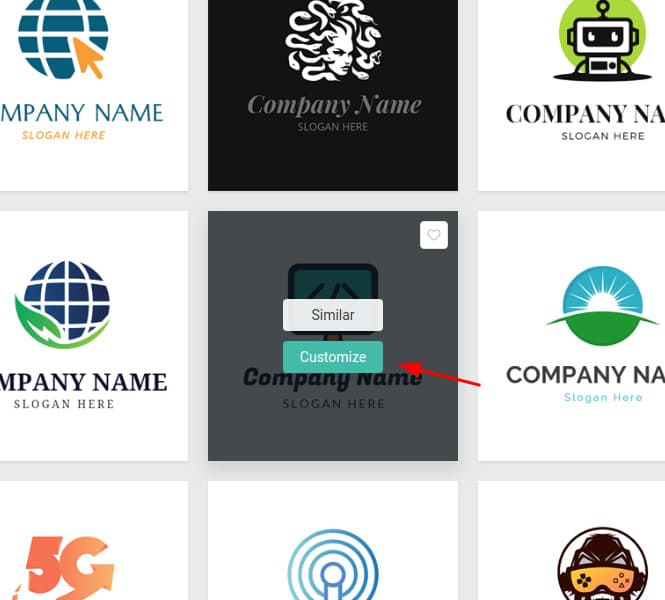
This is DesignEvo’s Logo editing interface.
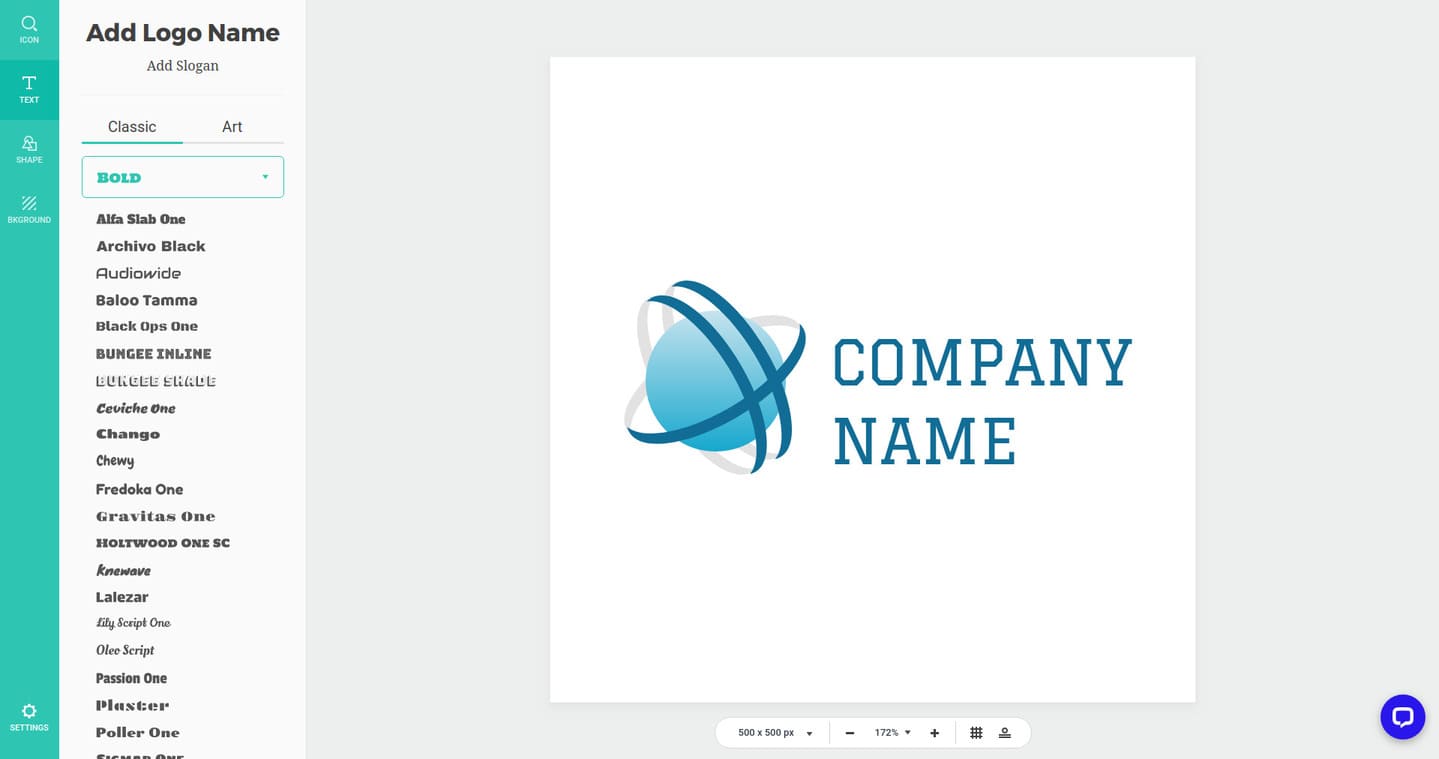
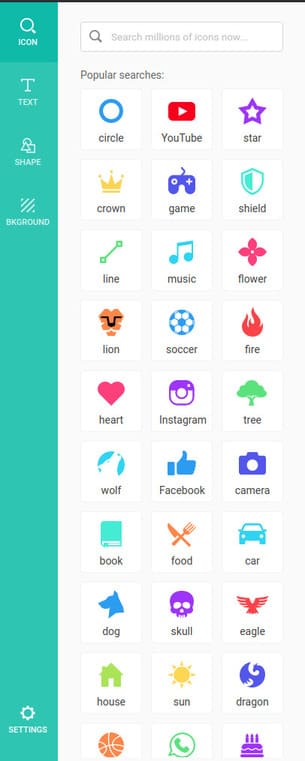
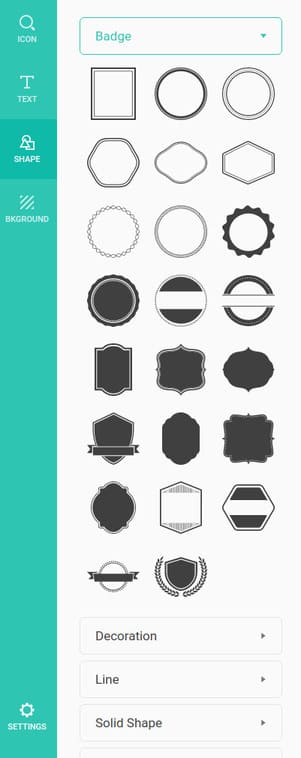
On the left menu are toolbars that help you edit the logo including icons, text, shapes, and backgrounds.
Section Iconyou have thousands of rich icons to design your logo.
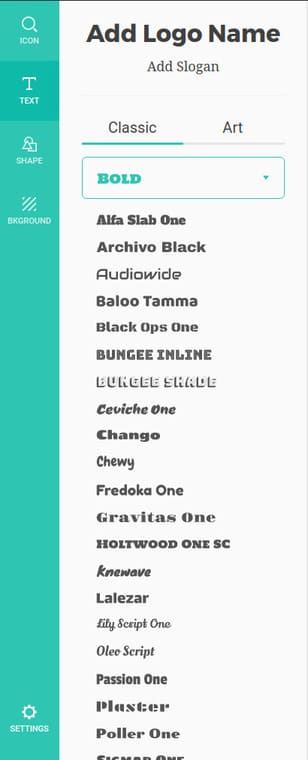
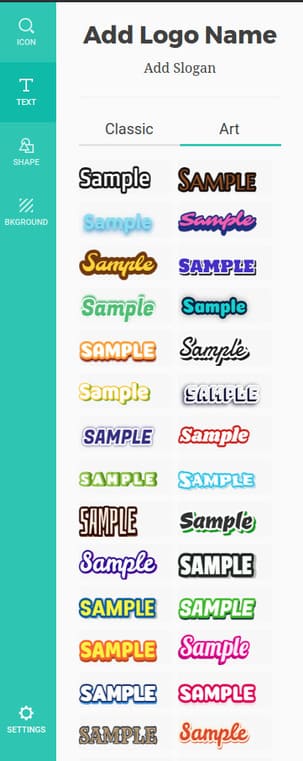
Also in section Text, you also have a lot of different fonts and especially support Vietnamese. In the section Textthere is also an item Art Contains beautiful artistic fonts as well.
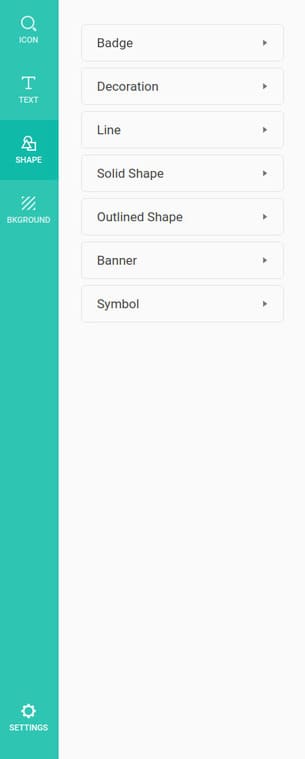
In the section Shapes, There are also many different shapes for you to decorate and create new logos.
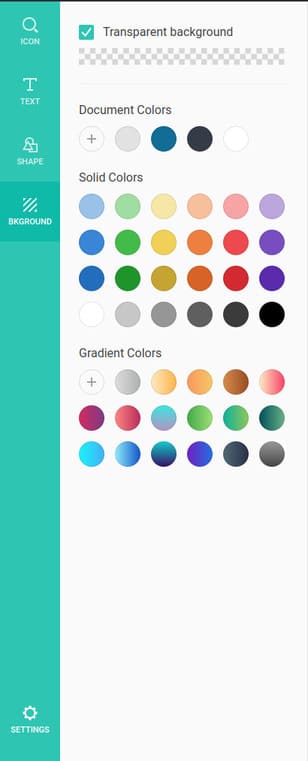
Finally, the item Backgroundyou can choose the background color for your logo, you can even choose a gradient color effect or choose a transparent background for the logo.
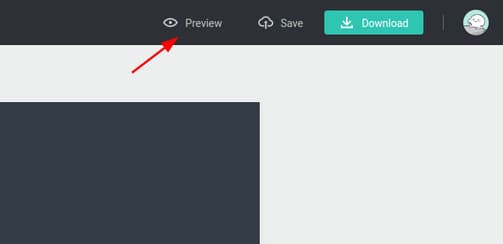
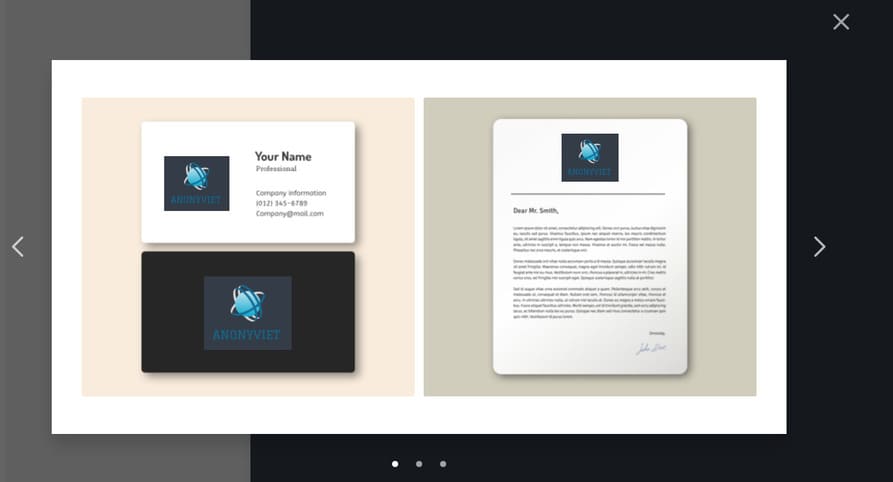
Step 7: After you have designed the logo, you can see how your logo looks on the web, business cards, etc. by clicking on it. “Preview”.
Step 8: If you think it’s ok, click “Download”.
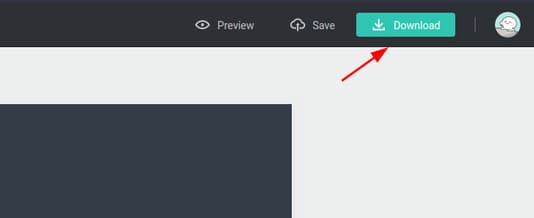
Step 9: Because I use the free version, click “Download a low-resolution free logo”.

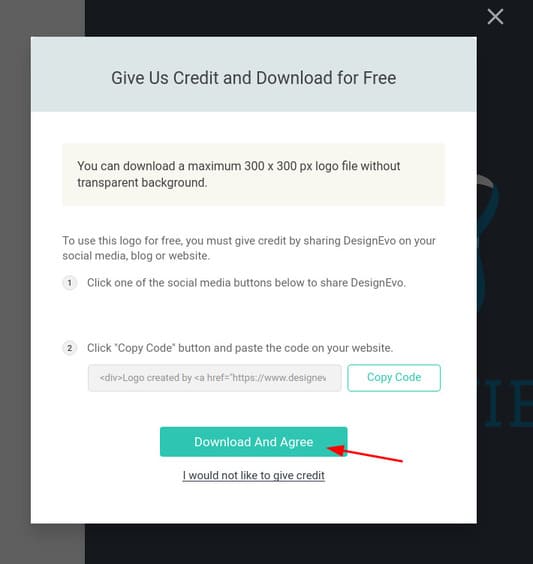
Step 10: Press “Download And Agree” to download the logo or you can also use the logo on your website by pressing “Copy Code”.
That’s it, in addition to the 2 disadvantages I mentioned above, you can still use DesignEvo to design logos every day without any problems.