Summary of the best Chrome extensions to improve your work performance. Google Chrome is undeniably the most widely used web browser in the world. Google has worked hard to make Chrome more intuitive, perform better, and sync features easier. But there is a way to improve functionality and be more productive in Chrome is to use extensions.
| Join the channel Telegram of the AnonyViet 👉 Link 👈 |
In this article, I will list the best Chrome extensions in 2021. These extensions will assist you in your daily online activities by saving you time and automation. tasks to save your effort. Note: using too many extensions in Google Chrome may affect its performance. Therefore, you should only use those Chrome extensions that you really need.
The best extensions for productivity
This is a category of Chrome extensions containing extensions that help with user productivity. Each widget is created to complete a different task and save you time. From note-taking extensions to password managers and productivity trackers to bookmarking extensions, you’ll find plenty of Chrome extensions that can make your everyday life easier on the Internet. .
New Tab Todo List: Checklist, Notes, Outliner

Quickly create notes on Chrome Tab, when you open Chrome, you will immediately see your to-do work. This is effective work management.
New Tab Todo List: Checklist, Notes, Outliner is a friendly space for your lists, sketches and groups. Use it as a to-do list and task manager. You can make lists and instantly share them with your friends, family, and teams.
Google Keep
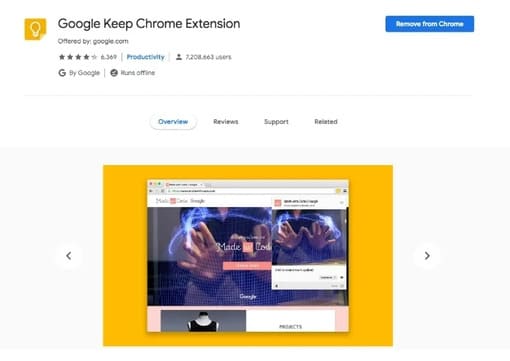
This Google extension allows you to add quick reminders, save pages, images and text that you want to access later. Google Keep’s clean user interface allows you to focus on the ideas you want to jot down quickly. The biggest advantage of this extension is that it can sync easily across Android and iOS devices – making Google Keep one of the best Chrome extensions for me.
Stay Focusd
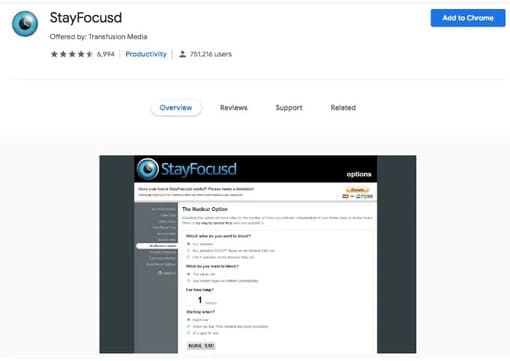
If you are a person who wastes time on crappy news on the internet, then believe me, you really need this utility. StayFocusd increases your productivity by limiting the amount of time you can spend on social networking sites.
Best Chrome VPN Extension
We all know that Google Chrome collects information about your browsing habits and patterns whenever you are online. Secure your browsing sessions through a Virtual Private Network (VPN) is a good way to escape the prying eyes of Google. You can use the following VPN utilities to ensure privacy:
ZenMate VPN
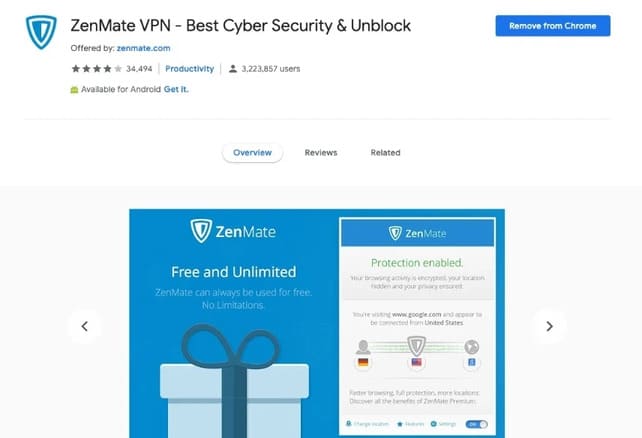
ZenMate is one of the best VPN extension for Chrome, it offers free unlimited lifetime plan. ZenMate has everything a free VPN utility can offer – traffic encryption, good speeds, multiple servers for proxy locations, etc. It has extra security features like encryption, WebRTC blocking and NATFirewall to prevent hackers from scanning your device.
Hola VPN
Hola VPN makes it easy for you to access blocked websites in your country, work or school with Hola VPN. Hola is free and easy to use. If you sign up for a Premium account, you will be able to access all VPN servers in all countries without any connection time limit.

The best gadget for reading news
News Tab
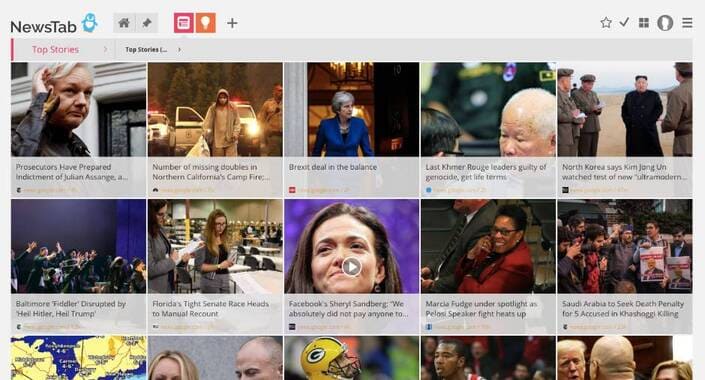
This is one of the best extensions for reading news on Chrome. News Tab automatically organizes trending news from popular and trusted sources in your area. If you want to read news on specific topics, it allows you to add sources to the data warehouse. The biggest advantage of this utility is that all the news will be displayed on the screen every time you open a new tab. So you can get all the information you need while you’re switching between tabs.
The best utilities to read newspapers Online
If you regularly read articles online, you must have come across articles with distracting elements on the web. To improve your online reading experience, you can use the extensions below to remove annoying ads, pop-ups or videos from websites.
Easy Reader
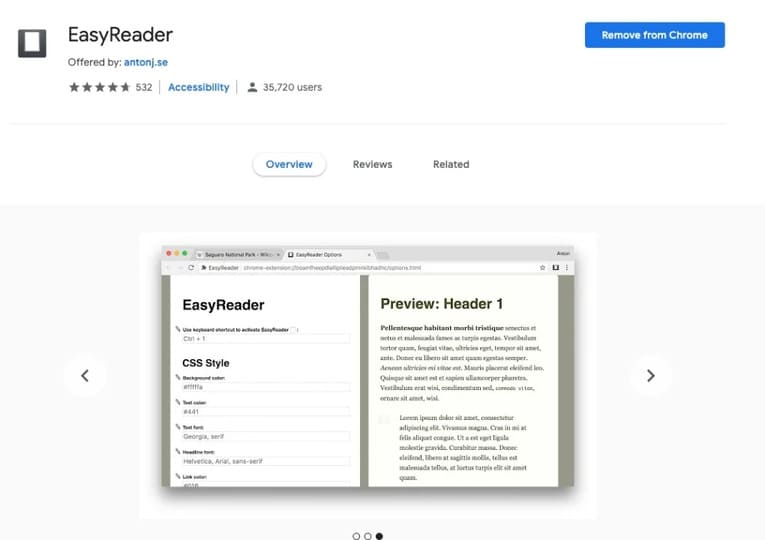
It is a very easy to use, customizable text reader and improves reading of long web articles. You can use Easy Reader to open up a new interface where there are no distracting elements and pop-ups.
The best extension for programmers
UserSnap
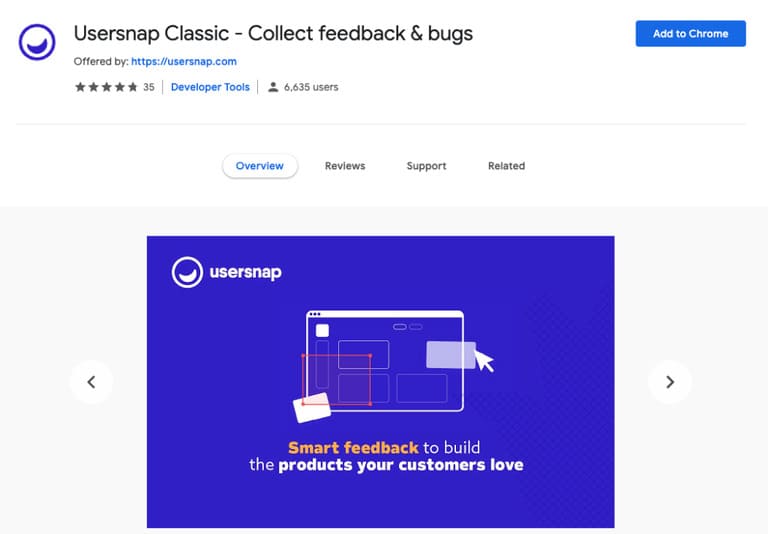
The UserSnap utility allows programmers or users to take screenshots, track bugs, and collect feedback on any website or application. This is one of the best Chrome extensions for programmers.