Brave is an open source browser originally based on Chromium. Unlike Google Chrome which focuses heavily on user performance and privacy. Without a doubt, Google Chrome is a great web browser — and for almost a decade. Brave is one of the rival browsers to replace Chrome. Here are 10 reasons why Brave is growing in popularity.
| Join the channel Telegram of the AnonyViet 👉 Link 👈 |

Brave is not owned by BigTech
So what is BigTech? BigTech is the name given to the five largest and most dominant companies in the US information technology industry – that is, Google, Apple, Facebook, Amazon and Microsoft.
The services and products of the internet giants continuously dominate the web. While airlines are trying to provide the best, it is better to have different choices. The advantage of having competitors like Brave will help technology to compete more and more fiercely and offer better products to users.
Protect user privacy
If you are browsing the web, your activity is being tracked in one way or another. But not everyone wants to put their information online. Brave implements a better privacy policy by not collecting users’ browsing activities.
Everything you do in the browser remains private on your device and will not be shared with any third parties. Additionally, Brave encrypts your sync data to use the same browser and bookmarks settings across multiple devices.
Faster browsing experience
Chrome is known to be a resource hog, especially if you have a lot of Tabs open. What is surprising is that Brave offers a faster experience with a focus on more efficient use of resources.
Brave has claimed that it requires 33% less memory than Chrome and prolongs your Laptop’s battery life. This may vary depending on the computer configuration, but overall Brave manages to provide a faster experience.
Brave is open source software
Chrome is a project based on the original Chromium. But Brave is a completely open source web browser. So anyone can check the source code to verify statements and evaluate browser security if needed.
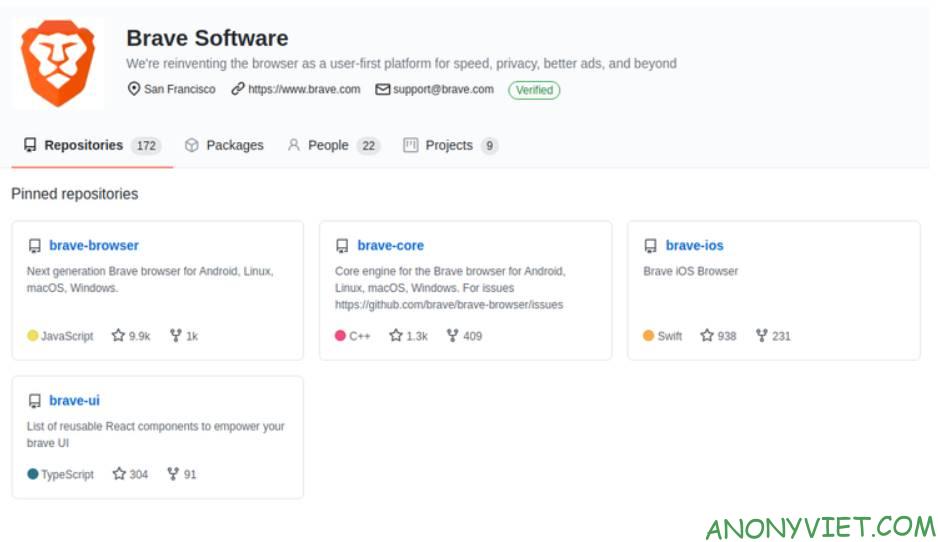
There are many other benefits of using open source software, such as community contributions to add features and a few more.
Support peer-to-peer IPFS protocol
Brave makes browsing the web faster, flexible, and privacy-focused with InterPlanetary File System (IPFS).
It allows users to use a peer-to-peer network where you can access resources using IPFS. This ensures that no one can control or restrict access to a resource. Therefore, with this feature integrated, the Brave browser can be an effective tool to assess the integrity of web access.
Block user tracking

There are several types of technologies that track internet users. They can support the website better but sometimes these technologies collect a lot of personal user data, browsing history, etc.
Brave uses to provide built-in privacy protection where you can choose to block trackers. This feature can also reduce the need to search for privacy-focused chrome extensions.
Brave Rewards

Usually, you often support your favorite websites by clicking ads or not using the ad program as a thank you to the web writer. And with Brave, you have another way to help website creators, through Brave Rewards.
This is an optional feature, but with Brave Rewards, you can earn tokens when you visit and spend time interacting with a website. You will have an e-wallet integrated with Brave browser to save tokens and use this token to donate to your favorite websites.
Alternatively, you can add funds to your wallet in any currency and use them to support Brave Rewards registered publishers.
Tor
To enhance privacy, Tor is the solution to the problem. The easiest way to use it is through the Tor browser, which is not a user-friendly or performance-oriented browser.
With Brave, you can use a Tor connection through private browsing mode. It should be noted that it is not a complete replacement of the Tor browser, but the Tor network is used as a proxy to hide your IP and original location.
Premium Firewall and VPN features for iOS devices
Brave offers a firewall and VPN service that you can use through your browser, but you need to pay a fee.
This may not be for everyone, but if you use Brave’s web browser on your iOS device, a VPN can help enhance privacy and help access blocked websites.
Integrated services like Brave Search
Brave is not only a browser, but it also introduces a number of other services such as a private advertising solution, decentralized web and several others. Brave Search is an example. It aims to be an independent search engine and focuses on providing privacy-friendly search results.
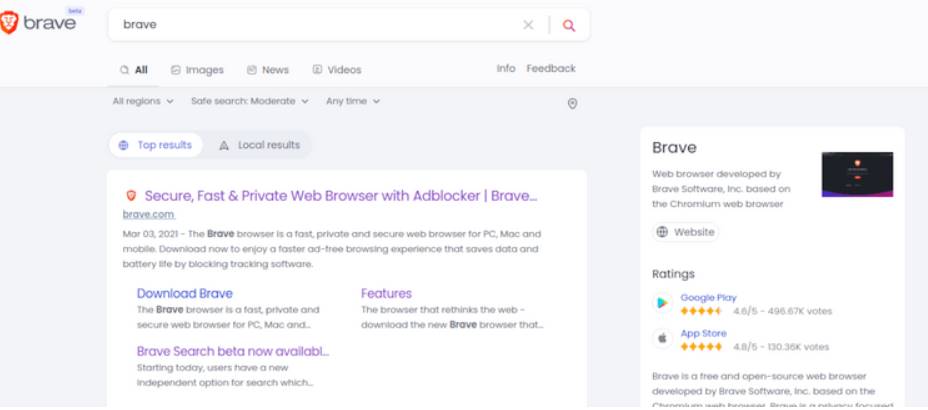
Although you can use Brave Search on any other browser, it will be a pain when combined with the Brave browser.
And just now, I have just introduced to everyone 10 reasons why brave is famous. What do you guys think about the browser? brave? Leave a comment here to let me know what you guys think.