Python is a powerful, high-level, interpreted programming language. Created by Guido van Rossum, and many others. Python can be used for machine learning development, web development and is one of the most popular languages today. So you also need an equally good Python editor.
| Join the channel Telegram of the AnonyViet 👉 Link 👈 |

Some of the projects I have used python for are: creating web pages, automating daily tasks, creating authentication tools for files, creating chatbots, etc. Our creativity is limitless and Python is really great. easy to learn.
Top 8 best Python editors
There are many ways to start coding in python. I will list the ways that I have used and of course it’s free.
1. Online Python Editor
Just search for “online python editor” and google will bring up a full list of editors. If you are only going to learn python, you can use any of them. All of the above editors have basic functions. But they will only be able to support basic modules in the default python installation.
Here is a list of sites you should try out:
I used these sites in my early days of learning python and switched to more powerful editors mainly because the above sites no longer met my requirements.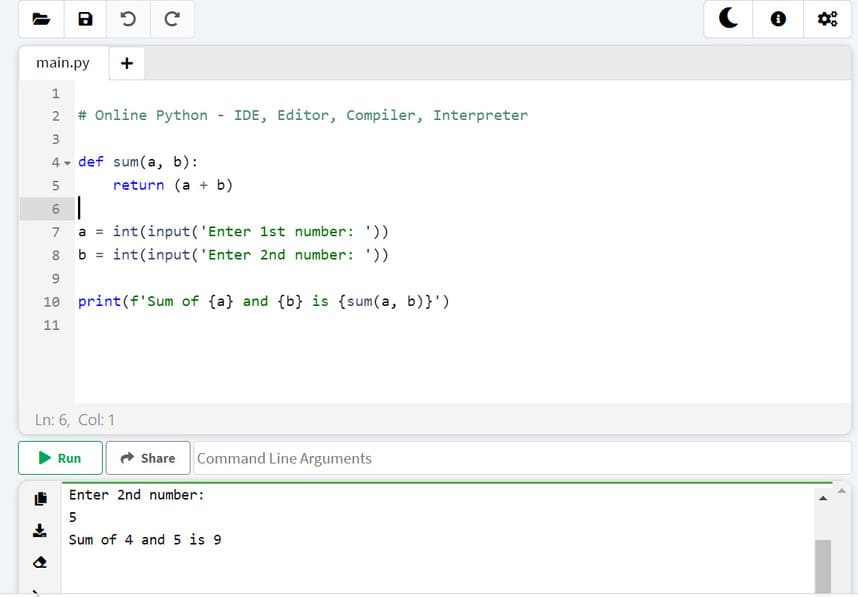
2. Python’s Default Editor
When you install python from python.org, you will have 2 things to code.
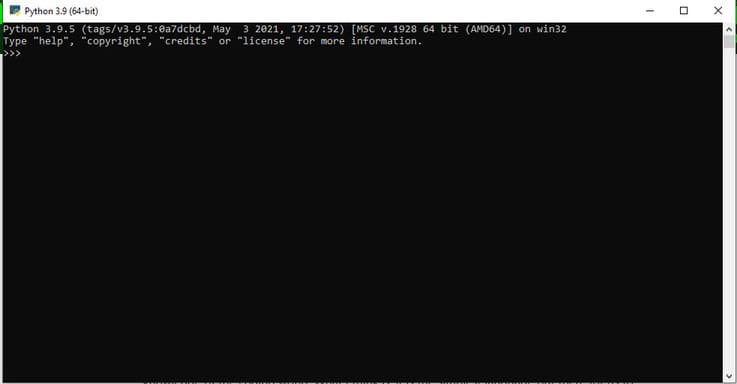
Python console, also known as Python SHELL, is a CLI (command line interpreter) for python that allows the user to enter commands one by one and return the result if it has no errors.
The main python console prompt is the three big marks.
>>>
You are free to write the next command on the shell only after executing the first one.
>>>"hello World"
'Hello World'
>>>
The Python Shell/Console should look like the following figure.
b) Python IDLE
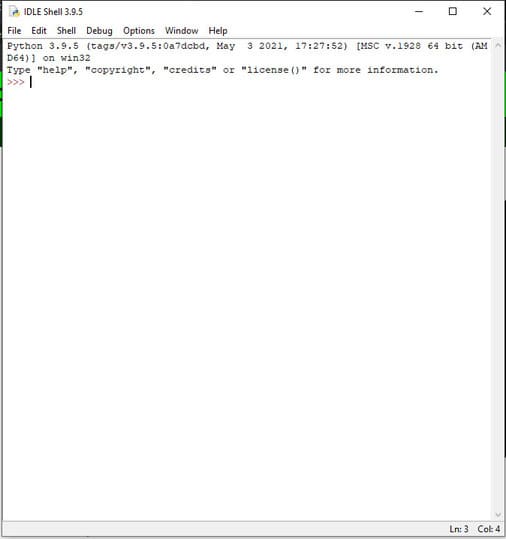
IDLE is Python’s Integrated Development and Learning Environment. It basically allows you to open, save, edit and execute python files with .py extension. Most people don’t like this editor, it has only the basic functions needed for a python script while a third party IDE like PyCharm allows you to add additional packages/plugins that you need for a project. project.
3. PyCharm Editor
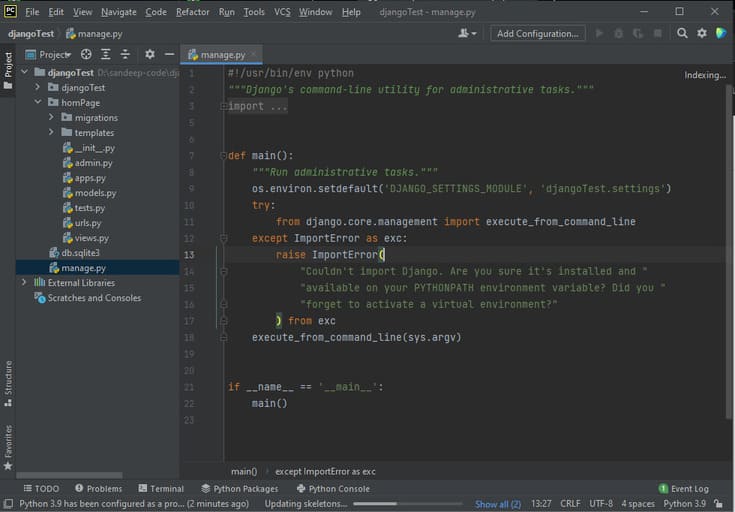
PyCharm is a third-party IDE (Integrated Development Environment), JetBrains. It is one of the most widely used IDEs by web developers. It provides us with all the necessary tools. For now, this is the best and free option for beginners. It should also be noted that PyCharm comes with Community (free to use) and Professional editions.
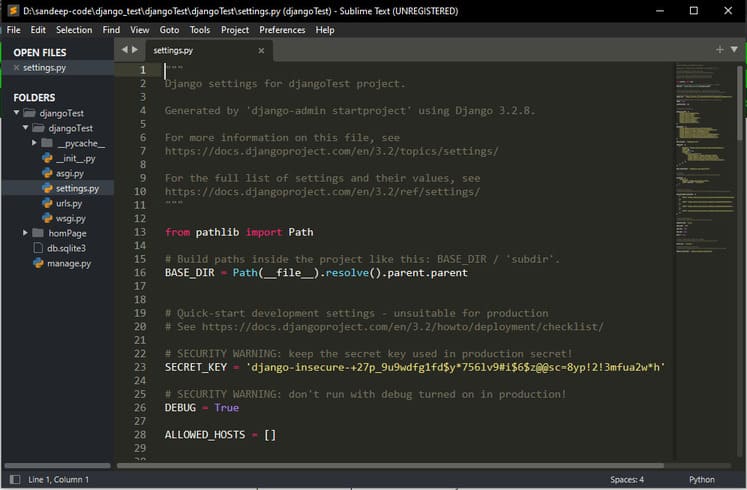
4. Sublime Text Editor
Sublime is a lightweight editor that allows you to write code in multiple languages. It can be said that Sublime is no less than any IDE out there, especially with the packages and plugins available. One thing that made me choose Sublime over IDE is because my computer is weak :v. IDE consumes more ram while Sublime is very light.
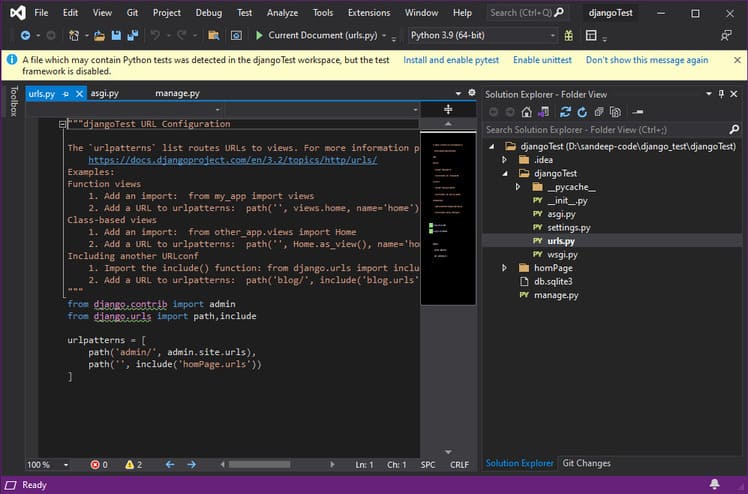
Visual Studio Community is a free IDE from Microsoft. The advantage of using VS Community is that it is not only made for python but also supports other languages. This IDE has a lot of features and it also allows you to write code in other languages (like C++ or .Net).
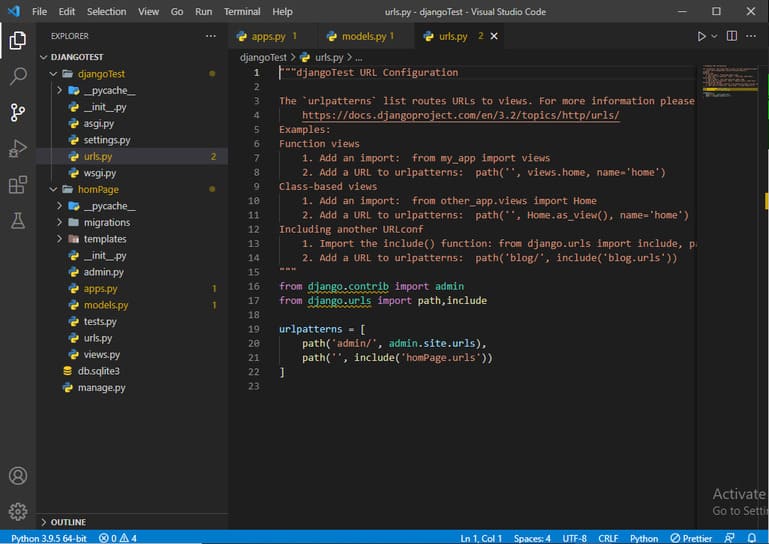
6. VS Code
VS Code is another Microsoft contribution but it is not an IDE. It consumes less RAM than IDE. But you can add extensions depending on your purpose. In particular, VS Code has a lot of interesting and diverse utilities for most programming languages. You can check out the 24 best extensions on VS Code here.
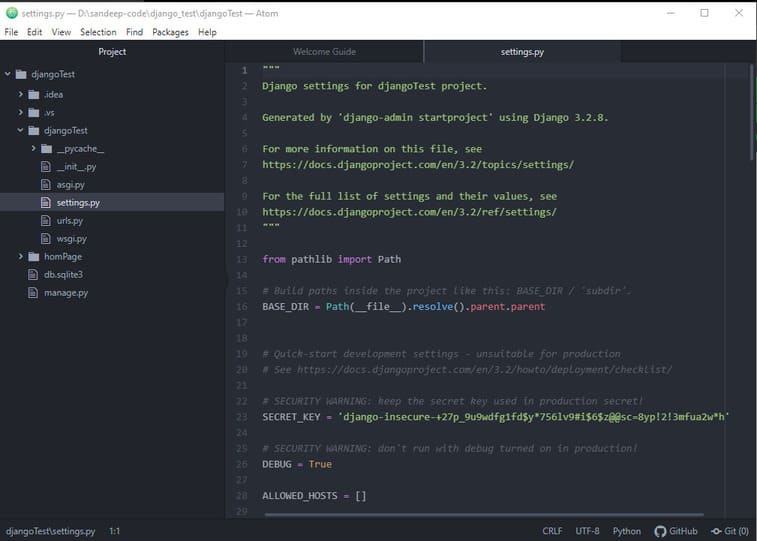
7. Atom Editor
Atom is another great editor and it comes from the github team. So all github extensions are supported on Atom. This is a popular python web development editor.
8. Python is a scripting language
Because python is a scripting language, you can use any editor you want, like notepad and even Microsoft Word :v. Depends on your playability.