• Home
  • News
  • Software
  • Knowledge
  • MMO
  • Tips
  • Security
  • Network
  • Office
AnonyViet - English Version
  • Home
  • News
  • Software
  • Knowledge
  • MMO
  • Tips
  • Security
  • Network
  • Office
No Result
View All Result
  • Home
  • News
  • Software
  • Knowledge
  • MMO
  • Tips
  • Security
  • Network
  • Office
No Result
View All Result
AnonyViet - English Version
No Result
View All Result

Instructions to change alarm wallpaper on Android phones

AnonyViet by AnonyViet
December 23, 2024
in Software
0

Does the familiar alarm interface on your smartphone make you feel monotonous? Do you want to be greeted every morning with a new and more interesting image? A unique alarm wallpaper not only brings newness to your phone but also adds positive energy, helping you start a new day full of excitement. Let's find out how with AnonyViet Change alarm wallpaper on your phone easily and quickly through this article!

Join the channel Telegram belong to AnonyViet 👉 Link 👈

Alarm wallpaper – Small details, big changes

Maybe you don't know, although the alarm wallpaper is a small detail on your phone, it has an unexpected influence on your mood and energy every day.

The default alarm wallpaper is often monotonous and boring, and can even evoke a feeling of lethargy and lack of vitality. On the contrary, a beautiful, unique and personal image will be a great spiritual medicine to help you start a new day more excitedly.

Alarm Wallpaper - Small details, big changes
Alarm wallpaper – Small details, big changes

See more: How to turn on automatic charging mode on Android to protect the battery effectively

How to change alarm wallpaper on Android phones

Step 1: Open the Clock app on your device > Tap the “+” sign to create a new alarm or select an existing alarm to edit.

Click on the mark "+"
Click on the “+” sign

Step 2: Scroll down and find the “Notification background” section, then select it > Continue selecting “Background” to begin the process of changing the wallpaper.

Select "Background"
Select “Background”

Step 3: Select the photo you want to set as the alarm wallpaper > Click “Done” to complete the installation.

Select the photo you want to place

Step 4: Don't forget to save your changes. From now on, every morning you will be greeted by the image you have chosen.

Click save changes
Click save changes

Benefits of changing alarm wallpaper

You may not have realized it, but changing your alarm wallpaper can bring more benefits than you think. Here are some unexpected benefits from this:

Add excitement to waking up every morning

Fresh, vivid alarm wallpapers can help you start each morning with more motivation. A beautiful or meaningful image will energize and inspire you when you wake up.

Reduce boredom

Using a unique and novel alarm wallpaper instead of the default wallpaper helps break up boredom. Every morning will be an enjoyable experience when you see images that you love or find interesting.

Create a feeling of relaxation

Gentle, relaxing images can help you start the day in a comfortable, pleasant state of mind. This is a simple way to help relieve stress from previous busy days.

See more: Fix Gmail error without notification when receiving emails on Android

Conclusion

With the simple steps above, you can change it Change alarm wallpaper easily. Every morning, instead of seeing boring wallpapers, you will be inspired by fresh images that you love. Hopefully this little tip will help you start your day with more energy and excitement.
Tags: alarmAndroidchangeInstructionsphoneswallpaper
Previous Post

How to buy a .news domain for free for 0 VND at Namecheap

Next Post

Instructions for removing video backgrounds using the Unscreen Online tool

AnonyViet

AnonyViet

Related Posts

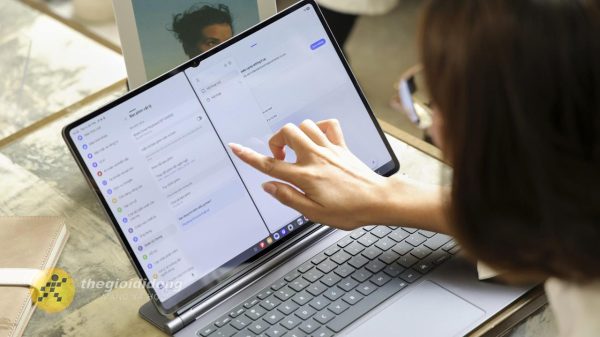
Experience Galaxy Tab S12 Ultra: Price of 40 million is a worthy investment to replace a laptop
Software

Experience Galaxy Tab S12 Ultra: Price of 40 million is a worthy investment to replace a laptop

November 2, 2026
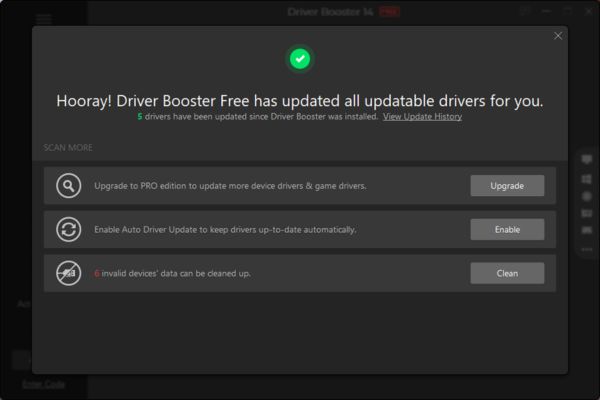
Receive Driver Booster 14 license key immediately for free for 6 months
Software

Receive Driver Booster 14 license key immediately for free for 6 months

November 1, 2026
Online pagoda game: Experience practice and relieve stress at home
Software

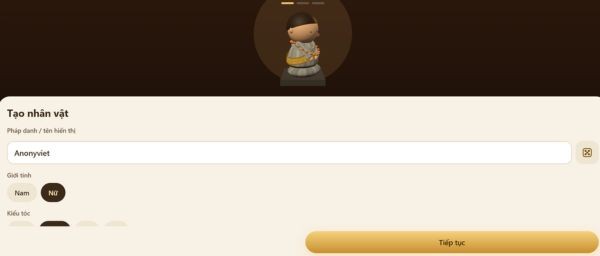
Online pagoda game: Experience practice and relieve stress at home

November 1, 2026
Instructions for receiving Avira Prime 3 months for free, no credit card
Software

Instructions for receiving Avira Prime 3 months for free, no credit card

October 31, 2026
Instructions for installing CleanYourTv to remove Android TV ads
Software

Instructions for installing CleanYourTv to remove Android TV ads

October 29, 2026
How to play the mosquito swatter game, calling students’ names and asking them to return their homework
Software

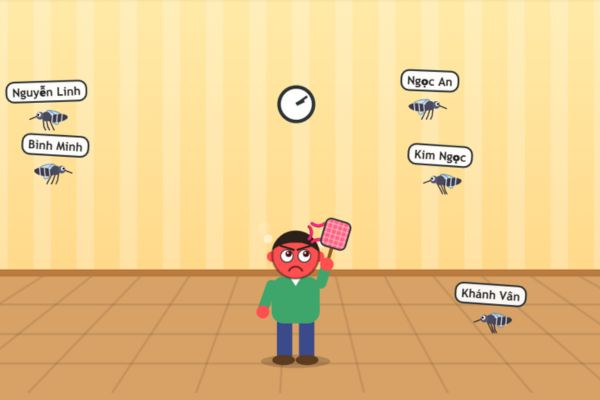
How to play the mosquito swatter game, calling students’ names and asking them to return their homework

October 28, 2026
Next Post
Instructions for removing video backgrounds using the Unscreen Online tool

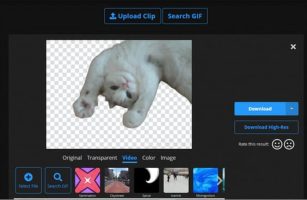
Instructions for removing video backgrounds using the Unscreen Online tool

0 0 votes
Article Rating
Subscribe
Login
Notify of
guest

guest

0 Comments
Oldest
Newest Most Voted

Recent News

How to get 0 in Docker credits to run AI Agent for free

How to get $250 in Docker credits to run AI Agent for free

November 3, 2026
Experience Galaxy Tab S12 Ultra: Price of 40 million is a worthy investment to replace a laptop

Experience Galaxy Tab S12 Ultra: Price of 40 million is a worthy investment to replace a laptop

November 2, 2026
Cách Đăng ký Nhận Code ChatGPT Business

Cách Đăng ký Nhận Code ChatGPT Business

November 2, 2026
Receive Driver Booster 14 license key immediately for free for 6 months

Receive Driver Booster 14 license key immediately for free for 6 months

November 1, 2026
How to get 0 in Docker credits to run AI Agent for free

How to get $250 in Docker credits to run AI Agent for free

November 3, 2026
Experience Galaxy Tab S12 Ultra: Price of 40 million is a worthy investment to replace a laptop

Experience Galaxy Tab S12 Ultra: Price of 40 million is a worthy investment to replace a laptop

November 2, 2026
Cách Đăng ký Nhận Code ChatGPT Business

Cách Đăng ký Nhận Code ChatGPT Business

November 2, 2026
AnonyViet - English Version

AnonyViet

AnonyViet is a website share knowledge that you have never learned in school!

We are ready to welcome your comments, as well as your articles sent to AnonyViet.

Follow Us

Contact:

Email: anonyviet.com[@]gmail.com

Main Website: https://anonyviet.com

Recent News

How to get 0 in Docker credits to run AI Agent for free

How to get $250 in Docker credits to run AI Agent for free

November 3, 2026
Experience Galaxy Tab S12 Ultra: Price of 40 million is a worthy investment to replace a laptop

Experience Galaxy Tab S12 Ultra: Price of 40 million is a worthy investment to replace a laptop

November 2, 2026
  • Home
  • Home 2
  • Home 3
  • Home 4
  • Home 5
  • Home 6
  • Next Dest Page
  • Sample Page

say88 tỷ lệ kèo nhà cái kèo nhà cái 5 febet

No Result
View All Result
  • Home
  • News
  • Software
  • Knowledge
  • MMO
  • Tips
  • Security
  • Network
  • Office

say88 tỷ lệ kèo nhà cái kèo nhà cái 5 febet

wpDiscuz
0
0
Would love your thoughts, please comment.x
()
x
| Reply