• Home
  • News
  • Software
  • Knowledge
  • MMO
  • Tips
  • Security
  • Network
  • Office
AnonyViet - English Version
  • Home
  • News
  • Software
  • Knowledge
  • MMO
  • Tips
  • Security
  • Network
  • Office
No Result
View All Result
  • Home
  • News
  • Software
  • Knowledge
  • MMO
  • Tips
  • Security
  • Network
  • Office
No Result
View All Result
AnonyViet - English Version
No Result
View All Result

Mouse without Borders – control 2 screens with 1 mouse

AnonyViet by AnonyViet
May 24, 2023
in Tips
0

Mouse without Borders is an application that allows you to control multiple computers with a single set of keyboard and mouse. You can move the mouse pointer back and forth, copy and paste content, and drag and drop files between computers. In this article, let’s AnonyViet Discover the features of this application offline!

Join the channel Telegram belong to AnonyViet ???? Link ????

Benefits of controlling 2 monitors with 1 mouse

If you are a person who often works with multiple computers at the same time, you may encounter difficulties such as:

  • Had to switch between different keyboards and mice to control the computers.
  • Data must be copied and pasted between computers using USB or network.
  • You cannot take advantage of the large screen space of computers.

To solve these problems, you can use a free Microsoft tool called Mouse without Borders. This is a software that allows you to control multiple computers with a single mouse.

What is Microsoft Mouse without Borders?

Microsoft Mouse without Borders is a software developed by the Microsoft Garage Research Center. This is a personal project of developer Truong Do, who created this tool to support his work.
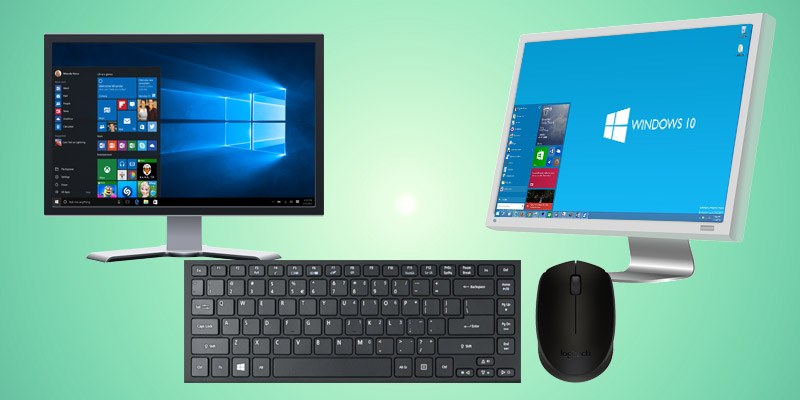
How to use Mouse without Borders
Control 2 monitors with 1 mouse with Mouse without Borders

Mouse without Borders allows you to connect up to 4 Windows computers in the same LAN or Wi-Fi, providing great benefits to users, such as:

  • Allows the mouse pointer to be moved back and forth between the screens of the computers as if they were one
  • Use your current computer’s keyboard to type text on other computers
  • Copy and paste content or drag and drop files between computers with ease

How to use Mouse without Borders

To use Mouse without Bordersyou need to follow these steps:

Step 1: Download and install Mouse without Borders. You can download this software from the official Microsoft website here
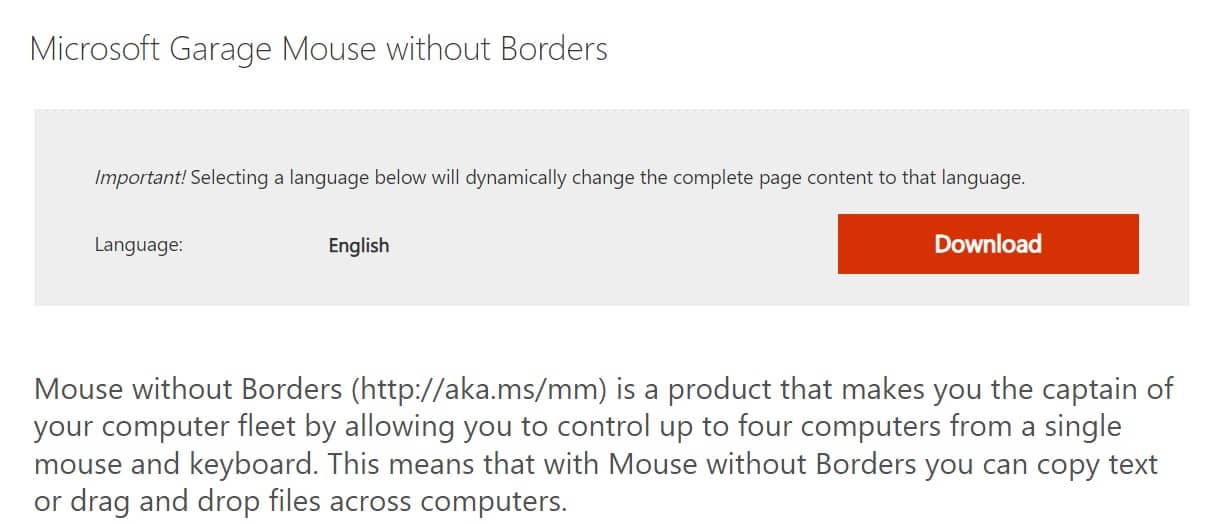
How to use Mouse without Borders
Download and install Mouse without Borders

Step 2: Run Mouse without Borders on the main computer you want to use (main PC).

Step 3: If you already have Mouse Without Borders installed on other computers, please select “Yes”. If you have not installed it, please select “No” to get the code to link the computers together.

How to use Mouse without Borders
Select Yes if you have installed the software on other computers

Step 4: Once you have the code, enter the computers you need to connect to.

How to use Mouse without Borders
Enter the code into the computers to connect.

When completed, a message will appear
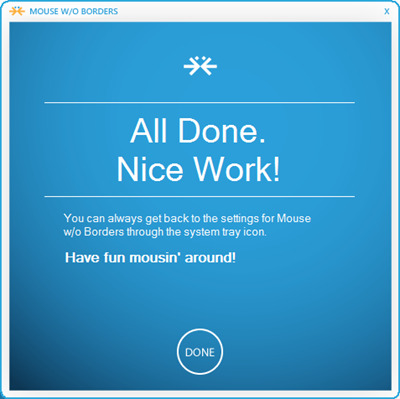
How to use Mouse without Borders
Notification of successful connection

Step 5: Once connected, adjust the options in the Settings window of Mouse Without Borders such as screen arrangement, keyboard shortcuts, etc.
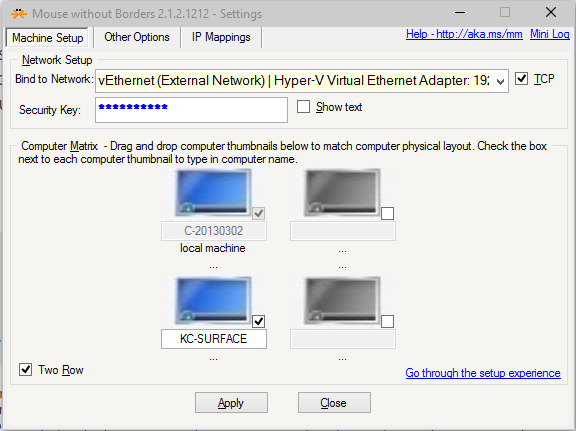
How to use Mouse without Borders
Adjust the options in the Settings window

In the Other Setting tab, there is a Clipboard sharing setting between computers, so you can transfer data between computers conveniently.
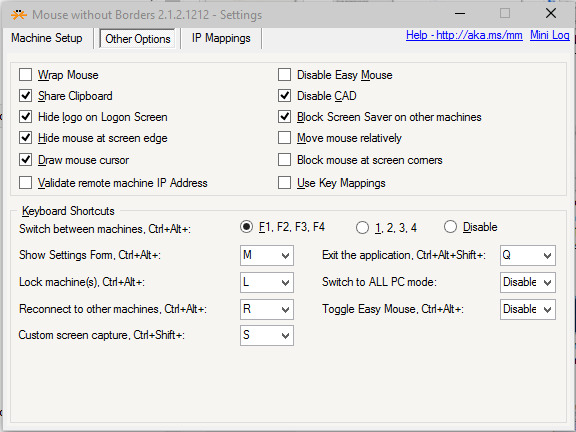
How to use Mouse without Borders
Check the box Share Clipboard

However, software Mouse Without Borders There is also a weakness that is not supported on MAC or Linux. But if you use Windows, this software can work well and bring a lot of convenience in work.

Epilogue

Mouse without Borders is a free and useful Microsoft tool that allows you to control multiple computers with a single mouse. You can also share your keyboard, clipboard and files between computers easily, saving you time, increasing efficiency and productivity. If you are a person who often works with multiple computers at the same time, you should try using Mouse without Borders to experience its benefits!


Rate this post

Tags: Borderscontrolmousescreens
Previous Post

Learn about Windows Page File and how to use it effectively

Next Post

How to register for 2 months for free Google Cloud Skill Boost

AnonyViet

AnonyViet

Related Posts

How to cancel Facebook Plus package to avoid automatic renewal
Tips

How to cancel Facebook Plus package to avoid automatic renewal

November 23, 2026
How to unlock iPhone Duo face on iOS 27.3 Beta 2
Tips

How to unlock iPhone Duo face on iOS 27.3 Beta 2

November 23, 2026
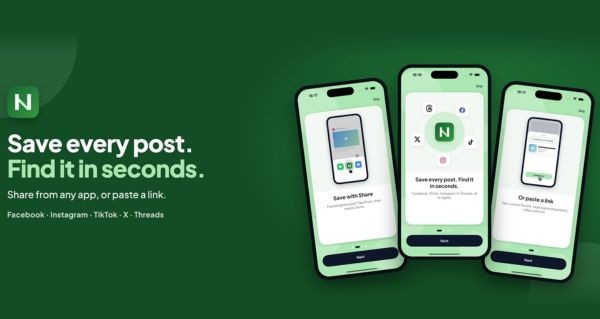
Naykia: App saves posts across multiple platforms, keeping the post intact even if the original post is deleted
Tips

Naykia: App saves posts across multiple platforms, keeping the post intact even if the original post is deleted

November 22, 2026
Free CNSF certification exam guide from Red Team Leaders
Tips

Free CNSF certification exam guide from Red Team Leaders

November 21, 2026
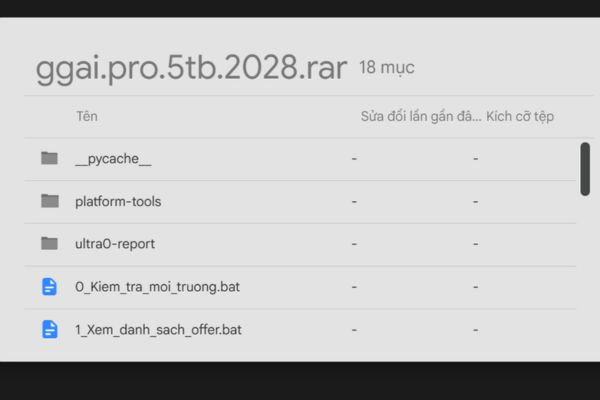
Instructions for registering Google AI Pro for 2 years for free until 2028
Tips

Instructions for registering Google AI Pro for 2 years for free until 2028

November 21, 2026
Instructions for registering for free Google AI Ultra + Youtube Premium
Tips

Instructions for registering for free Google AI Ultra + Youtube Premium

November 18, 2026
Next Post
How to register for 2 months for free Google Cloud Skill Boost

How to register for 2 months for free Google Cloud Skill Boost

0 0 votes
Article Rating
Subscribe
Login
Notify of
guest

guest

0 Comments
Oldest
Newest Most Voted

Recent News

Instructions on how to report to the police via SOS Security and order

Instructions on how to report to the police via SOS Security and order

November 24, 2026
How to cancel Facebook Plus package to avoid automatic renewal

How to cancel Facebook Plus package to avoid automatic renewal

November 23, 2026
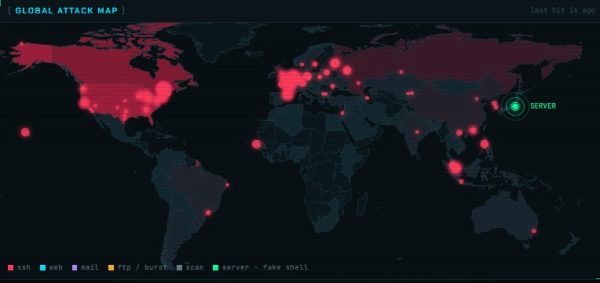
SSHWATCH: Dashboard to see realtime VPS attacks using Honeypot

SSHWATCH: Dashboard to see realtime VPS attacks using Honeypot

November 23, 2026
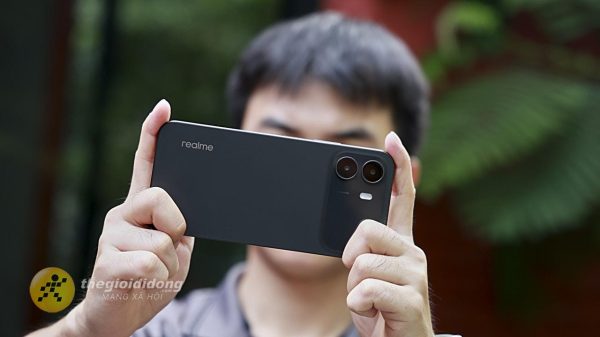
Detailed review of realme C01: Breaking the stereotype of cheap smartphones with 6,500 mAh battery and 120Hz screen

Detailed review of realme C01: Breaking the stereotype of cheap smartphones with 6,500 mAh battery and 120Hz screen

November 23, 2026
Instructions on how to report to the police via SOS Security and order

Instructions on how to report to the police via SOS Security and order

November 24, 2026
How to cancel Facebook Plus package to avoid automatic renewal

How to cancel Facebook Plus package to avoid automatic renewal

November 23, 2026
SSHWATCH: Dashboard to see realtime VPS attacks using Honeypot

SSHWATCH: Dashboard to see realtime VPS attacks using Honeypot

November 23, 2026
AnonyViet - English Version

AnonyViet

AnonyViet is a website share knowledge that you have never learned in school!

We are ready to welcome your comments, as well as your articles sent to AnonyViet.

Follow Us

Contact:

Email: anonyviet.com[@]gmail.com

Main Website: https://anonyviet.com

Recent News

Instructions on how to report to the police via SOS Security and order

Instructions on how to report to the police via SOS Security and order

November 24, 2026
How to cancel Facebook Plus package to avoid automatic renewal

How to cancel Facebook Plus package to avoid automatic renewal

November 23, 2026
  • Home
  • Home 2
  • Home 3
  • Home 4
  • Home 5
  • Home 6
  • Next Dest Page
  • Sample Page

say88 tỷ lệ kèo nhà cái kèo nhà cái 5 febet

No Result
View All Result
  • Home
  • News
  • Software
  • Knowledge
  • MMO
  • Tips
  • Security
  • Network
  • Office

say88 tỷ lệ kèo nhà cái kèo nhà cái 5 febet

wpDiscuz
0
0
Would love your thoughts, please comment.x
()
x
| Reply