With over a billion Windows users in use, it is undeniable that Windows is one of the most popular operating systems today. Because of this, Windows is very vulnerable to attacks, exploits, and scams. These can be prevented by using good anti-virus software, but here comes another problem. The number of antivirus programs available on the net is numerous, making it very difficult to choose the best antivirus for Windows.
| Join the channel Telegram of the AnonyViet 👉 Link 👈 |
Countless anti-virus software offers a lot of features, which increases the bewilderment for users. Therefore, in this article, I will tell you what you need to keep in mind when choosing the best antivirus for Windows.
What is anti-virus software?
Antivirus software is a program that helps destroy or remove viruses, trojans, and malware, and protects your computer. Antivirus software scans files on your computer, detects viruses, and removes them. One of the most common questions people ask is: what’s the difference between a virus, trojan, malware, and phishing? I will slowly explain everything to you.
What are viruses?

A virus is a malicious code that, when executed, can destroy your computer’s operating system and your data. Viruses are often found in suspicious files. Therefore, when you download a file from the internet, the most important thing is to check that it is safe.
What are Trojans and Malware?
Trojans are copies of software that appear safe at first glance because they are exact copies of your favorite software, but when executed, they can steal your personal data and can cause serious harm. important for computers. It should be noted that trojans and viruses are two different types. Viruses can self-replicate, while trojans work and do what they are programmed to do.
What is Phishing?
Phishing is a form of cybercriminal that attacks users via email and phone. For example, cybercriminals will try to get users to accept an offer that sounds great and ask users for their credit card details to steal money and personal information. According to 2020 statistics, there are more than 250,000 users globally who have been scammed in this way.
How to choose the best antivirus software
1. Virus Scan
Anti-virus software all have virus scanning tools that are responsible for detecting viruses and taking necessary actions, but not all virus scanners work equally.

Sometimes, viruses and malware can go undetected due to poor virus scanning techniques of anti-virus software. Newer viruses may also go undetected if the virus scanner is outdated. Therefore, it is most important to find software with good virus scanning capabilities.
One way to know if a virus scanner is any good is to read user reviews or blogs. Some antivirus programs also offer a refund option, so you can try it out and get your money back if you don’t like it.
2. System Resource Consumption
Most anti-virus software tends to consume a lot of your system resources, slowing down your already slow computer. Most antivirus software also provide a built-in RAM cleaner to fix this problem, but it’s only a temporary fix.
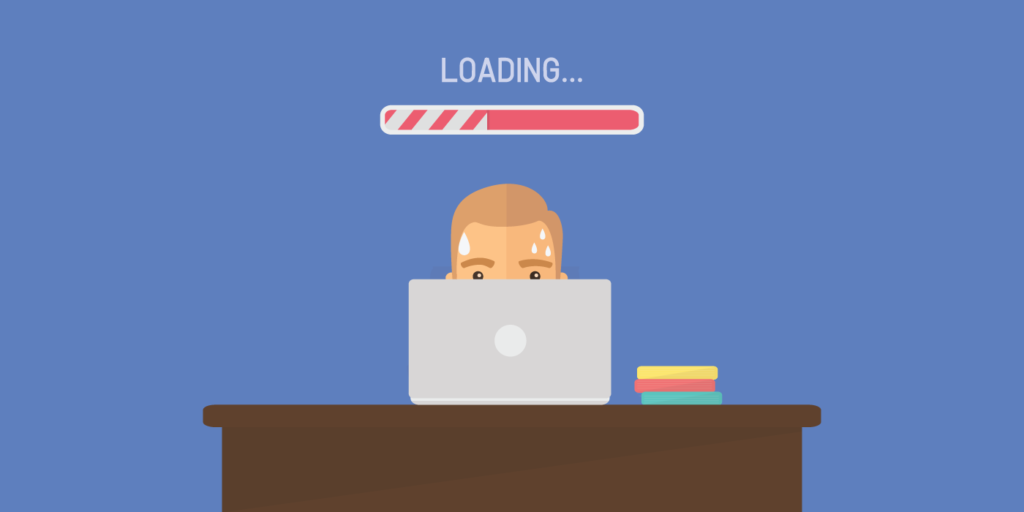
Therefore, you should also choose anti-virus software that consumes the least system resources. You can refer to the list of the best antivirus for Windows here.
3. Easy to use
It’s a good thing that antivirus software gives you lots of features, but most antivirus software has a lot of features and options built in with terms that most users don’t know. Furthermore, almost all of these options are enabled by default, and disabling them is bound to be frustrating for new users.
4. Technical Support
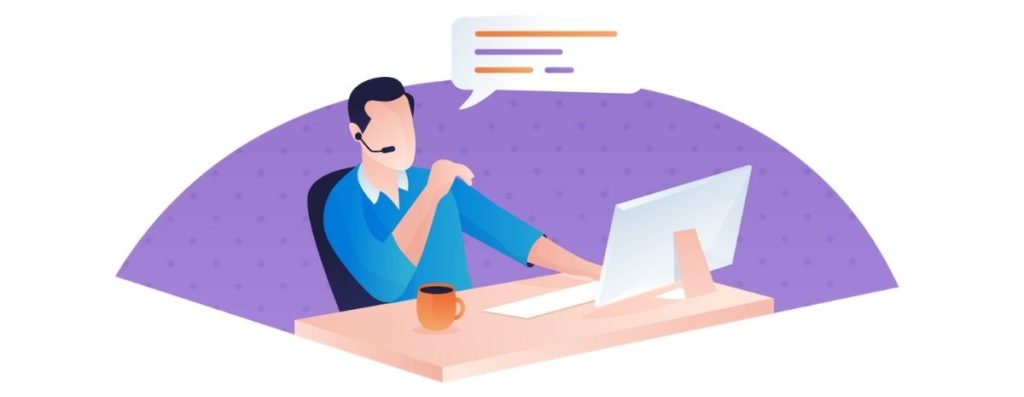
When you have a problem, there’s a good chance that the solution to it won’t be on Google, and that’s when you need tech support. Provided the antivirus company you choose has good technical support staff, you can contact them by phone or email. I hope that tech support will get back to you with a solution.
5. Price
I think price is the most important deciding factor for most people when choosing antivirus software. But it is important that you see if the money you spend is worth it.

The antivirus software company will give you a variety of plan options to choose from, often with basic and advanced plans. The basic plan comes with features like virus scanning, firewall, anti-phishing protection, multi-device support, and an ad blocker. In most cases, these features are more than enough.