• Home
  • News
  • Software
  • Knowledge
  • MMO
  • Tips
  • Security
  • Network
  • Office
AnonyViet - English Version
  • Home
  • News
  • Software
  • Knowledge
  • MMO
  • Tips
  • Security
  • Network
  • Office
No Result
View All Result
  • Home
  • News
  • Software
  • Knowledge
  • MMO
  • Tips
  • Security
  • Network
  • Office
No Result
View All Result
AnonyViet - English Version
No Result
View All Result

Instructions to use your own photo to change the Facebook icon on your phone

AnonyViet by AnonyViet
February 5, 2023
in Software
0

Today AnonyViet will guide you to change the default Icon of Facebook and Youtube on your phone into your own photo, surely your friends will be surprised if you borrow your phone to access Facebook, instead of text. F If it’s blue, then Mark will put your picture up as an icon instead

Join the channel Telegram belong to AnonyViet 👉 Link 👈

Instructions to use your own photo to change the Facebook icon on your phone

Step 1: Open Safari (For IOS) or Chrome (For Android) browser and access the following link:

MICON.IO

Step 2: When accessing the website using the browser on your phone, select and click on the . sign + to choose choose a picture you want to do ICON (this image must be available in your phone)

Then customize the image by zooming in, zooming out, rotating horizontally, vertically to your liking, then press Continue

Iphone

Step 3: If you want to change the Facebook ICON to your picture, then choose next Open the app –> Facebook –> OK

Iphone

Step 4: You click on the icon rectangle with arrow pointing upwards, then choose next Add to main MH

Iphone

Very easy to do right, no need to install additional software, not heavy machine, but will create admiration from friends by the phone with its own personality icons. Please share this trick with everyone.

According to TGDD

The article achieved: 5/5 – (100 votes)

Tags: changeFacebookIconInstructionsphonephoto
Previous Post

How to turn off the computer bypassing Force Shut Down or Closing App and Shut Down

Next Post

How to recall sent messages in Facebook Messenger

AnonyViet

AnonyViet

Related Posts

Tool to get transcript of entire YouTube channel extremely fast and free
Software

Tool to get transcript of entire YouTube channel extremely fast and free

November 10, 2026
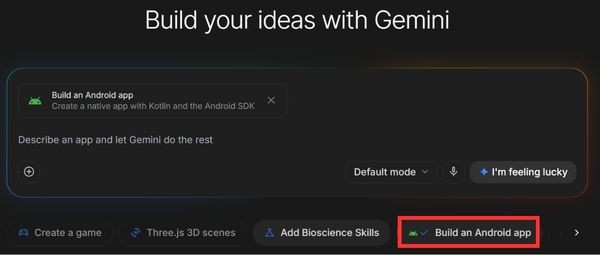
How to create an Android App using Google AI Studio without code
Software

How to create an Android App using Google AI Studio without code

November 9, 2026
Holding OPPO Find X10 to watch movies all night: Real experience
Software

Holding OPPO Find X10 to watch movies all night: Real experience

November 9, 2026
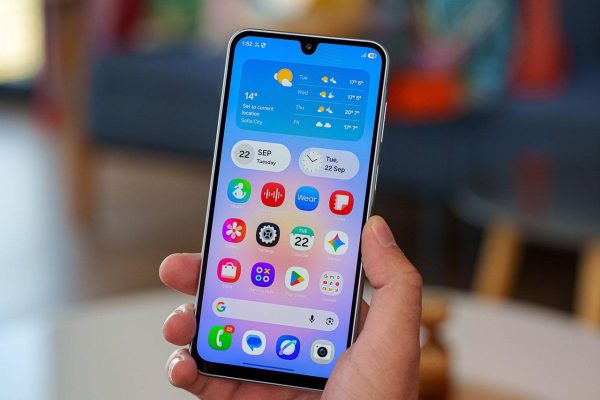
The truth about Galaxy A18: Is it just a cheap phone with a price increase?
Software

The truth about Galaxy A18: Is it just a cheap phone with a price increase?

November 9, 2026
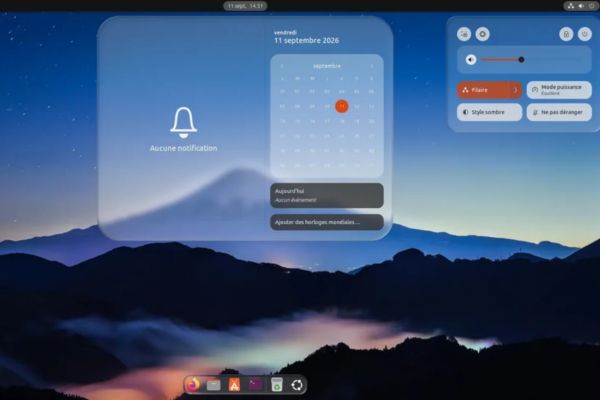
How to install Liquid Glass on Linux to get a frosted glass interface
Software

How to install Liquid Glass on Linux to get a frosted glass interface

November 8, 2026
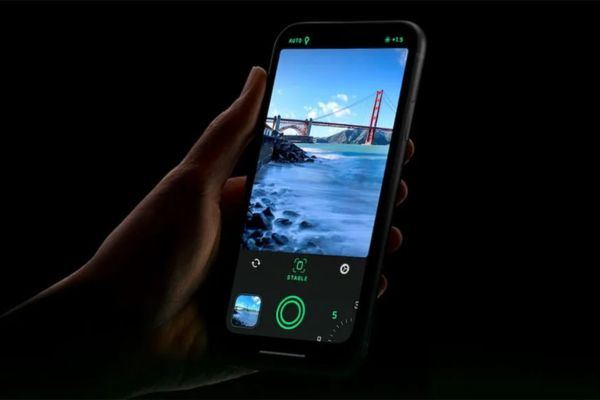
HuiPai AI Pro Camera: App that automatically aligns photo angles for free on iPhone
Software

HuiPai AI Pro Camera: App that automatically aligns photo angles for free on iPhone

November 7, 2026
Next Post
How to recall sent messages in Facebook Messenger

How to recall sent messages in Facebook Messenger

0 0 votes
Article Rating
Subscribe
Login
Notify of
guest

guest

0 Comments
Oldest
Newest Most Voted

Recent News

What is eTax Mobile? How to install, log in and look up tax code on the phone

What is eTax Mobile? How to install, log in and look up tax code on the phone

November 13, 2026
Instructions on how to turn off the blue dot on the MacBook screen

Instructions on how to turn off the blue dot on the MacBook screen

November 13, 2026
Instructions to follow the trend to fill the room with ChatGPT

Instructions to follow the trend to fill the room with ChatGPT

November 12, 2026
What to eat for lunch today: Website suggested dishes for CS2-style office workers

What to eat for lunch today: Website suggested dishes for CS2-style office workers

November 11, 2026
What is eTax Mobile? How to install, log in and look up tax code on the phone

What is eTax Mobile? How to install, log in and look up tax code on the phone

November 13, 2026
Instructions on how to turn off the blue dot on the MacBook screen

Instructions on how to turn off the blue dot on the MacBook screen

November 13, 2026
Instructions to follow the trend to fill the room with ChatGPT

Instructions to follow the trend to fill the room with ChatGPT

November 12, 2026
AnonyViet - English Version

AnonyViet

AnonyViet is a website share knowledge that you have never learned in school!

We are ready to welcome your comments, as well as your articles sent to AnonyViet.

Follow Us

Contact:

Email: anonyviet.com[@]gmail.com

Main Website: https://anonyviet.com

Recent News

What is eTax Mobile? How to install, log in and look up tax code on the phone

What is eTax Mobile? How to install, log in and look up tax code on the phone

November 13, 2026
Instructions on how to turn off the blue dot on the MacBook screen

Instructions on how to turn off the blue dot on the MacBook screen

November 13, 2026
  • Home
  • Home 2
  • Home 3
  • Home 4
  • Home 5
  • Home 6
  • Next Dest Page
  • Sample Page

say88 tỷ lệ kèo nhà cái kèo nhà cái 5 febet

No Result
View All Result
  • Home
  • News
  • Software
  • Knowledge
  • MMO
  • Tips
  • Security
  • Network
  • Office

say88 tỷ lệ kèo nhà cái kèo nhà cái 5 febet

wpDiscuz
0
0
Would love your thoughts, please comment.x
()
x
| Reply