Key IObit Uninstaller 16 Pro Just launched an extremely valuable half-year copyright giveaway. I used to go crazy because stubborn junk files kept sticking to drive C and filling up memory. Thanks to this tool, everything can be wiped clean in a few minutes. Let’s go together AnonyViet Take a look at the quick activation instructions.
📢 Join the channel Telegram belong to AnonyViet
Update new articles, cool tools and IT tips fastest
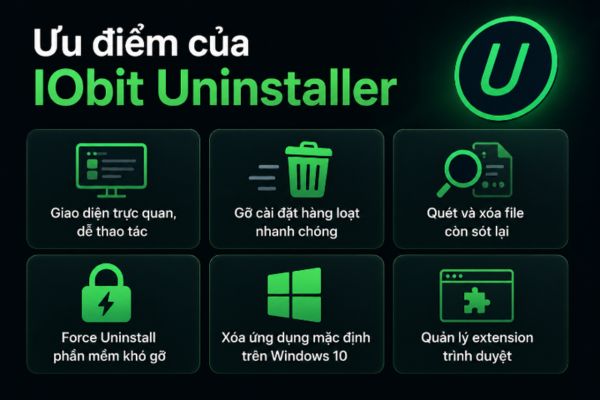
Experience cleaning your computer with IObit Uninstaller 16 Pro
When you start actually using this new version, you will see that it is not simply a regular uninstall tool anymore. Instead, it’s like a cleaning assistant and comprehensive protector for your computer.
Clean up junk and delete apps
If a computer is used for a long time, it produces a lot of trash. This software completely removes unwanted applications from Windows or Microsoft Store. Even those annoying bloatware like Microsoft Edge, OneDrive Copilot Now the color also fades easily.
It detects extremely accurately and removes stubborn programs or hidden bundled software. Thanks to that, all temporary files, registry or junk configurations are cleaned up immediately. Therefore your system will always be safe and run as smoothly as possible.
Surf the web smoothly and control extensions
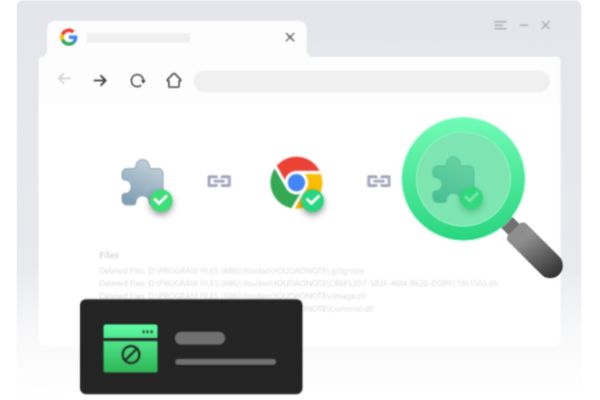
Not only does it uninstall software on your device, this tool also manages browser extensions very well. It has a huge database to identify the above plugins ChromeFirefox or Edge.
You can collect them all in one place for convenient management. Looking at it, you can immediately know which ones are safe and which ones are dangerous so you can remove them immediately. Furthermore, it also blocks spam notifications or pop-up ads that keep popping up. Thanks to that, daily web surfing becomes much more secure and comfortable.
Follow the installation process
You just need to drag and drop the installation file into the program and it automatically records detailed logs. If you see that the software secretly installs some unnecessary junk, you can use the activated IObit Uninstaller 16 Pro key to cleanly remove it immediately. Instead of letting trash get into the machine and then trying to find it, blocking it from the beginning is always much less tiring.
Software management
With just one click it scans out a ton of computer problems. Is it outdated software, leftover junk files, hibernating applications or unauthorized access rights? What I’m most afraid of are the annoying notifications that affect the device’s performance. Features Fix All will fix all errors at once, making your Windows computer cleaner and running noticeably faster.
To be honest, cleaning your computer manually takes too much time. In the past, I often groped into folder C to delete junk files one by one. I’m both tired and afraid of deleting the wrong system file and losing my computer. From the day I learned about this tool, everything went smoothly.
New changes on IObit Uninstaller 16 Pro
This new update brings a lot of great features to help you manage your computer much more leisurely.
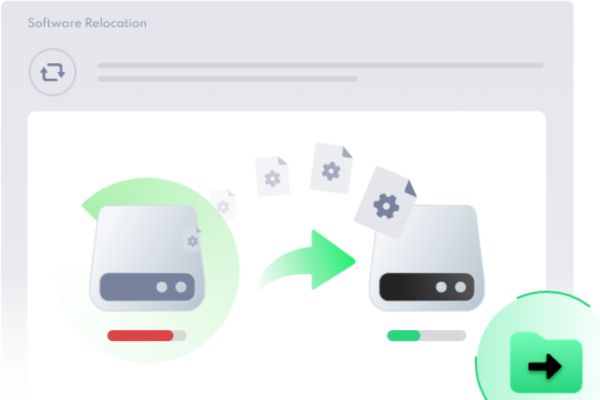
Feature to move software to another drive
The most outstanding feature of this version is the ability to move software extremely intelligently. It automatically scans the entire drive to find large programs, then allows you to safely move to another drive to free up space.
Those of you who often play games probably understand how frustrating the feeling of C drive being full is. This feature has really saved my life many times. Instead of having to uninstall the game and then reinstall it to drive D, which takes a whole day, now it only takes a few steps to automatically switch over safely. Game data remains intact without any loss. Thanks to the IObit Uninstaller 16 Pro key, your computer always has enough free space to run smoothly.
Bloatware removal tool pre-installed on Windows
Next is the completely new Bloatware removal tool. Normally, pre-installed applications or default system features of Windows are extremely annoying because they do not allow uninstallation in the usual way. Now thanks to this feature, all junk applications running in the background will be thoroughly processed, returning clean space to the device.
Cleanly remove more than 4000 stubborn software
The ability to remove stubborn software in version 16 has also been upgraded to be more powerful. More than 4,000 stubborn applications or malware such as MPC-HC, IntelliJ IDEA or Rockstar Games that refused to be deleted must now surrender. All traces of their existence on the system were wiped clean.

Secure file destruction and in-depth installation monitoring
The secure file destruction feature helps you permanently delete sensitive data that no tool can restore. Therefore, you can be completely assured about security issues. The installation tracking process has also been improved to record more detailed records of added services or system DDL files.
Instructions for receiving IObit Uninstaller 16 Pro key for 6 months
This time there is a limited 6-month copyright giveaway 200 turns Exclusive activation of AnonyViet. Please take advantage of the following steps to receive.
Step 1: Access the software download link IObit Uninstaller.
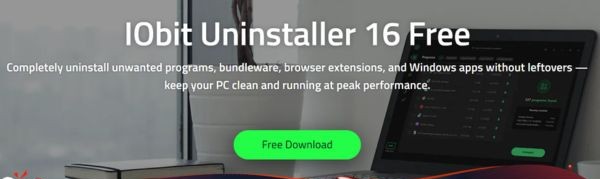
Step 2: Select Free Downloads to download the installation file to your computer.
Step 3: Install the software normally like any other application. Just click next and you’re done.
Step 4: At the software’s home page interface, look at the bottom corner and you will see a place to click Enter Code.
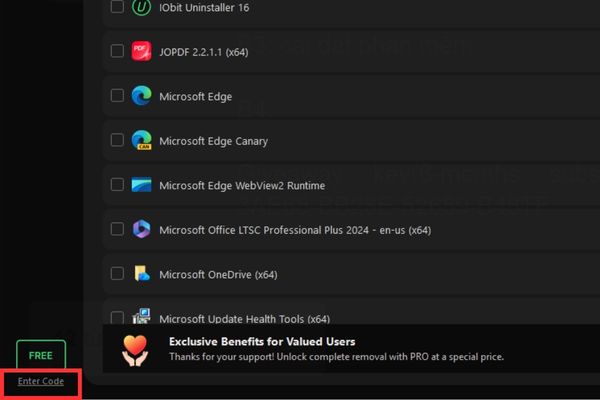
Step 5: Paste the IObit Uninstaller 16 Pro giveaway key code and select Register Now.
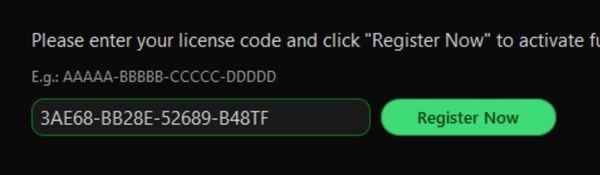
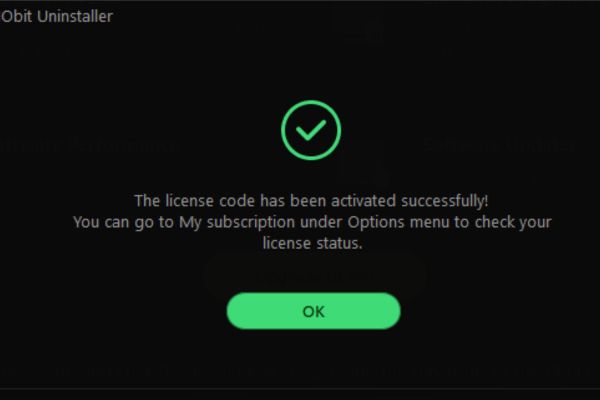
Step 6: Seeing the notification of successful activation is ok.
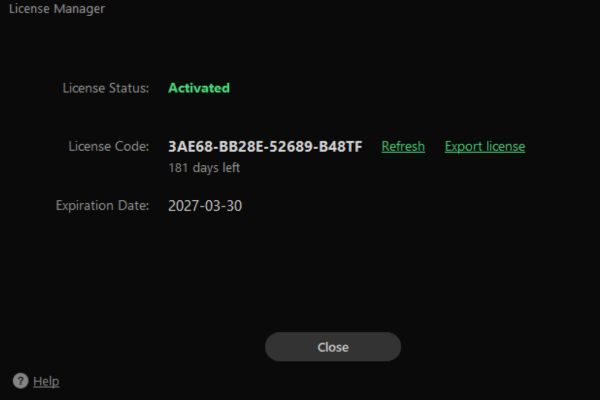
You can click on the text Pro bottom corner to check the deadline to see if it is exactly 6 months.
Conclusion
Key IObit Uninstaller 16 Pro It certainly won’t disappoint you with its powerful features. From removing stubborn software to blocking browser ads, it all works extremely effectively. Remember to follow the steps I instructed to receive copyright.
Frequently Asked Questions (Q&A)
1. How many devices can this activation code be used on?
This giveaway code is limited to 200 activations, so you need to quickly enter it into the software. Each computer counts as one successful activation.
2. Can the software uninstall default Windows applications?
Yes. The newly updated Bloatware Remover feature will help you remove pre-installed applications or system features that cannot normally be removed.
3. After 6 months, can the software still be used?
After 6 months the software will return to the free version with basic features. You can still use it to uninstall normally, but you will lose the advanced Pro features.