In this post, we’ll learn about how to set up the perfect lighting for your workspace during the day or at night. For those who already know what a screen light is, it won’t take me long to explain it again.
| Join the channel Telegram of the AnonyViet 👉 Link 👈 |
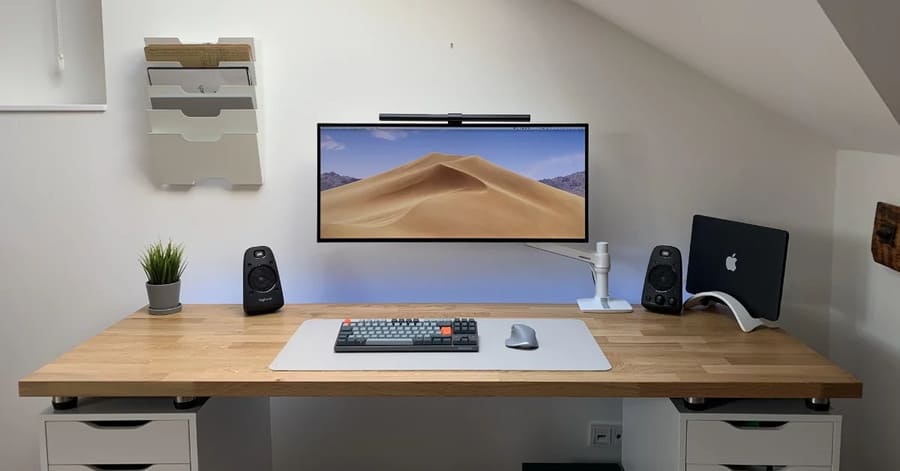
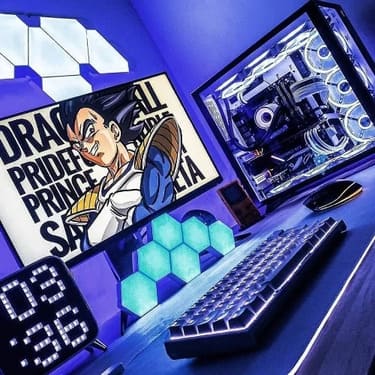
The lighting will be different depending on the angle of the PC you have. Decorating the whole corner of your PC with led strips and RGB parts seems like a great option. Rumor has it that adding RBG will even make your PC run faster. I’m kidding :v Let’s learn the key factors to set up the lighting for your PC corner perfectly.
Why do we need a good lighting setup for our PC corner?
There are health and productivity benefits to having the right lighting. Quality lighting not only enhances the aesthetics of your desk, but also your productivity. Firstly, proper lighting helps protect your eyes as poor lighting can reduce energy and can even affect your health, causing eye strain and headaches, and ultimately reducing your ability to shine. your work capacity. Choosing the right lighting can also help you sleep well at night. Sounds a bit complicated, doesn’t it? Don’t worry, we’ll help you out by providing some key tips for finding the ideal lighting setup for you.
Why is it necessary to Setup a working angle with good lighting?
Ambient and accent lighting can be added to help improve the PC angle of any desk setup. Whether it’s an RGB system or some simple warm ambient lighting.
In terms of ergonomic lighting, a good amount of light for your workspace is where the ambient light isn’t too bright and just right. My top tip is to get as much natural light as possible, whether through windows or skylights, as natural sunlight will help improve any setup. However, you may need to account for glare at certain times of the day with the use of blinds. What you should notice is that there is a high contrast between your screen and the ambient light. Normally, you should not place the monitor directly in front of a window.
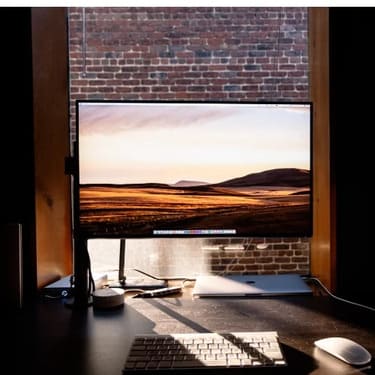
Likewise, placing the monitor too close to a window can lead to glare and have a negative impact on your vision with prolonged exposure. For general room lighting, try not to use incandescent as it has poor energy efficiency and try to use LEDs or fluorescent bulbs.
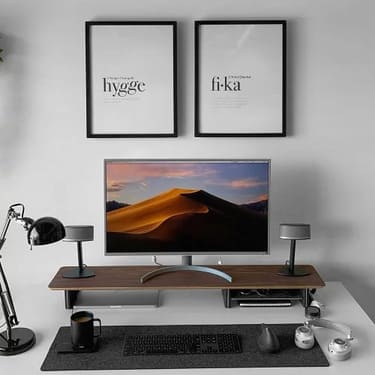
Color temperature of light
Light is generally on the temperature scale between cool and warm. To the human eye, lamps at warmer temperatures will appear more yellow, and lamps at colder temperatures will appear more white or blue.
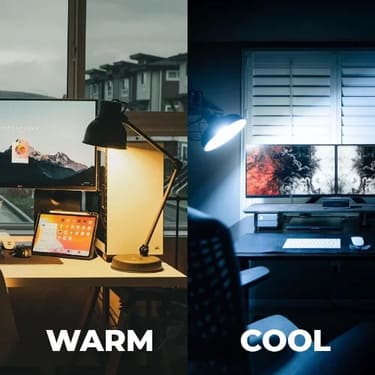
When you stare at a computer screen all day, your body suppresses melatonin production. (Melatonin is a chemical produced by the body to help you fall asleep.) This problem usually appears on any device with a screen, including your mobile phone and tablet. To get around this, most phones have an auto dimming function and change the color temperature of the screen to warmer tones during the night time period. For computer screens, the “Night Light” mode that comes pre-installed in Windows 10 or programs like f.lux has the same effect.
How to improve ambient light?
Surprisingly, adding warmer-toned LED backlighting to your desk is a quick way to improve ambient lighting in a room. Some people go so far as to let the RGB light switch between cool and warm colors between day and night. A simpler alternative is to use a standing or table lamp. However, in recent times, the use of screen lights has become more and more popular.
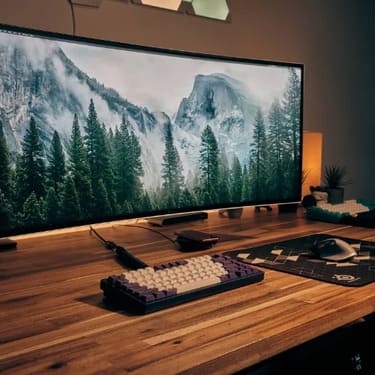
What is Screen Light?
The display light is an LED bulb that is mounted on top of your monitor. You must be wondering why do this, is it dazzling? In fact, screen lights are designed to focus light on your workspace or desk, not directly onto your face and eyes. The light beam will focus on one area and will not be glare due to its design.
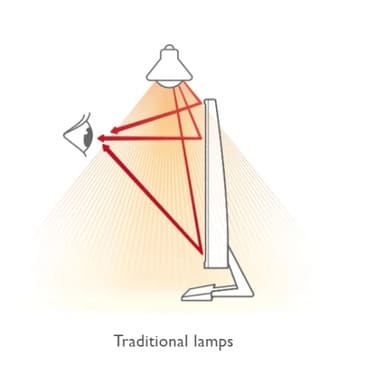
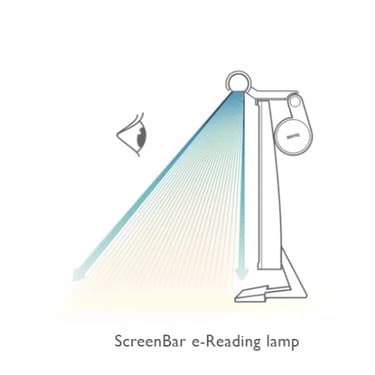
Additionally, most display lights will have controls that allow you to adjust the brightness of the lights. Some display lights will also include the ability to adjust color temperature, which is a very important function.
Advantages of using screen lights
- Improve the lighting conditions of the workspace
- Reduce desk clutter as the light is attached to the screen
Here are the Top Top Light Products on the market.
Xiaomi MiJia Screen Light
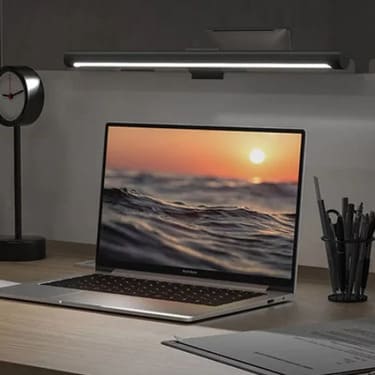
Xiaomi MiJia Screen Light has the best design so far. The main advantage of the design lies in the completely wireless control dial. For a minimalist camera angle, then this is a product for you.
Here are some comments:
- The build quality is quite high with aluminum body
- Extremely sleek design
- The wireless control watch face also comes with some very unique preset functions
- The attachment mechanism allows for a 25-degree magnetic adjustment to ensure that the light beam is focused on your desk space.
- Both white and black versions are available.
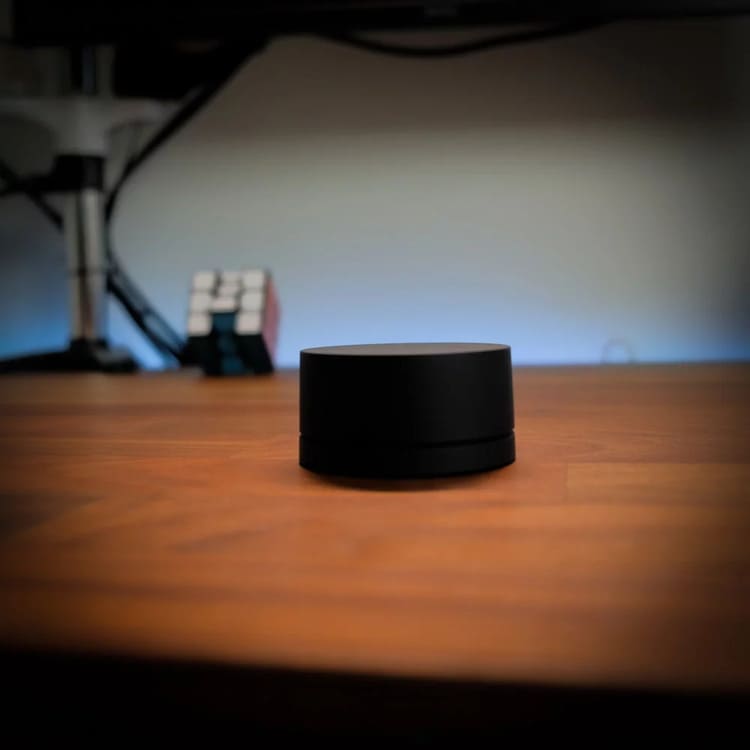
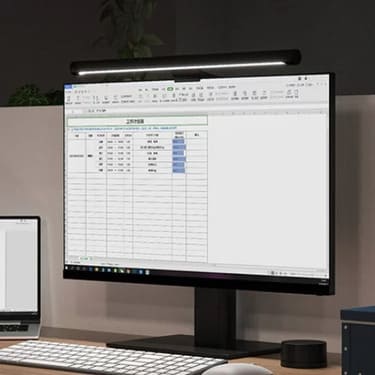
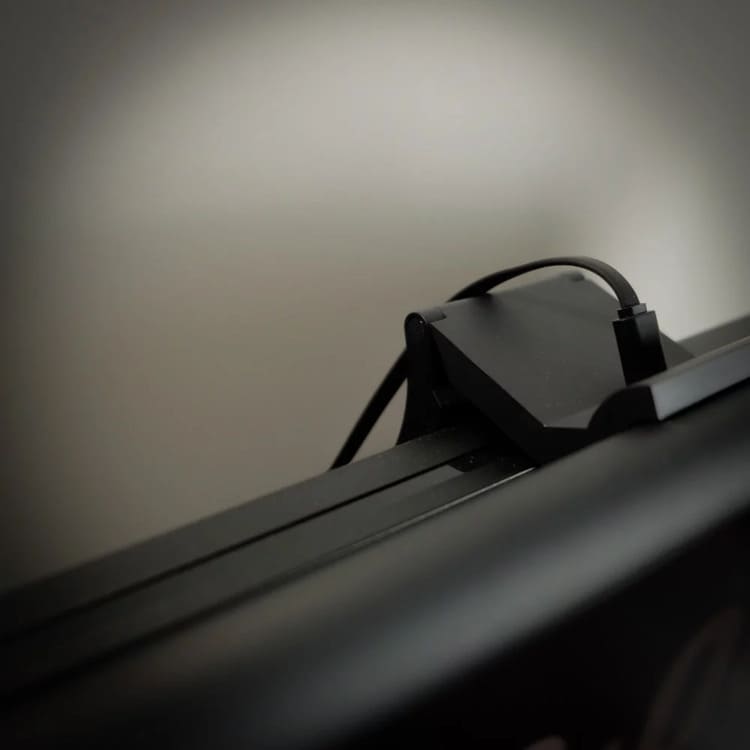
BenQ Screen Light
The BenQ e-Reading Screen Bar has been around for a while and is considered one of the best in its class. Besides BenQ products is considered to be of good quality to the user’s eyes.
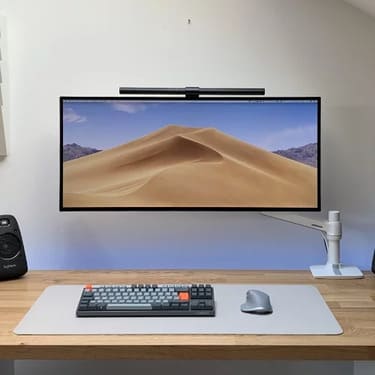
It has auto dimming as well as color temperature control via a dial. Here are some reviews of this product:
- Extremely solid construction because it is made of aluminum alloy
- It attaches to your monitor via a counterweight system.
- Quite easy to use with an intuitive control system.
Overall, I think the Xiaomi display light is the most competitive option as it sets itself apart from BenQ due to its competitive price and stronger feature set, it has a wireless controller. Although, there are different options for lighting, such as table lamps, for the ultimate in minimalism, reducing the number of items on your desk is always key. That’s why it’s better to use a screen light than a regular desk lamp.
In addition, you can also see more ways to decorate the desktop here.