• Home
  • News
  • Software
  • Knowledge
  • MMO
  • Tips
  • Security
  • Network
  • Office
AnonyViet - English Version
  • Home
  • News
  • Software
  • Knowledge
  • MMO
  • Tips
  • Security
  • Network
  • Office
No Result
View All Result
  • Home
  • News
  • Software
  • Knowledge
  • MMO
  • Tips
  • Security
  • Network
  • Office
No Result
View All Result
AnonyViet - English Version
No Result
View All Result

Instructions to create Minecraft Server for free to play Multiplayer

AnonyViet by AnonyViet
January 25, 2023
in Network
0

Yesterday, Anonyviet guided you guys create Minecraft Server Java Edition on Linux but to do so is very harmful to your computer and also many of you cannot create this type of server because it is very difficult. Today I will guide you to create Minecraft Server for free without having to run it on your machine.

Join the channel Telegram of the AnonyViet 👉 Link 👈

Some notes before creating a Minecraft server

  • You need a stable network to be able to play servers like this.
  • Because it is a Free Server, there are not many Server resources. You restrict the server to load many chunks or you let too many entities in the loaded chunk make the server run slowly leading to a very bad experience.
  • These servers will have TimeOut. For those of you who don’t know, if you don’t have anyone on the server for a period of time, the server will automatically shut down.
  • The time you wait for your turn to turn on the server (also known as the Queue) will depend on the time you visit
  • Please limit the number of people who can access the Server. I encourage you to use this method for small servers under 10 people.
  • Using the higher version and having more Plugins or Mods will consume more server resources.
  • You are not allowed to hang yourself to open the Server 24/24 because it may get you banned

Instructions for creating Minecraft Server Free

Using Aternos

Aternos is a 100% Free Minecraft Server and is used by a lot of Minecrafters. It allows users to create a Server with self-adjusting ram on the number of participants and is the only Minecraft Free hosting that allows users to customize their Server the most.

Advantage:

  • Free and completely Free for everyone
  • Allows to install unlimited mods, Allows to adjust the number of players as well as any server config.
  • The total amount of Ram that all players can get is 6.5 TB with CPU divided equally among all players.
  • There is a server in Singapore
  • Allows renaming Server with the extension .aternos.me

Defect:

  • There is a timeout when turning on the Server (queue).
  • The Server Timeout is only 6 minutes and will not be refreshed upon login and logout. That is if when you turn on the server, you only have exactly 6 minutes to enter the server. If you enter at 4 minutes, the timeout will stop at 4 minutes.
  • Not allowed to hang up 24/24
  • External Plugins/Mods are not allowed to be added. The Devs do this to avoid you creating Bot to hang the Server.

First you create an account of Aternos here.
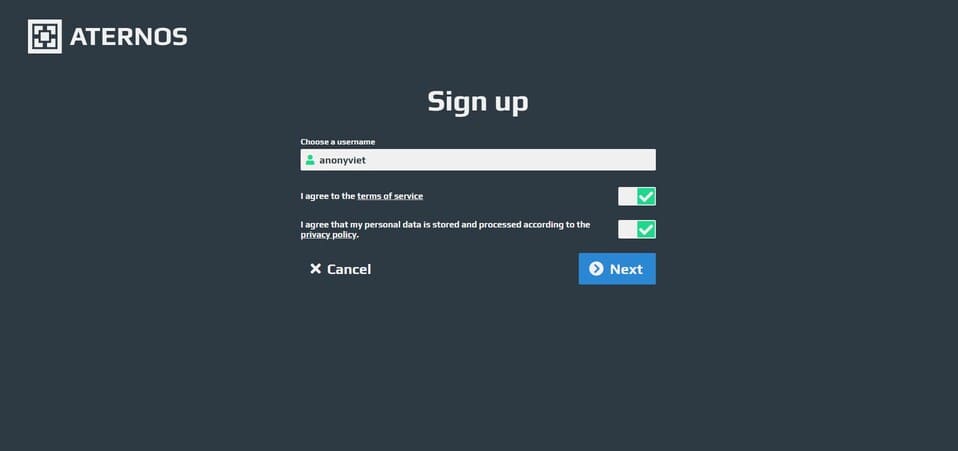
Sign-Up Aternos minecraft server Free

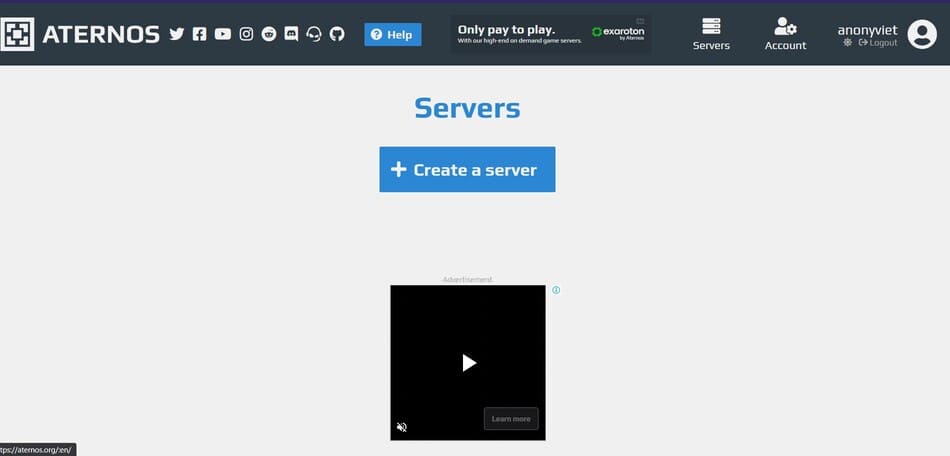
Then select Create a Server

Select create server

After the multiplication is complete, the Server will ask you to choose the ip address for the Server as well as the Server type. You can adjust later, so you can leave this step as default.
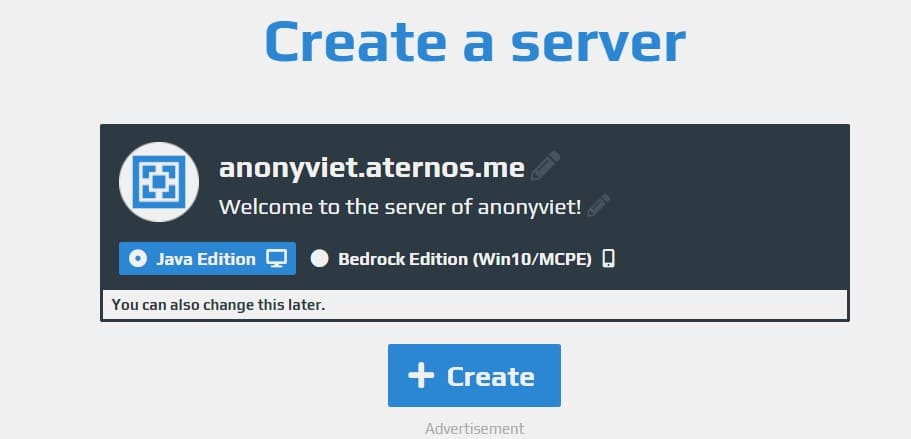
Server Information

It is done. You have just finished creating Minecraft Server Free on Aternos. Your task is to click Start and the Server will be up!
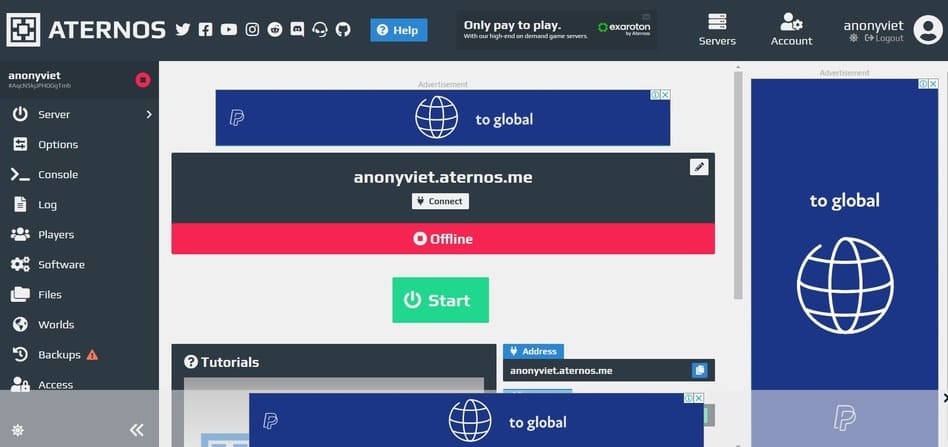
Aternos Panel

Using Exaroton

Exaroton is a Paid version of Aternos. It has the features of Aternos as well as the ability to change the amount of RAM on the server. When you just create an account, Exaroton will give you Free 5 Credit to try using. The registration process is the same as that of Aternos. You can sign up here.

Using MineHut

MineHut is also a Minecraft Server Free Hosting with the number of users up to 5,997,344. Minehut has a simple and easy to control Gui for its Server. Minehut doesn’t focus on high customization like Aternos but they focus on ease of use for beginners.

To create a Server on MineHut, please go to the registration link here

Minehut Minecraft Free Server

After creating, you click on Create New Server. You can create up to 2 Servers on 1 account!

Create Server

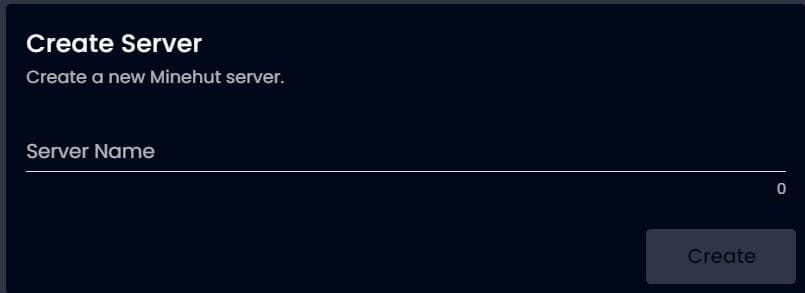
Then you enter your server name in

Enter Server Name

It is done. You just need to click Activate to start the server
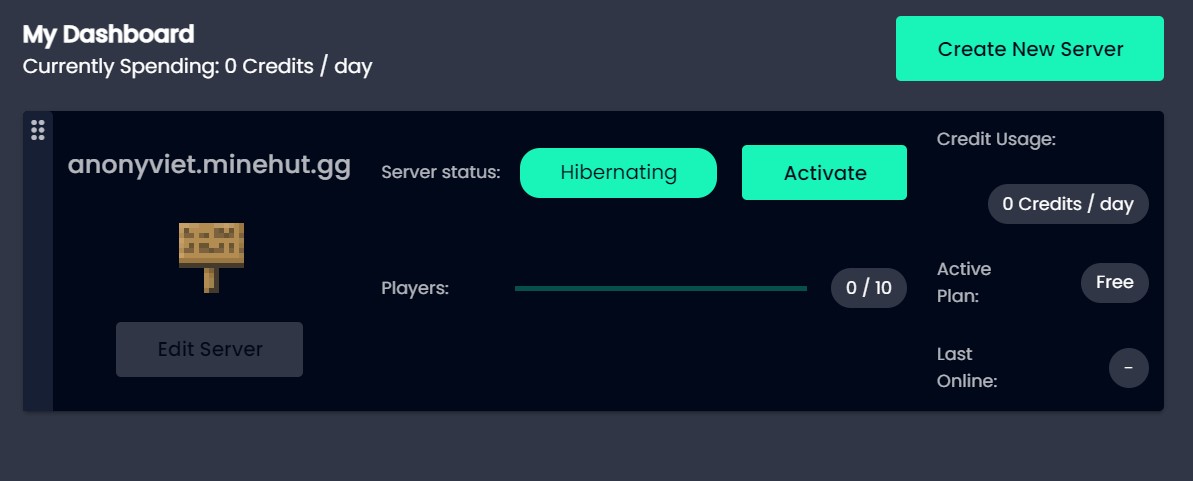
MineHut Panel

In a time of translation like this, is it convenient to have Websites for creating free Minecraft servers? What do you guys think about this article? Leave a comment below to let me know!


The article achieved: 5/5 – (100 votes)

Tags: createfreeInstructionsMinecraftMultiplayerplayServer
Previous Post

Lesson 209: System of Linear Equations in Excel

Next Post

SATANKLGR – Software to create Keylogger using only Python

AnonyViet

AnonyViet

Related Posts

Save image as Type contains malicious code: Remove immediately before losing money unfairly!
Network

Save image as Type contains malicious code: Remove immediately before losing money unfairly!

March 19, 2026
Instructions on how to register a .co.uk domain name for free for 1 year
Network

Instructions on how to register a .co.uk domain name for free for 1 year

March 12, 2026
How to Setup Paperclip AI: Create a Company for AI Agent
Network

How to Setup Paperclip AI: Create a Company for AI Agent

March 12, 2026
Compilation of free and cheap APIs to run OpenClaw stably
Network

Compilation of free and cheap APIs to run OpenClaw stably

March 10, 2026
3 Services to Determine IP Location for Website (IP Geolocation API)
Network

3 Services to Determine IP Location for Website (IP Geolocation API)

March 10, 2026
How to buy a .STORE domain name for 1 USD (2026): Detailed instructions from A–Z
Network

How to buy a .STORE domain name for 1 USD (2026): Detailed instructions from A–Z

March 3, 2026
Next Post
SATANKLGR – Software to create Keylogger using only Python

SATANKLGR - Software to create Keylogger using only Python

0 0 votes
Article Rating
Subscribe
Login
Notify of
guest

guest

0 Comments
Oldest
Newest Most Voted
Inline Feedbacks
View all comments

Recent News

Instructions on how to make money from personal Facebook

Instructions on how to make money from personal Facebook

May 2, 2026
Create an avatar to celebrate April 30 with a beautiful red flag shirt with yellow stars

Create an avatar to celebrate April 30 with a beautiful red flag shirt with yellow stars

April 30, 2026
How to get 2 months of Super Duolingo for free worth 300k

How to get 2 months of Super Duolingo for free worth 300k

April 30, 2026
How to create a Face Sticker Collection using ChatGPT

How to create a Face Sticker Collection using ChatGPT

April 29, 2026
Instructions on how to make money from personal Facebook

Instructions on how to make money from personal Facebook

May 2, 2026
Create an avatar to celebrate April 30 with a beautiful red flag shirt with yellow stars

Create an avatar to celebrate April 30 with a beautiful red flag shirt with yellow stars

April 30, 2026
How to get 2 months of Super Duolingo for free worth 300k

How to get 2 months of Super Duolingo for free worth 300k

April 30, 2026
AnonyViet - English Version

AnonyViet

AnonyViet is a website share knowledge that you have never learned in school!

We are ready to welcome your comments, as well as your articles sent to AnonyViet.

Follow Us

Contact:

Email: anonyviet.com[@]gmail.com

Main Website: https://anonyviet.com

Recent News

Instructions on how to make money from personal Facebook

Instructions on how to make money from personal Facebook

May 2, 2026
Create an avatar to celebrate April 30 with a beautiful red flag shirt with yellow stars

Create an avatar to celebrate April 30 with a beautiful red flag shirt with yellow stars

April 30, 2026
No Result
View All Result
  • Home
  • News
  • Software
  • Knowledge
  • MMO
  • Tips
  • Security
  • Network
  • Office

wpDiscuz
0
0
Would love your thoughts, please comment.x
()
x
| Reply